Curated pack · spa salon cad blocks
Free spa and salon CAD block pack for AutoCAD
By Sumana Kumar · Published 28 Dec 2022 · Updated 10 Apr 2026
Laying out a salon or day spa in AutoCAD comes down to seating, plumbing and the circulation between them, and it goes much faster when those fixtures are already drawn to scale. This free spa and salon CAD block pack pulls together the pieces you reach for every time — styling and cutting chairs, backwash basins, pedicure stations, manicure tables, massage beds and a reception desk — in DWG, drawn at true millimetre dimensions and ready to insert into AutoCAD 2004 or later. Everything is free for personal and commercial work, with no signup and no watermark.
Use the pack to test the things that actually make or break a salon plan: the gap a stylist needs to walk around a chair, the run of plumbing the wash units have to reach, and the privacy buffer around a treatment bed. Because the blocks carry their real footprint, those clearances become a glance at the screen rather than a separate calculation.
A salon is a wet trade and a people trade at once. Chairs face mirrors that line a wall, basins cluster near the soil stack, and clients have to move past working stations without brushing a stylist's elbow. Starting from correctly scaled blocks lets the layout hold all three constraints together, so the plan you hand to a fit-out contractor survives contact with the plumbing run.
What the spa and salon pack covers
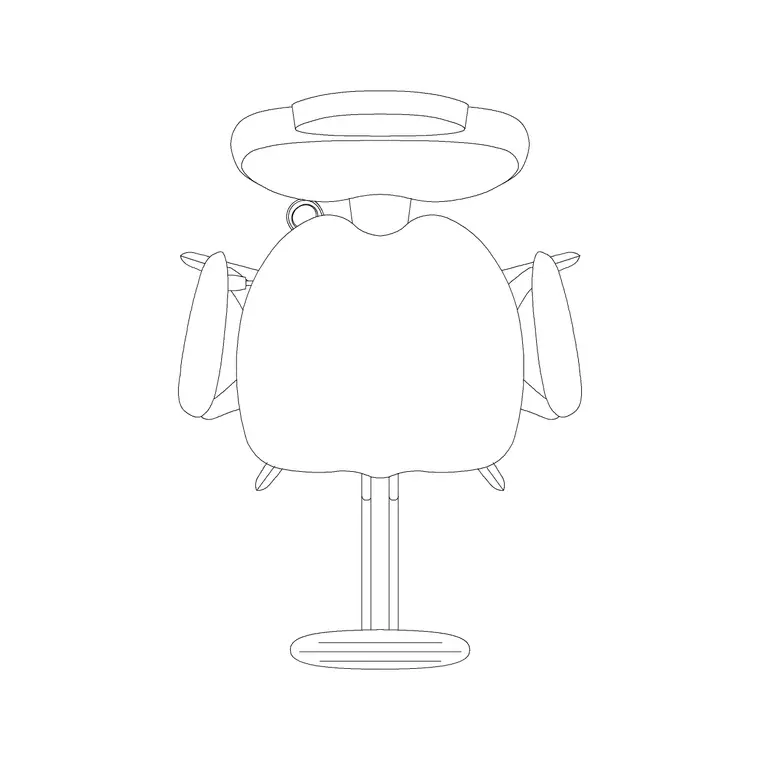
The pack spans the core salon kit. Styling zone: cutting and styling chairs facing a mirror line, each drawn with the swivel footprint that governs how close the next station can sit. Wet zone: backwash basin units with the reclined chair shown, since the recline is what eats the floor space. Nails and feet: manicure tables drawn for two seated people across the table, and pedicure stations with the foot bath and operator stool envelope. Treatment: massage and facial beds with the therapist's working strip down each side.
A reception desk block rounds out the front of house. Because salons repeat the same station down a wall, the chair and basin blocks are built so you can array them along a run and keep the spacing honest from the first to the last station.
Standard salon dimensions to design around
Reach for these ranges when you are checking a layout rather than treating them as fixed specs. A styling chair with its swivel base occupies roughly a 600–700 mm envelope, and stylists generally want around 1500–1800 mm centre-to-centre between stations so two can work back to back. A backwash basin unit with the reclined chair extends roughly 1200–1500 mm out from the wall, so allow a clear working strip behind it.
A massage bed is usually around 700–800 mm wide and 1900–2000 mm long, and a therapist needs roughly 600–750 mm of clear floor down at least one long side, ideally both. A pedicure station with the client seated and an operator stool in front wants a footprint of roughly 1200–1500 mm depth. Drop the scaled blocks in and these checks read off the screen.
Building the salon layout from the blocks
Start with the wet zone, because plumbing is the least flexible thing in the room — place the backwash basins where the drainage can reach, then work outward. Line the styling chairs along the mirror wall, arraying them at your chosen station spacing so the gaps stay equal. Set nail and pedicure stations near a window or feature wall where clients sit longest, and tuck treatment beds into the quietest corner away from the dryer noise.
Keep each fixture type on its own layer — styling, wet, nails, treatment, reception — so you can produce a clean services plan for the plumber and a furnished presentation plan from the same drawing. Place the reception desk last to control the entrance sightline.
Per-item notes: chairs, basins and beds
The styling chair is the block you place most, so give it its own layer and array it; a small edit to the block definition then updates every station at once. The pedicure station is the trickiest fixture because the foot bath, the reclined client and the operator stool together claim more depth than people expect — always leave the operator's stool envelope clear in front.
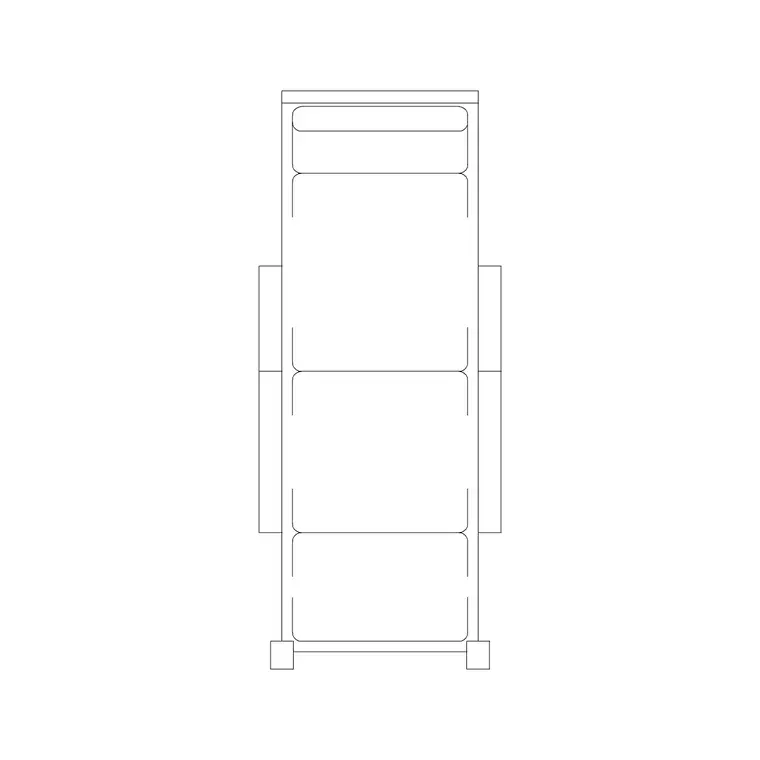
Massage and facial beds read as simple rectangles in plan, but the value is in the working strip beside them, so draw that clearance as a hatched zone on a setting-out layer while you plan and freeze it before you plot. The backwash basin ships with the recline shown so you can verify a client can lie back without their knees fouling the next chair.
Plan view and why this pack is plan-led
Salon and spa planning is almost entirely a plan-view exercise — you are arranging footprints, mirror lines and circulation seen from above, so every block in this pack is drawn in plan. That is the view you array down a wall, the view you test clearances in, and the view a fit-out contractor reads to set out the floor.
If you need an elevation for a mirror-and-shelf wall or a reception joinery drawing, draw it separately and keep it on its own layer; the plan blocks here are not a substitute for a bespoke elevation, but they fix the positions the elevation has to honour. Working plan-first keeps the layout decisions where they belong before any cabinetry is detailed.
Who uses the spa and salon pack
Interior designers and salon fit-out specialists use it to turn a bare shell into a costed layout quickly. Architects use it to populate a mixed-use ground floor where a salon is one of several units. Students use it for studio briefs and portfolio boards where licence-clear furniture matters and there is no budget for paid libraries.
Because the blocks are free and unrestricted, the same pack carries from a single chair-rental room to a multi-room day spa. Pair it with the furniture and office categories to add the reception seating, waiting sofas and storage that complete the front of house, and you can fit out the whole unit from one consistent library.
Free download
Browse the full library — DWG & DXF, no signup.
Questions
Frequently asked
What fixtures are in the spa and salon pack?+
Styling and cutting chairs, backwash basin units, manicure tables, pedicure stations, massage and facial beds, and a reception desk — all drawn in plan at true scale for AutoCAD layouts.
Are the salon blocks free for commercial fit-outs?+
Yes. Every block downloads free in DWG with no signup, no watermark and no attribution requirement, and they are cleared for commercial project use.
What units and scale are the blocks drawn at?+
Millimetres, full size. Insert at scale 1 in a millimetre drawing, 0.001 in a metre drawing, or set INSUNITS to millimetres so AutoCAD rescales automatically on insertion.
Do the blocks include elevations?+
These are plan-view blocks, since salon planning is a plan exercise. For a mirror wall or reception joinery elevation, draw it separately on its own layer; the plan blocks fix the positions the elevation must follow.
Related downloads
Blocks for this guide

Related categories
Related guides
Curated pack
Free Office CAD Block Pack — DWG & DXF
Free office CAD block pack in DWG and DXF — desks, workstations, conference tables and reception furniture in plan view. No signup, commercial-use OK.
Curated pack
Free Reception Area CAD Block Pack — DWG
Free reception area CAD block pack in DWG and DXF — reception desks, waiting seating and scale figures for lobby layouts. No signup, commercial-use OK.
Curated pack
Free Restaurant CAD Block Pack — DWG & DXF
Free restaurant CAD block pack in DWG and DXF — dining tables, chairs, bar stools and high chairs for cafe and restaurant layouts. No signup, commercial OK.