Curated pack · reception desk cad block
Free reception area CAD block pack for AutoCAD
By Saumyajit Maity · Published 9 Oct 2022 · Updated 19 May 2026
The reception is the first square metre of a building anyone experiences, and it carries a surprising amount of design weight: it has to greet, direct, seat and sometimes screen visitors, all in a tight zone near the entrance. This free reception area CAD block pack gathers the blocks that make that zone work — reception desks and counters, waiting seating, low meeting tables and scale figures — drawn to scale in DWG and DXF for AutoCAD 2004 or later. Everything is free for personal and commercial use, with no signup and no watermark.
Reception design is a clearance puzzle as much as an aesthetic one. The greeter behind the desk needs a working depth; the visitor in front needs an approach and a counter to lean on; the waiting guests need seats that do not block the route to the lifts. Because every block here is drawn at true dimensions, you can lay the desk, the seating and the circulation against each other and see the conflicts before they become a problem on site.
Use the pack for corporate lobbies, hotel and clinic check-ins, showroom entrances and any front-of-house counter. The scale figures are the quiet hero here — drop one at the desk and one in the seating to prove the whole arrival sequence reads at human size.
What the reception pack covers
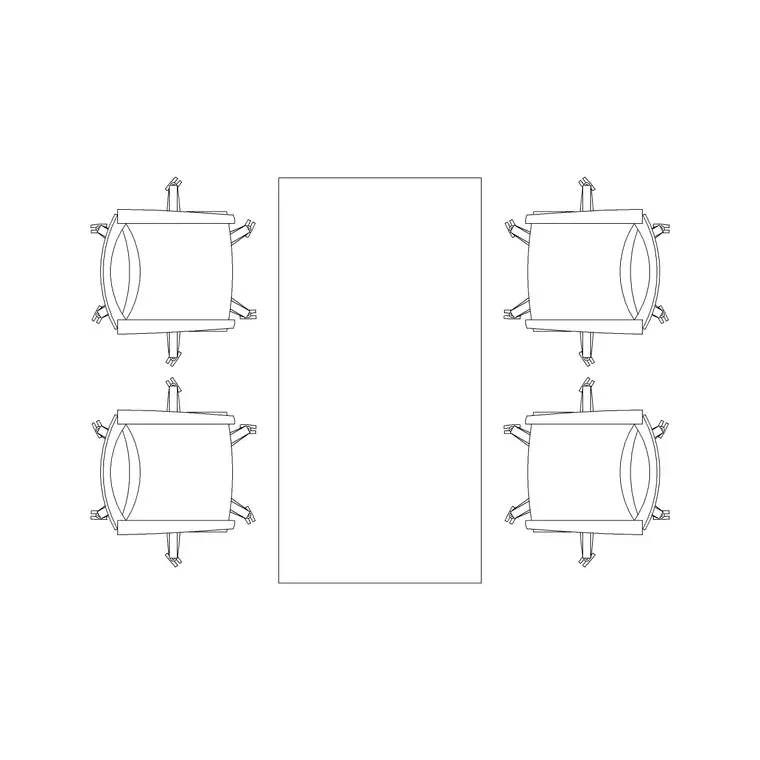
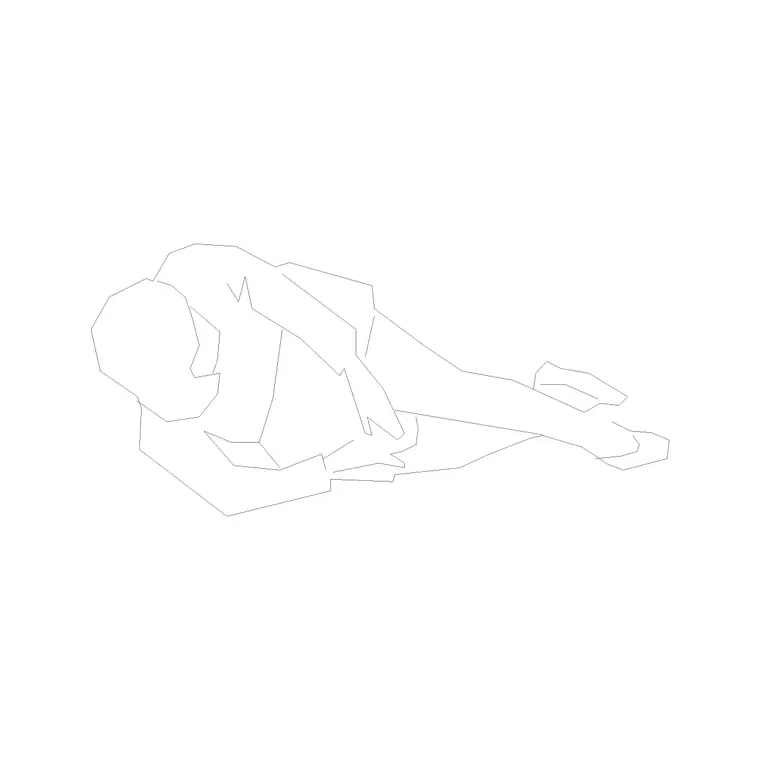
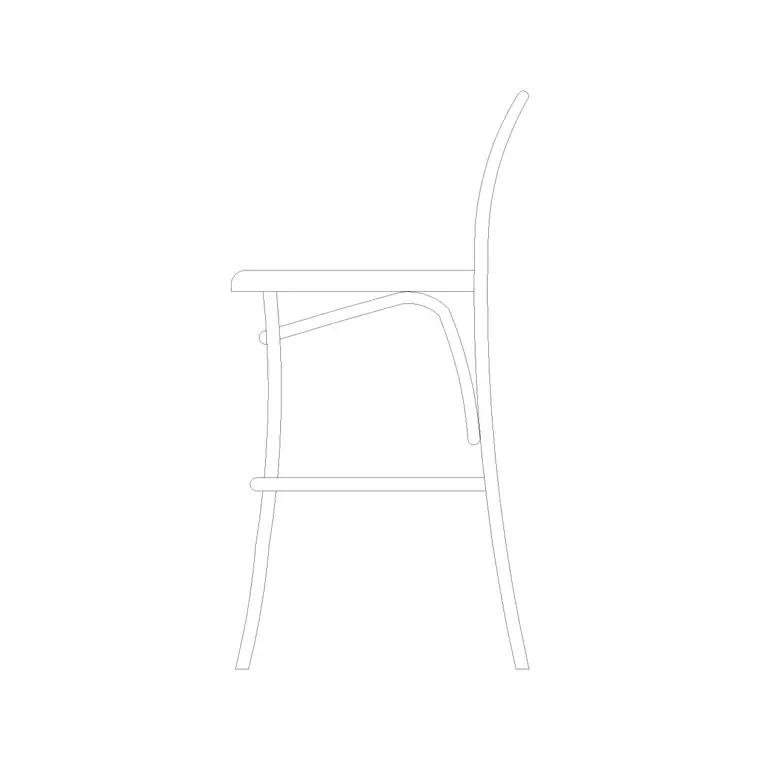
The set centres on the greeting point and the wait. Reception desks: a counter drawn to the typical greeting span, with a public-facing front and a staff-side worktop behind. Waiting furniture: lounge-style seating and low tables you can arrange into a small waiting cluster. Scale figures: standing and approaching people to test the counter height, the queue and the sightline from the door.
Because the desk is drawn with both the public face and the staff worktop, you can dimension the counter presentation height separately from the work surface — the two heights that decide whether a reception both greets comfortably and works as a desk.
Reception dimensions to design around
Reach for these ranges as you lay out the zone. Counter presentation height to the public: around 1100 mm, which suits a standing visitor and screens the desktop clutter behind. Staff work surface: 720–750 mm, the standard desk height. Desk run: a single-person reception is commonly 1600–2000 mm wide; a two-person or accessible counter grows from there and usually includes a lowered 760 mm section for seated visitors and wheelchair users.
Approach and circulation: keep at least 1200–1500 mm of clear floor in front of the counter so a visitor and a passer-by are not in conflict, and more where a queue is likely. For waiting, allow roughly 0.6–0.8 m² per seated guest including the gap to reach the chair. Place the scaled figures and these zones draw themselves around the blocks.
How to use the set
Begin by fixing the entrance and the desired line of sight: a visitor coming through the doors should see the reception desk without searching for it. Place the desk block so its public face addresses that approach, then check the staff side has room for the chair pull-out and a route in and out behind the counter.
Next, set the waiting cluster off the main circulation so seated guests do not foul the route to the lifts or stairs. Use the scale figures to confirm the counter reach, the queue space and the sightline from a waiting chair back to the desk. Keep the desk, the seating and the circulation on separate layers so you can issue a clean lobby plan and a furniture plan from the same drawing.
Plan for the layout, elevation for the joinery
The reception layout is worked in plan: the desk footprint, the approach, the queue and the seating cluster all read from above, and that is the view a space plan and a test-fit need. Array and mirror the seating in plan to build the waiting zone, and position the desk against the entrance line.
When the project reaches joinery and interiors, the reception desk becomes an elevation and a section: the 1100 mm public face, the worktop behind, the lowered accessible section and the front panel finish all have to be drawn at real heights. Build that elevation from the same scaled block so the counter the joiner makes matches the desk on the plan.
Per-item notes
Reception desk — the anchor of the zone. Insert it first and let it set the arrival line. Dimension the public face and the staff worktop separately, and add a lowered section if the brief or accessibility code calls for a seated and wheelchair-height counter.
Waiting seating — arrange two to five seats into a loose cluster rather than a rigid row; it reads as more welcoming and leaves natural gaps to reach each chair. Keep it clear of the main route.
Human figure (plan) — the test instrument. One at the desk proves the counter reach and presentation height; one in the seating proves the gap to sit down; one on the approach proves the route is wide enough beside a queue.
Who uses the reception pack
Interior and workplace designers use it to lay out corporate and commercial lobbies where first impressions and clear wayfinding matter. Architects use it to model the arrival sequence in planning and concept drawings. Hospitality and healthcare designers borrow it for hotel check-in counters and clinic front desks, where the same greet-queue-seat logic applies.
Because the blocks are free and licence-clear, the pack suits everything from a single small-office reception to a large multi-tenant lobby. Pair it with the office and furniture categories for the desks and lounge seating behind the front-of-house edge, and the people category for the scale figures that prove the whole sequence works at human size.
Free download
Browse the full library — DWG & DXF, no signup.
Questions
Frequently asked
What height should a reception desk be drawn at?+
Draw the public-facing counter at around 1100 mm and the staff work surface at 720–750 mm. Add a lowered section near 760 mm for seated visitors and wheelchair access. The blocks carry both heights so you can dimension each.
How much space do I need in front of a reception counter?+
Leave at least 1200–1500 mm of clear floor in front of the desk so an arriving visitor and a passer-by are not in conflict, and more where a queue is likely. The scale figures help you test this on the plan.
Are the reception blocks free for commercial projects?+
Yes. Every block downloads free in DWG and DXF with no signup, no watermark and no attribution requirement, and they are cleared for commercial project use.
Do the blocks help with an accessible reception counter?+
Yes. Because the desk is drawn at true size, you can add a lowered counter section and draw the wheelchair clear floor space and knee clearance directly against the block to meet accessibility requirements.
Related downloads
Blocks for this guide

Related categories
Related guides
Curated pack
Free Office CAD Block Pack — DWG & DXF
Free office CAD block pack in DWG and DXF — desks, workstations, conference tables and reception furniture in plan view. No signup, commercial-use OK.
Curated pack
Free Restaurant CAD Block Pack — DWG & DXF
Free restaurant CAD block pack in DWG and DXF — dining tables, chairs, bar stools and high chairs for cafe and restaurant layouts. No signup, commercial OK.
Curated pack
Free Hotel CAD Block Pack — DWG & DXF
Free hotel CAD block pack in DWG and DXF — reception desks, lobby seating, dining and bar furniture for hotel layouts. No signup, commercial-use OK.