Block landing · skirting detail cad block
Free skirting board detail CAD blocks
By Saumyajit Maity · Published 29 Oct 2022 · Updated 21 Mar 2026
Skirting — the baseboard that trims the junction of wall and floor — is one of those small details that quietly governs how finished a room looks and how a wall section reads. This page collects free skirting detail CAD blocks in DWG — profile sections through the skirting and the wall-to-floor junction it sits in — drawn at true size for AutoCAD 2004 or later, free for personal and commercial work with no signup or watermark.
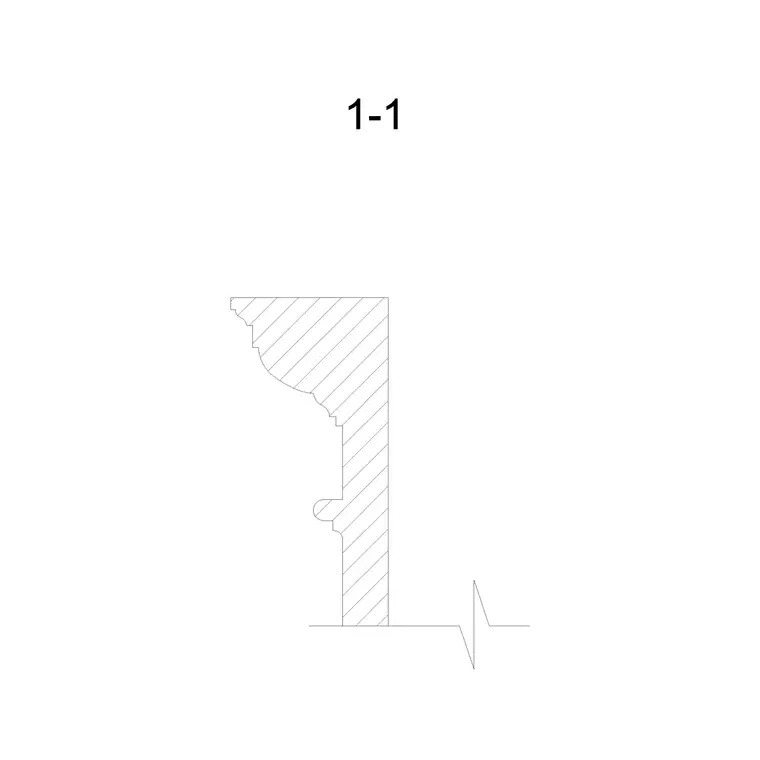
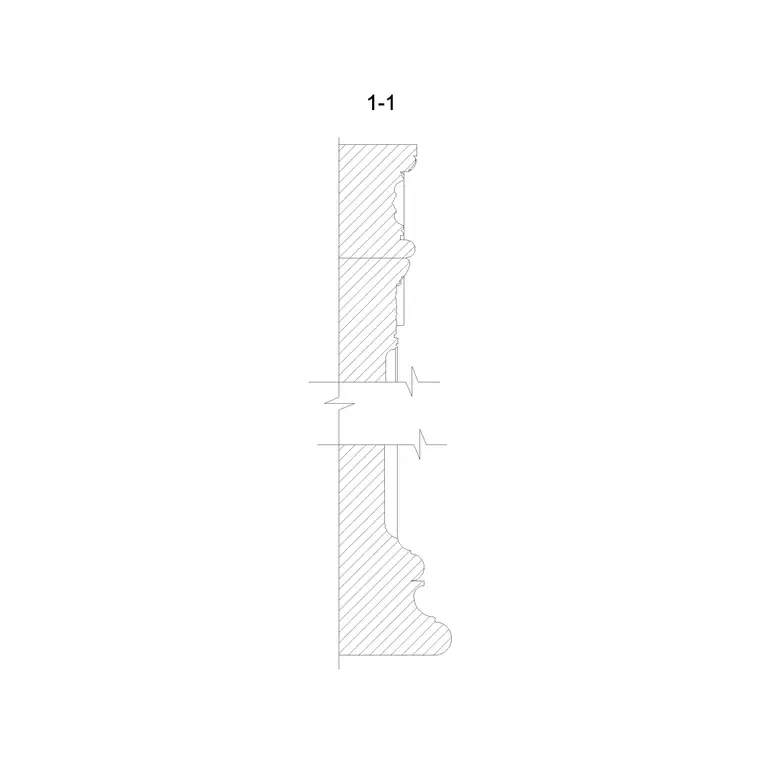
Like a cornice, a skirting is best understood as a profile section rather than a plan or elevation. The section shows the skirting board, how it meets the wall finish above and the floor finish below, and often the small but important details around it: the shadow gap or scotia at the top, the flooring expansion gap it conceals, and the way it returns at a door architrave. A ready-drawn detail saves you redrawing that junction in every room section and keeps your details consistent across a project.
What a skirting detail shows
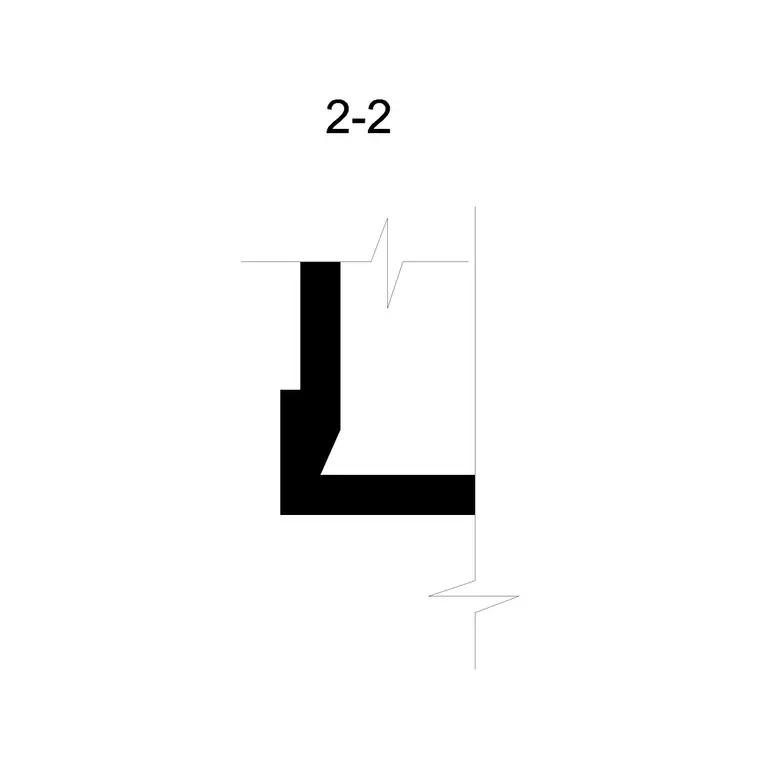
A skirting detail is a vertical section cut through the bottom of a wall. It shows the wall construction, the skirting board fixed to it, the floor build-up arriving at the base, and the joints between them. The useful information lives in those joints: the gap behind the skirting that lets the wall finish run down behind it, the gap at the floor that the skirting covers, and any moulded or chamfered top edge that throws a shadow line.
A good skirting block draws this as a clean, dimensionable section so it answers the questions a builder asks — how tall is the skirting, how far does it project, how does the flooring tuck under it, and what happens where it meets a door lining. It is a small drawing that prevents a lot of site queries.
Skirting profiles and where they suit
Skirting comes in profiles that signal a building's character. A plain square-edge or pencil-round skirting reads as contemporary and minimal. A chamfered or bullnose profile is a common mid-range choice. Traditional ogee, torus and Victorian profiles carry mouldings that match period interiors and pair with a moulded architrave and cornice. A shadow-gap or flush skirting, set into the wall, reads as the most modern of all.
The profile you choose usually echoes the other trim in the room: a moulded cornice at the top tends to want a moulded skirting at the bottom, while a flush detail reads as a deliberately plain scheme. Because these are drawn as section profiles, you place them at the base of a room or wall section and dimension straight off them.
Typical skirting sizes to design around
Skirting is proportioned to the room and the period rather than to a single standard, so design around height and thickness. Contemporary skirting is often modest, around 70–120 mm tall, while period and grander rooms carry taller skirting of 150–250 mm or more, because a tall room looks unbalanced with a mean skirting at its base. The board thickness is typically in the 15–25 mm range depending on the profile and material.
A useful proportional habit is to relate the skirting height to the room and to the door architrave — skirting and architrave commonly share a thickness so they meet cleanly at the door, and a taller room can carry a taller skirting without looking heavy. Because the detail block is drawn to scale, you can test the skirting height against the wall in section and adjust the profile to suit.
How to use the skirting detail
The skirting profiles are drawn full size in millimetres. Insert at scale 1 in a millimetre drawing, 0.001 in a metre template, or set INSUNITS to millimetres so AutoCAD rescales on insertion. Place the section so the wall face and floor line align with your wall section, then add dimensions and notes for the skirting height, the projection and the floor and wall gaps.
Keep the skirting on a dedicated trim or detail layer so it shows in your detailed sections but can be hidden for a clean shell drawing. Where the skirting profile is moulded, the closed profile hatches cleanly to show timber or MDF, and you can sweep it along a wall base in 3D the same way you would a cornice. For repeated details across a job, place the same block at each callout so every room section reads identically.
Where skirting details are used
Skirting details appear in wall and room sections, interior detail sheets, and the junctions where flooring, wall finish and trim meet — exactly the points a builder needs resolved. They are also central to flooring drawings, because the skirting hides the perimeter expansion gap that floating floors and timber boards require.
Pair the skirting block with the cornice moulding block to set out the top and bottom trim of a room consistently, and with door and flooring details to resolve the full perimeter. Because the details are free and licence-clear, they suit a quick interior concept section as readily as a measured detail of an existing skirting to be matched in a refurbishment.
Resolving the tricky junctions
Most of the value in a skirting detail is in the awkward junctions, and it is worth drawing them deliberately rather than fudging them. At a door, the skirting dies into the architrave, so the two need a compatible thickness or a returned end — show that in the detail so the joiner does not have to guess. Where a timber or laminate floor meets the skirting, the skirting must cover an expansion gap of several millimetres all round, and getting that gap onto the drawing prevents the classic site mistake of a floor pinned tight to the wall and then buckling.
A shadow-gap skirting raises its own questions: the wall finish has to be set out to leave the recess, and the detail needs to show how the plaster or board stops cleanly at the reveal. Drawing these once as a reusable block, and editing the definition when a detail improves, means every room in a project inherits the resolved junction rather than each one being re-invented — which is exactly the kind of consistency a tidy detail library buys you.
Free download
Browse the full library — DWG & DXF, no signup.
Questions
Frequently asked
Why is skirting drawn as a section detail?+
Skirting is a profile run along the base of a wall, so a vertical section cut through it shows what matters — the board height and projection, how the wall finish runs behind it, and how the floor finish tucks under it. That junction is what a builder needs resolved.
How tall should skirting be?+
It depends on the room and period. Contemporary skirting is often around 70–120 mm tall, while period or grand rooms carry taller skirting of 150–250 mm or more so it stays in proportion with the wall height. The block is drawn to scale so you can test it in section.
Are the skirting detail CAD blocks free for commercial use?+
Yes. Every skirting detail downloads free in DWG with no signup, no watermark and no attribution requirement, and is cleared for commercial project use.
Does the detail show the flooring expansion gap?+
The section shows the wall-to-floor junction including the gap the skirting covers, which is where a floating or timber floor's perimeter expansion gap sits. Dimension that gap on the detail so the floor is not laid tight to the wall.
Related downloads
Blocks for this guide
Related categories
Related guides
Block landing
Free Classical Column CAD Blocks — DWG Download
Download free classical column CAD blocks in DWG — shaft, capital and base drawn in elevation and plan for AutoCAD. No signup, free for commercial use.
Block landing
Free Greek & Ionic Column CAD Blocks — DWG
Free Greek and Ionic column CAD blocks in DWG — fluted shafts and volute capitals drawn in elevation for AutoCAD. No signup, free for commercial use.
Block landing
Free Decorative Arch CAD Blocks — DWG Download
Download free decorative arch CAD blocks in DWG — round, segmental and classical archways drawn in elevation for AutoCAD. No signup, free for commercial use.