Curated pack · site plan cad blocks
Free CAD block bundle for site plans in AutoCAD
By Sumana Kumar · Published 11 Sep 2023 · Updated 10 Mar 2026
A site plan is the drawing where everything outside the building has to come together — and it's the one that benefits most from a ready-made kit. This free site-plan bundle gathers the external blocks you reach for most in one place: trees and shrubs, parked cars, scale figures, outdoor furniture and a handful of external-works symbols, all in DWG and ready to insert into AutoCAD 2004 or later. Everything is free for personal and commercial work, with no signup, no watermark and no attribution needed.
Use the bundle to assemble a masterplan, a landscape plan, a parking layout or a planning-submission site plan without hunting down a dozen separate downloads. Because every block is drawn to a believable real-world footprint, you can check spacing, overhang and clearances as you build — a parked car in its bay, a tree canopy over a footpath, a figure at a crossing — instead of dimensioning everything from scratch.
The bundle is built to be reused. Once you've set up your external layers and dropped the kit in, you can save the whole arrangement as a block library or a template and carry it from project to project. That turns the site plan from a slow, from-zero drawing into a fast assembly job, and it keeps your external works looking consistent across every scheme you issue.
What's in the site-plan bundle
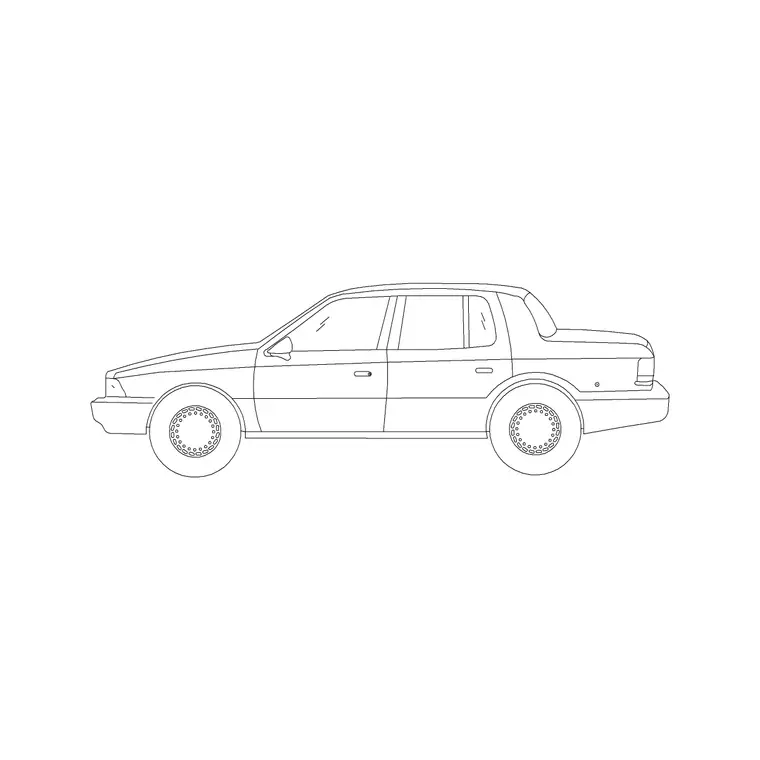
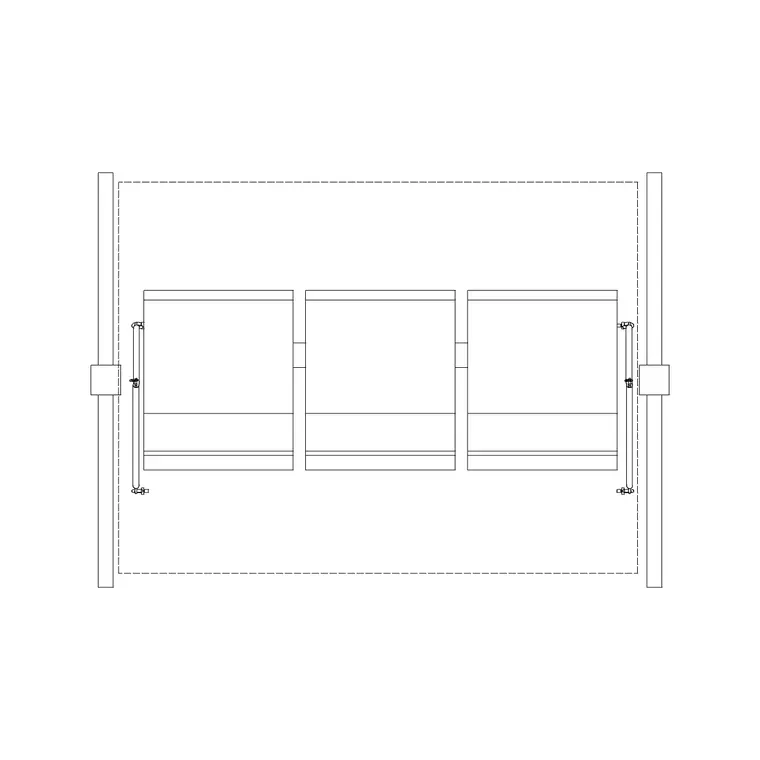
The bundle pulls one of each external family into a single kit. Soft landscape: plan-view trees, shrub massing and groundcover for planting and shadow. Vehicles: a parked sedan and a van footprint for car parks, driveways and service yards. People: a few scale figures for crossings, entrances and public realm. Furniture: a bench and a planter for forecourts and courtyards. External symbols: a north point, a parking-bay marker and a few basic site annotations.
Everything is a single block reference you can copy, rotate and array, drawn cleanly enough to read at site scale without filling solid. The idea is breadth over depth — one good example of each thing you need — so you can build a complete site plan from this one download and reach into the category packs only when you want more variety.
How to set up the site-plan layers first
Before you drop the kit in, set up the external layers so everything lands where it belongs. A clean split is L-PLANT for soft landscape, A-VEHICLE for cars, A-ENTOURAGE for people, A-FURN-EXT for outdoor furniture, and a SITE-ANNO layer for the north point and markers. With those in place you can produce a planting plan, a parking plan and a clean engineering base from the same DWG by toggling layers.
Set your drawing units to millimetres so the blocks insert at true size, and confirm INSUNITS matches before you start. That one check prevents the classic mismatch where a tree arrives the size of a building, and it means every block in the bundle lands at the right scale the moment it hits the page.
Building the site plan from the kit
Work from the fixed elements outward. Start with the building outline, the boundary and the access roads, because those constrain everything else. Drop in the parking bays and array a car into a sample to confirm the dimensions, then place trees along the kerbs and over the soft landscape so the canopies fall where you want shade and screening.
Add people at the entrances and crossings to set the human scale, and benches and planters in the forecourt and courtyard to show how the external space is used. Finish with the north point and any bay markers. Because each family sits on its own layer, you can now issue a fully dressed presentation plan or strip back to a clean technical base without redrawing anything.
Why a bundle beats a dozen downloads
The value of a site-plan bundle is consistency and speed. Pulling trees from one source, cars from another and figures from a third often leaves you with mismatched line styles, inconsistent scales and a layer mess to untangle. A single coordinated kit lands with one set of conventions, so the external works read as a designed whole rather than a collage.
It's also faster to reuse. Set the kit up once on a project, save it as a template DWG or a tool palette, and your next site plan starts half-built. For students and small practices that don't have a curated block library yet, the bundle is effectively a starter library for external works that you can grow over time by adding from the category packs.
Who the site-plan bundle is for
The bundle suits anyone who draws external works: architects assembling a planning-submission site plan, landscape architects building a masterplan, civil and infrastructure engineers laying out parking and access, and urban designers dressing a public-realm scheme. It's equally useful for a student's first masterplan or a quick concept board where you need a believable site without licensing fuss.
It also plays well with the focused category packs. Use the bundle for the bones of the site plan, then reach into the landscaping, vehicle and people packs when you want more variety — a different tree species, an SUV instead of a sedan, a seated figure on a bench. Because everything is free and licence-clear, you can mix and match freely across the whole library.
Keeping the site plan light and editable
Site plans get heavy when every tree, car and figure is placed and exploded by hand, so lean on arrays and reusable units. Draw one parked bay, one planted verge or one furnished forecourt, block it, and array or copy that unit; when a dimension changes you fix it once and every instance follows. Keep everything as block references so the file stays responsive even on a large scheme.
Use colour and lineweight to build a clear hierarchy: building lines strongest, hard landscape mid-weight, soft landscape and entourage lighter so they sit behind the architecture. Freeze the entourage and planting layers for the engineering issue and thaw them for the presentation print. With the bundle on tidy layers, a single set of toggles gives you every version of the site plan you need from one drawing.
Free download
Browse the full library — DWG & DXF, no signup.
Questions
Frequently asked
What does the site-plan bundle include?+
One coordinated example of each external family: plan-view trees and shrubs, a parked car and a van, scale figures, a bench and a planter, plus basic site symbols like a north point and bay markers. It's a starter kit for external works, all free in DWG.
Is the bundle free for commercial site plans?+
Yes. Every block downloads free in DWG with no signup, no watermark and no attribution requirement, cleared for commercial masterplans, parking layouts and planning submissions.
How do I keep all the blocks at the right scale?+
Set your drawing units to millimetres and confirm INSUNITS before inserting. The blocks are drawn full size in millimetres, so with units matched they all land at true real-world size and your spacing checks stay honest.
Can I reuse the bundle across projects?+
Yes, and that's the point. Set the kit up once on tidy external layers, save it as a template DWG or a tool palette, and your next site plan starts half-built. Add from the focused category packs whenever you want more variety.
Related downloads
Blocks for this guide


Related categories
Related guides
Curated pack
Free Landscape CAD Block Pack — DWG & DXF
A free landscape CAD block pack in DWG and DXF — trees, shrubs, fences, paving, lighting and figures for AutoCAD landscape plans. No signup, commercial-use OK.
Curated pack
Free Site Plan CAD Block Pack — DWG Download
A free site plan CAD block pack in DWG and DXF — trees, vehicles, paving, fencing, lighting and figures to dress site and block plans. No signup, commercial OK.
Curated pack
Free Urban & Streetscape CAD Block Pack — DWG
A free urban and streetscape CAD block pack in DWG and DXF — street trees, cars, paving, lighting, railings and figures for street design. No signup.