Block landing · side table cad block
Free side table CAD blocks in DWG and DXF
By Sumana Kumar · Published 11 Mar 2024 · Updated 24 Apr 2026
A side table is the small, taller table that sits beside a seat or a bed — the end table next to a sofa, the lamp table by an armchair, the nightstand flanking a bed. It's a minor piece, but it does a lot of quiet work on a layout: it's where the lamp, the drink and the book actually go, and its placement signals how a seat or a bed is meant to be used. This page collects free side table CAD blocks in DWG and DXF, drawn at true millimetre dimensions and ready for AutoCAD 2004 or later. Every file is free for personal and commercial use, with no signup, no watermark and no attribution required.
Use these blocks to finish living-room, bedroom, lounge and reception layouts. A side table's small footprint slots into the gaps between bigger pieces, and dropping the scaled block in proves the lamp or nightstand actually fits between the seat and the wall.
What a side table does on a plan
A side table is the personal surface — close to one seat rather than shared by the group. Beside a sofa or armchair it holds a lamp, a drink or a remote within arm's reach. Beside a bed it becomes a nightstand for a lamp, a glass of water and a phone. Its presence on a plan tells the reader how the adjacent piece is meant to be lived with.
Unlike a coffee or center table, a side table is taller — close to the armrest or mattress height it serves — so the surface lands where a seated or lying person can reach it. The block is a small footprint, but placing it correctly between a seat and a wall, or between a bed and the room, is what makes a furniture layout read as genuinely usable.
Side table sizes to design around
Use these ranges as your reference. A side or end table is typically 400–600 mm across (round or square) and 450–700 mm high, chosen to sit near the armrest of the sofa it serves. A bedside table or nightstand runs 400–600 mm wide, 350–450 mm deep, and 500–700 mm high to suit the mattress. Lamp tables fall in the same band.
The placement clearance matters more than the table size. Beside a bed, leave the nightstand clear of the door swing and within easy reach of the pillow. Beside a sofa, keep the side table tight to the armrest so it doesn't intrude on the walking route. Because the block is drawn to scale, you can confirm it fits the gap between the seat or bed and the wall before committing.
Side tables and bedside tables in bedrooms
In a bedroom the side table becomes a nightstand, and it's almost always specified in pairs — one each side of a double bed. Drawing them as scaled blocks lets you check the symmetry and confirm each nightstand fits between the bed and the wall, the wardrobe or the door without fouling the circulation around the bed.
The nightstand also coordinates with the bed and the wall behind: the lamp on it should clear the headboard, and the table should sit at a height where someone in bed can reach the switch. Keeping the nightstands on the furniture layer with the bed lets you produce a clean bedroom layout and check the all-important clear route — generally at least 700 mm — down each side of the bed.
Inserting and placing the block
These blocks are drawn full size in millimetres. Insert at scale 1 in a millimetre drawing, 0.001 in a metre template, or set INSUNITS to millimetres so AutoCAD rescales on insertion. Run INSERT or drag the DWG in, pick the centre of the table as the insertion point, and nudge it tight to the seat or bed it serves.
Because a side table is small and you usually place several, the block copies easily — drop one nightstand, mirror it to the other side of the bed, and you have a symmetrical pair in seconds. Keep the side tables on the furniture layer so they freeze and thaw with the rest of the soft furnishings.
Where side table blocks are used
Side tables appear in living rooms beside sofas and armchairs, in bedrooms as nightstands, in lounges and reception areas, in hotel guest rooms and waiting zones. They're the finishing pieces that make a layout look inhabited rather than schematic, and they prove the practical question of where the lamp and the drink go.
They're specified alongside sofas, armchairs and beds, so reach for the sofa, coffee table and console table blocks in the furniture category when you complete a room. The same scaled side table carries from a concept plan to a furnished presentation drawing, so the living or sleeping area reads consistently across the set.
Side table versus coffee table on a layout
It helps to keep the two straight, because a well-resolved seating group usually wants both. The coffee table is the large, low, central table shared by everyone in the group, sitting in front of the sofa at cushion height and anchoring the rug. The side table is the small, taller table beside a single seat, at armrest height, holding one person's lamp or cup. Read together on a plan, they tell a clear story about how the room is used: a shared centre and personal edges.
The common mistake on a quick layout is to drop a coffee table and stop, leaving the armchairs with nowhere to set a drink. Adding side tables beside the individual seats is the detail that makes the arrangement believable — and because the blocks are small and scaled, it costs only a moment to place them and a glance to confirm they fit. That extra layer of furniture is what lifts a plan from placeholder to considered.
Free download
Browse the full library — DWG & DXF, no signup.
Questions
Frequently asked
What's the difference between a side table and a coffee table?+
A side table is small and tall — at armrest or bedside height — and serves one seat or a bed. A coffee table is large, low and central, shared by the whole seating group at sofa-cushion height. A good layout often uses both.
How big is a bedside table?+
A bedside table or nightstand is typically 400–600 mm wide, 350–450 mm deep and 500–700 mm high to suit a mattress. The blocks are drawn to those ranges so you can check a pair fits each side of a bed.
Can I use these blocks as nightstands?+
Yes. The side table blocks work directly as bedside tables — place one, mirror it to the other side of the bed, and you have a symmetrical pair. They're drawn to scale so you can confirm the clear route down each side of the bed.
Are the side table blocks free for commercial use?+
Yes. Every block downloads free in DWG (and DXF where available) with no signup, no watermark and no attribution requirement, cleared for commercial project use.
Related downloads
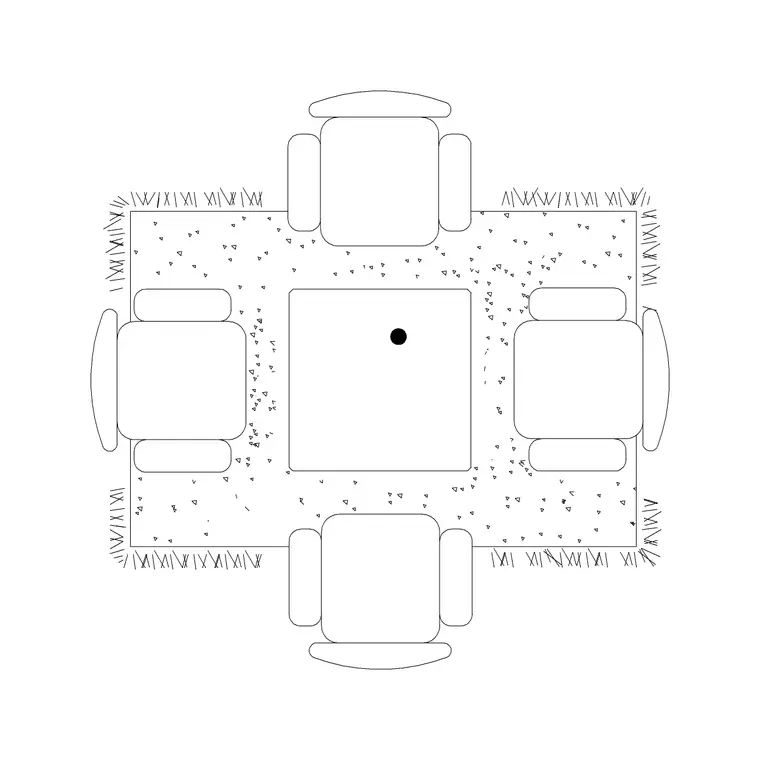
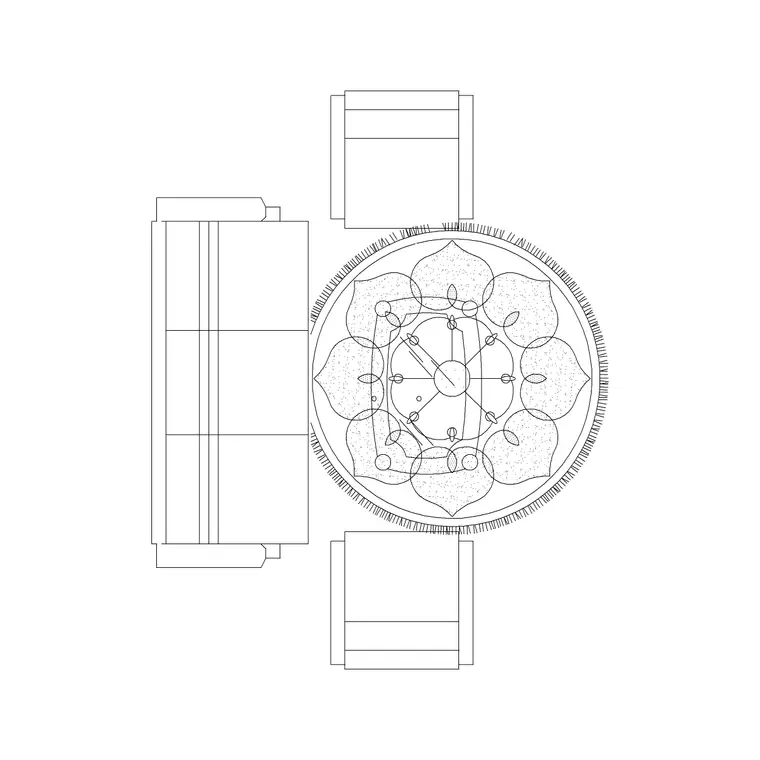
Blocks for this guide

Related categories
Related guides
Block landing
Free Office Chair CAD Blocks — DWG Download
Download free office chair CAD blocks in DWG and DXF — task chairs, swivel chairs and executive seats drawn in plan and elevation, AutoCAD 2004+, no signup.
Block landing
Free Bar Table CAD Blocks — DWG Download
Download free bar table CAD blocks in DWG and DXF — round, square and rectangular high bar tables in plan and elevation for AutoCAD. No signup, commercial-use OK.
Block landing
Free Restaurant Table CAD Blocks — DWG Download
Download free restaurant table CAD blocks in DWG and DXF — 2, 4 and 6 cover tables with chairs drawn in plan and elevation for AutoCAD. No signup, commercial-use OK.