Room guide · bank branch cad blocks
Free bank branch CAD blocks for AutoCAD
By Sumana Kumar · Published 10 Nov 2024 · Updated 23 May 2026
A bank branch is a public space with a security spine running through it. On one side of the counter line is the customer floor — open, welcoming, queued; on the other is the staff and secure zone. The whole plan is organised around that line: where customers wait, where they're served, where they sit down for advice, and where the controlled-access area begins. Designing it well means thinking about flow and supervision as much as furniture.
This page gathers free bank branch CAD blocks in DWG and DXF — teller counters, advisory and reception desks, waiting seating, office furniture and human figures — drawn to scale for AutoCAD 2004 or later. All free for personal and commercial use, no signup, no watermark.
Use the blocks to lay out a retail bank branch, a credit-union office, or a building-society front-of-house. Because the counters, desks and seating are scaled, you can test the queue, the spacing between advisory desks, the circulation past self-service machines and the accessibility of the whole floor.
Front-of-house and the counter line
A branch divides into front-of-house (the customer floor) and back-of-house (staff, secure and processing areas), separated by the teller counter line. Customers should be able to read the space the moment they enter: where to queue, where the self-service machines are, where to sit and wait for an adviser. Confusion at the entrance is the enemy.
The counter line is the organising element. Tellers sit behind it; customers approach from the open floor. Near it sit the queue, the self-service zone (ATMs, deposit machines, statement printers) and a greeter or reception point that triages arrivals. Lay the counter line and the entrance first, then organise the customer floor around the natural path from door to queue to counter.
Zoning: queue, self-service, advisory, seating
Break the customer floor into zones. The queue feeds the teller counters — a defined waiting line with enough space that it doesn't tangle with people leaving the counter. The self-service zone clusters the machines where customers can reach them without crossing the queue. The advisory zone holds semi-private desks where staff handle loans, accounts and longer conversations, set back for a degree of privacy. The waiting zone gives seated customers somewhere to sit before an appointment.
Keep these from colliding: the queue shouldn't block the self-service machines, and advisory desks need a calmer setting than the busy counter. A reception or greeter desk near the entrance directs each customer to the right zone, which keeps the whole floor legible and the staff in control.
The blocks that furnish a bank branch
A branch mixes public-facing furniture with ordinary office pieces.
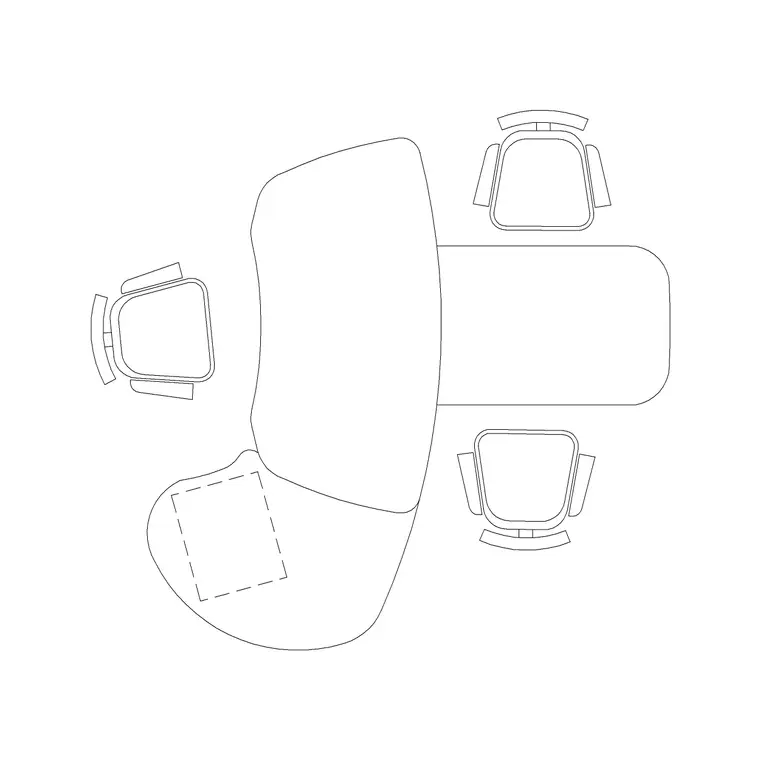
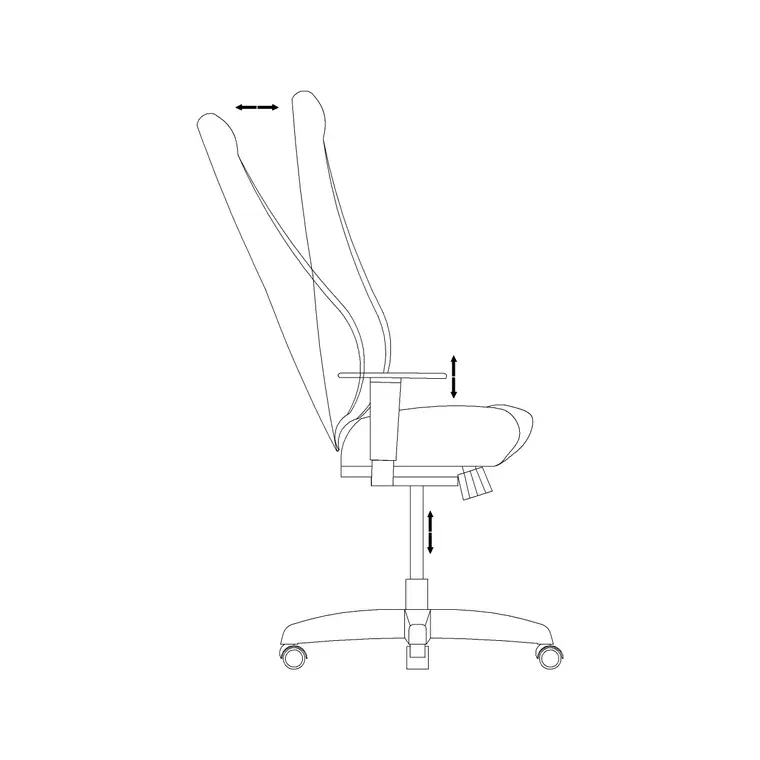
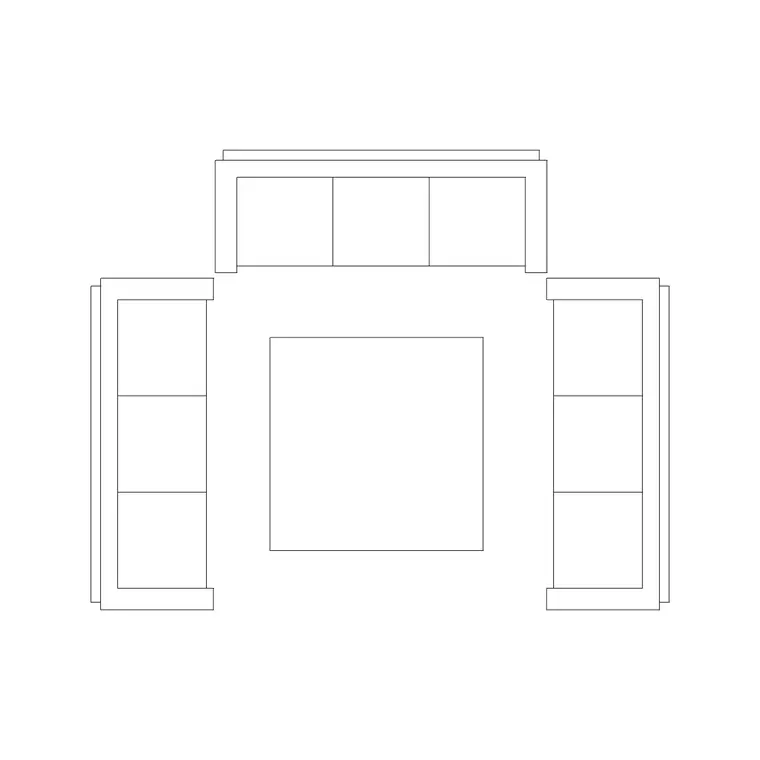
- Teller counter and reception desk — a reception-table block stands in for the greeter point and, run long, for the teller line. - Advisory desks — office tables with a chair each side for the adviser and the customer, arranged in semi-private clusters. - Office chairs — staff seating behind counters and desks. - Waiting seating — a sofa or bench in the waiting zone for customers between appointments. - Human figures — standing figures to lay out and test the queue, seated figures to populate advisory desks and waiting seats.
Use building-symbol blocks for accessibility and exit marking. Keep counters, desks, seating, figures and symbols on separate layers so a furniture plan, a flow diagram and an accessibility plan all come from one file.
Dimensions, queues and accessibility
Treat these as design ranges. Teller counter depth: enough for a working surface both sides plus a transaction sill, often 600–900 mm. Advisory desk: an office table around 1200–1600 mm wide with a chair each side and pull-out space behind each. Queue lane: allow roughly 600–900 mm width per person standing, and enough length for the expected queue without it spilling across the door.
For accessibility, keep a clear, level route from the entrance through the queue to at least one accessible counter position with a lowered section, and to an accessible advisory desk. Leave turning space for a wheelchair at decision points. Around waiting seating, allow approach and a clear path that doesn't cross the queue. Drop scaled figures into the queue and the seats and these clearances become visible immediately.
Assembling the branch plan from blocks
Draw the shell, mark the entrance and the counter line. Place the reception/greeter desk near the door and run the teller counter along the line. Lay out the queue with a row of standing figures so you can see its real footprint and how it relates to the door and the machines. Cluster the self-service machines where the queue doesn't block them.
Set the advisory desks back in their own zone, each with two chairs and pull-out space, and seat figures at a couple to check spacing. Place the waiting seating with a clear approach. Mark accessible positions, exits and turning space with building-symbol blocks. With counters, desks, seating, figures and symbols layered, you can issue the furniture plan and the accessibility/flow plan from the same drawing — and reuse a standard advisory-desk cluster across other branches via WBLOCK.
Common bank branch layout mistakes
The most common is an illegible entrance — a customer walks in and can't tell where to queue, where the machines are, or who to ask. A greeter point and a clear queue path fix it. The second is a queue that crosses the door or blocks the self-service zone, so arrivals and the queue fight for the same floor. The third is advisory desks with no privacy, placed in the open next to the busy counter where sensitive conversations are overheard.
Other traps: forgetting an accessible counter and route, packing advisory desks so close there's no pull-out space, and leaving no clear approach to the waiting seating. Laying the queue out with figures rather than a single line, and seating figures at the desks, surfaces these before the joinery is ordered.
Free download
Browse the full library — DWG & DXF, no signup.
Questions
Frequently asked
How do I lay out the customer queue in a bank branch?+
Lay the queue with a row of standing figures rather than a single line, so you can see its real footprint. Position it to feed the teller counter without crossing the entrance or blocking the self-service machines, and allow roughly 600–900 mm of width per person standing.
What furniture do advisory desks need?+
An advisory desk is an office table with a chair on each side — one for the adviser, one for the customer — plus pull-out space behind each chair. Cluster them in a semi-private zone set back from the busy counter so longer, more sensitive conversations have some privacy.
How do I make a bank branch accessible in the plan?+
Keep a clear, level route from the entrance through the queue to at least one accessible counter position with a lowered section, and to an accessible advisory desk, with wheelchair turning space at decision points. Mark these with the accessibility symbol from the building-symbols set.
Can I reuse one advisory-desk layout across multiple branches?+
Yes. Once a desk-and-chairs advisory cluster reads well, write it out as a block with WBLOCK and insert it into other branch drawings. Because it's scaled in millimetres, it lands at true size and keeps your spacing and accessibility checks consistent across the estate.
Related downloads
Blocks for this guide

Related categories
Related guides
Room guide
Free Community Hall CAD Blocks — DWG Download
Free community hall CAD blocks in DWG and DXF — round and rectangular tables, chairs, figures and exit symbols for a multipurpose event hall.
Room guide
Free Cafeteria CAD Blocks — DWG Download
Free cafeteria CAD blocks in DWG and DXF — dining tables, chairs, servery, figures and canteen symbols to plan a cafeteria in AutoCAD. No signup, commercial OK.
Room guide
Free Classroom CAD Blocks — DWG Download
Free classroom CAD blocks in DWG and DXF — student desks, chairs, teacher tables and figures to lay out a teaching room in AutoCAD. No signup.