Room guide · co-working space cad blocks
Free co-working hub CAD blocks for AutoCAD
By Saumyajit Maity · Published 24 May 2022 · Updated 24 Mar 2026
A co-working hub is an office that has to be several offices at once. In the same floor it holds heads-down hot desks, lively communal tables, bookable meeting rooms, phone booths and a lounge where people land with a laptop. The design challenge isn't one perfect layout — it's a menu of work settings that coexist without the loud ones drowning the quiet ones. Acoustic and visual zoning does most of the work, and scaled blocks let you tune the mix before anyone signs a lease.
This page collects free co-working CAD blocks in DWG and DXF — hot desks and workstations, communal and meeting tables, lounge sofas, a reception desk and human figures — drawn to scale for AutoCAD 2004 or later. All free for personal and commercial work, no signup, no watermark.
Use the blocks to lay out an open co-working floor, a members' club workspace, or a flexible serviced office. Because the desks, tables and seating are scaled, you can test desk density, circulation, the spread of meeting and lounge settings, and whether a member can always find the kind of seat they need.
Many ways to work in one room
A co-working hub sells variety. A member might spend the morning at a quiet fixed desk, take a call in a booth, run a workshop at a communal table and end the day on a sofa. The floor has to offer all of these and let people move between them freely. That makes the layout a portfolio of settings rather than a single grid.
The usual organising idea is a loudness gradient. Reception and the café/lounge sit near the entrance where buzz is welcome; communal and event tables sit in the middle; quiet hot desks and focus areas sit furthest from the door; and enclosed meeting rooms and phone booths line the edges to soak up noise. Lay the entrance, reception and the noisy social zone first, then let the floor get quieter as it goes back.
Zoning the floor by acoustic energy
Map the hub by how loud each setting wants to be. The social zone — reception, café, lounge sofas — is the loudest and goes by the door. The collaboration zone — communal tables, project benches, breakout seating — is medium-energy and sits in the body of the floor. The focus zone — fixed desks and quiet hot desks — wants distance from both. Enclosed rooms — meeting rooms, phone booths, small studios — line the perimeter and corners, both for daylight and to act as acoustic buffers.
Circulation threads through without forcing quiet workers to sit beside the main thoroughfare. A clear spine from the entrance lets members reach any zone without crossing another. Drop a few figures into each zone to check the settings don't crowd each other and that someone walking the spine doesn't loom over a focus desk.
The blocks that furnish a co-working hub
A hub mixes individual and shared furniture in roughly equal measure.
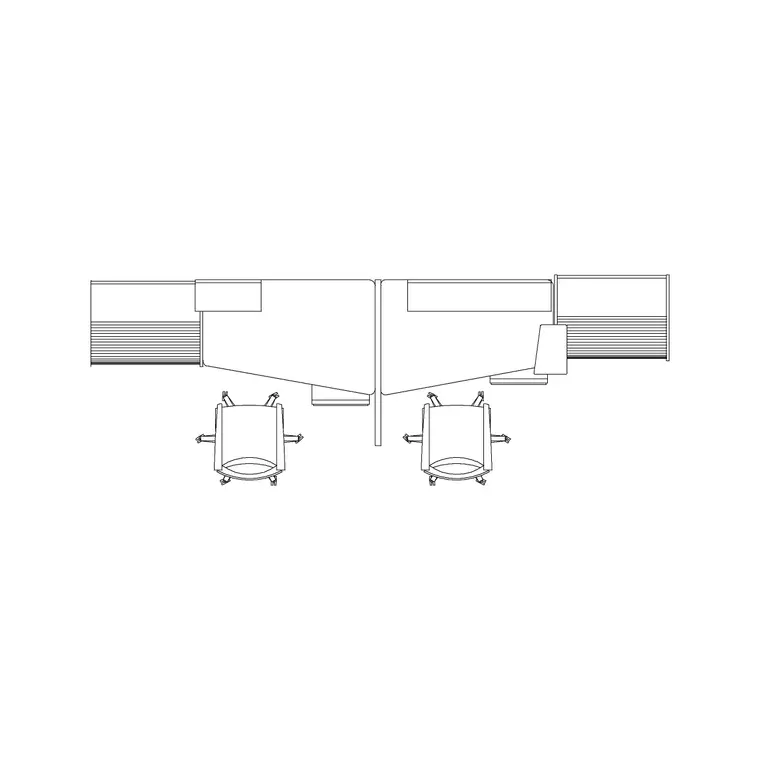
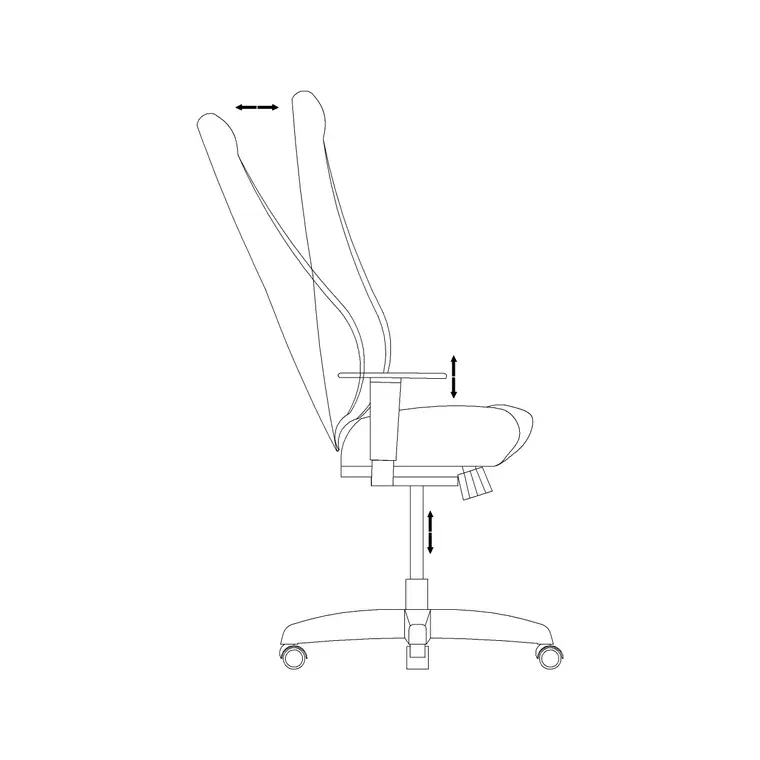
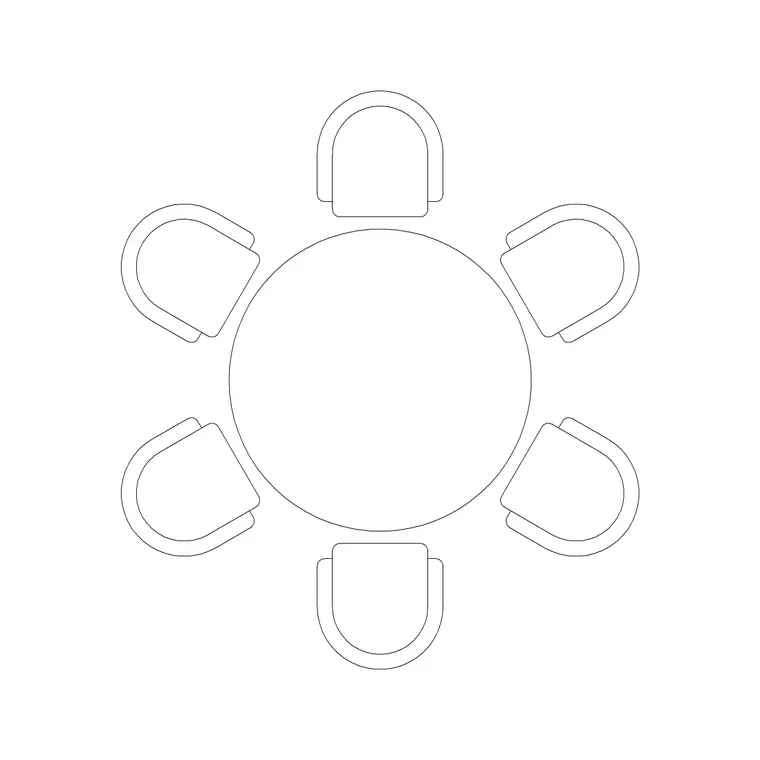
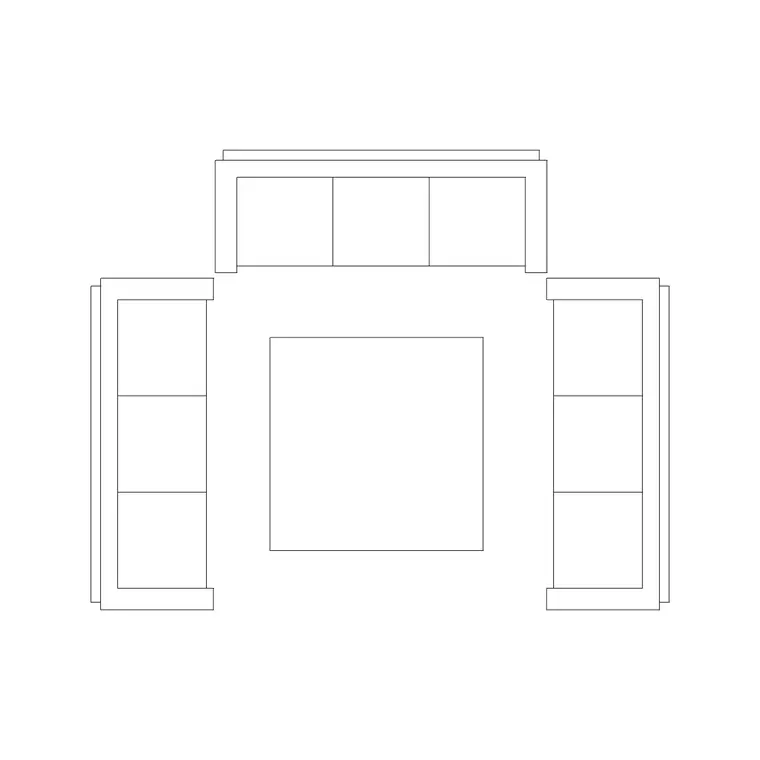
- Workstations and hot desks — single workstation blocks for fixed and flexible desks; bench desks for higher-density open work. - Communal and meeting tables — large round and rectangular tables for shared work and bookable meeting rooms. - Lounge seating — sofa sets for the social and breakout zones. - Reception desk — a reception-table block at the entrance for sign-in and the community manager. - Office chairs — pulled up to every desk and table. - Human figures — seated figures to set desk density and standing figures to test circulation and the social zone.
Keep desks, communal tables, lounge seating, reception, chairs and figures on separate layers so you can issue a furniture plan, a density study and a zoning diagram from one file.
Dimensions, density and circulation
Use these as design ranges. Fixed workstation: roughly 1400–1600 mm wide per person on a bench, more for a generous private desk. Pull-out space behind a desk chair: about 500 mm to sit and stand, more on a circulation side. Communal table: allow around 600–700 mm of table edge per person. Meeting room: size the table to the room and keep a chair-pull zone all the way around.
Main circulation spines want to be generous — often 1200 mm or wider — because they carry the whole floor's traffic and double as breakout edges. Around lounge sofas, leave approach and a coffee-table gap. Co-working lives and dies on density: too sparse and the economics fail, too dense and it feels like a call centre. Scaled blocks let you dial the desk count up and down and see the comfort change immediately.
Building the co-working plan from blocks
Draw the shell, place the entrance and reception, and define the social zone around it with lounge sofas. Run the main circulation spine back from the entrance. Fill the middle with communal tables and breakout seating, then place the focus desks and hot-desk benches furthest from the door, each with a chair.
Line the perimeter and corners with enclosed meeting rooms and phone booths. Walk a standing figure along the spine and seat figures at desks and tables to check density and that quiet zones aren't on the thoroughfare. With desks, tables, lounge, reception, chairs and figures layered, you can produce the furniture plan, a member-experience zoning diagram and a desk-count density study from the same drawing — and WBLOCK a standard desk-cluster or meeting-room layout to repeat across floors.
Common co-working layout mistakes
The first is one giant undifferentiated open floor — every desk identical, no acoustic zoning — so a sales call beside a deep-work desk ruins both. Vary the settings and separate them by energy. The second is putting focus desks on the main circulation spine, where every passer-by is a distraction. The third is too few enclosed rooms and booths, so the only place to take a call is the open floor.
Other traps: cramming desks to maximise the count until it feels oppressive, a lounge so large it eats revenue-earning desk space, and a reception that can't actually see the entrance to greet and badge members. Seating figures across the zones and walking one along the spine exposes the crowding and the noise clashes before the furniture is bought.
Free download
Browse the full library — DWG & DXF, no signup.
Questions
Frequently asked
How do I stop a co-working floor from being too noisy?+
Zone the floor by acoustic energy: put reception, café and lounge near the entrance, communal tables in the middle, and quiet focus desks furthest from the door, with enclosed meeting rooms and phone booths lining the perimeter to absorb noise. The blocks let you test that quiet desks aren't next to loud settings.
How dense should the desks be in a co-working space?+
Dense enough for the economics to work but not so dense it feels like a call centre. As a range, allow roughly 1400–1600 mm of bench width per person plus pull-out space. Array scaled workstation blocks, seat figures at them, and adjust the count until the comfort and the math both work.
What furniture mix does a co-working hub need?+
A spread of settings: fixed and hot desks, communal tables, enclosed meeting rooms, phone booths and lounge seating, plus a reception desk. The variety is the product, so use workstation, large-table and sofa blocks together rather than a single repeated desk.
Can I reuse a meeting-room or desk-cluster layout across floors?+
Yes. Once a desk cluster or a meeting-room layout reads well, write it out with WBLOCK and insert it on other floors. Because the blocks are drawn full size in millimetres, each reused layout lands at true scale and keeps your density and circulation checks consistent.
Related downloads
Blocks for this guide
Related categories
Related guides
Room guide
Free Classroom CAD Blocks — DWG Download
Free classroom CAD blocks in DWG and DXF — student desks, chairs, teacher tables and figures to lay out a teaching room in AutoCAD. No signup.
Room guide
Free School Library CAD Blocks — DWG Download
Free school library CAD blocks in DWG and DXF — reading tables, chairs, a circulation desk and figures to plan a library in AutoCAD. No signup.
Room guide
Free Bank Branch CAD Blocks — DWG Download
Free bank branch CAD blocks in DWG and DXF — teller counters, advisory desks, seating and figures to plan a branch interior in AutoCAD. No signup.