Block landing · rug cad block
Free floor rug and carpet CAD blocks in DWG and DXF
By Sumana Kumar · Published 7 Feb 2022 · Updated 12 Apr 2026
A floor rug is a flat element, but on a plan it does something no other furniture piece does: it draws an invisible room within a room. A rug under a seating group or a dining set tells the reader where one zone ends and another begins, and it's the layer that makes an open-plan space read as a set of defined areas rather than furniture floating on a slab. This page collects free rug and carpet CAD blocks in DWG and DXF — rectangular and round area rugs — drawn at true millimetre dimensions and ready for AutoCAD 2004 or later. Every file is free for personal and commercial use, with no signup, no watermark and no attribution required.
Use these blocks to anchor living-room, dining and lounge layouts. A rug's whole value is in how the furniture sits on it, so the block is most useful drawn together with the sofa, table or bed it defines — and the rule of thumb is always about how much of the furniture lands on the rug.
What a rug does on a layout
A rug is a zoning device. Slipped under a seating group, it gathers the sofa, chairs and coffee table into a single visual room; slipped under a dining set, it frames the table and chairs as one composition. On an open-plan drawing where there are no walls to separate living from dining, the rugs are what tell the eye where each function sits. Without them, furniture reads as scattered; with them, the plan reads as zoned.
The block itself is simple — a rectangle or a circle, sometimes with a border or a hatch to suggest pattern — but its size and position carry the design. Drawn on its own layer, the rug can be shown to communicate zoning or frozen to reveal the bare floor finish, so the same drawing serves both the layout and the floor-finishes plan.
Rug sizes to design around
Use these as your reference. Common rectangular area-rug sizes run roughly 1200×1800 mm (small), 1700×2400 mm (medium), 2000×3000 mm (large) and 2700×3600 mm (extra large). Round rugs commonly run 1500–2400 mm in diameter. A runner for a hall or galley is around 700–900 mm wide and 2000–3000 mm long. A dining rug needs to suit the table plus the pulled-out chairs.
The sizing rule is about furniture overlap, not the rug alone. Under a seating group, the front legs of the sofa and chairs should sit on the rug, with the rug extending a little beyond the group — aim for the rug to reach under at least the front feet. Under a dining table, the rug must be large enough that the chairs stay on it even when pulled out to sit — typically the table footprint plus about 600 mm all round. The scaled block makes both rules a visual check.
Anchoring furniture on the rug
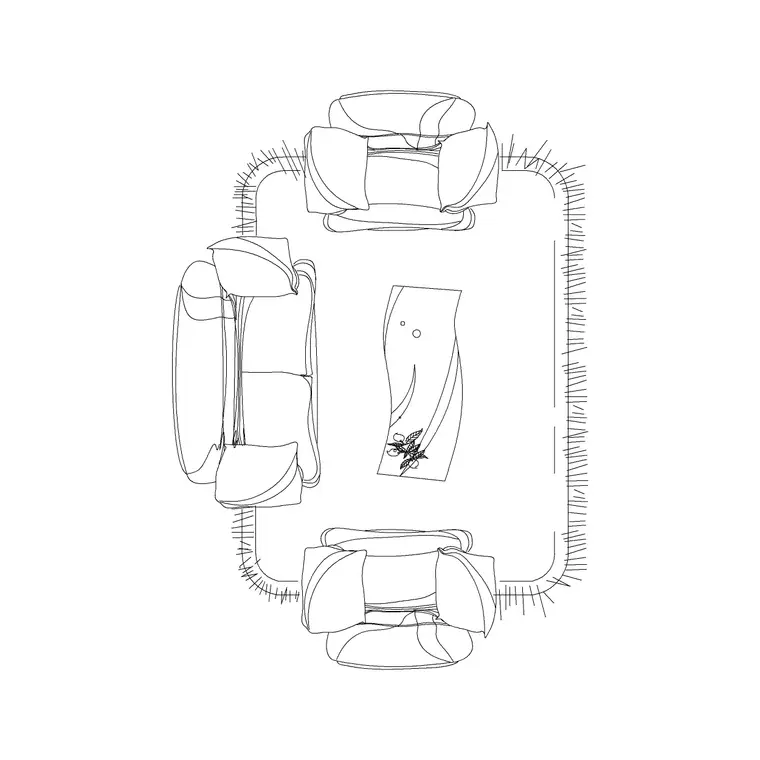
The relationship between the rug and the furniture on it is the whole design, so draw them together. For a seating group there are three classic options: all furniture fully on the rug (a generous, contained look), front legs only on the rug (the most common, space-efficient choice), or the rug floating in front of the sofa under the coffee table only (the most casual). Drawing the sofa, chairs and rug as scaled blocks lets you set whichever relationship the room calls for.
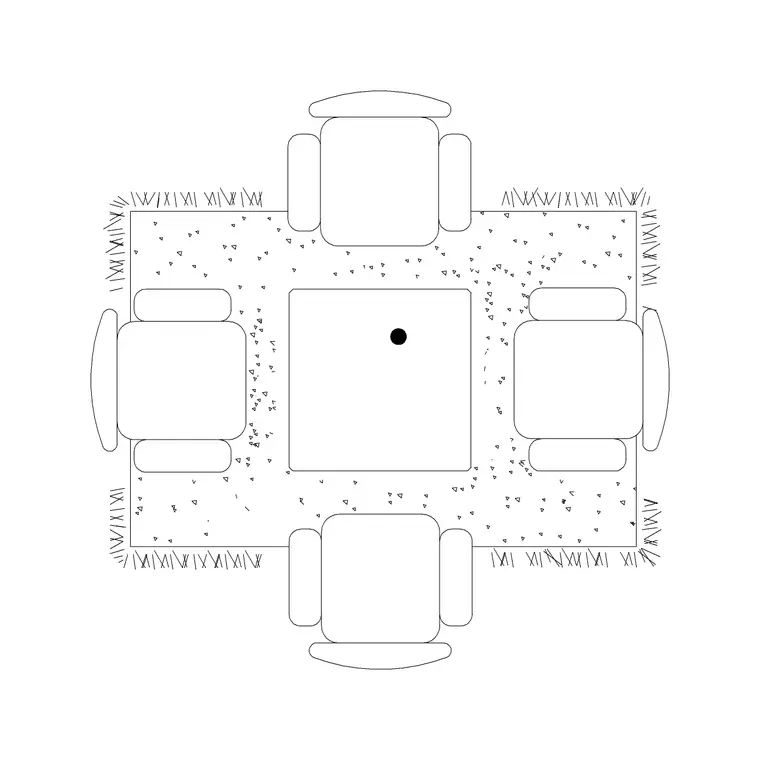
For a dining rug, the non-negotiable is that the chairs stay on the rug when pulled out — a chair that catches the rug edge as someone sits is a daily annoyance the plan should prevent. Size the rug to the table plus the chair pull-out and the problem disappears. The block's true size means the overlap you draw is the overlap you get.
Inserting and placing the block
These blocks are drawn full size in millimetres. Insert at scale 1 in a millimetre drawing, 0.001 in a metre template, or set INSUNITS to millimetres so AutoCAD rescales on insertion. Run INSERT or drag the DWG in, pick the centre of the rug as the insertion point, and centre it under the seating group or dining table.
Draw order matters with rugs: place the rug first, beneath the furniture, so the sofa, table and coffee table sit on top of it and read correctly. If a rug ends up hiding furniture, send it to back (DRAWORDER) or put it on a lower layer. Keep rugs on a dedicated floor-finishes or furniture layer so you can freeze them for a structural plan and thaw them to show the zoning.
Where rug blocks are used
Rug blocks appear in living rooms, dining rooms, bedrooms, lounges, hotel suites, reception areas and showroom vignettes. In residential work they zone open-plan spaces and complete a furnished presentation; in hospitality and commercial fit-outs they define soft-seating areas and add warmth to a hard-floored space. On a floor-finishes drawing they double as the area-rug specification.
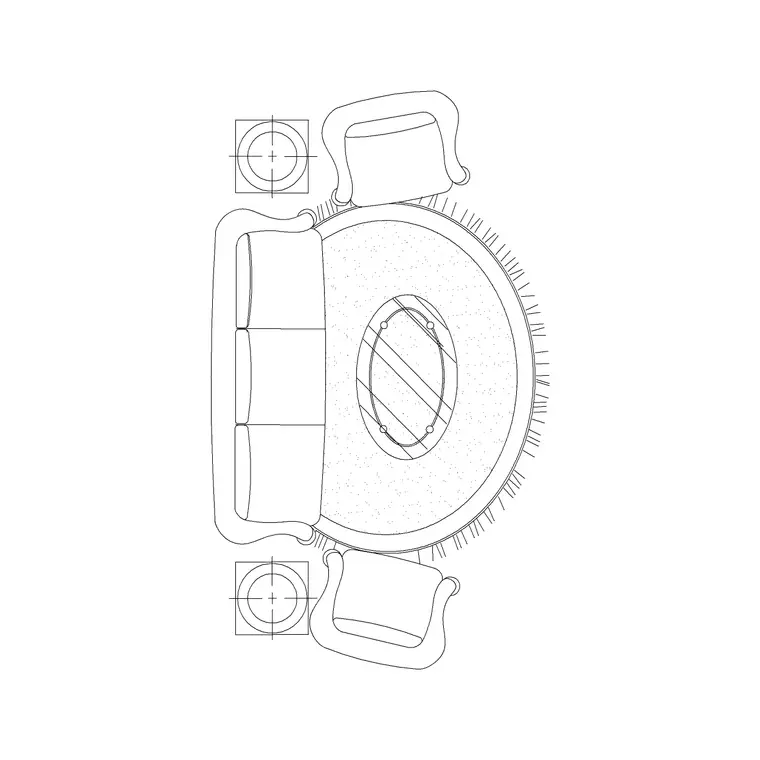
They're inseparable from the furniture they anchor, so reach for the sofa, coffee table, dining table and bed blocks in the furniture category when you build a zone. Several blocks here ship as a sofa set or dining set with the rug already drawn in, so a single download places the whole anchored group at once.
Rugs in open-plan zoning
On a modern open-plan drawing — living, dining and kitchen in one volume — rugs are the cheapest, most powerful zoning tool you have, and showing them is what makes the plan legible. A large rug under the sofa group and a second under the dining table draw two clear rooms out of one space, with the circulation reading as the bare floor between them. A reviewer can see the intended zones instantly, which a plan of furniture on blank floor never communicates as well.
The key is to size each rug to its group and let the gaps between rugs become the routes. Drawing everything to scale lets you tune that: enlarge the living rug until the whole seating group is contained, size the dining rug so the pulled-out chairs stay on it, and confirm the walking space between the two zones stays generous. Because several of these blocks arrive as a sofa-and-rug or table-and-rug set, the anchoring is already resolved — drop the set in and the zone reads correctly. Pair them with the sofa, dining and coffee-table blocks to render the full open-plan scheme.
Free download
Browse the full library — DWG & DXF, no signup.
Questions
Frequently asked
How big should a rug be under a dining table?+
Large enough that the chairs stay on the rug even when pulled out to sit — typically the table footprint plus about 600 mm all round. The scaled block lets you check that the pulled-out chairs don't catch the rug edge.
Should furniture sit on or off the rug?+
Under a seating group, the most common choice is front legs on the rug with the rug extending a little beyond the group. Fully-on and floating-in-front are also valid looks. Drawing the rug and furniture to scale lets you set whichever the room calls for.
How do I stop the rug hiding the furniture in my drawing?+
Place the rug first, beneath the furniture, or use DRAWORDER to send it to back so the sofa, table and coffee table sit on top. Keeping rugs on a lower layer makes this automatic.
Are the rug blocks free for commercial use?+
Yes. Every block downloads free in DWG (and DXF where available) with no signup, no watermark and no attribution requirement, cleared for commercial project use.
Related downloads
Blocks for this guide
Related categories
Related guides
Block landing
Free Office Chair CAD Blocks — DWG Download
Download free office chair CAD blocks in DWG and DXF — task chairs, swivel chairs and executive seats drawn in plan and elevation, AutoCAD 2004+, no signup.
Block landing
Free Bar Table CAD Blocks — DWG Download
Download free bar table CAD blocks in DWG and DXF — round, square and rectangular high bar tables in plan and elevation for AutoCAD. No signup, commercial-use OK.
Block landing
Free Restaurant Table CAD Blocks — DWG Download
Download free restaurant table CAD blocks in DWG and DXF — 2, 4 and 6 cover tables with chairs drawn in plan and elevation for AutoCAD. No signup, commercial-use OK.