Curated pack · retail store cad blocks
Free retail store CAD block pack for AutoCAD
By Sumana Kumar · Published 28 May 2025 · Updated 28 Apr 2026
A retail floor plan is a piece of choreography: it has to pull a customer in, walk them past the merchandise on a deliberate path, and deliver them to a till without ever feeling crowded or blocked. This free retail store CAD block pack gathers the blocks that frame that journey — checkout and service counters, consultation tables and seating, fitting and waiting furniture, and scale figures to test the aisles — drawn to scale in DWG and DXF for AutoCAD 2004 or later. Everything is free for personal and commercial use, with no signup and no watermark.
Retail design is dominated by aisle widths and the customer path. Aisles have to be wide enough for two shoppers and a basket to pass, the till queue has to not block the door, and the route has to keep customers moving past the products you most want them to see. Because every block here is drawn at true dimensions, you can lay the counters and fixtures, draw the aisles between them, and read whether the path and the queue actually work.
Use the pack for shops, showrooms, boutiques, service counters and consultation areas. Start by fixing the entrance and the till, draw the primary customer path, then place the fixtures and seating along it.
What's in the retail pack
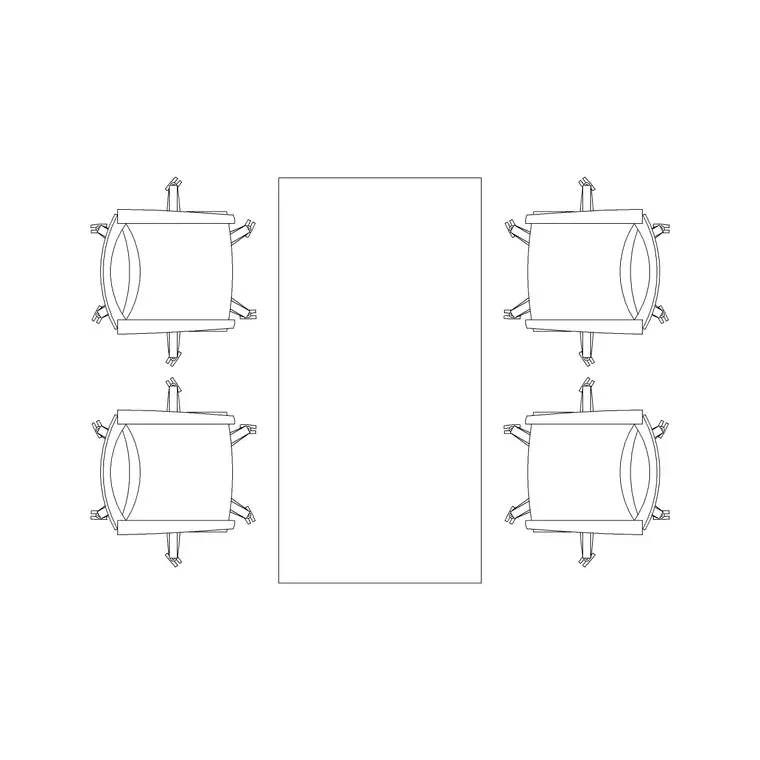
The pack centres on the service and consultation points of a store, the fixtures that are common across retail types. Checkout: a service/checkout counter drawn to a typical till span, with a customer side and a staff worktop. Consultation: a table and seating for sales conversations, fittings and bookings. Waiting: seating and a stool for customers who wait while served. Scale figures to test the aisles, the queue and the counter reach.
Because the counter is drawn with both the customer face and the staff worktop, you can dimension the till presentation height separately from the work surface, and set out a wrap-around or lowered accessible till position from the same block. The seating and tables suit any consultation-led retail — opticians, jewellers, banks, phone stores, salons.
Retail dimensions to design around
Keep these ranges close as you lay out the floor. Primary aisle: 1200–1800 mm so two customers with baskets or a buggy can pass comfortably; a main feature aisle in a larger store goes wider still. Secondary aisles between fixtures: 900–1200 mm. Accessible routes need a clear 1000 mm minimum and a 1500 mm turning space where a wheelchair must turn.
Checkout: a counter with the customer face around 950–1100 mm and a staff worktop at 720–750 mm; leave clear queue space in front of the till that does not back up into the entrance or a main aisle. Consultation seating wants about 0.7–1.0 m² per seated customer including access. Drop the scaled blocks in and the aisles, the queue and the consultation footprints become visual checks rather than estimates.
How to use the set
Fix the entrance and the till position first, because the customer path runs between them and the queue must not block either. Draw the primary path as a clear route through the floor, then place the checkout counter where a served customer is delivered near the exit, with queue space that does not back into the door.
Lay the consultation tables and seating off the main path so a sales conversation does not block circulation, and set waiting seating clear of the aisles. Use the scale figures to confirm two customers pass in the primary aisle, the queue fits, and the till is reachable. Keep counters, consultation furniture, seating and circulation on separate layers so you can issue a clean shopfit plan and coordinate it with the fixture supplier.
Plan for the floor, elevation for the shopfit
The retail floor is planned from above: the customer path, the aisle widths, the till queue and the fixture footprints all read in plan, and that is the view a space plan, a merchandising plan and a fire-egress check need. Array and mirror the counters and seating in plan to set out the floor.
The shopfit then moves to elevation and section — the checkout counter at its customer face and staff worktop, the consultation desk joinery, and any back-fixture and display heights. Build those elevations from the same scaled blocks so the counter the shopfitter builds matches the plan, and the till that lays out in plan sits correctly in the checkout elevation.
Per-item notes
Checkout/service counter — the anchor near the exit. Place it so a served customer leaves easily, dimension the customer face and staff worktop separately, and keep the queue space clear of the entrance and main aisle. Add a lowered accessible till section where required.
Consultation table and seating — set off the main path for sales conversations, fittings and bookings. Check each seat has access and the cluster does not foul the aisle.
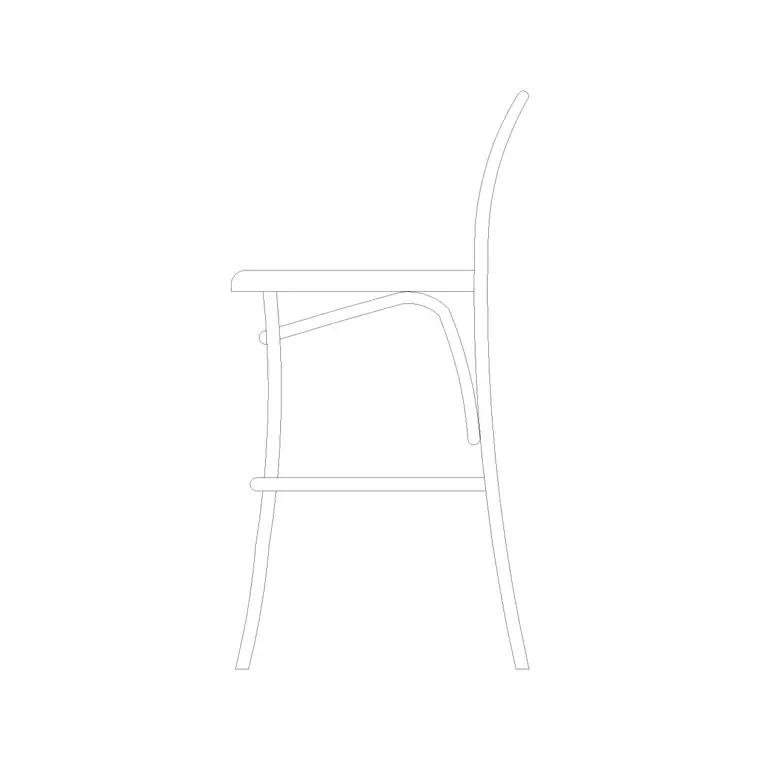
Waiting stool/seating — for customers waiting to be served; keep clear of the circulation.
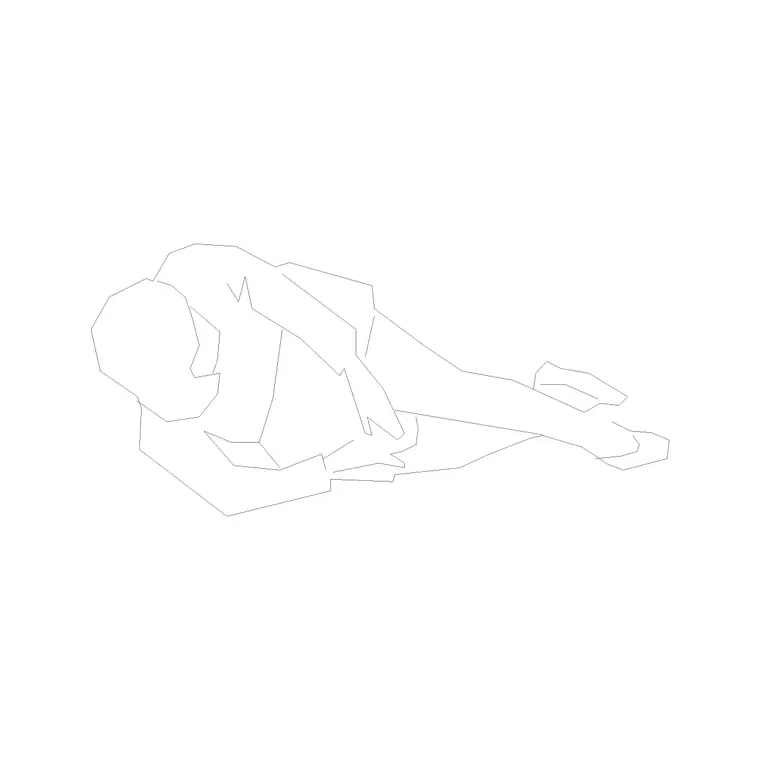
Human figure (plan) — place two in the primary aisle to prove they pass with baskets, one at the till to confirm the counter reach, and one in the queue to confirm it does not back into the door.
Who uses the retail pack
Retail and shopfit designers use it to set out the customer path, the aisles and the till zone before committing fixtures. Interior architects use it to populate shops, showrooms and service counters with scaled, believable furniture for planning and landlord drawings. Brand and store-planning teams use it to test whether a unit carries the merchandising and the queue the format demands.
Because the blocks are free and licence-clear, the pack suits a single boutique fit-out or a multi-store rollout. Pair it with the office and furniture categories for back-of-house, stockroom and consultation furniture, and the people category for the scale figures that prove the aisles, the queue and the consultation areas work at human size from one consistent library.
Free download
Browse the full library — DWG & DXF, no signup.
Questions
Frequently asked
How wide should a retail aisle be?+
Keep primary aisles at 1200–1800 mm so two customers with baskets can pass, and secondary aisles at 900–1200 mm. Accessible routes need a clear 1000 mm minimum with 1500 mm turning space where a wheelchair must turn.
What height should a checkout counter be drawn at?+
Draw the customer face around 950–1100 mm and the staff worktop at 720–750 mm, with a lowered accessible till section near 760 mm. The counter block carries both heights so you can dimension each.
Are the retail CAD blocks free for commercial use?+
Yes. Every block downloads free in DWG and DXF with no signup, no watermark and no attribution requirement, and they are cleared for commercial project use.
Do the blocks suit consultation-led retail like opticians or banks?+
Yes. The consultation table and seating suit any service-led store — opticians, jewellers, banks, phone shops and salons. Set them off the main customer path so a sales conversation does not block circulation.
Related downloads
Blocks for this guide

Related categories
Related guides
Curated pack
Free Office CAD Block Pack — DWG & DXF
Free office CAD block pack in DWG and DXF — desks, workstations, conference tables and reception furniture in plan view. No signup, commercial-use OK.
Curated pack
Free Reception Area CAD Block Pack — DWG
Free reception area CAD block pack in DWG and DXF — reception desks, waiting seating and scale figures for lobby layouts. No signup, commercial-use OK.
Curated pack
Free Restaurant CAD Block Pack — DWG & DXF
Free restaurant CAD block pack in DWG and DXF — dining tables, chairs, bar stools and high chairs for cafe and restaurant layouts. No signup, commercial OK.