Block landing · lounge seating cad block
Free lounge and waiting-area seating CAD blocks
By Sumana Kumar · Published 19 Jun 2026 · Updated 28 Jun 2026
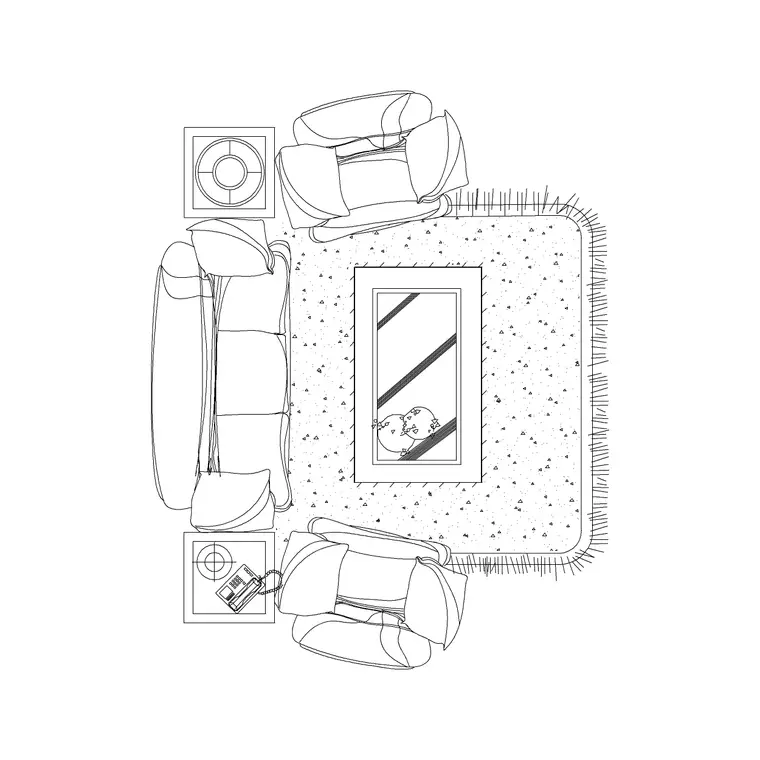
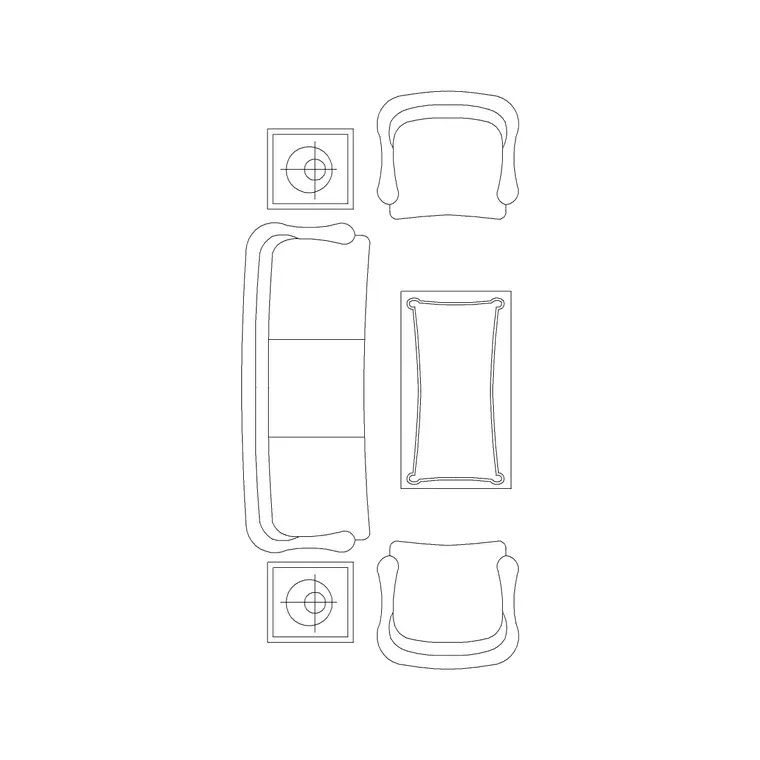
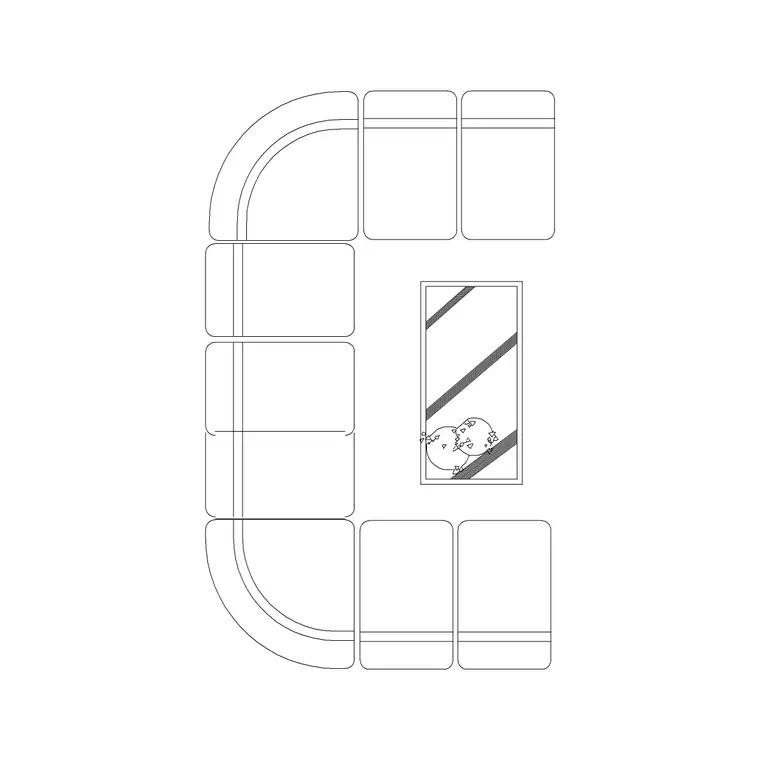
Lounge and waiting-area seating is the furniture that fills the in-between spaces of a building — the reception, the lobby, the clinic waiting room, the airport gate, the hotel lounge — and it has a different job from dining or task seating. It is about comfortable dwelling and orderly flow, so the blocks need to read as relaxed groupings and tidy rows. This page collects free lounge and waiting seating CAD blocks in DWG and DXF: reception sofas, lounge chairs, tub chairs and tandem (gang) bench seating, each drawn at true millimetre sizes and ready to insert into AutoCAD 2004 or later. Free for personal and commercial work, no signup, no watermark.
The distinction worth holding onto is between lounge seating and waiting seating. Lounge seating is loose furniture — sofas and easy chairs grouped around a low table for a relaxed, sociable feel, the kind of thing you draw in a hotel lobby or a soft-seating breakout. Waiting seating is usually fixed or ganged — beam-mounted tandem chairs in straight runs that pack people efficiently and keep clear circulation, the kind of thing you draw in a clinic, a transport terminal or a public office. The blocks here cover both, so you can match the seating to the room's real purpose.
Lounge seating vs waiting seating
Lounge seating is loose and sociable: two- and three-seat sofas, tub and lounge chairs, and an occasional center or coffee table, arranged in conversational clusters. You draw it where the priority is comfort and informal grouping — hotel lobbies, executive reception, members' lounges, soft-seating breakout in an office.
Waiting seating is efficient and orderly: tandem or beam seating where several seats share a single rail, set in straight rows against walls or back-to-back in islands, with clear aisles for queues and wheelchairs. You draw it where throughput matters — GP and hospital waiting rooms, dentists, transport terminals, public-service counters. Many real schemes use both: loose lounge chairs for the relaxed corner, ganged seating for the main wait. The blocks here let you mix them as the room demands.
Views and what's included
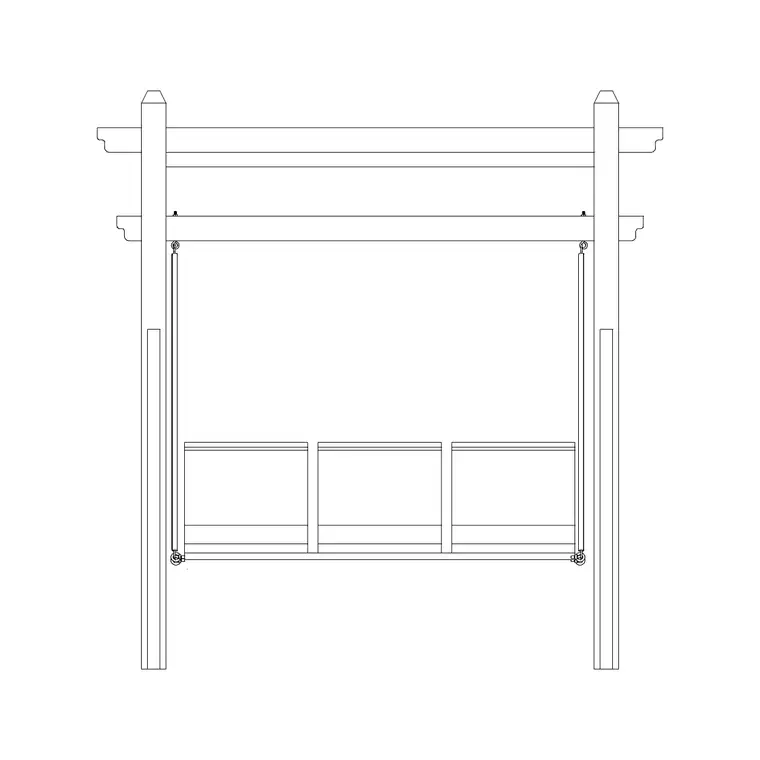
These downloads ship plan views as standard, because lounge and waiting layouts are planned from above — clusters and rows against the architecture, with circulation checked between them. Many also include a front or side elevation for interior elevations and presentation sheets, where a lobby sofa or a row of waiting chairs is shown face-on against a wall.
For tandem seating, the plan shows the beam length and the individual seat positions, which is what you need to count how many seats a run holds and where the arms and gaps fall. The blocks are drawn on a furniture layer convention so the seating freezes cleanly when you want a bare shell plan.
Typical sizing to design around
Lounge furniture ranges: a lounge or tub chair occupies roughly 700–850 mm square; a two-seat sofa runs about 1500–1700 mm wide and 850–950 mm deep; a three-seater about 1900–2200 mm wide. Seat height sits around 400–450 mm, lower and deeper than a dining chair for a relaxed posture. A low center table is typically 1000–1200 mm × 500–600 mm.
Waiting/tandem seating: individual seats are about 550–600 mm wide on the beam, with the run length a multiple of that plus the end frames. For circulation, keep at least 900 mm of clear aisle in front of a seated row, and 1500 mm where a wheelchair has to turn or where two queues pass. Around a lounge cluster, allow enough clear floor that people can get to and from each seat without climbing over the table.
How to insert and arrange the seating
The blocks are full size in millimetres. Insert at scale 1 in a millimetre drawing, 0.001 in a metre template, or set INSUNITS to millimetres so AutoCAD rescales on insertion. For a lounge cluster, place the center table first, then arrange sofas and chairs around it facing inward, snapping insertion points to seat centres and rotating each piece to the conversation.
For a waiting room, set the run direction along the wall, insert one tandem block, then ARRAY or COPY it down the wall, leaving the required aisle in front. Keep all the seating on a furniture layer so you can freeze it for a clean shell plan, and tag the seats if you want a quick capacity count — useful when a brief specifies a minimum number of waiting seats.
Where lounge and waiting seating is used
These blocks fill the public and semi-public rooms of almost every building type: hotel lobbies and lounges, corporate and clinic receptions, GP and hospital waiting rooms, dental and veterinary surgeries, transport terminals and gate lounges, public-service and council waiting areas, banks, and office breakout and collaboration zones.
Because the same room often mixes relaxed and orderly seating, the blocks are meant to be combined — a loose lounge group near the entrance, ganged seating for the main wait — and paired with reception desk, planter and low-table blocks to complete the space. Drawing them all from one scaled, licence-clear library keeps a multi-room scheme consistent from concept to FF&E.
Free download
Browse the full library — DWG & DXF, no signup.
Questions
Frequently asked
What's the difference between lounge and waiting seating?+
Lounge seating is loose furniture — sofas and easy chairs grouped around a low table for a relaxed, sociable feel. Waiting seating is usually ganged or beam-mounted tandem chairs in straight runs that pack people efficiently and keep clear circulation. Many rooms use both, and the blocks here cover both.
How wide is a single seat on a tandem waiting bench?+
About 550–600 mm per seat on the beam, with the run length a multiple of that plus the end frames. The plan view shows the individual seat positions so you can count how many seats a run holds and where the arms fall.
How much aisle space should a waiting row have?+
Keep at least 900 mm of clear aisle in front of a seated row, and around 1500 mm where a wheelchair has to turn or two queues pass. Because the blocks are at true size, you can check those clearances visually as you lay the rows out.
Are the lounge and waiting seating blocks free for commercial use?+
Yes. Every block downloads free in DWG and, where available, DXF, with no signup, no watermark and no attribution requirement, and they are cleared for commercial project use.
Related downloads
Blocks for this guide
Related categories
Related guides
Block landing
Free Bar Table CAD Blocks — DWG Download
Download free bar table CAD blocks in DWG and DXF — round, square and rectangular high bar tables in plan and elevation for AutoCAD. No signup, commercial-use OK.
Block landing
Free Restaurant Table CAD Blocks — DWG Download
Download free restaurant table CAD blocks in DWG and DXF — 2, 4 and 6 cover tables with chairs drawn in plan and elevation for AutoCAD. No signup, commercial-use OK.
Block landing
Free Restaurant Chair CAD Blocks — DWG Download
Download free restaurant chair CAD blocks in DWG and DXF — dining, cafe and side chairs plus baby high chairs in plan and elevation. No signup, commercial-use OK.