Room guide · hotel room cad blocks
Free hotel room CAD blocks for AutoCAD plans
By Saumyajit Maity · Published 9 Dec 2023 · Updated 2 Feb 2026
A standard hotel guest room is one of the most disciplined plans in all of architecture, because it is drawn once and then built hundreds of times. Every millimetre is multiplied by the room count, so the layout is optimised hard: a tight entry past the bathroom and wardrobe, the bed centred on the feature wall, a desk or console along one side, and a lounge chair by the window. The bathroom and the bed positions are nearly fixed by plumbing stacks and the structural module; the designer's freedom is in how the remaining strip of floor is used.
This page is for laying out that repeating guest-room module in AutoCAD. The free CAD blocks below give you the core furniture — a double bed with integrated side tables, a lounge chair, a small table to serve it, a reading lamp and a planter to soften the window corner — all DWG, drawn to scale, free for commercial use, no signup. Drop them into the room module and the circulation and clearances become measurable.
The one rule that governs the whole plan is the entry sequence. A guest walks in past the bathroom door and the wardrobe before the room opens up to the bed. That entry corridor must stay clear, the bathroom door must swing without hitting the wardrobe, and the bed must sit far enough into the room that both sides are usable. Get that sequence right and the rest of the room almost lays itself out.
Why the guest room repeats
A hotel is a stack of identical rooms hung off a structural and plumbing grid. The bathroom pods line up vertically through the building so the stacks run straight; the room width is set by the structural module; the depth runs from the corridor wall to the window. Within that fixed box the furniture layout is standardised so housekeeping, maintenance and the FF&E order are all repeatable.
That repetition is why the plan is worth obsessing over. A 50mm saving on the entry corridor, multiplied across 200 rooms, is real money and real built area. Draw the module once, prove every clearance with scaled blocks, and only then roll it out — because every mistake repeats as many times as the room does.
Guest-room blocks and their roles
The 1600x1950 double bed with integrated side tables is the centrepiece — drawn to scale with the side tables built in, it sets the bed wall and tells you immediately how much floor is left for everything else. Its plan and side views let you build the room in both views.
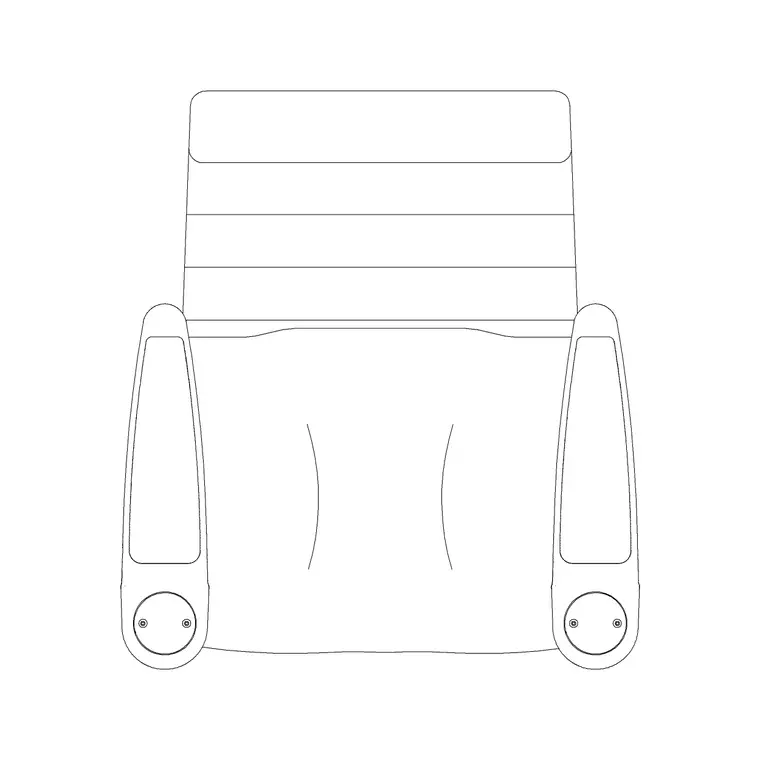
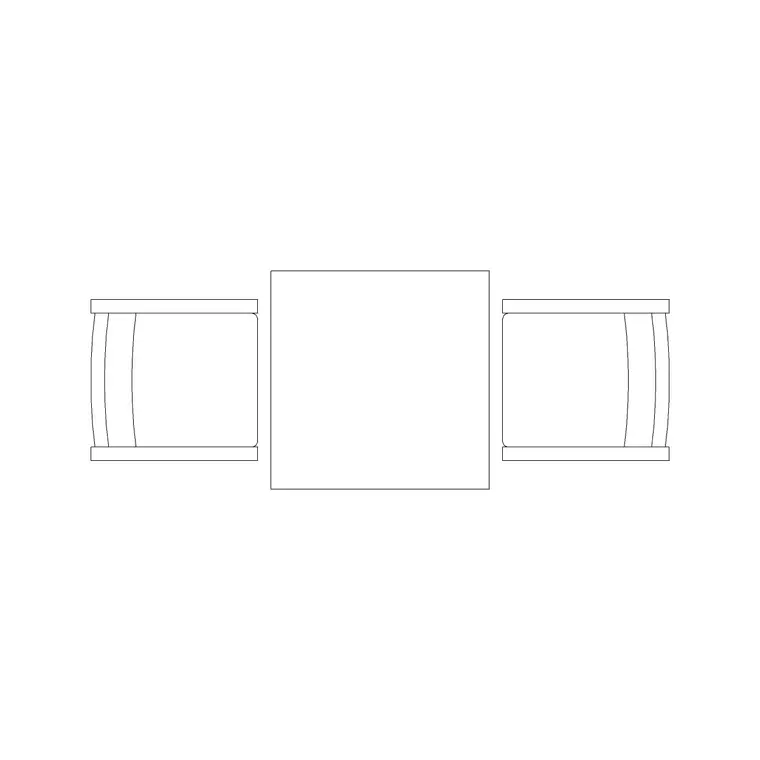
A lounge chair — the Audi chair plan block works as the reading chair — sits in the window corner with a small 800mm table beside it for the cup and the room-service tray. A wall lamp gives the bedside or the chair its task light without eating the side-table top, and a medium potted plant softens the window corner and gives the photography a green note. The desk or console you draw to suit the brand, but these scaled blocks fix the bed, the chair zone and the lighting so the circulation reads true.
Hotel room dimensions to design around
Hold these clearances as you lay the module. The entry corridor past the bathroom and wardrobe wants about 900mm clear. A double bed runs roughly 1500–1800mm wide by 2000mm long; leave at least 600–700mm of walking space down at least one side, ideally both, and 700mm at the foot to pass to the window.
The bathroom door must swing clear of the wardrobe and not into the entry path — draw the swing and check it. The wardrobe wants 600mm depth and a 900mm clear stand-back to use it. A lounge chair and small table in the corner want about 1.2 x 1.2m. The desk or console wants 600mm depth and a chair pull-out of 600mm. Keep at least one room per floor as an accessible room with a 1500mm turning circle and wider clearances. Scaled blocks let you prove every one of these before the module repeats.
Building the room module in AutoCAD
Start from the fixed box: corridor wall, window wall, party walls and the bathroom pod. Insert the bathroom and wardrobe at the entry and draw the door swings — the bathroom swing is the constraint everything else respects.
Drop the double-bed block on the feature wall, centred or offset to suit, and check the walking space down each side and at the foot. Place the lounge chair and its small table in the window corner, the wall lamp at the bedside, and the planter in the corner. Run a polyline down the entry corridor and offset it to confirm 900mm holds past the open bathroom door. Layer the bed, soft seating, joinery, lighting and planting separately, make the whole furnished room a block, and array it down the floor plate to lay out the wing — then mirror it for the opposite-handed rooms.
Plan and elevation together
The guest room is designed in plan and elevation at once because the bed wall is the room's face. The plan fixes the footprints and the clearances; the bed wall elevation fixes the headboard, the bedside lamps, the artwork and the proportions a guest sees on walking in.
The double-bed block ships a side view, so you can build the bed-wall elevation directly from it, and the wall lamp block gives you the bedside light in elevation at its true mounting height. Draw the window wall elevation too, with the lounge chair and planter, to confirm the corner reads as a calm place to sit rather than an afterthought wedged against the glass.
Common guest-room mistakes
- A bathroom door that swings into the entry corridor or fouls the wardrobe, repeated in every room. - A bed pushed so close to one wall that only one side is usable, halving the room's appeal for couples. - The lounge chair and table crammed so tight to the window that no one can actually sit there. - A wall lamp drawn at the wrong height in elevation, clashing with the headboard or the artwork. - No accessible room version, so the wing cannot meet the required accessible-room count.
Because the module repeats, draw the swings and the clearances with scaled blocks once, prove them, and only then array the room across the floor.
Free download
Browse the full library — DWG & DXF, no signup.
Questions
Frequently asked
What is the minimum walking space beside a hotel bed?+
Leave at least 600–700mm of clear walking space down at least one side of the bed, ideally both for a double, plus about 700mm at the foot to pass through to the window. Below that the room feels cramped and housekeeping struggles to make the bed.
How wide should the hotel room entry corridor be?+
About 900mm clear past the bathroom and wardrobe, checked with the bathroom door open. Run a polyline down the corridor and offset it to confirm the swing of the open bathroom door does not pinch the route below 900mm.
Are these hotel room CAD blocks free for commercial work?+
Yes. Every block is DWG, free for personal and commercial use, with no signup and no watermark, ready to drop into a paid hotel guest-room module.
Why does the guest-room layout matter so much?+
Because it repeats. A standard room is drawn once and built dozens or hundreds of times, so every clearance error and every wasted millimetre multiplies by the room count. Prove the module with scaled blocks before you array it across the floor.
Can I build the bed-wall elevation from these blocks?+
Yes. The double-bed block ships a side view, so you can build the bed-wall elevation directly from it, and the wall lamp block gives the bedside light in elevation at its true mounting height. Draw the window wall elevation too for the lounge-chair corner.
Related downloads
Blocks for this guide

Related categories
Related guides
Room guide
Free Restaurant Layout CAD Blocks — DWG Download
Free restaurant CAD blocks in DWG — dining tables, chairs, bar stools, planters and chandeliers for AutoCAD seating plans. No signup, commercial OK.
Room guide
Free Coffee Shop CAD Blocks — DWG Download
Free coffee shop CAD blocks in DWG — counter stools, small tables, planters and pendants for barista-bar floor plans. No signup, commercial OK.
Room guide
Free Bar Lounge CAD Blocks — DWG Download
Free bar lounge CAD blocks in DWG — bar stools, lounge sofas, low tables, planters and chandeliers for cocktail bar plans. No signup, commercial OK.