Block landing · recliner chair cad block
Free recliner chair CAD blocks for AutoCAD
By Saumyajit Maity · Published 6 Dec 2022 · Updated 16 Mar 2026
A recliner is the reclining armchair that tilts back and extends a footrest — the comfortable seat of a home media room, a cinema, a lounge or a relaxation suite. The thing that makes a recliner block different from any other chair is the reclined envelope: when it tips back, it needs clear space both behind and in front, and a scaled recliner CAD block is the only reliable way to check that on a plan. This page collects free recliner chair CAD blocks in DWG and DXF — single recliners, relaxer chairs and reclining loungers in plan and elevation — drawn at true millimetre dimensions and ready to insert into AutoCAD 2004 or later. Everything is free for personal and commercial work, with no signup and no watermark.
Use these blocks to set out a home cinema, a lounge, a waiting room or a relaxation area. Because the block is scaled, you can confirm the recliner has room to tip back and extend its footrest without hitting the wall behind or a piece of furniture in front.
Why a recliner needs more space than it looks
An upright recliner has the footprint of a generous armchair, but that is not the dimension that matters — the reclined position is. As the back tilts and the footrest extends, the chair grows considerably longer front-to-back, and the back may need clearance behind it too (a 'wall-hugger' recliner avoids that by sliding forward as it reclines, but many don't). The defining design check is therefore the swept envelope: the floor area the recliner occupies fully reclined.
A good recliner block shows this. The best blocks include both the upright footprint and the reclined extent — or at least carry the reclined length in the elevation — so you can draw the clear zone the chair really needs. Place the scaled block reclined and you can see whether a recliner against that wall will hit the wall behind, and whether its extended footrest reaches into a walkway.
Typical recliner dimensions to design around
Design around these figures. Upright footprint: 850–950 mm wide by 900–1000 mm deep — armchair-like. Reclined depth: 1500–1750 mm front-to-back as the footrest extends and the back tilts. Wall clearance behind (non-wall-hugger): allow 250–400 mm. Seat height: 400–450 mm. Back height upright: 1000–1100 mm.
That reclined depth is the number that governs the layout: a recliner that looks like it fits as an armchair may overshoot badly when reclined. Allow the full reclined envelope plus a little circulation, and for a row of cinema recliners leave the reclined depth clear in front of each. Placing the scaled block in its reclined position makes that zone easy to draw and check.
Plan for the footprint, elevation for the recline
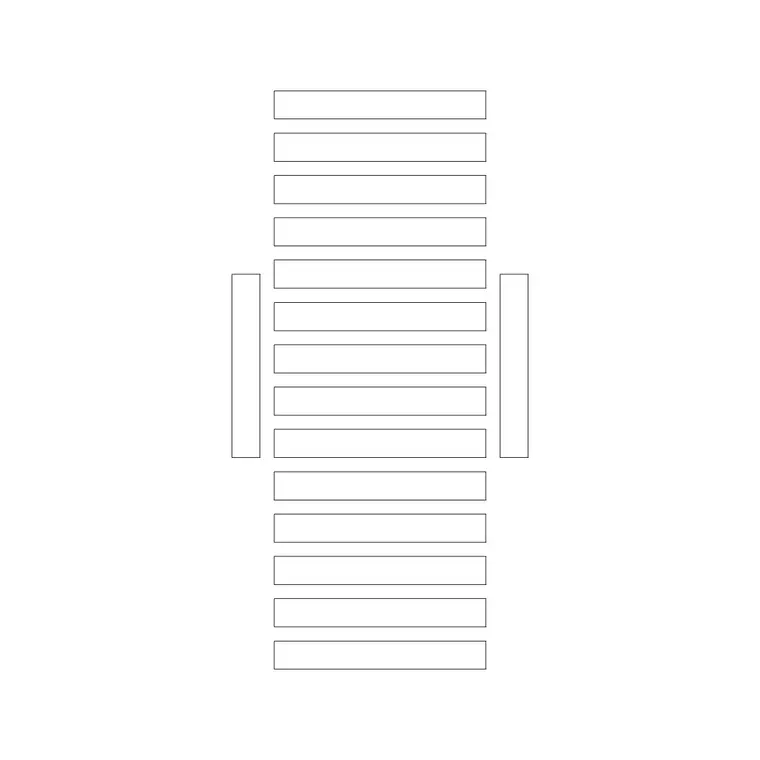
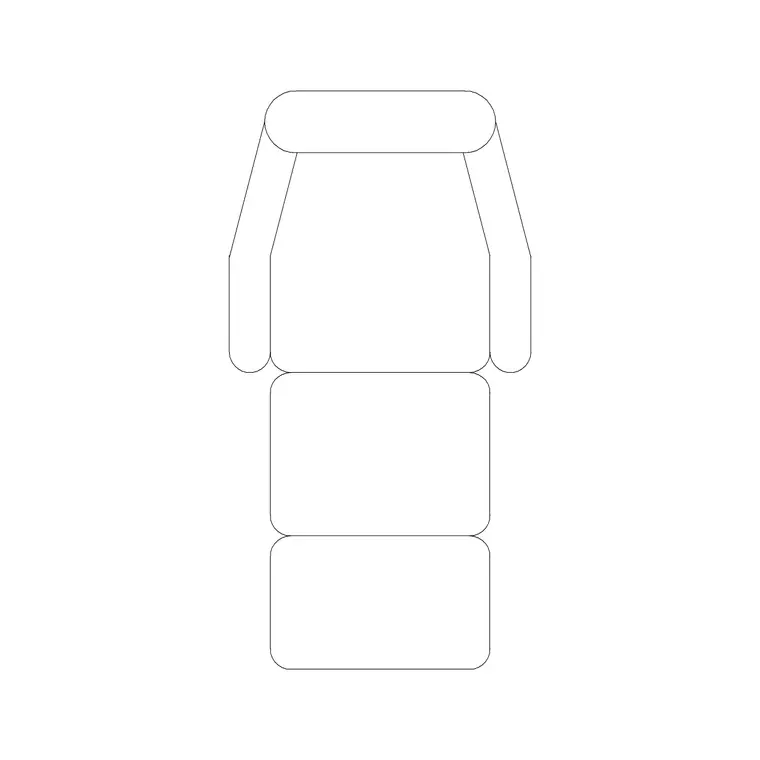
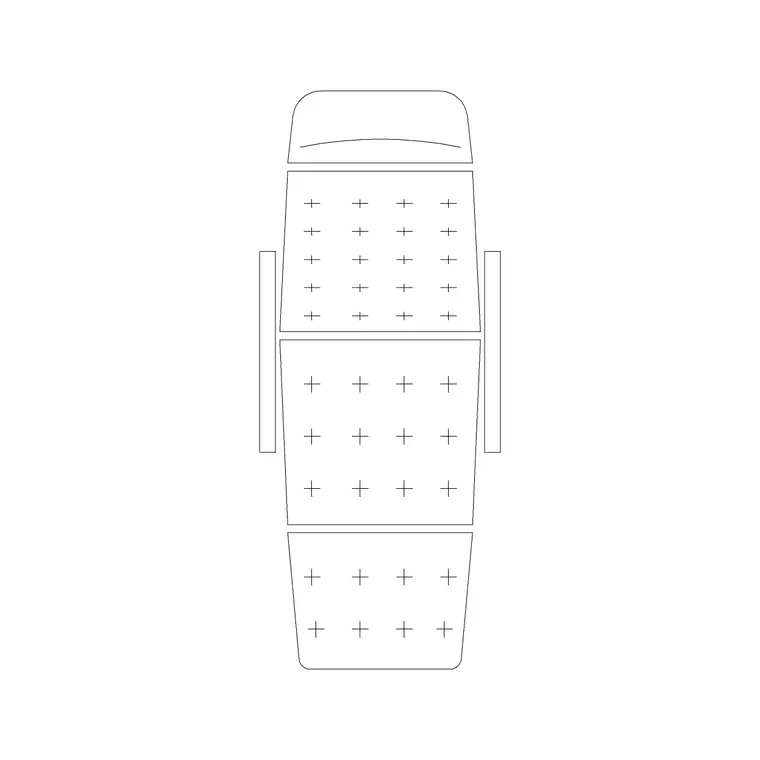
For layouts you work in plan: the recliner's footprint placed against a wall or in a row, with the reclined extent shown or allowed for. The plan block is what you array down a row of home-cinema seats or place beside a media unit. Keep it on a furniture layer so you can freeze the seating for a clean structural plan.
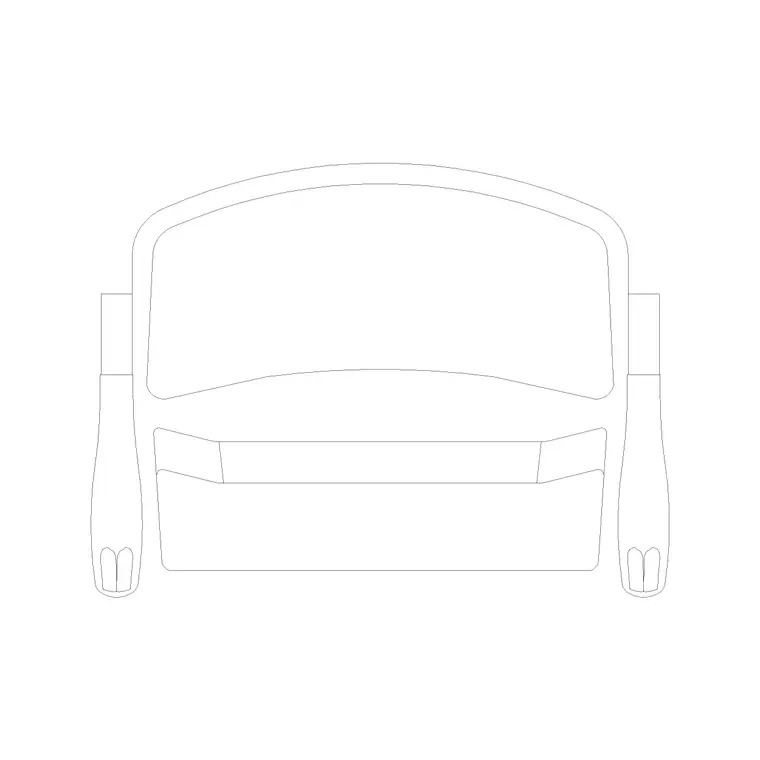
The elevation is especially useful for a recliner because the recline is a side-on motion — a side elevation shows the upright and reclined postures, the footrest extension and the back tilt, which is exactly what a sectional drawing of a cinema or lounge needs. Many downloads here carry both views, so a single file serves the plan footprint and the reclined elevation.
How to insert and allow for the recline
The recliner blocks are drawn full size in millimetres. Insert at scale 1 in a millimetre drawing, 0.001 in a metre template, or set INSUNITS to millimetres so AutoCAD rescales on insertion.
Use INSERT or drag from a tool palette, pick the centre of the seat as the insertion point, and place the recliner facing the screen or the focal point. The key habit is to draw the reclined clearance: with the scaled block placed, sketch a light rectangle (or use the reclined version of the block) showing the swept envelope, so the layout reserves that space. For a row of recliners, the ARRAY command spaces them at a set centre-to-centre distance that keeps the reclined envelopes clear of one another.
Where recliner blocks are used
Recliner blocks suit relaxation-focused spaces: home cinemas and media rooms, commercial cinema and screening rooms, residential lounges and snugs, hotel suites, spa and relaxation areas, care-home day rooms, and waiting or recovery areas in clinics. Pair them with the sofa, ottoman and side-table blocks to complete a relaxed seating layout.
Because they are free and licence-clear, they suit residential schemes, hospitality and leisure fit-outs, student portfolios and concept plans. The same block carries from a layout sketch through to a coordinated FF&E drawing without redrawing the seating.
Laying out a row of recliners
Recliners are often used in rows — a home cinema, a screening room, a relaxation lounge — and the row layout lives entirely on the reclined envelope. Each recliner needs its reclined depth clear in front so the footrest can extend without reaching the row ahead or a walkway, and enough side spacing for armrests and access. Because the block is scaled, you set up one recliner with its reclined clearance drawn, then ARRAY it along the row at a centre-to-centre spacing that keeps every reclined envelope clear.
For tiered cinema seating, the reclined depth also drives the step depth of each platform, so getting the recliner's swept envelope right on the plan feeds straight into the section. Keeping the recliners as block references lets you adjust spacing or swap to a wall-hugger model across the whole row in one move. When the row works, WBLOCK a single seat with its clearance zone as a reusable unit so the next screening-room layout arrays correctly from the start.
Free download
Browse the full library — DWG & DXF, no signup.
Questions
Frequently asked
How much space does a recliner need when reclined?+
Reclined, a recliner extends to roughly 1500–1750 mm front-to-back as the footrest comes out and the back tilts, and a non-wall-hugger also needs 250–400 mm behind. Allow that full swept envelope plus circulation — place the scaled block reclined to draw the clear zone.
What's a wall-hugger recliner, and does it change the layout?+
A wall-hugger slides forward as it reclines, so it needs little or no clearance behind and can sit close to a wall. A standard recliner tilts its back rearward and needs space behind. The block and its clearance zone tell you which assumption your layout depends on.
Are these recliner CAD blocks free for commercial use?+
Yes. Every recliner block downloads free in DWG and, where available, DXF, with no signup, no watermark and no attribution requirement, and they are cleared for commercial project use.
What units are the recliner blocks drawn in?+
Full size in millimetres. Insert at scale 1 in a millimetre drawing, or set INSUNITS to millimetres so AutoCAD rescales automatically if your template uses different insertion units.
Related downloads
Blocks for this guide
Related categories
Related guides
Block landing
Free Office Chair CAD Blocks — DWG Download
Download free office chair CAD blocks in DWG and DXF — task chairs, swivel chairs and executive seats drawn in plan and elevation, AutoCAD 2004+, no signup.
Block landing
Free Bar Table CAD Blocks — DWG Download
Download free bar table CAD blocks in DWG and DXF — round, square and rectangular high bar tables in plan and elevation for AutoCAD. No signup, commercial-use OK.
Block landing
Free Restaurant Table CAD Blocks — DWG Download
Download free restaurant table CAD blocks in DWG and DXF — 2, 4 and 6 cover tables with chairs drawn in plan and elevation for AutoCAD. No signup, commercial-use OK.