Curated pack · hotel cad blocks
Free hotel CAD block pack for AutoCAD
By Saumyajit Maity · Published 31 Aug 2022 · Updated 13 Jun 2026
A hotel is really several building types stacked together: a lobby that has to greet and register, a dining room and bar that have to turn covers, meeting space that has to flex, and guest floors that repeat a room layout dozens of times. This free hotel CAD block pack draws together the front-of-house blocks those spaces share — reception desks, lobby and lounge seating, dining tables and chairs, bar stools and scale figures — in DWG and DXF for AutoCAD 2004 or later. Everything is free for personal and commercial use, with no signup and no watermark.
Hospitality planning rewards getting the public spaces right, because that is where guests form their impression and where the operational flow either works or jams. The reception has to handle arrival and check-in without a queue blocking the lounge; the restaurant has to hit its covers; the bar has to seat people comfortably at the counter. Because every block here is drawn at true dimensions, you can lay these zones against each other and read the clearances directly.
Use the pack for hotel lobbies, lounges, restaurants, bars and check-in counters. It pairs naturally with the office and furniture categories when you move from the public floor into back-of-house and guest-room layouts.
What the hotel pack covers
The pack concentrates on the public front of house, where the shared furniture types live. Arrival: a reception/check-in desk drawn to the typical greeting span. Lounge: lounge-style seating and low tables for the lobby waiting zone. Dining and bar: a dining table set, café chairs and a bar stool for the restaurant and bar areas. Scale figures to test arrival, queueing and seated comfort.
Because hotels repeat their furniture types across many spaces, the blocks are deliberately general-purpose: the same dining table that suits the restaurant also lays out the breakfast room, and the same lounge seating that dresses the lobby furnishes a lift lobby or a club floor. That reuse keeps a large hospitality drawing set consistent from one space to the next.
Hotel dimensions to design around
Reach for these ranges across the public spaces. Reception/check-in counter: public face around 1100 mm, staff worktop 720–750 mm, with a lowered accessible section near 760 mm; a single check-in position is commonly 1600–2000 mm wide. Lobby circulation: keep generous routes of 1800 mm or more through the arrival zone so arriving and departing guests with luggage do not collide.
Restaurant covers: about 600 mm of table edge per diner, a four-top around 1100–1200 mm long, with 900 mm service gangways and 1200 mm main routes. Bar: a counter around 1050–1100 mm high with stools at roughly 600 mm centres. Lounge seating: allow about 0.7–1.0 m² per seated guest including the gap to reach the chair. Drop the scaled blocks in and these become visual checks.
How to use the set
Work the public sequence in order: entrance, then reception, then the lounge, then the route through to the restaurant and bar. Place the check-in desk so an arriving guest sees it from the door, and keep the check-in queue clear of the lounge seating and the lift route — a queue cutting across the lounge is the classic hotel-lobby failure.
Lay the lounge seating into loose clusters off the main circulation, then array the dining tables in the restaurant to hit the cover target with proper gangways, and line the bar stools along the counter. Use the scale figures to prove arrival, queueing and seated comfort. Keep reception, lounge, dining and bar on their own layers so each space can be issued as a clean furniture plan from the same coordinated drawing.
Plan for layouts, elevation for the interiors
The hotel public floor is planned from above: arrival flow, queue space, lounge clusters and restaurant covers all read in plan, and that is the view a space plan and an operational review need. Array and mirror the seating and tables in plan to dress each space.
The interiors then move to elevation and section — the check-in desk joinery at its 1100 mm public face, the bar counter at 1050–1100 mm with stools, the restaurant banquettes and feature walls. Build those elevations from the same scaled blocks so the joinery the contractor makes matches the plan, and the bar stool that lays out in plan also sits correctly against the counter in the bar elevation.
Per-item notes
Reception/check-in desk — anchor of the lobby. Place it on the arrival sightline, dimension the public face and staff worktop separately, and add a lowered accessible section. Keep the check-in queue off the lounge and lift routes.
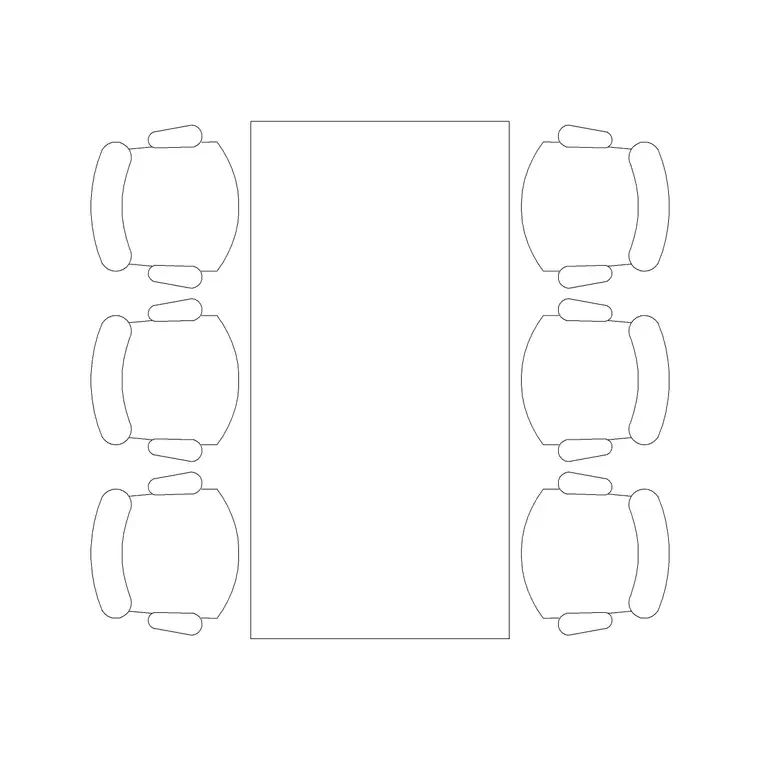
Dining table and chairs — reuse across the restaurant and breakfast room. Array to the cover target and flex between table sizes by adding or removing chairs.
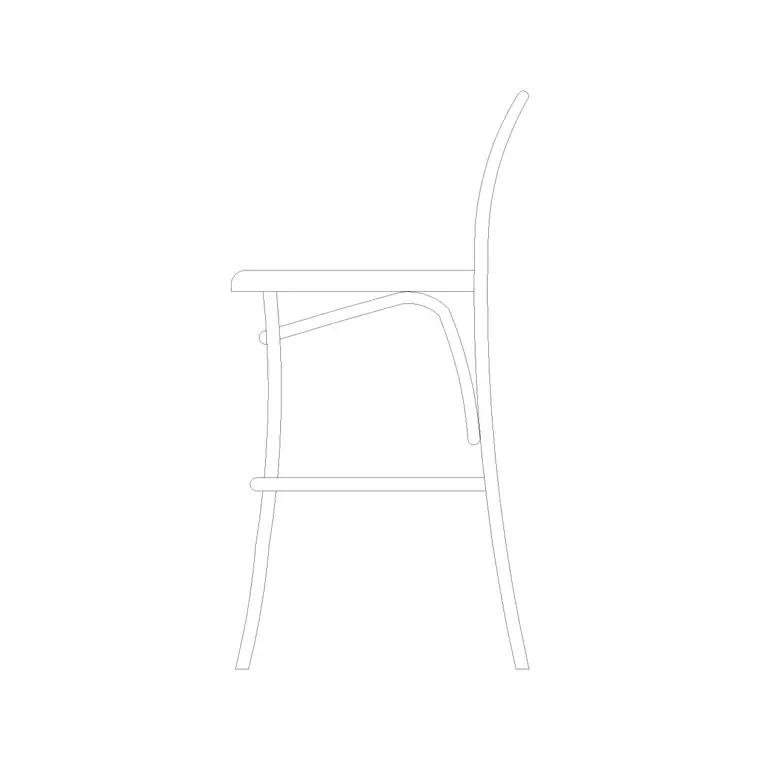
Bar stool — drawn in elevation and side view for the bar counter. Space at roughly 600 mm centres and check the seat-to-counter gap in the bar elevation.
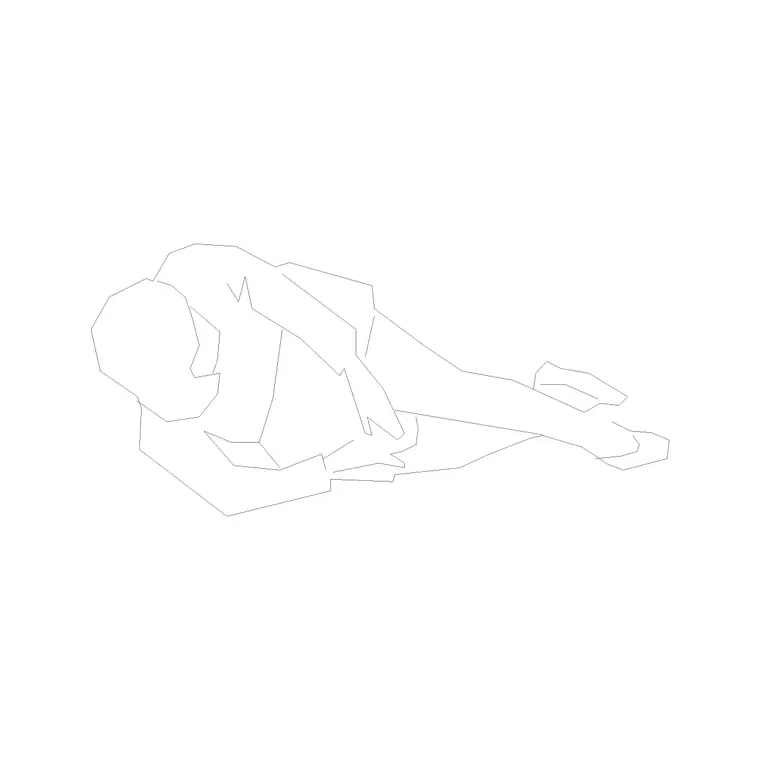
Lounge seating and human figures — cluster the seating off the main route and use the figures to prove arrival flow, queueing and the seated comfort of a waiting guest.
Who uses the hotel pack
Hospitality and interior designers use it to lay out lobbies, lounges, restaurants and bars where guest experience and operational flow both matter. Architects use it to populate hotel public floors in concept and planning drawings. Operators and brand teams use it to test whether a space meets the standard for arrival, dining covers and lounge capacity.
Because the blocks are free and licence-clear, the pack suits a boutique hotel fit-out or a large branded property. Pair it with the office category for back-of-house and admin areas, the furniture category for guest-room and additional seating, and the people category for the scale figures that prove every public space works at human size from one consistent library.
Free download
Browse the full library — DWG & DXF, no signup.
Questions
Frequently asked
Does the hotel pack cover guest rooms or just public areas?+
It concentrates on the public front of house — reception/check-in, lobby and lounge seating, restaurant and bar furniture. For guest-room layouts, pair it with the furniture category, which carries the bed and bedroom blocks.
How wide should a hotel check-in counter be?+
A single check-in position is commonly 1600–2000 mm wide, with the public face around 1100 mm and the staff worktop at 720–750 mm. Add a lowered section near 760 mm for accessible and seated check-in.
Are the hotel CAD blocks free for commercial use?+
Yes. Every block downloads free in DWG and DXF with no signup, no watermark and no attribution requirement, and they are cleared for commercial project use.
Can I reuse the dining blocks for the breakfast room?+
Yes. The dining table and chairs are general-purpose, so the same blocks lay out the restaurant, the breakfast room and any private dining space. Array them to suit each room's cover target.
Related downloads
Blocks for this guide

Related categories
Related guides
Curated pack
Free Office CAD Block Pack — DWG & DXF
Free office CAD block pack in DWG and DXF — desks, workstations, conference tables and reception furniture in plan view. No signup, commercial-use OK.
Curated pack
Free Reception Area CAD Block Pack — DWG
Free reception area CAD block pack in DWG and DXF — reception desks, waiting seating and scale figures for lobby layouts. No signup, commercial-use OK.
Curated pack
Free Restaurant CAD Block Pack — DWG & DXF
Free restaurant CAD block pack in DWG and DXF — dining tables, chairs, bar stools and high chairs for cafe and restaurant layouts. No signup, commercial OK.