Room guide · reading nook cad blocks
Free reading nook CAD blocks for AutoCAD
By Sumana Kumar · Published 3 Dec 2023 · Updated 22 Feb 2026
A reading nook is the smallest space on this page and the most intimate — a single comfortable chair, good light, a surface for a cup and a book, and a corner that feels separate from the bustle of the room around it. It is rarely a room of its own; more often it is a deliberate pocket carved out of a larger living space, a bay window, a wide landing or the end of a hallway. Designing one in AutoCAD is an exercise in tight, careful planning at small scale, and this page gathers the free reading nook CAD blocks in DWG and DXF that suit it: a single armchair in plan, a compact side table, a focused reading lamp, a plant and a piece of art. All free for personal and commercial work, no signup, no watermark, ready for AutoCAD 2004 onward.
The whole point of a reading nook is enclosure. It should feel held — by a window bay, by a bookshelf wall, by a change in level or light — so the person reading feels tucked away rather than exposed in the middle of a room. On the drawing, that means working against an existing edge: the chair backs into a corner or a window, the light comes from beside or behind the shoulder, and the side table sits within a hand's reach.
Use these blocks to design reading nooks, bay-window seats, study corners and quiet pockets within a living room, bedroom or landing. Because the furniture is drawn to scale, you can confirm that a real armchair actually fits the corner you have in mind before you commit it to the plan.
What makes a corner a nook
A reading nook is defined less by its furniture than by its sense of enclosure. The same armchair sitting in the open middle of a room is just a chair; pushed into a bay window or backed against a bookshelf, with a lamp beside it, it becomes a nook. So the first design decision is which edge of the larger space to colonise.
Good candidates share one quality: a back and ideally a side that is already protected. A window bay encloses on three sides and brings daylight; a corner formed by two walls encloses on two; the end of a run of shelving gives a back wall plus the gentle separation of the shelves. On the drawing, look for these edges first, then place the chair so it borrows that enclosure rather than floating in open floor.
The four blocks of a reading nook
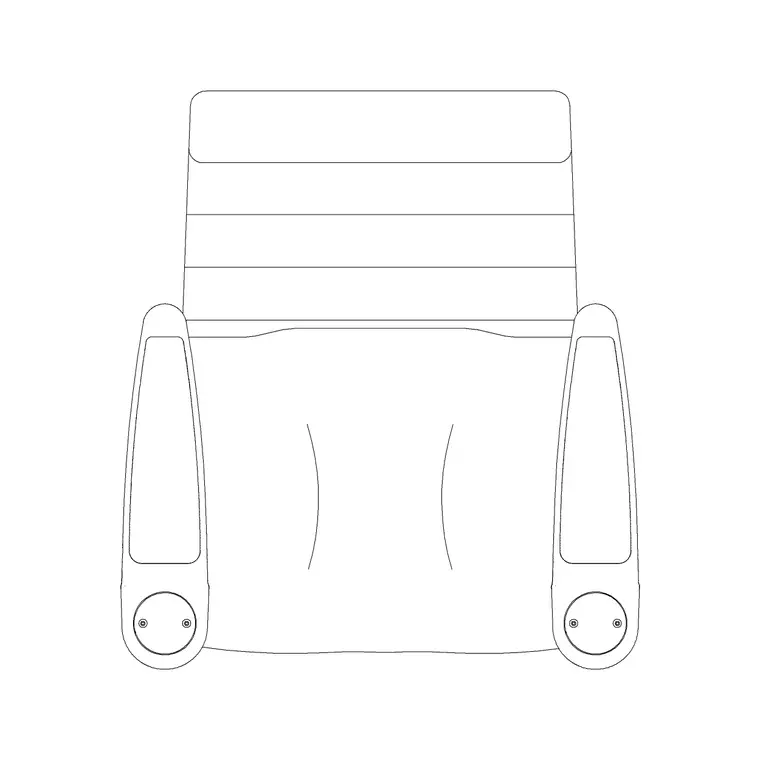
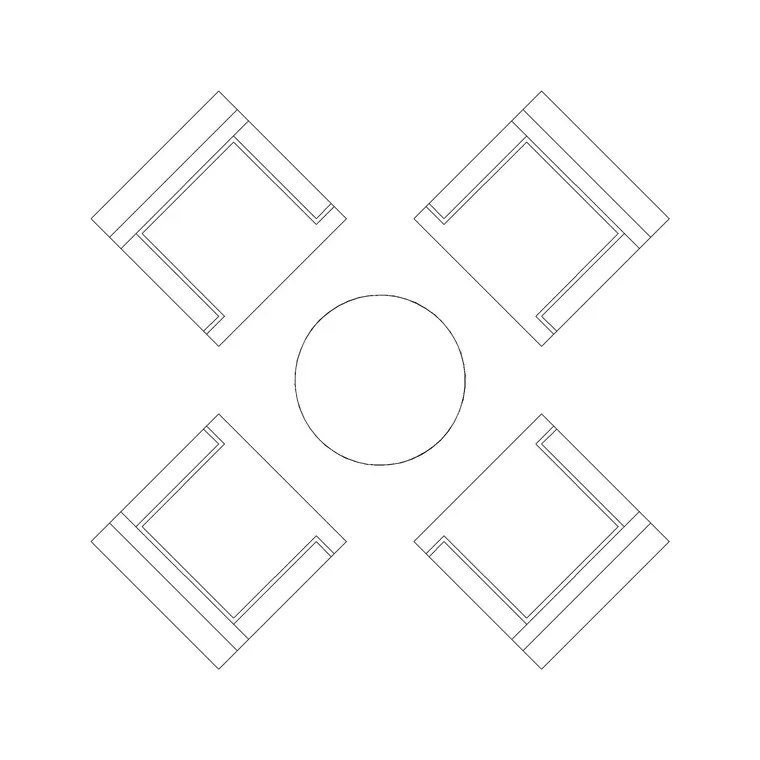
A nook needs surprisingly little. The anchor is a single comfortable chair — the Audi Chair Plan or Audi Rec Chair Plan gives you an armchair or a recliner footprint to back into the corner. Beside it, a small surface for a cup, a book and the lamp base: the 800mm Table With Sofa block works as the side table, kept within easy reach of the chair arm.
Light is the element a reading nook cannot do without. Place a Wall Lamp or a Frisbi Pl so the light falls over the reader's shoulder onto the page rather than into their eyes. Soften the pocket with a Medium Potted Plant beside the chair, and if the nook has a back wall, hang a small Art Frame to finish it. That is the whole kit — chair, table, lamp, plant, art — and at this scale, restraint is the point.
Small-scale dimensions and clearances
A reading nook works at intimate dimensions, so the ranges here are tight. A footprint of about 1.5 x 1.8 m is enough for a chair, side table and lamp; a bay-window nook can be even smaller. An armchair occupies roughly 800–900 mm square in plan; a recliner needs more depth for the footrest, around 800 x 1600 mm when extended.
The side table sits within arm's reach — 250–400 mm from the chair arm — and is small, perhaps 400–600 mm across, just enough for a mug and a book. Leave at least 600 mm of clear floor to step into and out of the chair. If the lamp is a floor or wall type, position it so its light reaches the page from beside or behind the shoulder, typically with the bulb above seated head height. These are planning ranges; place the scaled blocks and confirm the real chair fits the real corner.
Carving the nook out of a larger plan
Because a nook usually lives inside another room, you design it as a sub-zone rather than a standalone space. On the plan, identify the host edge — the bay, the corner, the shelf end — and draw the chair backed into it at a comfortable angle, often turned slightly toward the window or the light rather than square to the wall.
Place the side table on the chair's dominant side, within reach of the arm. Position the lamp to throw light over the reading shoulder. Add the plant and, if there is a wall, the art. Then check the one clearance that matters: enough open floor in front to sit down and stand up without obstruction. Keep the nook's furniture on the same layers as the host room so it reads as part of the whole, and because each piece is a block reference, you can nudge the cluster a few hundred millimetres to perfect the fit against the bay or corner.
Getting the reading light right
Light is what separates a reading nook from a decorative corner, and it is worth designing deliberately. The page needs even, glare-free light reaching it from the side or from behind the shoulder, not from in front (which dazzles) or from directly overhead (which casts a shadow from the reader's own head onto the book).
In the elevation, draw the Wall Lamp mounted beside the chair at a height that puts the light source above seated head level, angled toward the seat. A Frisbi Pl pendant hung slightly to the reading side works for a nook with a low ceiling pocket. If the nook is in a bay window, the daylight does the daytime job and the lamp covers evenings — show both in the elevation so the lighting story is complete. The plant and a small art frame, drawn in the same elevation, give the pocket its finished, settled character.
Mistakes that break a reading nook
The first mistake is scale — trying to fit a full-size three-seat sofa or an oversized chair into a pocket that wants a single neat armchair. A nook is small by nature, and a too-large chair swallows the enclosure that makes it work. Use the single-chair blocks and let the corner stay snug.
The second is light from the wrong direction: a lamp in front of the reader dazzles, a ceiling light directly above casts a head-shadow on the page. Place the light to the side or rear. The third is forgetting the side surface — a reading nook without a place to set a cup and a book is half a nook; keep the table within arm's reach. And the fourth is exposure — siting the chair in open floor with no back protection, so the pocket never feels separate. Back the chair into a real edge. Because the blocks are full size, you can test the chair against the bay, the table against the arm and the lamp against the shoulder, all on one small, careful drawing.
Free download
Browse the full library — DWG & DXF, no signup.
Questions
Frequently asked
How much space does a reading nook need?+
A footprint of roughly 1.5 x 1.8 m is enough for an armchair, a small side table and a lamp; a bay-window nook can be smaller. Place the scaled chair and table blocks and confirm at least 600 mm of clear floor to sit down and stand up.
Which chair block suits a reading nook?+
A single armchair such as the Audi Chair Plan, or the Audi Rec Chair Plan if you want a recliner. Both are drawn in plan so you can back the chair neatly into a corner or bay.
Are the reading nook blocks free to download?+
Yes, every block downloads free in DWG and, where available, DXF, with no signup, no watermark and no attribution, cleared for commercial use.
Where should the reading lamp go?+
Place the lamp so its light reaches the page from beside or behind the reading shoulder, with the bulb above seated head height. Light from in front dazzles and light directly overhead casts a head-shadow on the book.
Can a reading nook be part of a living room?+
Yes, most reading nooks are pockets carved from a larger space — a bay window, a corner, or the end of a bookshelf wall. Keep the nook's furniture on the host room's layers so it reads as part of the whole plan.
Related downloads
Blocks for this guide

Related categories
Related guides
Room guide
Free Living Room CAD Blocks — DWG Download
Free living room CAD blocks in DWG & DXF — sofa sets, coffee tables, lamps, plants and art drawn to scale for AutoCAD plans. No signup, commercial-use OK.
Room guide
Free Open-Plan Living Area CAD Blocks — DWG
Free open-plan living area CAD blocks in DWG & DXF — sofa sets, tables, plants and zoning lighting to define a great room in AutoCAD. No signup, free.
Room guide
Retail Store Layout CAD Blocks — DWG Plan Guide in 2026
Plan a retail store floor layout in AutoCAD with free CAD blocks — counters, seating, display fixtures and lighting in DWG and DXF. No signup.