Room guide · living room cad blocks
Free living room CAD blocks for AutoCAD
By Sumana Kumar · Published 1 Dec 2024 · Updated 22 Mar 2026
The living room is the room a floor plan is usually built around — it sets the orientation of the whole ground floor, anchors the circulation, and is the first space a client pictures when they look at a layout. Getting it right in AutoCAD starts with furniture that is already drawn to scale, so this page gathers free living room CAD blocks in DWG and DXF: full sofa sets in plan, accent and recliner chairs, a centred coffee table, floor and table lamps, framed art for elevations, and indoor plants. Everything inserts straight into AutoCAD 2004 or later, free for personal and commercial work, with no signup and no watermark.
A living room is fundamentally a conversation space wrapped around a focal point — a fireplace, a window, or a television wall. The furniture has to face that focal point while leaving clear paths through the room, which is exactly the kind of judgement that scaled blocks make easy: drop a sofa set down, see the gap to the coffee table, and you instantly know whether the seating group reads as one comfortable cluster or a scatter of objects floating in space.
Use these blocks to lay out residential living rooms, apartment reception rooms and show-home plans, then carry the same furniture into the matching interior elevations. Because the seating, tables and lighting share consistent layers, you can produce a clean structural plan and a fully furnished presentation plan from one drawing.
What a living room actually has to do
Before placing a single block, it helps to name the jobs the room performs. Most living rooms juggle three: seating for conversation, a focal point everyone faces, and a through-route that connects the entrance to the rest of the home without cutting across the seating. A good layout keeps those three from fighting each other.
The seating group is the heart of the plan. Sofas and chairs should sit close enough that people can talk without raising their voices — broadly, no facing seat more than about 2.4 m apart, and a coffee table within easy reach of every seat. The focal point (TV wall, fireplace or picture window) sets the direction the main sofa faces, and the circulation path threads behind or beside the group rather than through its middle. When you place blocks against those three jobs, an awkward layout shows itself immediately.
The blocks that build a living room
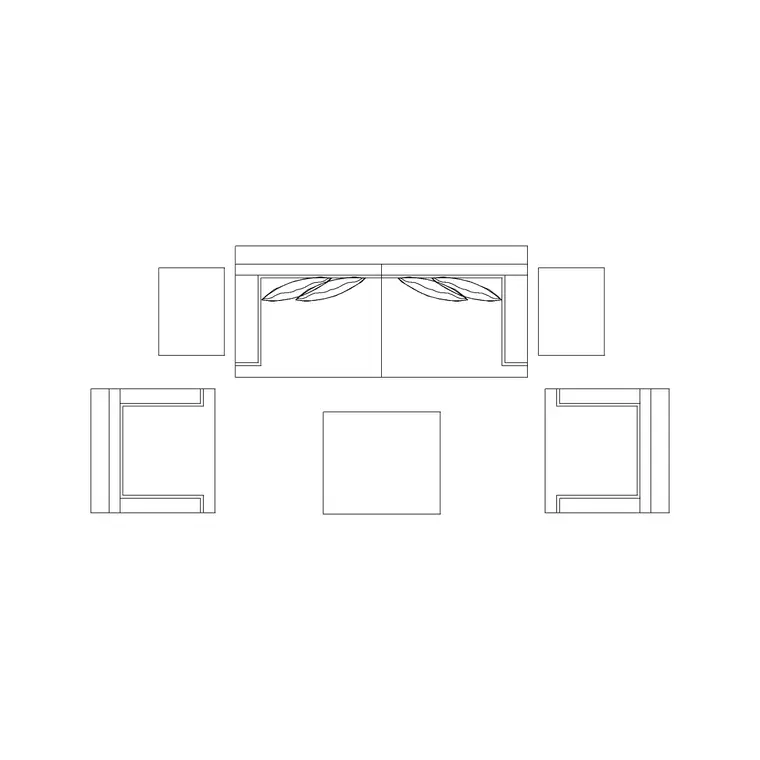
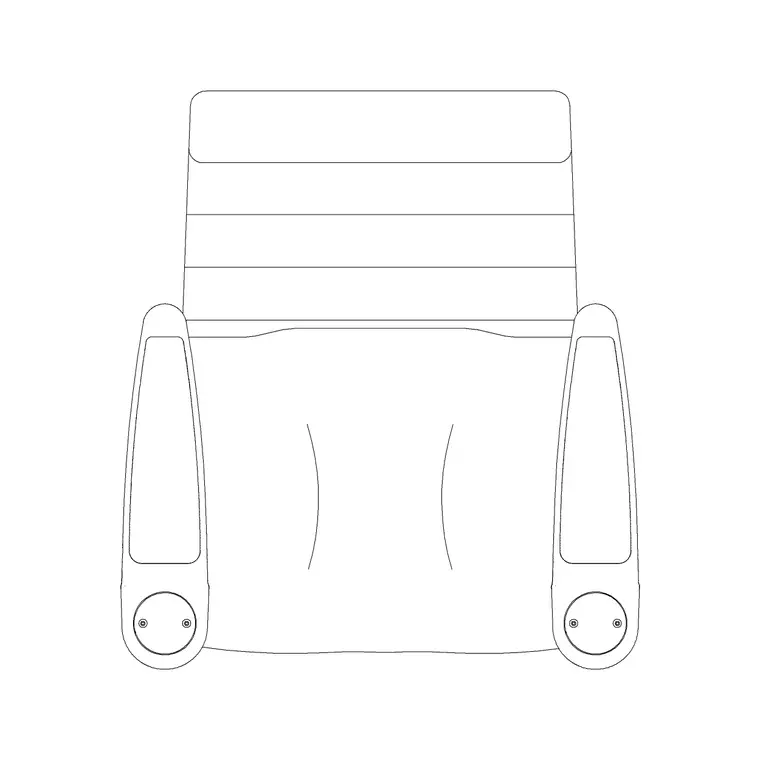
Start with a sofa set in plan. The Sofa Set Plan blocks here come in fourteen arrangements — straight three-seaters, L-shapes, and two-plus-one groupings — so you can pick the geometry that suits the room's shape rather than forcing a single sofa to fit. Add the Audi Chair Plan and Audi Rec Chair Plan as accent and recliner seating to complete a conversation cluster.
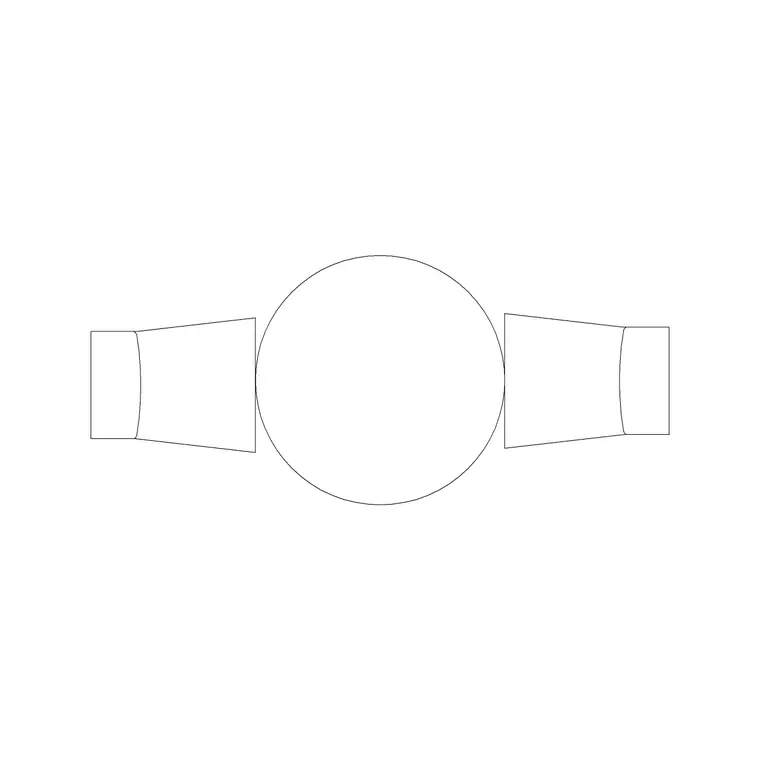
For the centre of the group, the 1000mm Dia Table 2P and 800mm Table With Sofa blocks give you a coffee or occasional table at a believable footprint. Then layer in the soft furnishings that make a living room read as lived-in: a Ceiling Lamp or Suspended Chandelier overhead, a Wall Lamp or Frisbi Pl for accent light, an Indoor Plant With Ms Legs in a corner, and Art Frame or Abstract Art Frame blocks on the feature wall for your elevations. A Round Clock or Grandfather Clock and a Curtain Elevation finish the picture in section and elevation views.
Typical living room dimensions to design around
Reach for these ranges when you check a layout rather than treating any one as a fixed rule. A small living room runs roughly 3.0 x 3.6 m; a generous one 4.5 x 6.0 m or larger. A three-seat sofa is about 1900–2200 mm long and 850–950 mm deep; a two-seater 1400–1700 mm. A coffee table typically sits 400–500 mm from the sofa front, close enough to set a cup down without leaning.
For circulation, keep at least 600 mm of walkway between the coffee table and the seating, and 900–1000 mm for a main route crossing the room. Allow about 2400–3000 mm of viewing distance between a sofa and a television wall so the screen is comfortable to watch. Dropping correctly-scaled blocks in turns each of these checks into a glance rather than a calculation.
Assembling the room in an AutoCAD plan
Work in this order and the layout almost arranges itself. Draw the room outline and mark the focal point first — the TV wall, fireplace or window. Place the main sofa facing it, set back far enough to give a comfortable viewing distance. Add the second sofa or accent chairs to close the conversation group into a U or an L, leaving an opening on the circulation side so people can walk in.
Drop the coffee table block into the centre of the cluster, then check the gaps: a clear walking strip behind the seating, and a reachable distance to the table from every seat. Finally layer in the lighting, plants and art. Keep furniture, lighting and planting on separate layers so you can freeze them to reveal the structural plan or thaw them for a furnished presentation drawing. Because each sofa is a single block reference, you can copy and rotate a whole seating group in seconds when the client wants to flip the room.
Plan and elevation: building both from the same blocks
The seating layout lives in plan, but a living room sells in elevation — the feature wall with the television, the art, the curtains and the lamps drawn face-on. Build the plan first using the sofa, chair and table blocks seen from above, then switch to the wall elevations for the presentation set.
The accessory blocks here are made for that elevation work: the Curtain Elevation blocks drape the window line, the Art Frame and Abstract Art Frame hang on the feature wall, the Wall Lamp and Suspended Chandelier carry the lighting, and a Grandfather Clock or Round Clock adds the detail that makes a wall read as a real room. Drawing the elevation off the same plan keeps heights and positions coordinated, so the window in plan lines up with the curtains in elevation.
Common living room layout mistakes
A handful of errors show up again and again in living room plans. The first is the floating sofa — seating pushed back against every wall with a vast empty middle, which kills conversation and wastes the room. Pulling the seats inward into a tighter group almost always reads better, and scaled blocks let you test it instantly.
The second is blocking the circulation: a coffee table or chair dropped squarely in the through-route so anyone crossing the room has to detour around the seating. The third is ignoring the focal point — a sofa that faces neither the window nor the TV wall leaves the room feeling directionless. A fourth, subtler one is scale drift: mixing a tiny coffee table with an oversized sofa so proportions feel off even when each block is technically correct. Because every block here is drawn full size, comparing footprints side by side catches that drift before it reaches the final drawing.
Free download
Browse the full library — DWG & DXF, no signup.
Questions
Frequently asked
Are these living room CAD blocks free for commercial projects?+
Yes. Every living room block downloads free in DWG and, where available, DXF, with no signup, no watermark and no attribution requirement, and they are cleared for commercial project use.
Do the sofa blocks come as full sets or single pieces?+
Both. The Sofa Set Plan blocks are complete seating arrangements drawn in plan — three-seaters, L-shapes and groupings — and you can also place single accent and recliner chairs to build a custom cluster.
What scale are the living room blocks drawn at?+
They are drawn full size in millimetres. Insert at scale 1 in a millimetre drawing, 0.001 in a metre drawing, or set INSUNITS to millimetres so AutoCAD rescales automatically on insertion.
Can I use the same blocks for both the plan and the elevation?+
The sofa and table blocks are plan-view footprints for the layout. For elevations, pair them with the curtain, art-frame, wall-lamp and chandelier blocks, which are drawn in elevation to dress the feature wall.
How far should a sofa sit from the television?+
As a planning rule, allow roughly 2400–3000 mm of viewing distance between the main sofa and the TV wall. Drop a scaled sofa block in and measure the gap directly against your room outline.
Related downloads
Blocks for this guide

Related categories
Related guides
Room guide
Free Reading Nook CAD Blocks — DWG Download
Free reading nook CAD blocks in DWG & DXF — armchairs, side tables, reading lamps, plants and art for cosy reading corner plans in AutoCAD. No signup.
Room guide
Free Open-Plan Living Area CAD Blocks — DWG
Free open-plan living area CAD blocks in DWG & DXF — sofa sets, tables, plants and zoning lighting to define a great room in AutoCAD. No signup, free.
Room guide
Retail Store Layout CAD Blocks — DWG Plan Guide in 2026
Plan a retail store floor layout in AutoCAD with free CAD blocks — counters, seating, display fixtures and lighting in DWG and DXF. No signup.