Room guide · retail store layout cad blocks
Design a retail store layout with free CAD blocks in 2026
By Saumyajit Maity · Published 4 Feb 2024 · Updated 13 Jun 2026
A retail store is a selling machine, and its floor plan is the engine. Before you place a single fixture you are really deciding how a customer moves: where they enter, what catches their eye first, how they flow past merchandise, and where they finally pay. This page is a working guide to laying out a general retail store in AutoCAD using free CAD blocks, so the plan you draw matches how people actually shop.
Everything linked here downloads free in DWG and DXF, drawn to true millimetre dimensions for AutoCAD 2004 or later — no signup, no watermark, cleared for commercial fit-out work. Drop the blocks straight onto your plan and the aisle widths, counter clearances and door swings become things you can see rather than numbers you have to remember.
Use it for clothing shops, gift stores, electronics outlets, convenience stores and the dozens of small independents that share the same basic geometry: an entry, a decompression zone, a merchandised body, and a checkout near the exit.
What a retail store layout has to do
A store layout balances three competing jobs: show as much stock as possible, guide the customer along a deliberate path, and keep staff sightlines clear for service and loss prevention. The plan is where you resolve those tensions. A grid layout (parallel gondola runs) maximises display density and suits convenience and pharmacy-style retail; a loop or racetrack layout pulls shoppers around a central feature and suits fashion and lifestyle; a free-flow layout uses islands and angled fixtures for boutiques and feature stores.
Whichever you choose, the first 1.5 to 4.5 metres past the entrance is the decompression zone — shoppers adjusting from outside to inside rarely buy here, so keep it open and avoid loading it with fixtures. Most customers then drift right, so your highest-margin or newest merchandise usually wants to sit on the right-hand wall.
Zoning the floor: entry, body, checkout
Split the plan into clear zones before placing fixtures. The entry/decompression zone stays deliberately sparse. The merchandise body carries the gondolas, wall runs and feature islands. A focal wall at the back draws shoppers deep into the space (it is why supermarkets put milk at the rear). The checkout sits near the exit, angled so a single cashier can watch both the till and the door.
Mark each zone as a closed polyline on its own layer so you can colour-code the plan during design review. A seating or waiting nook — a sofa block and a potted plant near the fitting rooms or service desk — softens the experience and is worth planning in early, not squeezing in later.
The fixtures and CAD blocks you place
Build the body of the store from a small kit of repeating fixtures. Gondola runs and wall shelving form the merchandise grid; you draw these as simple rectangles and array them. For the human-facing fixtures, the free blocks below carry the detail:
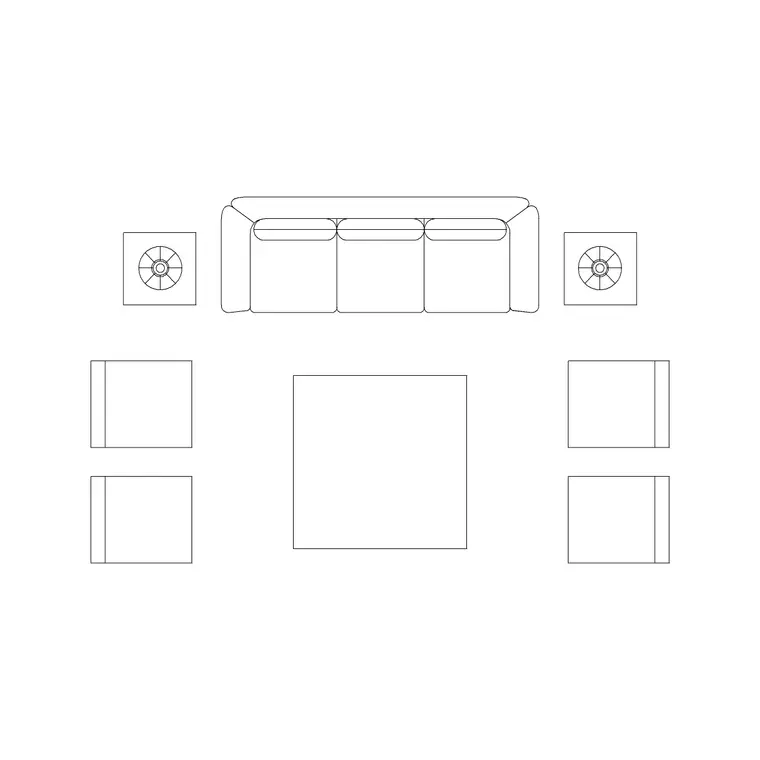
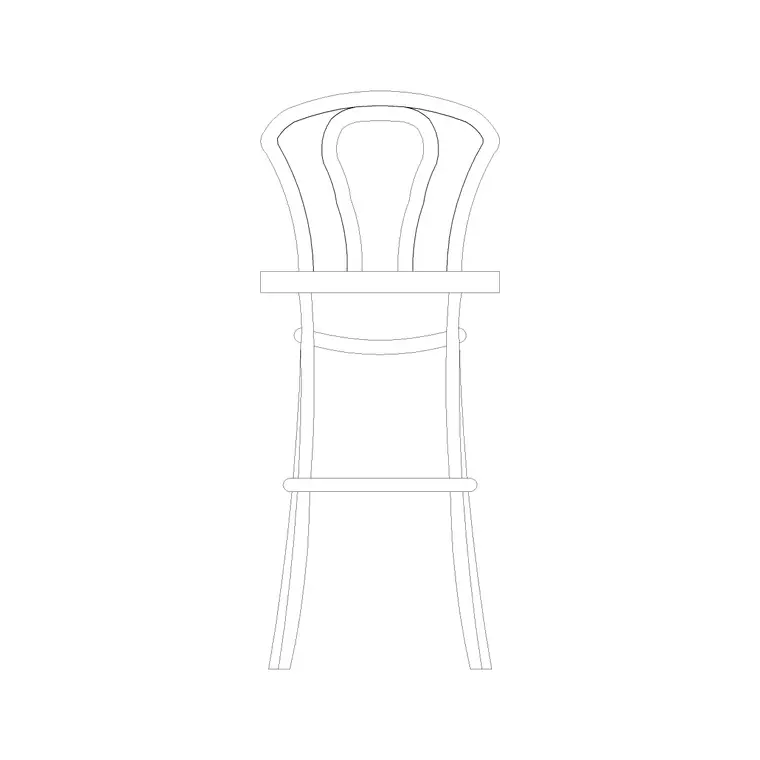
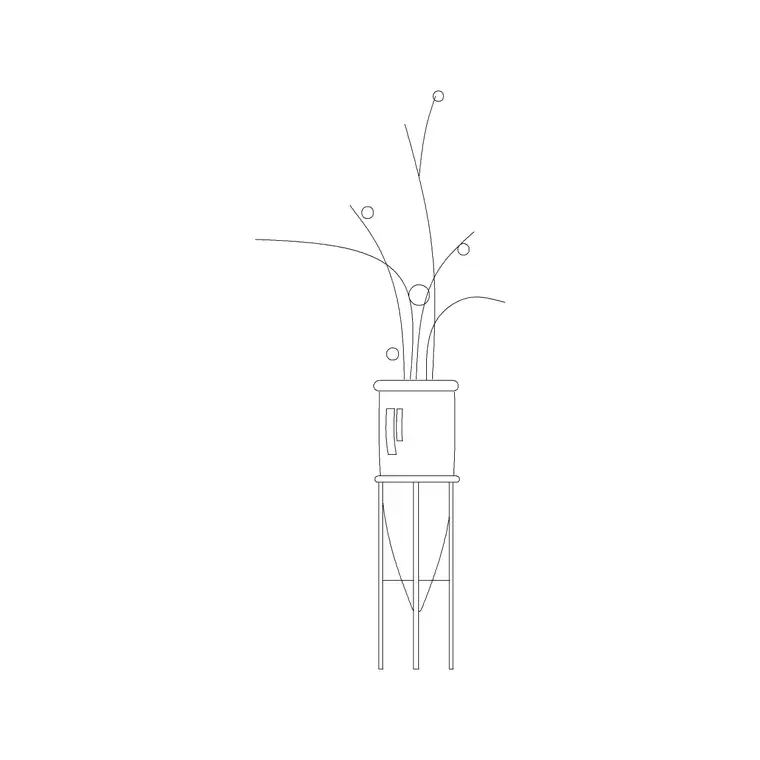
- A reception/service table block works as the wrap counter or service desk. - Stools and chairs furnish fitting-room lobbies, shoe-trying benches and consultation points. - A sofa set gives you a rest area that keeps companions in the store while the shopper browses. - Indoor plants and a potted plant or two warm up dead corners and mark transitions. - Wall lamps, a ceiling lamp and an accent chandelier define lighting zones over feature displays. - Art frames and a wall clock dress the focal wall and the cash-wrap backdrop.
Keep each fixture type on its own layer so a furniture plan, a lighting plan and a merchandise plan all come out of the one drawing.
Dimensions and clearances to design around
Reach for these ranges as you place blocks; treat them as planning guides, not code. Primary aisle (the main path a wheelchair or pushchair uses): 1200–1800 mm clear. Secondary aisles between gondolas: 900–1200 mm. Gondola height: 1200–1650 mm so staff and cameras see over them. Wrap counter depth: 600–750 mm, with about 900 mm of staff space behind and at least 1000–1200 mm of customer queuing space in front.
Fitting-room cubicles run roughly 900 × 1200 mm minimum, larger for accessibility. Leave a clear turning circle of about 1500 mm at the checkout and at the back focal point. Because every linked block is drawn full size, you can test these the instant a fixture lands.
Assembling the plan in AutoCAD
Start with the lease line and the shell: walls, the shopfront glazing, the entrance door and the back-of-house wall. Mark the decompression zone as a no-fixture polyline. Lay the gondola grid or the loop path next, because the path dictates everything else. Insert the wrap counter (the reception-table block) near the exit and rotate it so the cashier faces the door.
Now drop in the human-scale blocks — seating, plants, lighting — at scale 1 if you are drawing in millimetres (0.001 in a metre template), each on its furniture or lighting layer. Array repeated fixtures rather than copying them one by one so a later edit ripples through. Finish by checking aisle widths against the ranges above and confirming the door swing does not foul the first fixture.
Common retail-layout mistakes
The classic error is loading the decompression zone with a promo table the moment a shopper walks in — they step round it and miss it. Another is aisles that are dense but too narrow for two trolleys to pass, which stalls the flow at busy times. Watch for a checkout placed so the cashier's back is to the door, and for fixtures so tall they kill the sightline from the till to the far corner.
In the drawing itself, the recurring mistakes are leaving fixtures on layer 0 (so you cannot separate the merchandise plan from the furniture plan) and exploding blocks instead of keeping them as references — once exploded, a fixture-count schedule and a global edit both become impossible.
Free download
Browse the full library — DWG & DXF, no signup.
Questions
Frequently asked
What aisle width should I use in a retail store plan?+
Keep the main customer path 1200–1800 mm clear so a wheelchair or pushchair passes comfortably, and secondary aisles between gondolas 900–1200 mm. Because the linked blocks are drawn full size, you can drop them in and measure the gap directly.
Which CAD blocks do I need for a basic shop layout?+
A service/wrap counter (use the reception-table block), some seating for fitting-room and rest areas, a few plants to warm dead corners, and lighting plus wall art for the focal wall. Gondola and shelving runs you usually draw as simple arrayed rectangles.
Where should the checkout go on the plan?+
Near the exit and angled so one cashier can watch the till and the entrance at the same time. Leave 1000–1200 mm of queuing space in front and about 900 mm of working space behind the counter.
Are these retail CAD blocks free for commercial fit-outs?+
Yes. Every block downloads free in DWG and, where available, DXF, with no signup, no watermark and no attribution required, and is cleared for commercial retail fit-out projects.
Related downloads
Blocks for this guide

Related categories
Related guides
Room guide
Free Living Room CAD Blocks — DWG Download
Free living room CAD blocks in DWG & DXF — sofa sets, coffee tables, lamps, plants and art drawn to scale for AutoCAD plans. No signup, commercial-use OK.
Room guide
Free Reading Nook CAD Blocks — DWG Download
Free reading nook CAD blocks in DWG & DXF — armchairs, side tables, reading lamps, plants and art for cosy reading corner plans in AutoCAD. No signup.
Room guide
Free Open-Plan Living Area CAD Blocks — DWG
Free open-plan living area CAD blocks in DWG & DXF — sofa sets, tables, plants and zoning lighting to define a great room in AutoCAD. No signup, free.