Room guide · open plan living area cad blocks
Free open-plan living area CAD blocks for AutoCAD
By Saumyajit Maity · Published 2 Jul 2024 · Updated 21 Feb 2026
An open-plan living area is not really one room but several functions sharing a single undivided space — living, dining and often kitchen flowing together without dividing walls. The challenge is not fitting furniture into a defined room but defining rooms out of an open expanse, and that is done with furniture, lighting and circulation rather than partitions. This page gathers the free open-plan living area CAD blocks in DWG and DXF that do that zoning work: sofa sets that anchor a living zone, tables, lighting that signals each area, and plants that soften the joins. All free for personal and commercial work, no signup, no watermark, ready for AutoCAD 2004 onward.
The organising principle of an open plan is zoning. Without walls, the living, dining and circulation zones have to be implied — by the way the furniture is grouped, by where the lighting falls, by an area rug, and by the routes left clear between the clusters. A sofa with its back to the dining area, for instance, becomes a soft wall that defines both zones at once. Getting these implied boundaries right on the drawing is what turns a featureless open box into a sequence of legible, usable spaces.
Use these blocks to lay out open-plan living areas, great rooms, loft apartments and combined living-dining-kitchen spaces. Because the furniture and lighting are drawn to scale, you can group the seating into a defined living zone, leave honest circulation between functions, and read the whole open plan as a set of rooms-without-walls before you commit the layout.
Defining rooms without walls
An open-plan living area asks the opposite question from a normal room. Instead of arranging furniture inside walls, you use the furniture to create the walls — or rather, the sense of them. The space is one big rectangle, and the design's job is to read three or four distinct zones within it: living, dining, circulation, sometimes a study or kitchen edge.
The tools for this are grouping, orientation and boundary objects. A tightly grouped seating cluster reads as a living room even with no walls around it. A sofa placed with its back to the dining table acts as a soft divider that gives each side a defined edge. The empty floor between the clusters becomes the circulation spine. Once you think in zones rather than rooms, the open plan stops being intimidating and becomes a composition of clearly separated activities.
Blocks that anchor and zone
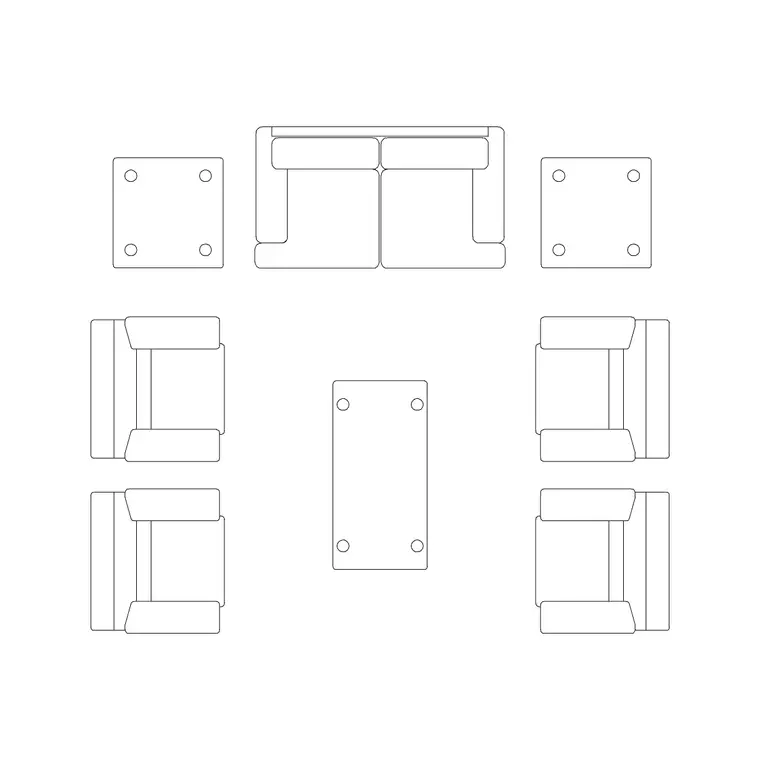
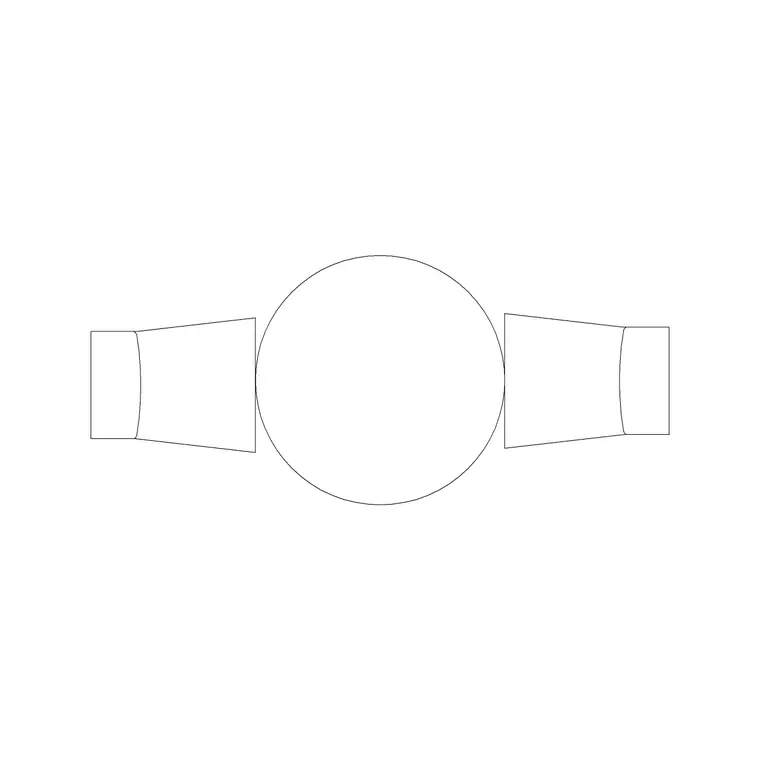
The single most useful zoning device is a sofa set that defines the living area. Use a larger Sofa Set Plan arrangement — particularly an L-shape — because its long back makes a natural soft boundary between the living zone and whatever sits behind it. Place the 1000mm Dia Table 2P at its centre to lock the living cluster together.
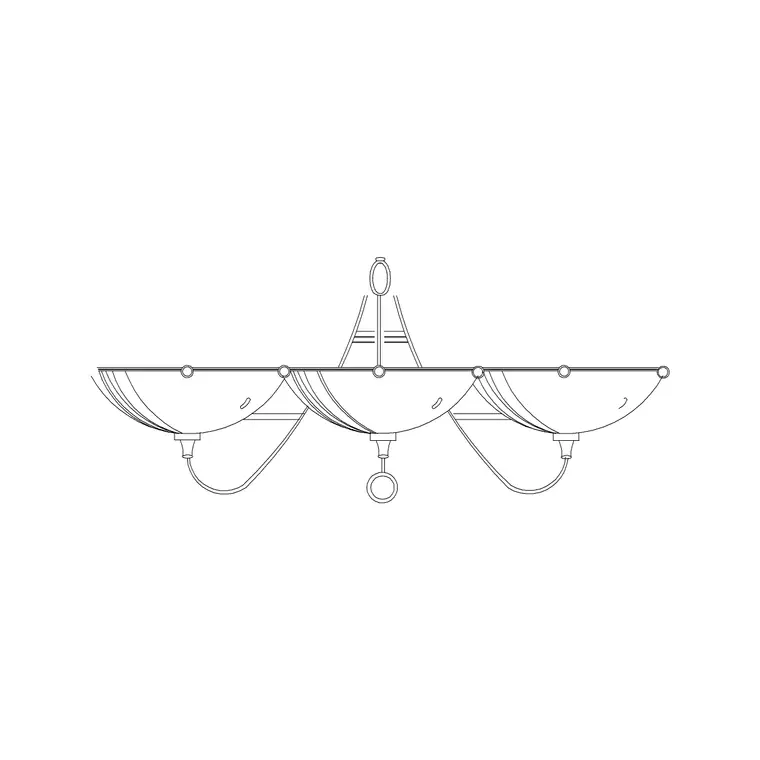
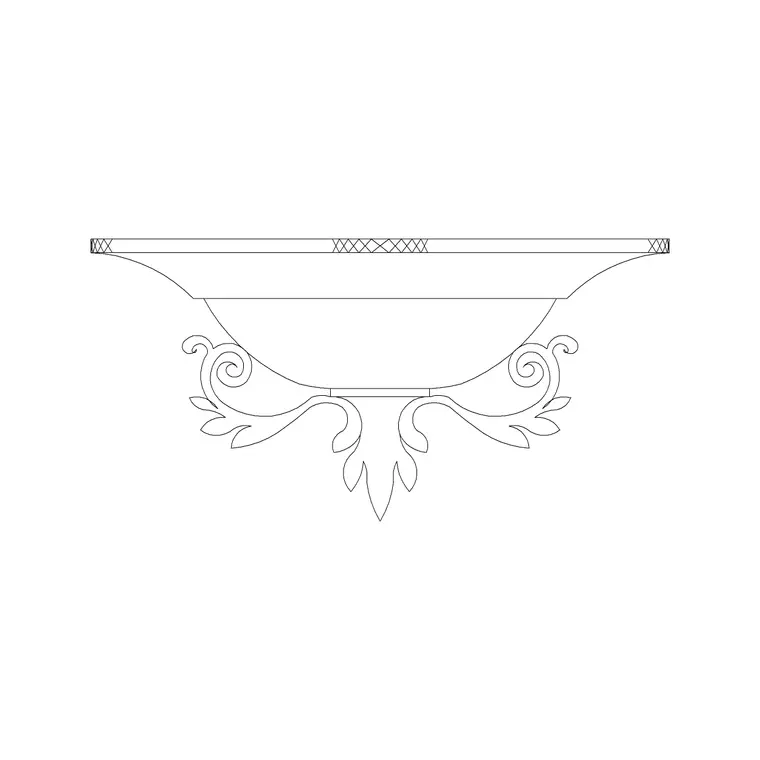
Lighting is the second zoning tool: hang a Suspended Chandelier or Ceiling Lamp centred over the living cluster and another over the dining position, so the pools of light read as two separate 'rooms' even across an open floor. Use a Frisbi Pl or Wall Lamp to mark a reading corner or a transition. Then soften the joins between zones with planting — an Indoor Large Plant as a green divider, Medium Potted Plant blocks to mark a threshold — and add art frames where a sofa-back or a free edge gives a wall-like surface.
Circulation and zone dimensions
Open-plan spaces are large by nature — often 6.0 x 8.0 m and up for a combined living-dining area — so the discipline is leaving the circulation honest rather than letting furniture sprawl across the whole floor. The living cluster itself wants the same internal dimensions as a standalone living room: a coffee table 400–500 mm off the sofa, seats close enough to converse.
Between zones, keep a clear circulation spine of at least 1000–1200 mm so the path from the entrance through to the kitchen or the far end never threads through a seating group. Around the dining position, allow 1000 mm or more behind chairs for people to push back and pass. The lighting that defines each zone should be centred on that zone's furniture, not spaced evenly across the ceiling. These are planning ranges — place the scaled blocks and confirm the spine stays clear from end to end.
Zoning the plan with furniture and light
Lay out an open plan zone by zone. Start with the living cluster: place the L-shaped sofa so its back faces the next zone, drop the coffee table at its centre, and you have implied a living room. Centre a chandelier or ceiling lamp directly over it to reinforce the boundary with a pool of light.
Then establish the dining or secondary zone behind the sofa-back, with its own centred light. Leave the circulation spine clear between and around the clusters — draw it as a route from the entrance to the far functions and keep furniture off it. Use plants to mark the soft thresholds where one zone gives way to the next. Keep furniture, lighting and planting on separate layers so the lighting layer alone shows the zoning logic. Because each sofa and lamp is a block reference, you can slide a whole zone to rebalance the spine in seconds.
Lighting as the zoning layer
In an open plan, lighting does as much zoning work as furniture, and it deserves its own deliberate layout. The principle is one pool of light per zone: a fixture centred over the living cluster, another over the dining table, a soft accent over a reading corner — so that even with no walls, the lit areas read as distinct rooms at night.
Avoid the temptation to grid the ceiling with evenly spaced downlights, which flattens the whole space into one undifferentiated zone. Instead, place a Suspended Chandelier or Ceiling Lamp centred on each cluster's furniture and let the gaps between fall darker, which reinforces the boundaries. In the reflected-ceiling plan, those centred fixtures map directly onto the furniture zones below. The lighting layer, read on its own, should tell the same zoning story as the furniture layer — and when the two agree, the open plan reads clearly.
Open-plan pitfalls to design out
The first and biggest mistake is furniture that sprawls without defining anything — chairs and sofas spread evenly across the open floor so no zone is legible and the space feels like a furniture showroom. The cure is to group tightly into clusters with clear gaps between, so each cluster reads as a room.
The second is a circulation spine that gets eaten by furniture, forcing the through-route to zigzag around sofas and tables; protect a clear, direct path from end to end. The third is uniform lighting that erases the zoning the furniture worked to create — give each zone its own centred light. The fourth is missing the soft-divider opportunity: a sofa floating in the middle with nothing behind it wastes its zoning power, where a sofa-back facing the next zone defines two areas at once. Because the blocks are full size, you can group the living cluster, plot the spine, centre the lights on each zone and confirm the whole open plan reads as rooms-without-walls before the layout is final.
Free download
Browse the full library — DWG & DXF, no signup.
Questions
Frequently asked
How do you zone an open-plan living area without walls?+
Use furniture, lighting and circulation. Group seating into a tight cluster to read as a living room, place a sofa with its back to the next zone as a soft divider, centre a separate light over each zone, and keep a clear circulation spine between the clusters.
Which sofa block works best for zoning an open plan?+
An L-shaped Sofa Set Plan arrangement is ideal because its long back acts as a soft boundary between the living zone and whatever sits behind it, defining two areas at once.
Are these open-plan living CAD blocks free?+
Yes, every block downloads free in DWG and, where available, DXF, with no signup, no watermark and no attribution, cleared for commercial use.
How wide should the circulation route be in an open plan?+
Keep a clear circulation spine of at least 1000–1200 mm so the path from the entrance through to the kitchen or far end never threads through a seating group. Place the scaled blocks and confirm the spine stays clear end to end.
How does lighting help zone an open-plan space?+
Use one pool of light per zone — a fixture centred over the living cluster, another over the dining table — so the lit areas read as distinct rooms at night. Avoid evenly gridded downlights, which flatten the space into one zone.
Related downloads
Blocks for this guide
Related categories
Related guides
Room guide
Free Living Room CAD Blocks — DWG Download
Free living room CAD blocks in DWG & DXF — sofa sets, coffee tables, lamps, plants and art drawn to scale for AutoCAD plans. No signup, commercial-use OK.
Room guide
Free Reading Nook CAD Blocks — DWG Download
Free reading nook CAD blocks in DWG & DXF — armchairs, side tables, reading lamps, plants and art for cosy reading corner plans in AutoCAD. No signup.
Room guide
Retail Store Layout CAD Blocks — DWG Plan Guide in 2026
Plan a retail store floor layout in AutoCAD with free CAD blocks — counters, seating, display fixtures and lighting in DWG and DXF. No signup.