Room guide · public restroom cad blocks
Free public restroom CAD blocks for AutoCAD
By Saumyajit Maity · Published 21 Nov 2023 · Updated 19 Jun 2026
A public restroom is a commercial washroom built for strangers in volume — the toilets in an office, a restaurant, a school, a mall or a transit hub. It is a different design problem from any home bathroom: instead of one suite for a household, you are laying out repeated WC cubicles, a row of wash-up basins, an accessible cubicle, and the circulation that moves a crowd through at peak times. Throughput, hygiene, accessibility and durability replace comfort and storage as the drivers.
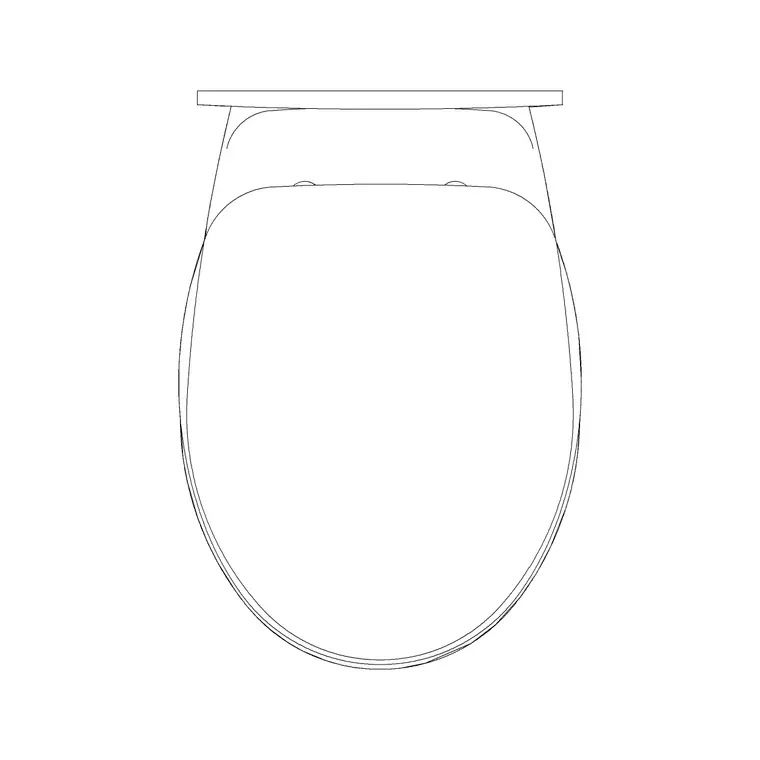
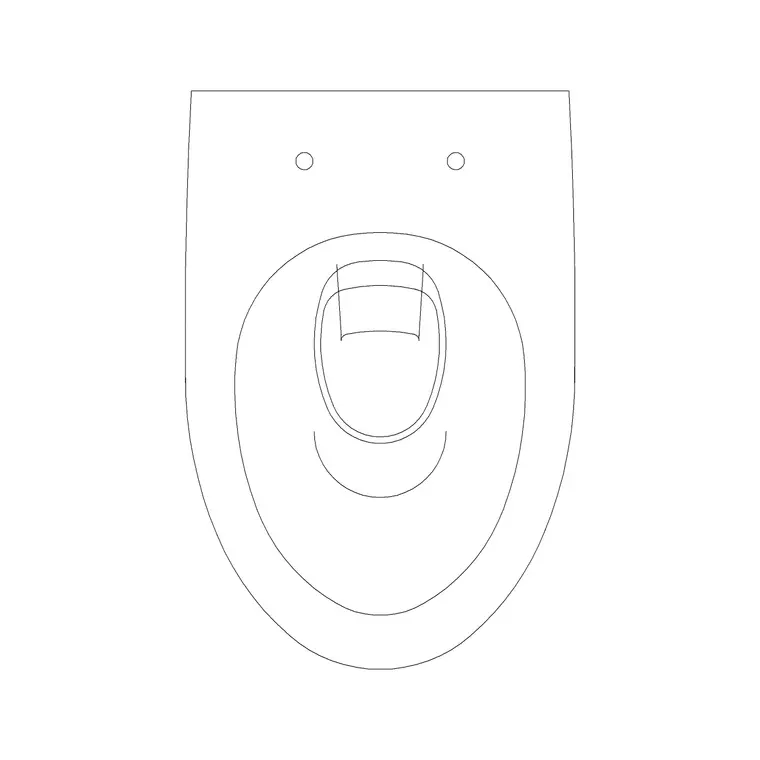
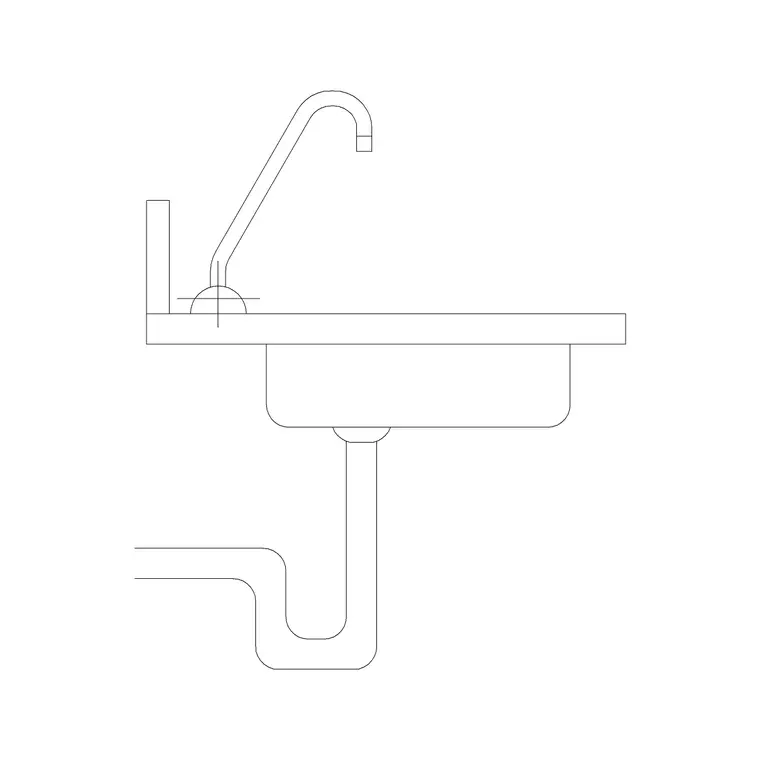
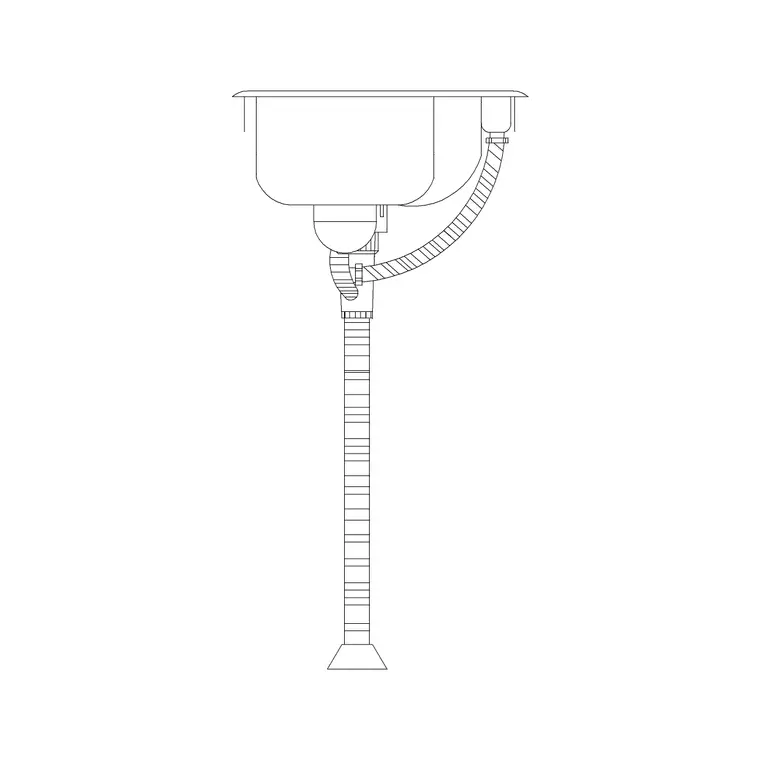
This page gathers the free CAD blocks for laying out a public restroom in AutoCAD — toilet commodes for cubicles, basins and the sink elevations for the wash-up run, plus lighting. All drawn to true millimetre dimensions in DWG and DXF, free for personal and commercial use, no signup or watermark.
Public-restroom layout is governed by codes and accessibility standards that vary by country and project, so treat the figures here as planning starting points and confirm against your local regulations. What the scaled blocks give you is the geometry — cubicle sizes, basin spacing and circulation — drawn correctly so the coordinated layout holds together.
How a public restroom differs from a home bathroom
A public restroom serves many strangers in sequence, so it is organised by repetition and flow rather than by suite. The core elements are a run of WC cubicles, a row of wash basins, at least one accessible cubicle, and — in male facilities — often a urinal range. There is no bath, no shower, no domestic storage; instead there are hand dryers, paper dispensers, sanitary provision and the robust finishes a high-traffic room demands.
The room is sized for peak load: the number of cubicles and basins is set by the building's occupancy and by code, not by preference. Privacy is handled by full cubicle partitions rather than open fixtures, and circulation has to absorb a queue without blocking the entrance. The blocks here — WCs and basins — are the repeated units; your job in AutoCAD is to array them into cubicles and a wash-up run, then prove the circulation and accessibility around them.
Cubicles, the wash-up run and circulation
Lay a public restroom in three bands: the cubicle range along one wall, the wash-up run along another, and a circulation spine between them wide enough for two-way flow at peak. Each WC sits in its own partitioned cubicle; array the toilet commode block at the cubicle pitch so the doors swing clear and a person fits inside with the door shut. Inward-opening cubicle doors need internal clearance; outward-opening doors need the circulation to absorb the swing.
The wash-up run is a line of basins along a counter or as a row of wall-hung units, with mirror, dryers and dispensers above and beside. Space the basins so two people wash without elbows touching. Between cubicles and basins, keep the circulation generous — this is where queues form and where wheelchair users turn — and make sure the entrance, often via a privacy screen rather than a sightline straight in, does not pinch the flow.
The accessible cubicle
Every public restroom needs accessible provision, and the accessible cubicle is the most dimensionally demanding element on the plan, so design it early rather than fitting it in last. It is substantially larger than a standard cubicle because it must contain a clear wheelchair turning circle, a transfer space beside the WC, grab rails and a basin reachable from the WC.
Use the toilet commode and basin blocks, but draw the accessible cubicle to the generous clear dimensions your local accessibility code requires — the turning circle and the transfer zone are non-negotiable clear floor, not areas you can encroach on with fixtures. The door must allow a wheelchair to enter and close, which usually means an outward-opening or sliding door and a wider leaf. Because requirements differ between jurisdictions, confirm the exact dimensions against your governing standard; the blocks let you build the layout, but the clearances come from code.
Planning dimensions to design around
Treat all of these as planning starting points and verify against the codes for your project. Standard WC cubicle: roughly 800–900 mm wide by 1400–1500 mm deep, enough for the pan, the door swing and a standing person. WC: 600–700 mm projection. Basin spacing: centres around 600–700 mm so adjacent users do not clash. Circulation spine: wide enough for two-way flow plus queuing, typically 1200 mm or more.
The accessible cubicle is far larger — sized around a wheelchair turning circle (commonly on the order of 1500 mm diameter) plus a lateral transfer space beside the WC — so reserve significantly more area for it. The number of WCs, urinals and basins is set by occupancy figures in your code, not by guesswork. Use the scaled blocks to confirm the arrayed cubicles and the wash-up run physically fit the room once the mandated counts are in.
Building the restroom layout in AutoCAD
Start by establishing the required fixture counts from the building's occupancy and the governing code, then lay the room to suit. Draw the cubicle range and array the WC block at the cubicle pitch, adding the partition lines and door swings. Place the accessible cubicle first within that range, drawn to its full clear dimensions, since it sets the minimum the rest must accommodate. Lay the wash-up run opposite and space the basins along it. Reserve the circulation spine between as clear floor.
Insert blocks at scale 1 in a millimetre drawing (0.001 in metres, or set INSUNITS to millimetres). Layer the partitions, WCs, basins, accessories and lighting separately so you can issue the partition plan, the sanitaryware plan, the accessory plan and the lighting plan from one coordinated drawing. Draw every cubicle door swing and the entrance screen, then trace the busy-period flow — entrance, cubicle, basin, exit — to confirm the circulation does not choke.
Common public restroom mistakes
The first and most serious is treating accessibility as an afterthought. The accessible cubicle is the largest single element and its clear floor is mandated, so design it first; squeezing it in at the end usually forces a costly replan.
Second, undersized circulation. A spine that works when the room is empty jams solid at a half-time interval or a flight arrival; size it for peak two-way flow plus the queue, not the average.
Third, ignoring the fixture counts your code requires. The number of WCs, urinals and basins is a regulated function of occupancy — design to that, not to whatever fits comfortably. Fourth, basins spaced too tightly, so strangers wash shoulder to shoulder. And as always, watch the insertion units: a WC or basin block landing out of scale across an arrayed range is an INSUNITS mismatch — set units to millimetres before you array, or every cubicle inherits the error.
Free download
Browse the full library — DWG & DXF, no signup.
Questions
Frequently asked
How many toilets does a public restroom need?+
The number of WCs, urinals and basins is set by the building's occupancy and by your local code, not by preference. Establish those mandated counts first, then use the scaled blocks to confirm the cubicles and wash-up run physically fit the room. Always verify against the regulations governing your project.
How big is an accessible toilet cubicle?+
An accessible cubicle is much larger than a standard one because it must contain a wheelchair turning circle (commonly around 1500 mm diameter), a transfer space beside the WC and grab rails. The exact dimensions are set by your local accessibility standard, so design the cubicle to those clear figures and confirm against the governing code.
How wide should restroom circulation be?+
Size the circulation spine for two-way flow plus queuing at peak times — typically 1200 mm or more, with extra where wheelchair users must turn. A spine that feels fine in an empty room can jam at a busy interval, so plan for the peak load rather than the average.
Can these blocks be used for commercial washroom drawings?+
Yes. The toilet commode and basin blocks are free for commercial use and suit office, retail, hospitality and institutional restroom layouts. Array them into cubicles and a wash-up run, but take the fixture counts and clearances from the codes governing your specific project.
Related downloads
Blocks for this guide
Related categories
Related guides
Room guide
Free Bathroom CAD Blocks — Design a Bathroom
Design a full bathroom in AutoCAD with free CAD blocks — WC, basin, bath and shower drawn to scale in plan and elevation. DWG & DXF, no signup.
Room guide
Master Bathroom CAD Blocks — DWG Layouts
Design a master bathroom in AutoCAD with free CAD blocks — double vanity, freestanding bath, walk-in shower and WC drawn to scale. DWG & DXF, no signup.
Room guide
Powder Room CAD Blocks — Half-Bath DWG
Design a powder room or half-bath in AutoCAD with free CAD blocks — compact WC, small basin and vanity drawn to scale. DWG & DXF, no signup, commercial-use OK.