Room guide · bathroom cad blocks
Free bathroom CAD blocks for AutoCAD layouts
By Saumyajit Maity · Published 13 Nov 2023 · Updated 24 May 2026
A bathroom is the most fixture-dense room in a home for its size: a WC, a basin, a bath or shower and storage all have to fit a space that is often no bigger than three by two metres, while leaving room to actually stand, turn and open a door. That is exactly why drawing it from correctly-scaled CAD blocks beats sketching from memory — the moment the toilet, basin and bath land on the plan you can see whether the layout breathes or chokes.
This page gathers the free bathroom CAD blocks you need to lay out a standard family bathroom in AutoCAD: toilet commodes, wall-hung and pedestal basins, vanity units, baths in every common shape and shower trays, all drawn at true millimetre dimensions in plan and elevation. Every file is free for personal and commercial work, with no signup, no watermark and no attribution required.
Use them to test the three things that make or break a bathroom: the door swing, the clear floor zone in front of each fixture, and the run of the soil and supply pipes. Because the blocks are scaled, those checks become a glance rather than a calculation.
What a bathroom has to hold
The standard family bathroom is a three-piece or four-piece suite: WC, basin and bath, with a separate shower added where space allows. Around those fixtures sit the supporting cast — a vanity or storage unit, a towel rail, a mirror, a window and the door. Each fixture has a clear activity zone in front of it that you cannot build into, even though the floor there looks empty on the plan.
The blocks on this page cover that whole kit. Toilet commodes give you the WC footprint and the cistern depth; vanity and basin blocks give you the bowl and the cabinet below; the bath blocks come rectangular, oval, corner and curved so you can match the bath to the room shape. Drop the right pieces in and the bathroom assembles around the plumbing wall — the one wall that carries the soil stack and the water supply, and the wall most of your fixtures want to sit against.
Zoning the room and keeping circulation
A bathroom plans into a wet zone and a dry zone. The wet zone — bath, shower and the splash radius around them — wants to be furthest from the door and ideally screened or stepped. The dry zone — basin and WC — sits nearer the entrance so you are not crossing a wet floor to wash your hands. Group the wet fixtures on the plumbing wall and you keep pipe runs short and the room logical.
Circulation is the constraint people underestimate. Allow roughly 600 mm of clear floor in front of the basin and the WC so a person can stand and use them, and keep a clear strip — around 700 mm or more — for the through-route to the bath. The door is the other trap: an inward-swinging door must not clash with the WC or basin, which is why so many small bathrooms use a sliding or outward-opening door. Drop the scaled blocks and the door arc onto the plan together and the conflict shows itself immediately.
The blocks you reach for, and why
Toilet commode blocks anchor the plan against the soil-stack wall — the WC has the least placement freedom of any fixture, so it usually goes down first. The plan view shows the pan and the cistern; allow for the projection from the wall plus the clear zone in front.
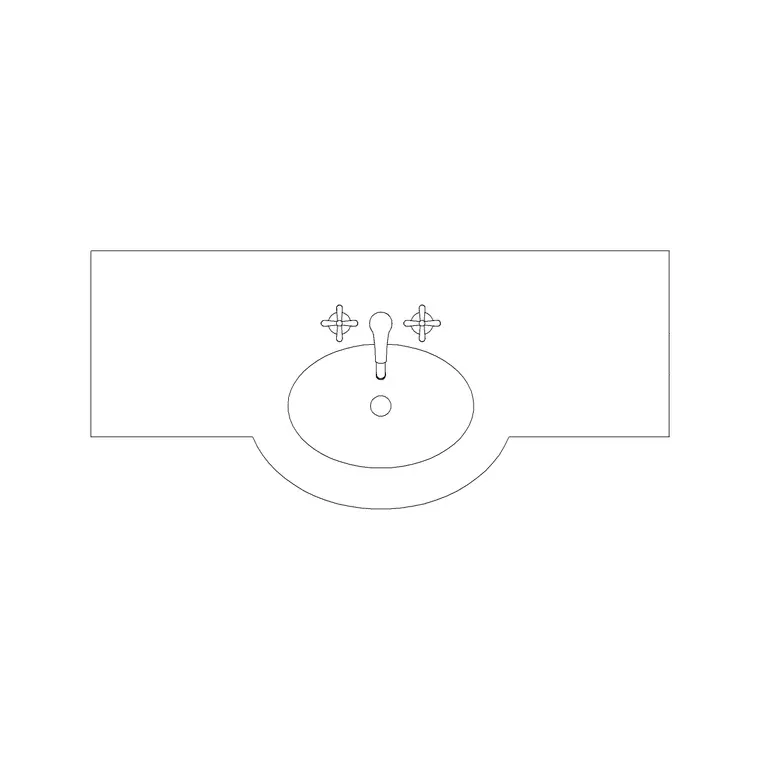
Basin and vanity blocks give you the washing point. A wall-hung or pedestal basin saves floor visually in a tight room, while a vanity unit trades a little space for storage and a worktop. Pair the basin plan with a sink elevation block when you draw the wall face.
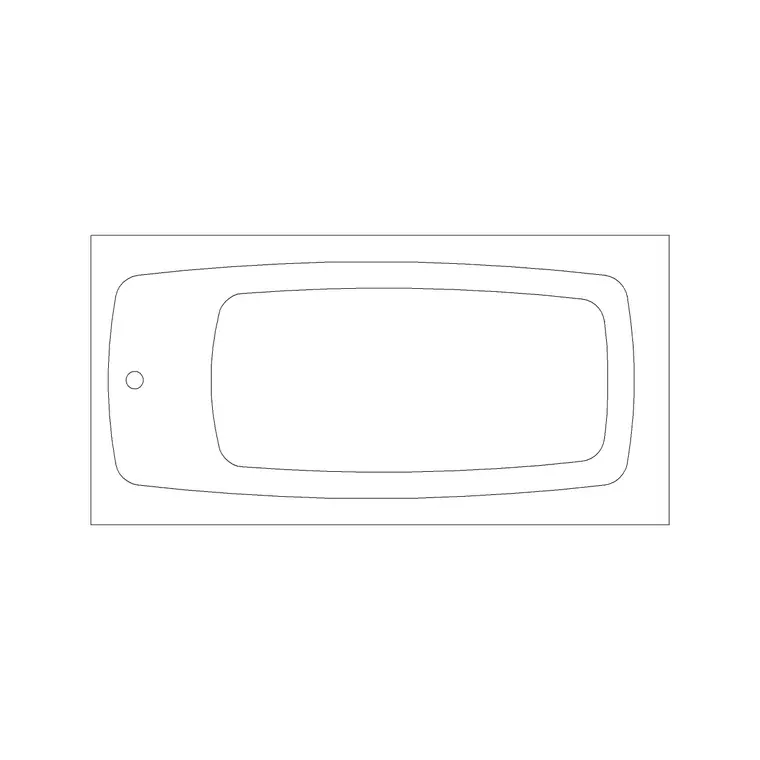
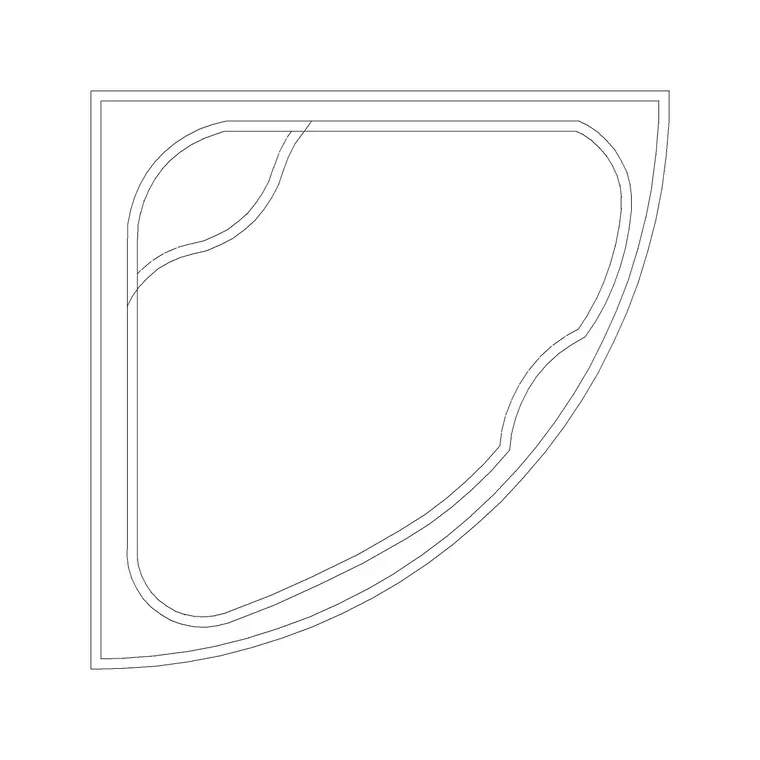
Bath blocks are the big-footprint decision. A standard rectangular bath sits against one long wall; a corner bath turns the geometry to suit an awkward room; an oval or curved bath is a feature for a larger space. Shower blocks — a tray plus the enclosure — replace or supplement the bath where a quick wash matters more than a soak. Finish with a wall lamp or ceiling lamp block over the mirror and the room reads complete.
Typical bathroom dimensions to design around
Reach for these ranges when you check a layout — treat them as design guidance, not product specs, and confirm against the actual fittings you specify. Standard rectangular bath: roughly 1700 mm long by 700–800 mm wide. Shower tray: commonly 800 by 800 mm up to 1200 by 800 mm. Toilet (WC): around 600–700 mm projection from the wall, 350–400 mm wide. Pedestal or wall-hung basin: about 500–600 mm wide; a vanity basin unit, 600 mm and up.
For clearances, keep around 600 mm of clear floor in front of the basin and the WC, 700 mm or more in front of the bath for getting in and out, and never let the door swing cross a fixture. A full family bathroom rarely works below about 2.0 by 2.2 m; below that you are designing a shower room or a cloakroom instead.
Assembling the bathroom in an AutoCAD plan
Draw the room outline and mark the plumbing wall first, then place fixtures in order of how fixed they are. Insert the toilet commode block hard against the soil-stack wall. Add the basin or vanity next to it, leaving its clear zone. Drop the bath or shower against the longest free wall in the wet zone. Now add the door and swing the arc — if it clashes, move the door or reconsider its hinge side before you go further.
The blocks here are drawn full size in millimetres, so insert at scale 1 in a millimetre drawing, 0.001 in a metre drawing, or set INSUNITS to millimetres so AutoCAD rescales on insertion. Keep fixtures, fittings, the wet-zone tiling and the lighting on separate layers; that one habit lets you produce a clean plumbing plan, a tiling plan and a lighting plan from a single drawing without redrawing the suite.
Common bathroom mistakes
The classic error is leaving no clear floor: a layout where every wall carries a fixture looks efficient on screen but leaves nowhere to stand. Always reserve the activity zones in front of each fixture and treat them as solid.
Second, forgetting the door swing. A 600 mm-wide door arcs across a surprising amount of floor; planning the suite without drawing the arc is how WCs end up unusable behind a half-open door.
Third, ignoring the plumbing wall and scattering fixtures around the room. Long, crossing pipe runs are expensive and slow to install; grouping the bath, basin and WC on one or two walls keeps the drainage sane. Finally, mixing units: if a bath block arrives the size of a bus or a postage stamp, it is almost always an INSUNITS mismatch, not the block — set your insertion units to millimetres and re-insert.
Free download
Browse the full library — DWG & DXF, no signup.
Questions
Frequently asked
What is the smallest workable family bathroom size?+
A three-piece bathroom with bath, basin and WC rarely works comfortably below about 2.0 by 2.2 m. Tighter than that and you are really designing a shower room or a cloakroom. Drop the scaled blocks in to confirm the clear zones survive before you commit to dimensions.
Do the bathroom blocks include plan and elevation views?+
The bath blocks are drawn in plan, and the sink and shower-section blocks include elevation and section views. Where a download carries more than one view they are in the same DWG, so you can insert the plan for the layout and the elevation for the wall drawing. Each block's views are listed on its download page.
Which wall should the fixtures go against?+
Group the WC, basin and bath against the plumbing wall — the wall carrying the soil stack and water supply — wherever the room allows. It keeps pipe runs short and cheap to install, and it leaves the rest of the floor clear for circulation.
Are these bathroom CAD blocks free for commercial projects?+
Yes. Every block downloads free in DWG, and DXF where available, with no signup, no watermark and no attribution requirement. They are cleared for commercial as well as personal and student work.
Related downloads
Blocks for this guide

Related categories
Related guides
Room guide
Master Bathroom CAD Blocks — DWG Layouts
Design a master bathroom in AutoCAD with free CAD blocks — double vanity, freestanding bath, walk-in shower and WC drawn to scale. DWG & DXF, no signup.
Room guide
Powder Room CAD Blocks — Half-Bath DWG
Design a powder room or half-bath in AutoCAD with free CAD blocks — compact WC, small basin and vanity drawn to scale. DWG & DXF, no signup, commercial-use OK.
Room guide
Guest Washroom CAD Blocks — DWG Download
Design a guest washroom in AutoCAD with free CAD blocks — WC, vanity basin and compact shower drawn to scale. DWG & DXF, no signup, commercial-use OK.