Curated pack · playground cad blocks
Free playground CAD block pack for AutoCAD
By Saumyajit Maity · Published 28 May 2022 · Updated 30 Mar 2026
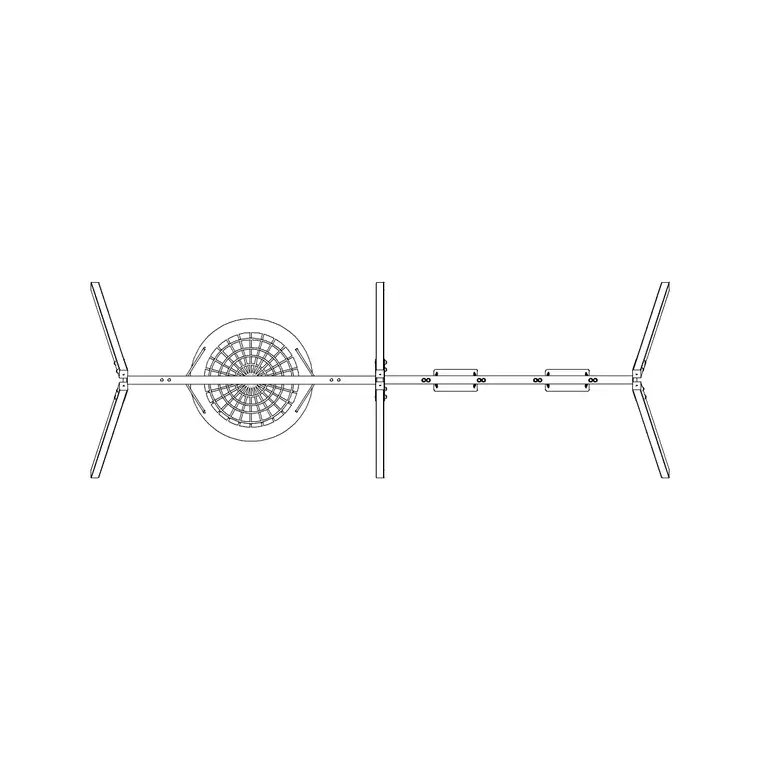
A playground layout is governed by something most drawings are not: the safety space around the equipment. A swing is not just the swing — it is the swing plus the clear, soft-surfaced zone the seat travels through, and that zone is what really sets out a play area. This free playground CAD block pack gives you the pieces — a swing in plan, safety surfacing textures, an enclosing fence and gate, screening planting and child-and-adult scale figures — in DWG and DXF, drawn to scale and ready to insert into AutoCAD 2004 or later. Everything is free for personal and commercial work, with no signup and no watermark.
Use the pack to lay out residential play corners, public play areas, school grounds and the play element of a park or housing scheme. Because the blocks are scaled, you can draw the safety zones around the equipment, check the enclosure, and confirm the surfacing extends far enough — the checks a play area genuinely depends on.
Play equipment is covered by safety standards that set out the minimum impact-absorbing surfacing and the clearances around each piece. The blocks here let you draw a layout to scale and reason about those zones; always confirm the specific safety-zone and surfacing requirements from the standard and the manufacturer for the equipment you are specifying.
What's in the playground pack
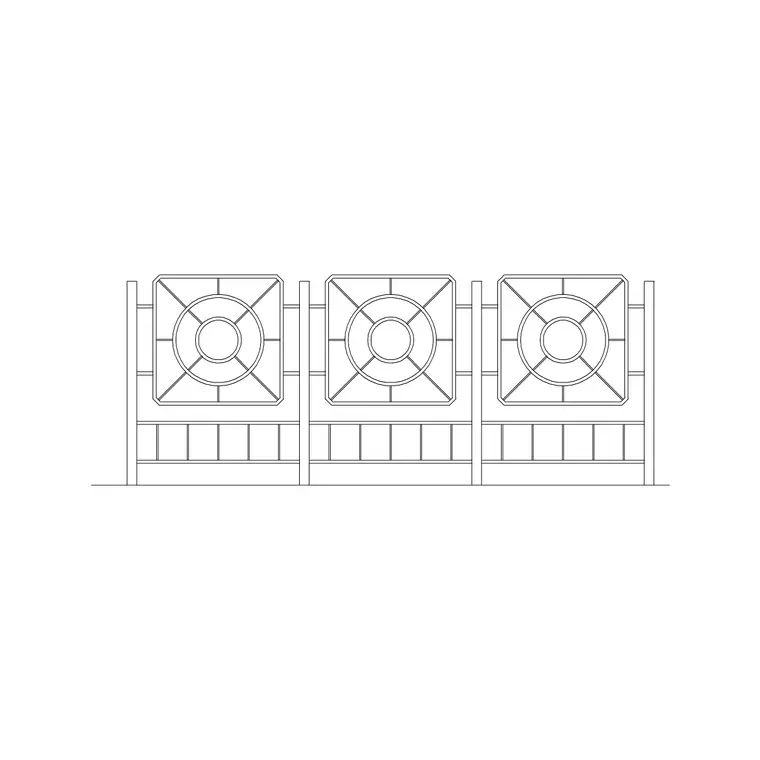
The pack assembles the elements a play layout needs. Equipment: a swing in plan as the anchor piece, around which you draw the safety zone. Surfacing: paving and surfacing textures to represent the impact-absorbing surface and the surrounding paths. Enclosure: a fence and gate to bound the play area and control access. Softening and shade: a tree and shrubs to screen and shade the space. Scale: human figures, including a child-height figure where available, to set the equipment and surfacing against real users.
For more play equipment and outdoor structures, the outdoor category extends the set, and trees-and-plants supplies the shade and screening planting a good play area wants.
Drawing the safety zone around equipment
The most important move on a play layout is drawing the safety zone — the clear area around each piece of equipment that has to be kept free of obstructions and laid with impact-absorbing surfacing. For a swing this zone extends well in front of and behind the seats, because that is where a child travels and where a fall is most likely. Place the swing block, then draw the safety zone as a clear envelope around it, sized to the standard and the manufacturer's data.
Nothing hard or fixed should sit inside that envelope — no fence post, no tree trunk, no path edge, no other piece of equipment's zone overlapping where it should not. Keep the safety zones on their own layer so you can check, at a glance, that every piece of equipment has its clear space and that the zones tile together sensibly across the play area.
Impact-absorbing surfacing
Under and around play equipment the surface has to absorb the impact of a fall, which is why play areas use surfaces like rubber, bonded mulch, sand or wet-pour rather than hard paving. Use the surfacing textures to represent the impact-absorbing area, drawn to cover the full safety zone of each piece of equipment plus a margin, then use a harder paving texture for the paths that approach and circulate around the play area.
Keep the two surfaces on separate layers and clearly distinguished, because the boundary between soft safety surfacing and hard path is a real construction edge that has to be detailed and set out. The depth and type of impact-absorbing surface depend on the fall height of the equipment, which is a standards-and-manufacturer figure to confirm rather than guess.
Enclosure, access and overlooking
Many play areas are enclosed to keep young children in and, in some settings, to keep dogs and traffic out. Run the fence block around the play area to form the boundary, and place the gate at a controlled entry — ideally where a supervising adult arriving from the car park or the path naturally enters. Keep the enclosure on its own layer so it reads as a complete loop.
Think about overlooking and supervision as you place the blocks: seating for accompanying adults works best with a clear sightline across the whole play area, so position any benches and the gate so a supervising adult can see the equipment. Use the adult and child scale figures to test those sightlines and to confirm the gate and paths suit both the children using the space and the adults watching them.
Who uses the playground pack
Landscape architects and play designers use it to lay out public and school play areas to scale. Architects use it for the play element of housing, education and community schemes. Local-authority and parks drafters use it to set out play zones and check safety surfacing extents. Students use it for landscape and urban studio work where scaled, licence-clear blocks matter.
Pair the playground pack with the outdoor category for more equipment and structures, paving for path and surfacing options, and trees-and-plants for the shade and screening planting that makes a play area comfortable to use through the day.
Reading the layout as a whole
Once the equipment, safety zones, surfacing, enclosure and planting are placed, read the play area as a single system rather than a set of objects. Check that the safety zones do not clash and that a child moving from one piece of equipment to another stays on safe surfacing or crosses it sensibly. Check that the impact-absorbing surface covers every zone with its margin, that the hard paths circulate without cutting through a safety zone, and that the enclosure is continuous with one controlled gate.
Then run the scale figures through it: a child using the swing within its zone, an adult watching from a bench with a clear view, a buggy arriving through the gate and onto a firm path. Because every element is drawn to true size on its own layer, the plan serves both the safety-driven technical layout — surfacing extents, safety zones, enclosure — and the friendly presentation view of a play area in use, from the same coordinated drawing.
Free download
Browse the full library — DWG & DXF, no signup.
Questions
Frequently asked
What's in the playground pack?+
A swing in plan as the anchor piece, surfacing textures for the impact-absorbing area and paths, a fence and gate for the enclosure, a tree and shrubs for shade and screening, and adult and child scale figures. The outdoor category adds more equipment.
Are the playground blocks free for commercial use?+
Yes. Every block downloads free in DWG and, where available, DXF, with no signup, no watermark and no attribution requirement, and all are cleared for commercial project use.
How do I set out the safety zone around the equipment?+
Place the equipment block, then draw the clear safety envelope around it on its own layer, sized to the relevant safety standard and the manufacturer's data. Keep all hard objects — posts, trunks, path edges, other zones — out of that envelope.
What surfacing should a play area use?+
Under and around equipment, use an impact-absorbing surface such as rubber, wet-pour, bonded mulch or sand rather than hard paving; use firmer paving for the approach paths. The depth and type depend on the equipment's fall height, which is a standards-and-manufacturer figure to confirm.
Related downloads
Blocks for this guide


Related categories
Related guides
Curated pack
Free Landscape & Tree DWG Pack — Plan & Elevation
A free landscape and tree DWG pack — trees, palms, shrubs and potted plants in plan and elevation for AutoCAD site plans. DWG and DXF, no signup, commercial-use OK.
Curated pack
Free Landscape CAD Block Pack — DWG & DXF
A free landscape CAD block pack in DWG and DXF — trees, shrubs, fences, paving, lighting and figures for AutoCAD landscape plans. No signup, commercial-use OK.
Curated pack
Free Garden CAD Block Pack — DWG Download
A free garden CAD block pack in DWG and DXF — trees, shrubs, fences, a swing, a BBQ and paving for residential garden plans. No signup, commercial OK.