Curated pack · people plan view cad blocks
Free people in plan view CAD block pack
By Sumana Kumar · Published 25 Jun 2026 · Updated 28 Jun 2026
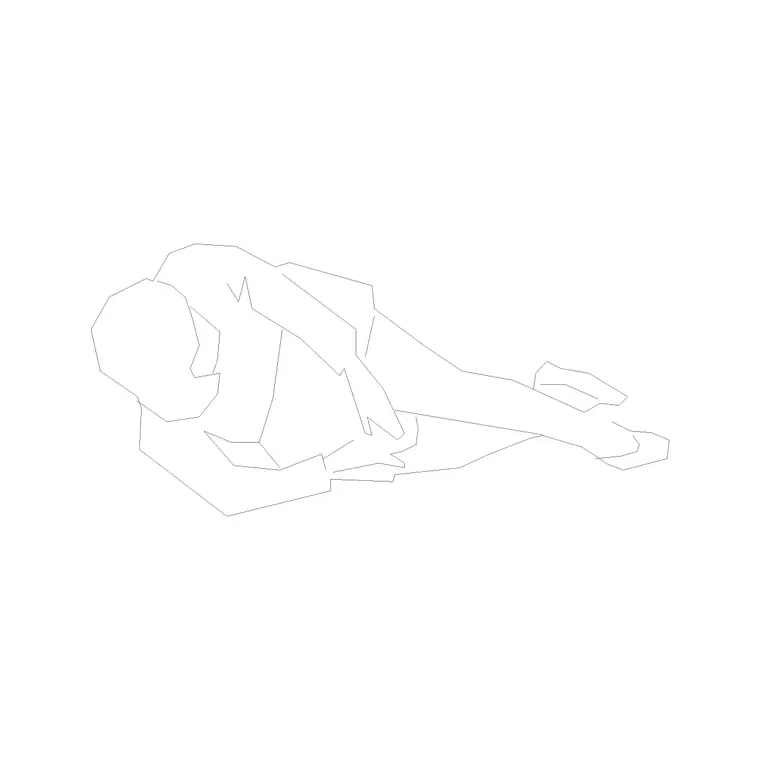
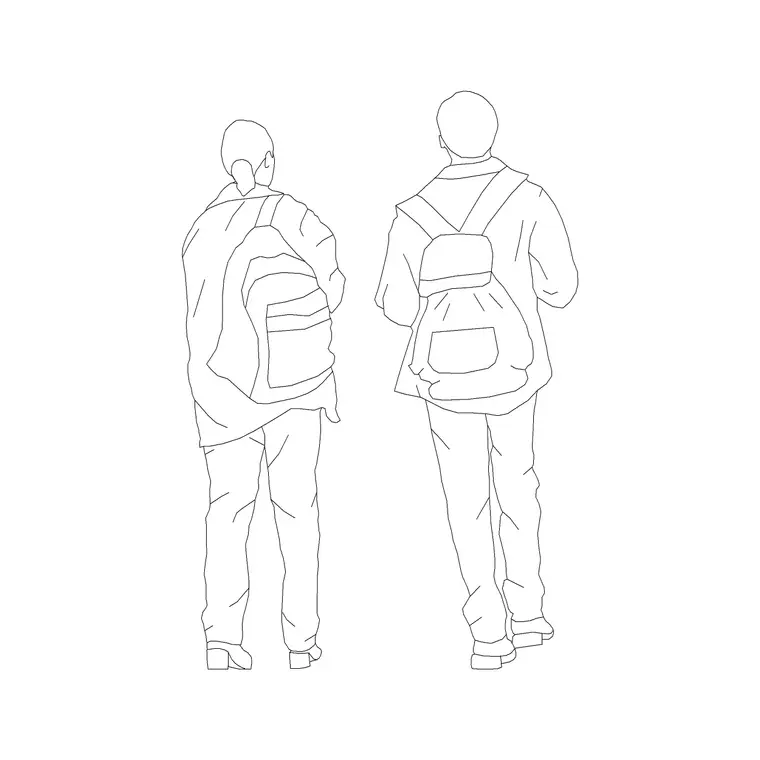
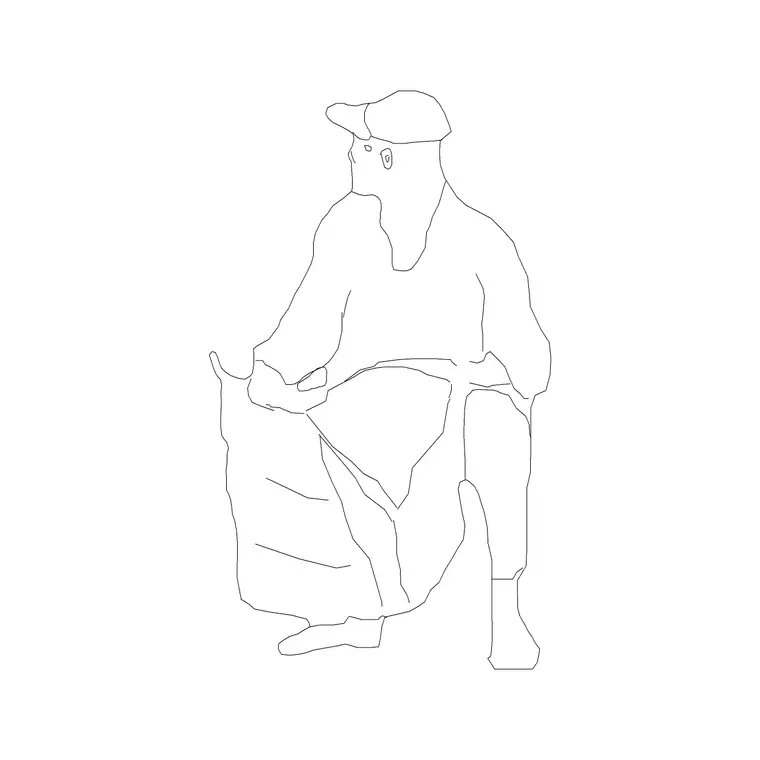
Populating a floor plan goes much faster when the people are already drawn from above. This free people in plan view CAD block pack gathers the figures you reach for most when you work in plan — standing individuals, seated people at tables, walking figures and small groups — all seen from directly overhead, drawn to scale and ready to insert into AutoCAD 2004 or later. Everything is free for personal and commercial work, with no signup and no watermark.
Use the pack to bring floor plans, furniture layouts, occupancy diagrams and circulation studies to life. Because the figures are scaled and seen from above, they sit naturally in any plan and let you check how many people a space holds, how they move through it and whether the layout actually works for the headcount. A plan populated with people reads as a space someone occupies rather than an abstract arrangement of walls, and it communicates instantly to a client or a reviewer who is not used to reading technical drawings.
What's in the plan-view people pack
The pack covers the figures you actually need in plan. Standing individuals seen from above - a shoulder oval with the head as a circle - for showing occupancy and scale. Seated figures at desks and tables for office and dining layouts. Walking figures with a direction indication for circulation. And small groups and clusters for waiting areas, queues and social spaces.
Every figure is drawn deliberately simple, because at the plot scales plans are usually printed - 1:50, 1:100, 1:200 - a fussy, detailed person turns to mud. The clean silhouettes read clearly at those scales and keep the plan legible. The blocks share a sensible base point so they insert and align consistently, and they sit happily on a single people layer you can toggle on and off.
Dimensions and spacing to plan around
Plan people are drawn against the human footprint, and a handful of figures guide how you space them. A standing adult is roughly 450-550 mm across the shoulders; allow a 600 mm circle for dense standing and 1000 mm or more for comfortable personal space. A seated person at a table needs around 600-700 mm of table edge each. A person walking wants a 600-750 mm clear path; two passing need about 1200 mm.
These let the plan double as a capacity check. Lay seated figures around a table and you can confirm how many it really seats; scatter standing figures in a waiting area and you can read whether it feels comfortable or crammed; line walkers along a corridor and you can test the width. The pack turns occupancy from a calculation into something you can see on the page.
How to use the set in a layout
Start by laying out the architecture and furniture, then drop people in last to populate the space. Place seated figures at desks, tables and benches first, since their positions are fixed by the furniture; then add standing and walking figures in the circulation and social areas. Vary the rotation and mirror figures so the crowd does not look stamped from a single block.
Keep every figure on a dedicated people layer with a muted colour. That single habit lets you produce a clean technical plan by freezing the layer and a populated presentation plan by thawing it, both from the same drawing. When you have built a typical group - a populated meeting table, a busy waiting area - WBLOCK it as a single block so you can array that group across a large floor and populate it in seconds rather than placing every person individually.
Per-figure notes
Each figure type in the pack has its own best use. The standing individual is your default scale and occupancy figure - scatter it wherever you need to show people present. The seated figure belongs with furniture; pair it with chair and table blocks so it sits naturally at the right spot. The walking figure carries a direction, so use it along routes and corridors where you want to show movement, and orient it to face the way of travel.
The group and cluster figures save time in busy areas - a waiting room, a queue, a social space - where placing individuals one by one would be tedious. Drop a pre-made group and adjust, rather than building the crowd from scratch. Used together, these types let you populate any plan with the right density and movement for the space it represents.
Who uses the plan-view pack
Architects use it to populate residential, workplace, retail and public-building plans so the layouts read as inhabited spaces. Interior designers use it to show furniture in use and confirm seating capacity. Space planners and workplace designers use it to test occupancy and density against a headcount. Fire and life-safety designers use plan people to make occupancy and egress diagrams legible.
Students and competition entrants use the pack to lift presentation plans from empty diagrams to populated, believable spaces. Because the figures are free and licence-clear, the same set carries from an early concept plan through to a coordinated presentation drawing without any concern about rights. Pair it with the furniture and office categories to build a fully populated floor quickly.
Keeping plans clean and legible
The risk with populating a plan is clutter, so a few habits keep it readable. Use a muted grey or light colour for the people so they sit behind the architecture and annotation rather than fighting them; the figures should support the plan, not dominate it. Keep them on their own layer so you can dim or freeze them whenever a drawing needs to be purely technical.
Match the figure detail to the plot scale: simpler silhouettes for small-scale plans, slightly richer figures only where you print large. And resist overpopulating - a plan crammed with people becomes as unreadable as an empty one, so place enough figures to communicate occupancy and movement without burying the design. Used with restraint, the plan-view people pack makes a layout instantly more communicative while keeping the drawing crisp.
Free download
Browse the full library — DWG & DXF, no signup.
Questions
Frequently asked
What figures are in the plan-view people pack?+
Standing individuals, seated people at tables, walking figures with a direction indication, and small groups for waiting areas and queues - all seen from directly above and drawn to scale for floor plans.
Why are plan-view people drawn so simply?+
Plans are usually printed at small scales like 1:100 or 1:200, where a detailed person would turn to an ink blob. Clean silhouettes read clearly at those scales and keep the plan legible.
Are the plan-view people blocks free for commercial use?+
Yes. Every figure downloads free in DWG with no signup, no watermark and no attribution requirement, and they are cleared for commercial project use.
How do I populate a large floor quickly?+
Build a typical group - say a populated meeting table or a busy waiting area - then WBLOCK it as a single block and array that group across the floor. Vary rotation and mirroring so the crowd does not look stamped.
Related downloads
Blocks for this guide
Related categories
Related guides
Curated pack
15 Free People & Scale Figure CAD Blocks — DWG in 2026
15 free people and scale figure CAD blocks in DWG and DXF — standing, walking and seated figures in plan and elevation to give drawings human scale. No signup.
Curated pack
Group & Couple Figure CAD Blocks — Free DWG Pack
A free group and couple figure CAD block pack — pairs, small groups and crowds in plan and elevation to populate social and public spaces. DWG, no signup.
Curated pack
20 Free Human Figure CAD Blocks — DWG in 2026
Download 20 free human figure CAD blocks in DWG — standing, walking, seated people in plan and elevation to add scale to drawings. No signup, commercial use OK.