Curated pack · group people cad blocks
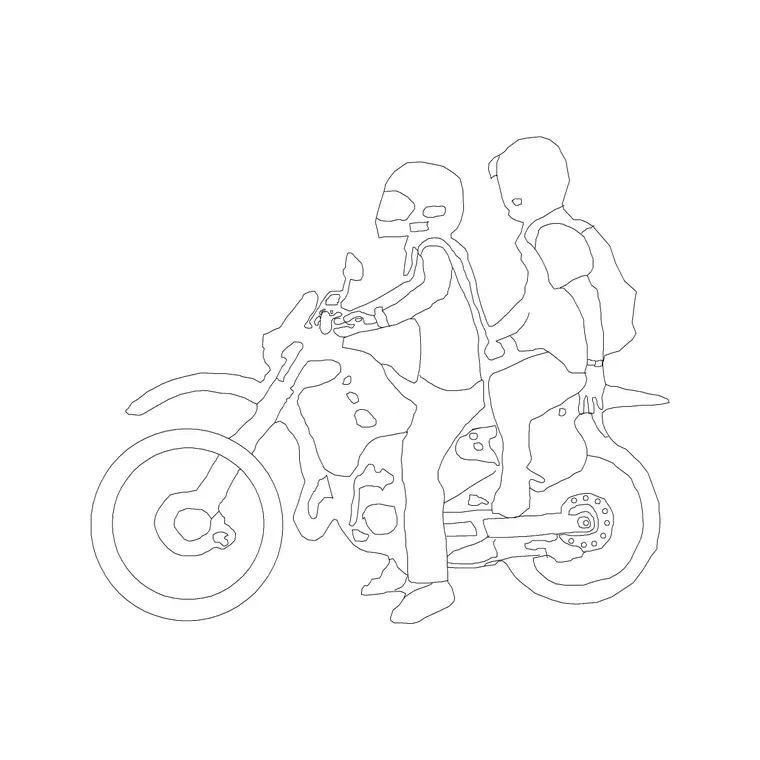
Free group and couple figure CAD blocks
By Sumana Kumar · Published 29 Nov 2024 · Updated 10 Jun 2026
People rarely appear alone in the spaces we design - they come in pairs, families and groups - and a drawing that shows them clustered together reads far more naturally than one dotted with isolated individuals. This free group and couple figure CAD block pack gathers pairs, small groups and crowd clusters in DWG, drawn to scale in plan and elevation, ready to insert into AutoCAD 2004 or later. Everything is free for personal and commercial work, with no signup and no watermark.
Group figures save real time and improve the realism of presentation drawings. Instead of placing people one by one and trying to make them look like they belong together, you drop a ready-made cluster - a couple at a cafe table, a family on a pavement, a knot of people in a plaza - and the social life of the space appears at once. Use the pack across streetscapes, plazas, restaurants, retail, residential and any drawing where people gather rather than stand apart.
What's in the group and couple pack
The pack spans the social groupings you actually see in a space. Couples and pairs - two people walking together, sitting at a table, standing in conversation - for the most common social unit. Small groups of three or four for families, friends and colleagues. And larger crowd clusters for plazas, foyers, events and busy public spaces where you want to suggest density quickly.
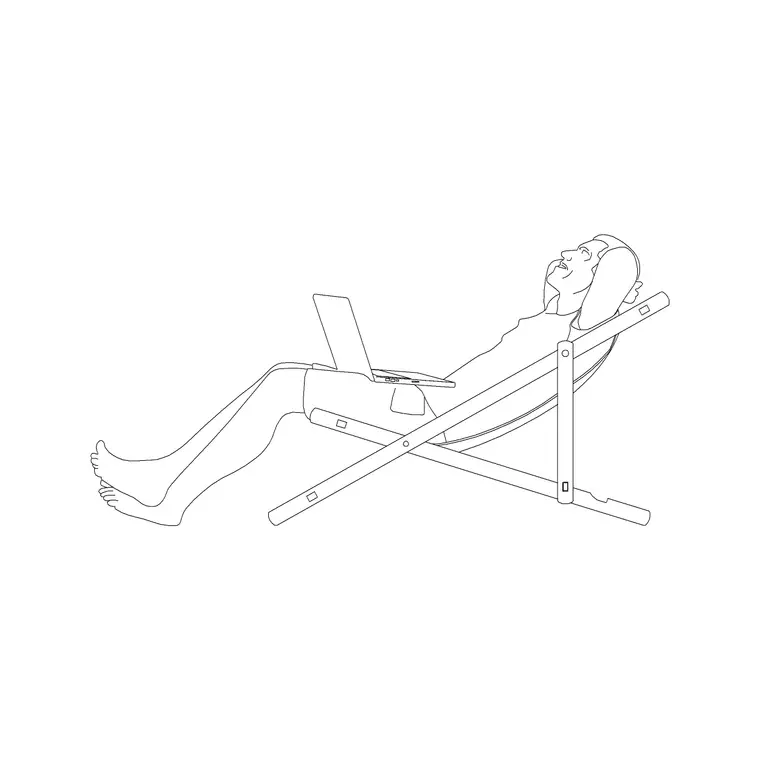
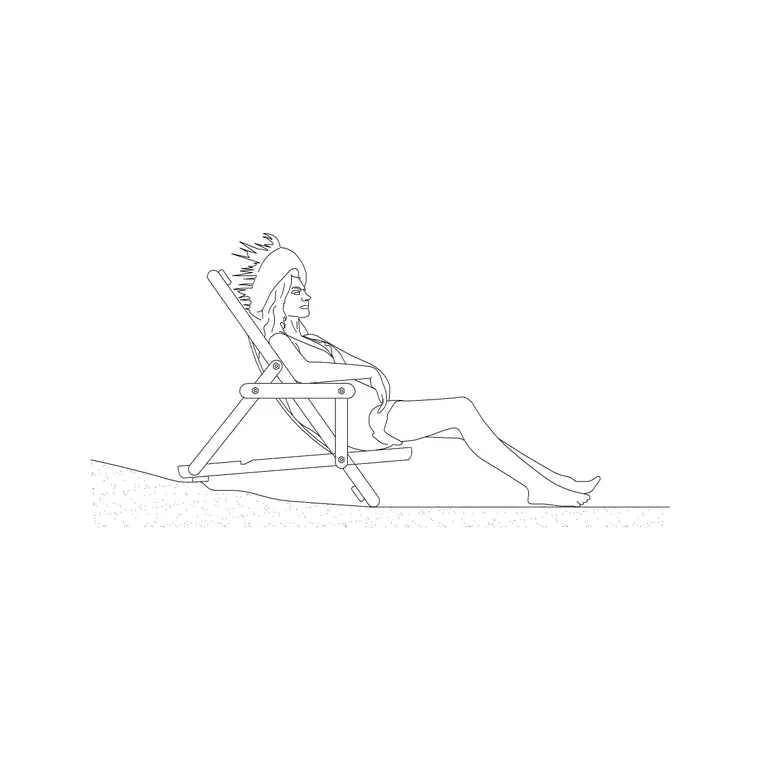
The figures come in both plan and elevation, so you can populate a floor plan from above or a streetscape from the side. They are drawn as clean scale figures with the same restraint as individual people, so a group reads as believable without becoming a cluttered tangle. The blocks share sensible base points so they insert and align consistently with each other and with your individual figures.
How groups change a drawing
Spacing and arrangement carry social meaning, and a group figure captures it in a way scattered individuals cannot. People in conversation stand turned toward each other, usually 600-1200 mm apart; a couple at a table sit close; a family on a pavement clusters loosely. Those relationships read instantly to a viewer and tell a small story about how the space is used.
Drop a couple at a cafe table and the drawing says this is a place to linger; place a family group at a shopfront and it says this is somewhere people come together; fill a plaza with clusters and it reads as a lively public space. A drawing populated only with evenly-spaced lone figures, by contrast, feels sterile and staged. The group pack lets you build the social atmosphere that makes a presentation drawing persuasive.
Spacing and footprint to plan around
Groups occupy more space than the sum of their individuals because of the gaps between people, and that matters for layout. A couple at a cafe table needs the table plus chairs - often a 700-800 mm table with around 600-700 mm of clearance behind each chair to sit and stand. A standing conversational group of three or four occupies a loose cluster perhaps 1500-2000 mm across.
In circulation, groups slow flow and take up width, so a pavement or concourse that has to carry groups rather than single-file walkers needs more generous widths - allow for two or three abreast, roughly 1800-2400 mm, where groups are expected. Placing scaled group blocks lets you check these social footprints against the space, so a plaza or a restaurant is sized for the way people actually gather, not just for individuals passing through.
How to use the set
These figures are drawn full size in millimetres. Insert at scale 1 in a millimetre drawing, 0.001 in a metre drawing, or set INSUNITS to millimetres so AutoCAD rescales the block on insertion. Use INSERT or drag the DWG from a tool palette, then place the group where people naturally gather - at tables, entrances, viewpoints, plaza edges and seating.
Use plan groups in floor plans and elevation groups in sections and streetscapes. Rotate and mirror the clusters so repeated groups do not look identical, and mix in individual figures so the scene is not all groups. Keep everything on a muted people layer so it sits behind the architecture and can be frozen for a clean technical issue. When you have a group you like, WBLOCK it for reuse on the next drawing.
Per-grouping notes
Each grouping in the pack has its natural home. Couples and pairs suit intimate, lingering spaces - cafe tables, benches, viewpoints - and are the workhorse social unit for most presentation drawings. Small family and friend groups suit residential, retail and leisure scenes where people arrive and move together. Larger crowd clusters belong in plazas, foyers, transport halls and event spaces where the point is to convey density and energy.
Match the grouping to the space and the story. A quiet residential courtyard wants a couple and a small family, not a dense crowd; a city square or a station concourse wants the clusters. Used with that judgement, the group pack does not just fill the drawing - it characterises the space, telling the viewer whether it is calm and domestic or busy and public.
Who uses the group pack
Architects and urban designers use it to populate streetscapes, plazas and public-realm drawings with believable social life. Interior and hospitality designers use couples and small groups to bring restaurants, bars, lounges and lobbies to life and to confirm table and seating layouts work for the way people gather. Retail designers use family and friend groups to show the customer experience.
Landscape architects use clusters to animate parks, promenades and event spaces. Students and competition entrants use the pack to give presentation drawings the human warmth that wins a jury over. Because the figures are free and licence-clear, the same groups carry from concept to final presentation. Pair the pack with the individual people figures, the furniture and the outdoor categories to build a complete, populated scene from one consistent library.
Free download
Browse the full library — DWG & DXF, no signup.
Questions
Frequently asked
What's in the group and couple figure pack?+
Couples and pairs, small groups of three or four, and larger crowd clusters, in both plan and elevation. They let you populate social and public spaces quickly without placing every person individually.
Why use group figures instead of individuals?+
People gather in pairs and groups in real spaces, so clustered figures read far more naturally than scattered individuals. Groups also carry social meaning - conversation, dining, family - that brings a presentation drawing to life.
Are the group and couple blocks free for commercial use?+
Yes. Every figure downloads free in DWG with no signup, no watermark and no attribution requirement, and they are cleared for commercial project use.
How do I keep repeated groups from looking identical?+
Rotate and mirror the clusters between placements, vary the spacing, and mix in individual figures so the scene is not all groups. This keeps a busy plaza or restaurant reading as a real place rather than a stamped pattern.
Related downloads
Blocks for this guide
Related categories
Related guides
Curated pack
15 Free People & Scale Figure CAD Blocks — DWG in 2026
15 free people and scale figure CAD blocks in DWG and DXF — standing, walking and seated figures in plan and elevation to give drawings human scale. No signup.
Curated pack
People in Plan View CAD Block Pack — Free DWG
A free people in plan view CAD block pack — standing, seated and grouped figures seen from above for floor plans, occupancy and circulation. DWG, no signup.
Curated pack
20 Free Human Figure CAD Blocks — DWG in 2026
Download 20 free human figure CAD blocks in DWG — standing, walking, seated people in plan and elevation to add scale to drawings. No signup, commercial use OK.