Curated pack · paving cad blocks
Free paving and hardscape CAD block pack
By Saumyajit Maity · Published 22 Jul 2022 · Updated 17 Jan 2026
Paving is the hardscape that ties an external scheme together — the paths you walk, the terrace you sit on, the driveway the car parks on — and getting it onto a drawing convincingly is mostly about repeatable, correctly-scaled patterns. This free paving and hardscape CAD block pack gives you paving patterns and textures in DWG and DXF, drawn to module size and ready to array across an area in AutoCAD 2004 or later. Everything is free for personal and commercial work, with no signup and no watermark.
Use the pack to surface paths and footways, patios and terraces, driveways and parking courts, plazas and the hard-landscape areas of any site plan. Because each paving block is drawn at a real module, you array it to fill an area at true size, so the joint pattern reads correctly at scale and a setting-out drawing actually matches what the contractor lays.
Hardscape is where landscape design meets construction detail. The pattern you choose carries the eye along a path or anchors a seating area, but it also has to set out from real paver sizes with sensible cut margins at the edges. Working from scaled paving blocks rather than a generic hatch keeps both the look and the buildability honest from the first sketch.
What's in the paving pack
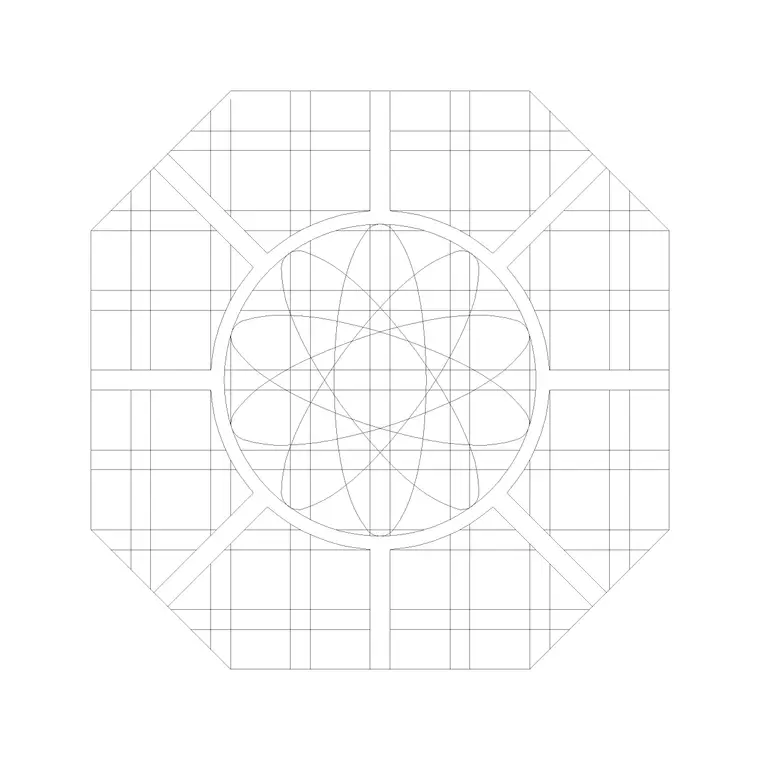
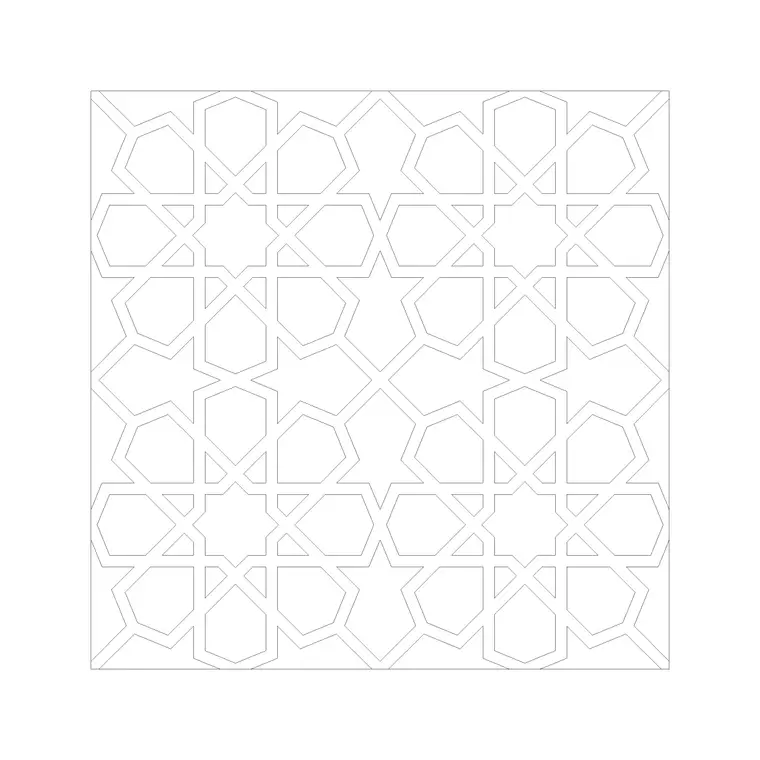
The pack provides paving patterns and textures you array to fill a surface. Different blocks give you different module sizes and joint patterns — a finer unit for footways and a larger format for terraces and driveways — so you can match the texture to the surface and the drawing scale. Each is drawn at a real paver module so the joints land at true spacing when you array it.
For the wider hardscape — edgings, kerbs, steps and the boundary between paved and planted areas — the paving and outdoor categories carry more, and the trees-and-plants and outdoor packs supply the planting and structures the hardscape sits among.
Patterns and where to use them
Different paving patterns suit different surfaces and carry different feelings. A stretcher (running) bond, with joints offset like brickwork, is the workhorse for paths and footways and reads as calm and directional. A herringbone pattern interlocks the units and is favoured for driveways and trafficked areas because it resists the twisting forces of turning wheels. A stack bond or grid, with joints lined up both ways, reads as formal and modern and suits terraces and plazas. A basketweave or coursed-random pattern reads as traditional and softer.
Match the pattern to the job: directional bonds to lead people along a route, interlocking bonds where vehicles turn, formal grids where you want a crisp architectural surface. Because the blocks are scaled, you can drop two patterns side by side and judge them at the real size they will be laid.
Arraying a paving texture to fill an area
The core technique is the array. Draw the outline of the paved area as a closed polyline, then array the paving block across it — a rectangular array set to the paver module spacing covers a regular area quickly. For a path that bends, you can array along the centreline or build the run in straight segments at each change of direction.
The tidiest method is to array the pattern generously over the whole area and then trim it to the boundary, which gives realistic cut units at the edges — exactly what happens on site. Keep the paving on a dedicated hard-landscape layer with its own colour and lineweight so you can show it on the surfacing drawing and freeze it for a clean planting or setting-out plan.
Setting out: bond direction, edges and falls
A paving drawing is a setting-out tool, not just a texture, so a few decisions make it buildable. Fix a starting point and a bond direction — usually working out from a prominent edge such as a building line or the main path, so the cleanest, fullest units sit where the eye lands and the cut units fall at the inconspicuous edges. Show the edge restraint or kerb that holds the paving, because block paving without an edge restraint spreads and fails.
Falls matter too: a paved surface has to drain, so it is laid to a gentle crossfall to a gully or a channel. While this pack is about the surface pattern, keeping the falls and drainage on their own layer alongside the paving means the setting-out coordinates the look, the cuts and the water all at once.
Who uses the paving pack
Landscape architects and designers use it to surface terraces, paths and plazas and to test pattern options to scale. Architects use it for the hard landscape around a building and for entrance and courtyard paving. Civil drafters use it for footways, car parks and service areas. Students use it for external-works studio drawings where scaled, licence-clear textures matter.
Pair the paving pack with the trees-and-plants and outdoor categories to set the hardscape among planting and structures, and with the vehicles and people blocks to show the paving in use and check that paths and terraces are sized for how they will be walked and driven.
Matching the texture to the drawing scale
How much paving detail to show depends on the scale of the drawing, and the pack lets you match the two. On a large site plan at 1:500 or 1:1000, a fully-detailed joint pattern turns to a grey smear — there a simple tone or a coarse texture reads better and keeps the file light. On a detailed hard-landscape plan at 1:50 or 1:100, you can afford the full module pattern, showing the actual bond, the edge cuts and the changes of material, because at that scale the joints are legible and the setting-out genuinely useful.
The practical move is to keep the paving on its own layer and control its appearance by scale: a light hatch or tone for the masterplan, the arrayed module pattern for the detailed drawings. Because the blocks are drawn at true module size, the detailed pattern you array is the same one the contractor sets out from — so the drawing that looks right is also the drawing that builds right, which is the whole point of working from scaled paving blocks rather than a decorative hatch.
Free download
Browse the full library — DWG & DXF, no signup.
Questions
Frequently asked
What's in the paving and hardscape pack?+
Paving patterns and textures at real paver modules — finer units for footways, larger formats for terraces and driveways — that you array to fill a surface. The paving and outdoor categories add edgings, kerbs and more pattern options.
Are the paving blocks free for commercial use?+
Yes. Every block downloads free in DWG and, where available, DXF, with no signup, no watermark and no attribution requirement, and all are cleared for commercial project use.
How do I fill an area with a paving pattern?+
Draw the paved area as a closed polyline, array the paving block generously across it at the paver module spacing, then trim the array to the boundary. The trim leaves realistic cut units at the edges, just as on site.
Which paving pattern should I use for a driveway?+
Herringbone is the usual choice for driveways and trafficked areas because the interlocking units resist the twisting forces of turning wheels. Stretcher bond suits footways, and stack-bond grids suit formal terraces and plazas.
Related downloads
Blocks for this guide
Related categories
Related guides
Curated pack
Free Landscape & Tree DWG Pack — Plan & Elevation
A free landscape and tree DWG pack — trees, palms, shrubs and potted plants in plan and elevation for AutoCAD site plans. DWG and DXF, no signup, commercial-use OK.
Curated pack
Free Landscape CAD Block Pack — DWG & DXF
A free landscape CAD block pack in DWG and DXF — trees, shrubs, fences, paving, lighting and figures for AutoCAD landscape plans. No signup, commercial-use OK.
Curated pack
Free Garden CAD Block Pack — DWG Download
A free garden CAD block pack in DWG and DXF — trees, shrubs, fences, a swing, a BBQ and paving for residential garden plans. No signup, commercial OK.