Room guide · parking cad blocks
Free parking area CAD blocks for AutoCAD
By Saumyajit Maity · Published 13 Oct 2023 · Updated 12 May 2026
A parking area is a geometry problem in disguise. The whole design comes down to packing rectangles — cars — into bays, threading aisles wide enough to turn into them, and doing it within the site you've got while leaving room for pedestrians and an accessible route. A scaled car block dropped into a bay is the fastest reality check there is: it instantly shows whether the bay is big enough, whether a door can open beside the next car, and whether a vehicle can actually swing out of the aisle into the space.
This page collects free parking CAD blocks in DWG and DXF — cars and an SUV in plan, accessible-parking and pedestrian symbols, and paving blocks for the surface — drawn to scale for AutoCAD 2004 or later. All free for personal and commercial work, no signup, no watermark.
Use the blocks to lay out a surface car park, an office or retail lot, a parking deck level, or the parking apron of a civic building. Because the cars, bays and aisles are scaled, you can test bay counts, aisle widths, the turning room between rows, accessible-bay provision and the pedestrian route across the lot.
Parking as a packing-and-turning problem
A car park has one job — store vehicles compactly while letting them get in and out — and two competing pressures: fit as many bays as possible, but keep the aisles wide enough that cars can actually manoeuvre. Push the aisles too narrow to gain bays and the lot becomes a series of three-point turns; make them too wide and you waste bays. The optimum sits between, and it changes with the parking angle.
Bay angle is the first decision. Ninety-degree (perpendicular) bays pack the most cars and allow two-way aisles but need the widest aisle to turn into. Angled bays (45–60 degrees) are easier to enter, need a narrower one-way aisle, but waste some space and force one-way circulation. Parallel bays suit edges and kerbside. Lay the aisle-and-bay module for your chosen angle, then array it to fill the site — the car block confirms each module actually works.
Bays, aisles and circulation
The repeating unit is a bay module: two rows of bays facing each other across a shared aisle. Set the bay width, bay depth and aisle width together — they're linked, because a narrower aisle demands a wider bay to compensate for the tighter turn. Array that module across the site and you have the bones of the lot.
Circulation then connects the modules: entry and exit points, a clear one-way or two-way flow, and end-of-row turning. Avoid dead-end aisles with no turning head, which trap cars. Keep the entry sightlines clear and don't make a driver cross the pedestrian route blind. Drop a car block into an end bay and swing it into the aisle to confirm the turn clears the opposite row — if it clips, the aisle is too narrow or the bay too shallow, and the scaled block shows it instantly.
The blocks that lay out a car park
Parking layouts are mostly cars and markings.
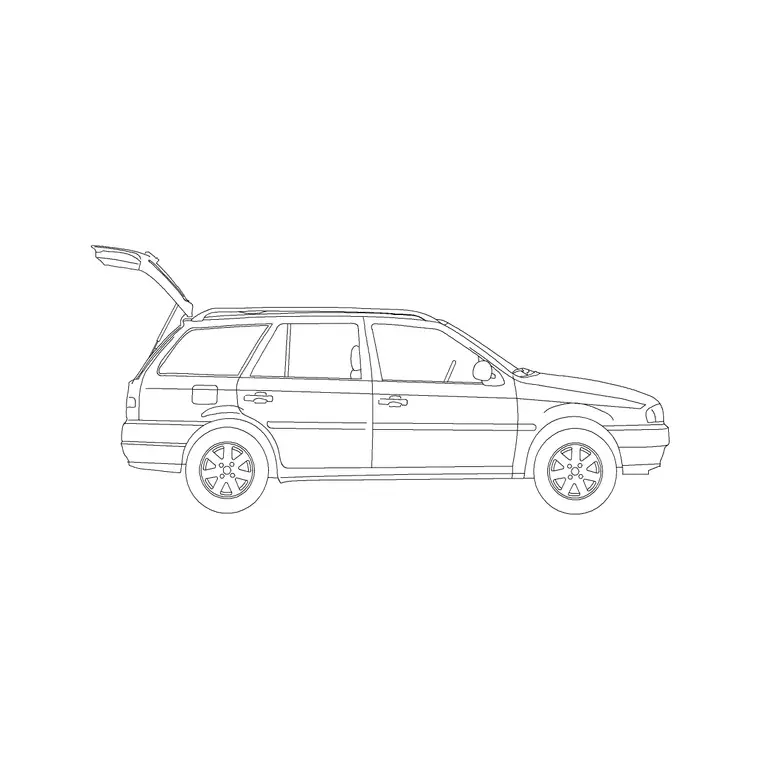
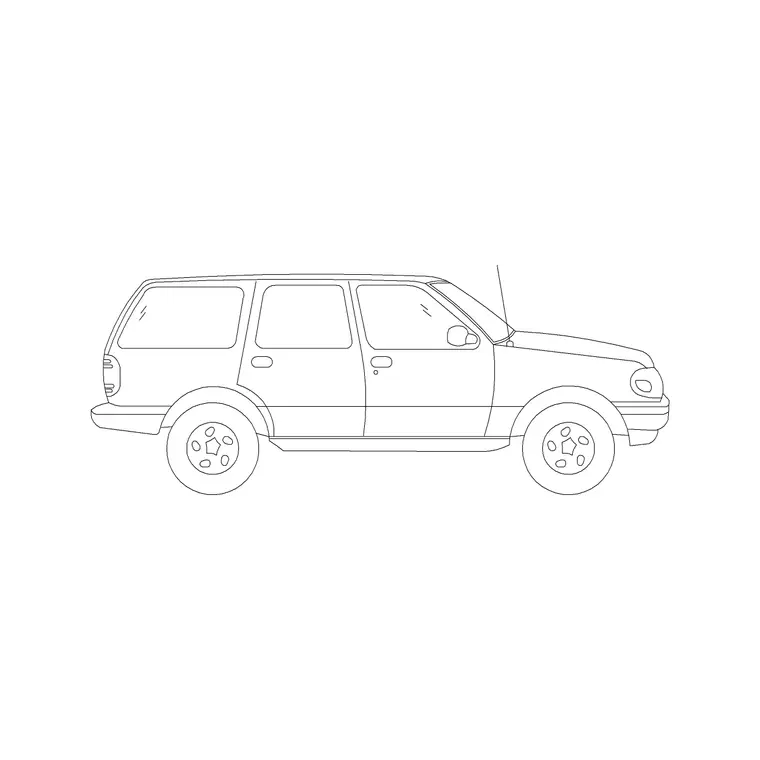
- Cars — sedan and 2-door car blocks in plan for standard bays; an SUV block to check the tighter clearance a larger vehicle needs. - Larger vehicles — a jeep block to test bays sized for bigger 4x4s and light vehicles. - Accessible symbols — the wheelchair-accessible symbol marks designated accessible bays. - Pedestrian and wayfinding symbols — male/female and other building symbols for the pedestrian route, lift/stair cores and entrances. - Paving — paving-block fills for the surface, kerb lines and pedestrian crossings.
Don't fill every bay with a car; place a representative few — a sedan, an SUV, a jeep — in the tightest spots to prove the worst case. Keep cars, bay lines, accessible bays, pedestrian symbols and paving on separate layers so the marking plan, the accessibility plan and the surfacing plan come off one drawing.
Dimensions, clearances and accessible bays
Treat these as design ranges and always check local parking standards, which vary widely. Standard bay: roughly 2400–2700 mm wide by 4800–5400 mm long for a perpendicular space. Two-way aisle for 90-degree bays: often around 6000 mm so cars can turn in from either direction; angled-bay one-way aisles are narrower. Allow extra bay width on the end of a row or against a wall so a door can open.
Accessible bays are wider — they need a marked transfer zone (a hatched strip) beside the bay for a wheelchair, and they should sit on a level, short route to the building entrance with a dropped kerb. Place enough of them, and distribute them near the entrance. Drop the SUV and jeep blocks into standard bays to check the tight cases, and the accessible symbol with its transfer zone to size the accessible spaces. Scaled blocks turn every clearance into a visible check.
Building the car park plan from blocks
Draw the site boundary, the entry/exit and any fixed obstacles (lift core, planting islands, the building edge). Choose a bay angle and set out one bay module — two bay rows and the aisle between. Array the module to fill the site, trimming rows to fit the boundary. Lay the paving surface and mark the bay lines.
Drop a sedan, an SUV and a jeep into the tightest bays and swing one out into the aisle to confirm the turn clears. Add the accessible bays near the entrance with their hatched transfer zones and the accessibility symbol. Draw the pedestrian route from the bays to the building with crossings marked, using pedestrian symbols. With cars, bay lines, accessible bays, pedestrian route and paving on separate layers, the marking, accessibility and surfacing plans are each just the right layers thawed.
Common car park layout mistakes
The first is aisles too narrow for the bay angle — perpendicular bays off a skinny aisle that no real car can turn into. Always test the turn with a scaled car swinging from the aisle into an end bay. The second is forgetting door-opening clearance against walls and end bays, so a parked car can't open its door without hitting the structure. Widen the constrained bays. The third is accessible bays done wrong — too few, too far from the entrance, or with no hatched transfer zone beside them.
Other traps: dead-end aisles with no turning head, pedestrians forced to walk in the vehicle aisles with no marked route, and sizing every bay to a small hatchback so an SUV overhangs into the aisle. Placing the larger vehicle blocks in the tightest spots and walking a pedestrian route across the lot exposes these before the lines are painted.
Free download
Browse the full library — DWG & DXF, no signup.
Questions
Frequently asked
How wide should a parking aisle be?+
It depends on the bay angle: perpendicular (90-degree) bays need the widest aisle — often around 6000 mm for two-way flow — while angled bays work with a narrower one-way aisle. Treat these as design ranges, check local standards, and confirm the width by swinging a scaled car from the aisle into an end bay.
How do I check a car can actually park in a bay?+
Drop a scaled car block into the bay and a representative SUV or jeep into the tightest spots, then rotate one as if turning in from the aisle. If the swing clips the opposite row or the door can't open beside the next car, the bay or aisle is undersized — the block shows it instantly.
What's special about accessible parking bays?+
Accessible bays are wider than standard and need a marked hatched transfer zone beside them for a wheelchair, plus a level, short route to the building entrance with a dropped kerb. Place enough of them near the entrance and mark each with the wheelchair-accessible symbol from the building-symbols set.
Do I need to fill every bay with a car block?+
No — that just clutters the drawing. Place a representative few, including a larger SUV or jeep, in the most constrained bays to prove the worst case, and leave the rest as marked bay lines. Keep the cars on their own layer so you can show the lot full or empty.
Related downloads
Blocks for this guide


Related categories
Related guides
Room guide
Free Lecture Hall CAD Blocks — DWG Download
Free lecture hall CAD blocks in DWG and DXF — tiered seats, lectern, figures and exit symbols to plan a raked university theatre in AutoCAD. No signup.
Room guide
Free Auditorium CAD Blocks — DWG Download
Free auditorium CAD blocks in DWG and DXF — fixed seats, stage, figures and exit symbols to plan a fan-shaped auditorium seating layout in AutoCAD. No signup.
Room guide
Free Bank Branch CAD Blocks — DWG Download
Free bank branch CAD blocks in DWG and DXF — teller counters, advisory desks, seating and figures to plan a branch interior in AutoCAD. No signup.