Room guide · auditorium cad blocks
Free auditorium CAD blocks for AutoCAD
By Sumana Kumar · Published 29 Mar 2025 · Updated 4 Feb 2026
An auditorium is a room built around a single focal point — a stage — and a few hundred or few thousand seats all aimed at it. The seating plan is the design. Everything else, the foyer, the structure, the acoustics, hangs off how the seats fan out from the stage, how far the back row sits, and how people flow in and out through aisles and exits. A scaled seating block, arrayed correctly, is the fastest honest way to know how many people the room actually holds.
This page collects free auditorium CAD blocks in DWG and DXF — fixed tip-up seats in plan, a stage and apron, human figures and emergency-exit symbols — drawn to scale for AutoCAD 2004 or later. All free for personal and commercial use, no signup, no watermark.
Use the blocks to lay out a school or community auditorium, a fan-shaped concert hall, or a flat-floor multipurpose hall with retractable seating. Because the seats and aisles are scaled, you can test capacity, the curve of the rows, the aisle grid and the exit provision in one coordinated plan.
The auditorium as a focused room
An auditorium gathers a large audience to watch one event. The stage is the origin; the seating radiates from it. Compared with a lecture hall, the scale is bigger, the events more varied (drama, music, assembly, prize-giving) and the comfort expectations higher — these are seats people sit in for two hours, not forty minutes.
The seating geometry is usually a fan: rows curve so that every seat faces the stage centre rather than the side wall, and the rows widen as they move back. The plan has to balance maximum capacity against three comfort limits — no seat too far from the stage, no seat at too oblique an angle, and every seat within a short walk of an aisle and an exit. Set out the stage and centreline first; the seating is mirrored and arrayed from there.
Fan-shaped seating and the aisle grid
Draw the stage edge, then the centreline running back from it. Curve the first seating row across the front at a comfortable distance and angle the seats to face the stage centre. As you array the row backward, the rows lengthen and the gentle curve continues, keeping the fan aimed at the stage.
The aisles cut this fan into blocks of seats. A central aisle plus two side aisles is a common pattern; the rule of thumb is that no run of seats between aisles should be so long that the centre seat is a marathon to reach. Cross aisles partway back break a deep auditorium into front and rear blocks and add escape routes. Lay the aisles as you build the seat blocks, not after, so the seat count between them stays within a sensible limit.
The blocks that furnish an auditorium
Auditorium seating is the definition of a job for blocks: one seat, repeated hundreds of times.
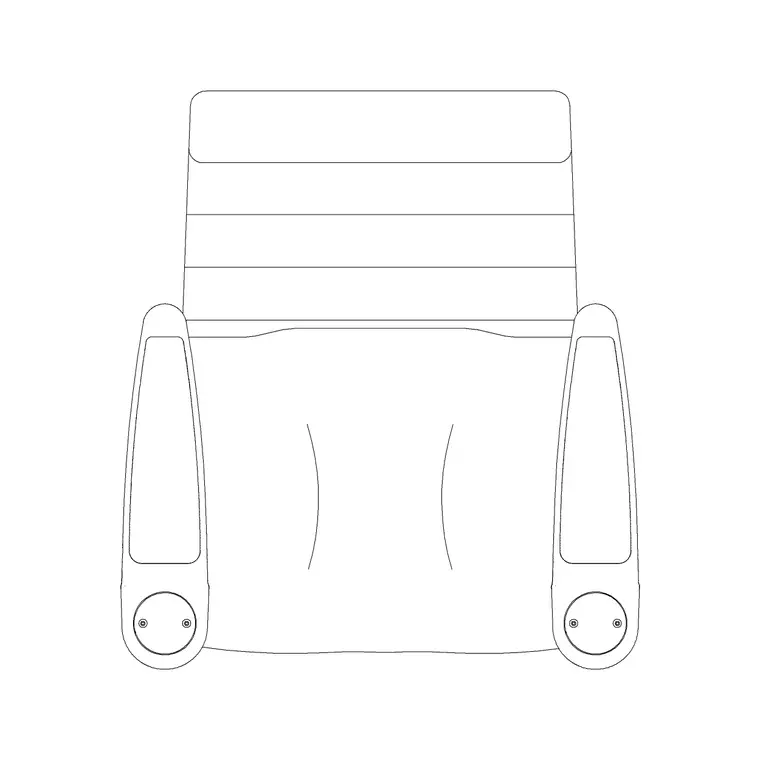
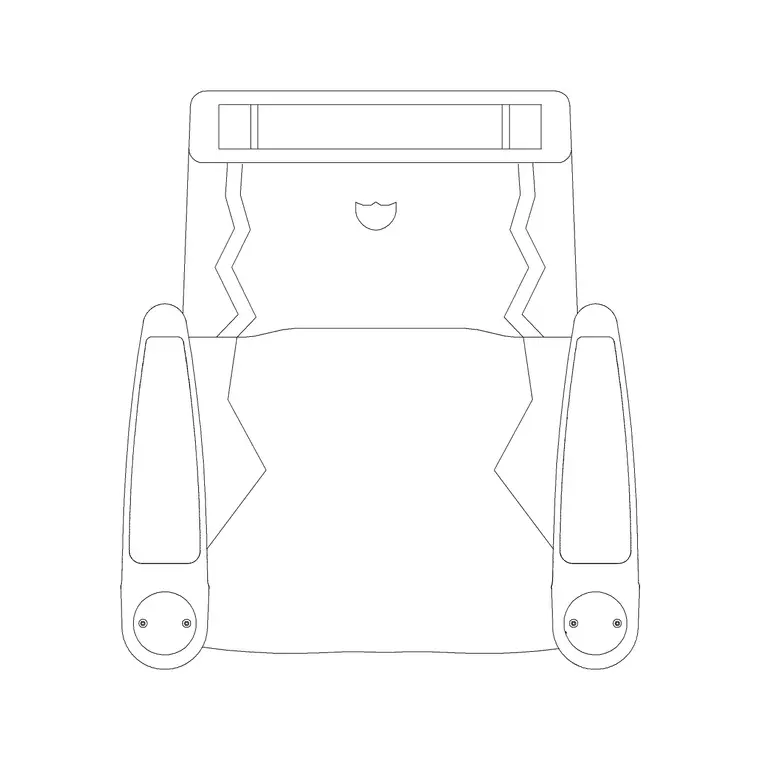
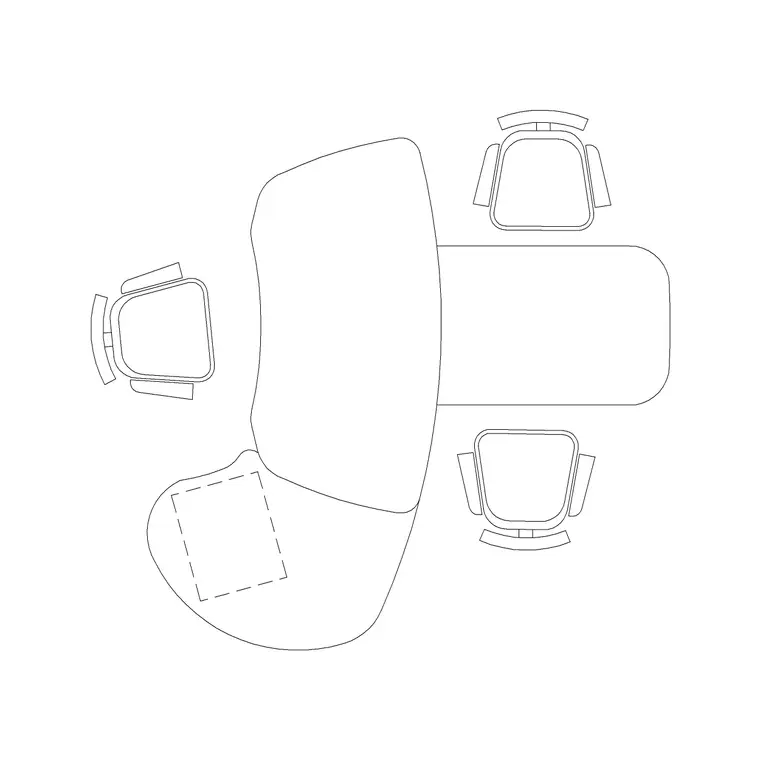
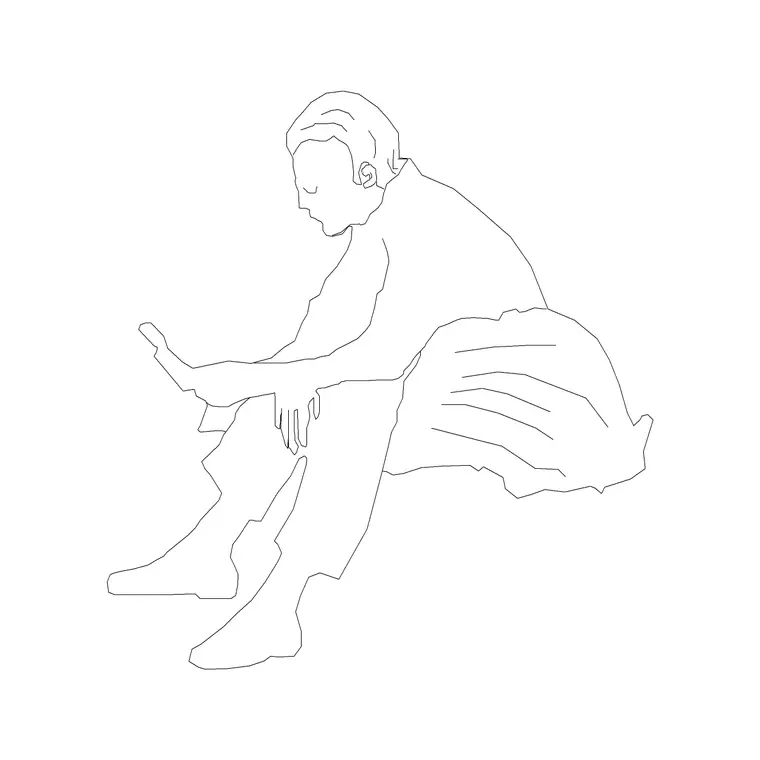
- Fixed seats — a tip-up auditorium seat in plan, arrayed along each curved row. The audi chair plan and reclining audi chair blocks represent standard and premium fixed seating. - Stage and apron — drawn as outlines; an office or reception table can stand in for a lectern or presentation furniture on stage. - Human figures — seated figures to check density and sightlines, standing figures to test aisle and exit flow. - Building symbols — emergency-exit, stair and accessibility symbols, essential on a plan of this occupancy.
Keep seats, the stage, aisles, figures and symbols on separate layers so you can produce a seating plan, an egress plan and an accessibility plan from one drawing.
Dimensions, clearances and exit provision
Treat these as design ranges and always defer to local codes for occupancy. Seat width: roughly 500–600 mm per person, wider for premium reclining seats. Row spacing (back to back): around 850–1100 mm; more legroom means deeper rows but fewer of them. Clear way past a tipped-up seat to reach a middle place: enough to pass without forcing the row to stand.
Aisle widths scale with the people they serve — main aisles are often 1100 mm or more and widen toward exits as they collect more rows. Limit seats per row between aisles so no one is trapped. Provide enough exits, well distributed, that the hall clears within the time code requires. Mark wheelchair-accessible positions with their own clear floor space, usually near an accessible entrance and exit. Scaled blocks let you test every one of these visually.
Building and proving the seating plan
Place the stage and centreline. Draw the first row as an arc, set seat blocks along it at your chosen width, and array the row backward, lengthening each row to follow the fan. Insert the aisles to split the seating into blocks, and add a cross aisle if the auditorium is deep. Count the seats per row between aisles and trim if a run is too long.
Cut a section to prove the rake and sightlines if the floor is stepped, placing seated figures on the tiers. On the plan, walk standing figures down the aisles to the exits and confirm they widen appropriately. Mark exits, stairs and accessible positions with building-symbol blocks. With everything layered, the egress plan is simply the aisle, figure and symbol layers thawed over the seating.
Mistakes to avoid in an auditorium layout
The headline mistake is chasing capacity at the cost of egress — too many seats between too few aisles, so the hall can't clear safely. Always size and distribute aisles and exits to the occupancy first, then see how many seats fit. The second is a flat fan with straight rows, leaving the outer seats staring at the side wall instead of the stage; curve the rows. The third is forgetting accessible seating, then bolting it on in a spot with no clear route to an accessible exit.
Other traps: rows too shallow to pass without standing, a back row pushed so far that the stage is a postage stamp, and a stage apron drawn too small for the events the room hosts. Dropping figures into the worst seats and walking them to the nearest exit exposes all of these before the seating is fixed in steel and concrete.
Free download
Browse the full library — DWG & DXF, no signup.
Questions
Frequently asked
How do I lay out fan-shaped auditorium seating in AutoCAD?+
Place the stage and a centreline, draw the first row as an arc at a comfortable distance, set seat blocks along it angled toward the stage centre, then array the row backward so each row lengthens and the fan continues. Cut the seating with aisles as you go to keep the seats-per-row within a safe limit.
How many seats can sit between two aisles?+
That is governed by egress code rather than a fixed number, but the principle is that no centre seat should be a long shuffle from an aisle. Limit the run, then add aisles or a cross aisle until standing figures can reach an exit quickly from every seat in the block.
Do I need emergency-exit symbols on an auditorium plan?+
Yes. At auditorium occupancy, exits, stairs and accessible routes are a primary design driver. Mark them from the building-symbols set early so you can size aisles to the crowd, distribute exits evenly, and show a clear escape route on the plan.
What's the difference between the standard and reclining seat blocks?+
The standard auditorium chair plan represents a regular fixed tip-up seat, while the reclining version represents a deeper premium seat. Use the deeper block where you want more legroom and comfort — it increases row spacing and reduces total capacity, which the scaled blocks let you see immediately.
Related downloads
Blocks for this guide
Related categories
Related guides
Room guide
Free Lecture Hall CAD Blocks — DWG Download
Free lecture hall CAD blocks in DWG and DXF — tiered seats, lectern, figures and exit symbols to plan a raked university theatre in AutoCAD. No signup.
Room guide
Free Bank Branch CAD Blocks — DWG Download
Free bank branch CAD blocks in DWG and DXF — teller counters, advisory desks, seating and figures to plan a branch interior in AutoCAD. No signup.
Room guide
Free Cinema Theatre CAD Blocks — DWG Download
Free cinema theatre CAD blocks in DWG and DXF — recliner seats, screen, figures and exit symbols to plan a movie auditorium in AutoCAD. No signup.