Curated pack · outdoor furniture cad blocks
Free outdoor furniture CAD blocks for AutoCAD
By Saumyajit Maity · Published 15 Mar 2022 · Updated 12 Jan 2026
Outdoor furniture is what turns a paved rectangle into a terrace, a courtyard or a garden room. This free outdoor furniture pack gathers the external seating and table blocks you reach for most — benches, loungers, outdoor sofas and armchairs, dining sets, parasols and planters — drawn in plan and elevation, in DWG and ready to insert into AutoCAD 2004 or later. Everything is free for personal and commercial work, with no signup, no watermark and no attribution needed.
Use the pack to lay out patios, terraces, balconies, courtyards, roof gardens and public realm seating. Because the blocks are drawn at believable footprints, an outdoor dining set lands in the right amount of terrace, a lounger pair fits the deck, and a bench reads at human scale against the planting, so the external space looks usable rather than sketched.
Outdoor furniture also proves a space works. Drop a three-seat outdoor sofa and a coffee table onto a terrace and you immediately see whether there's room to sit, circulate and open the doors behind; an empty paved area never raises that question. Keeping the furniture on its own layer means you can dress the landscape plan for the client and strip back to a clean hard-landscape base for the setting-out drawing without disturbing the paving beneath.
What's in the outdoor furniture pack
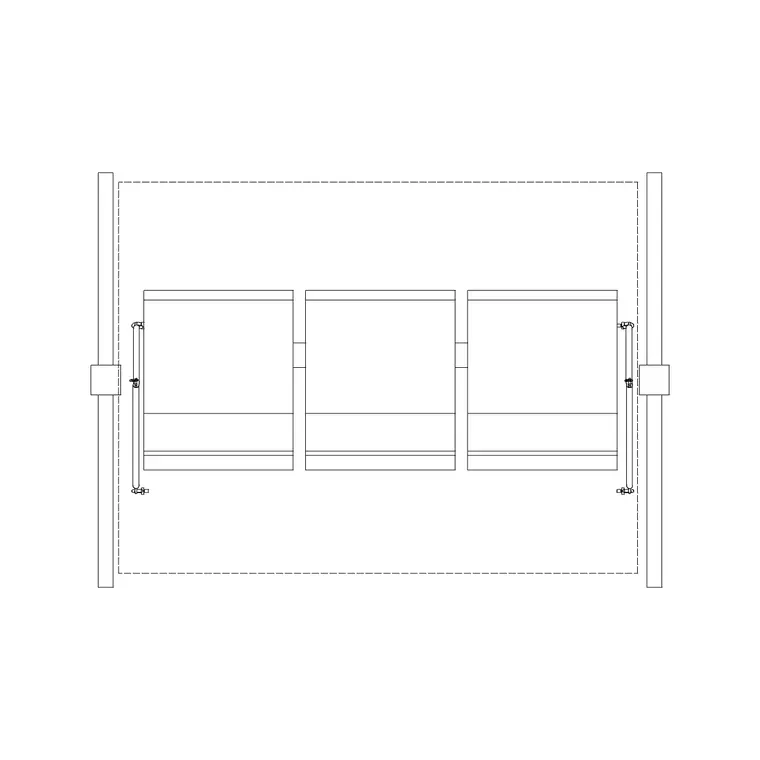
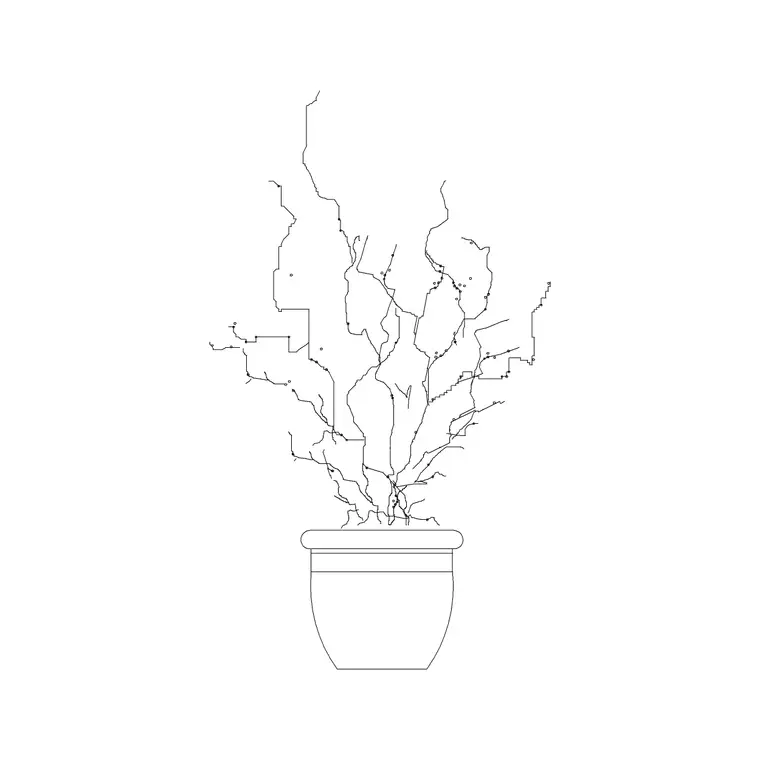
The pack covers the external furniture families. Seating: park and garden benches, outdoor sofas and armchairs, and stacking or dining chairs. Lounging: sun loungers and daybeds for pools and terraces. Tables: outdoor dining tables, coffee and side tables, and bistro sets for balconies. Shade and dressing: parasols, planters and large pots that double as soft landscape.
Because outdoor furniture is read in both site plans and presentation elevations, the blocks come in plan footprints for the layout and face-on elevation versions for street and terrace views. Each is a single block reference you can copy, rotate and array, drawn cleanly enough to read at landscape scale without filling solid.
How to lay out an outdoor space with the blocks
Put outdoor furniture on a dedicated layer — something like L-FURN or A-FURN-EXT — so you can thaw it for the landscape presentation and freeze it for the paving setting-out drawing. Start from the fixed elements: the door thresholds, the paving edges and the planting beds, because those constrain where furniture can go.
Drop a dining set or a seating group in and check the real clearances: room to pull a chair out, a path to circulate around the table, and clearance for the doors behind to open over the terrace. For a run of public-realm benches, array the bench block along the path at a sensible spacing. Vary furniture orientation slightly so a terrace reads as arranged rather than stamped, and leave breathing space rather than cramming the paving.
Per-item notes: benches, loungers and dining sets
Benches are the public-realm workhorse: a typical bench is roughly 1.5–1.8 m long and around 600 mm deep, which is the footprint to array along a promenade or set against a wall. Keep a clear zone in front so a seated person's legs and a passer-by both have room.
Loungers run long — roughly 1.9–2.0 m — so they need real deck depth; a pair beside a pool reads better with a side table between them. Outdoor dining sets are dimension-led: a four-seat table needs roughly 600–700 mm of clearance around it for chairs to pull out and people to pass, and a six-seat set proportionally more. Parasols and large planters add height and shade in elevation; keep them as block references so you can reposition a whole arrangement without redrawing the paving.
Plan and elevation outdoor furniture
For the layout you work in plan: furniture footprints seen from above, placed on the terrace and arrayed along paths. The plan block is what governs the clearance and circulation checks. For street views, terrace elevations and presentation sections you switch to the elevation blocks, where benches, loungers and dining sets are seen from the side at human scale.
Elevation outdoor furniture pairs naturally with people, trees and planters: a bench under a tree with a figure seated on it instantly sets the scale and the mood of a public space. Many outdoor furniture blocks ship both views, so you can lay out the terrace in plan and build a matching elevation or street view from the same download.
Who uses the outdoor furniture pack
Landscape architects, architects and urban designers all place outdoor furniture, and the pack suits private gardens and terraces, balconies and roof gardens, courtyards, pool decks, restaurant and cafe external seating, parks and public realm. It's equally useful for a quick concept board, a detailed landscape plan or a planning-submission masterplan.
Pair the furniture with the landscaping, people and vehicle blocks elsewhere in the library to build a complete external scene — a bench under a tree, a dining set on the terrace, a figure walking the path and a car at the kerb. Because everything here is free and licence-clear, you can assemble an external-furniture kit once and reuse it across every outdoor space you draw.
Keeping outdoor layouts light and tidy
External furniture layouts get heavy when every bench and lounger is placed by hand, so lean on arrays and reusable groupings. Build one furnished terrace zone or one bench-and-bin unit as a block and array or copy it; for a promenade of benches, a path array keeps the spacing even and editable. Keep everything as block references so the file stays light on a big landscape scheme.
Use colour and lineweight so the furniture sits in the right place in the hierarchy: hard landscape mid-weight, furniture lighter, planting softer still. Freeze the furniture layer for the paving and setting-out drawings and thaw it for the landscape presentation. If a furniture symbol needs simplifying for a small-scale masterplan, edit the block definition once with BEDIT and every instance updates together.
Free download
Browse the full library — DWG & DXF, no signup.
Questions
Frequently asked
Are these outdoor furniture CAD blocks free for commercial use?+
Yes. The whole pack downloads free in DWG with no signup, no watermark and no attribution requirement, cleared for commercial landscape plans, terrace layouts and presentations.
Do the blocks come in plan and elevation?+
Yes. You get plan footprints for the terrace and site layout and face-on elevation blocks for street views and presentation sections. Where a block carries both views they're in the same DWG.
How much clearance does an outdoor dining set need?+
Allow roughly 600–700 mm of clear space around a four-seat table for chairs to pull out and people to pass, and more for larger sets. The blocks are drawn full size in millimetres, so dropping one onto the terrace makes that a visual check.
What's the best way to lay out a run of public benches?+
Use a path array along the promenade or path centreline so the bench spacing stays even and editable. Keep a clear zone in front of each bench for seated legs and passers-by, and vary orientation slightly so the run reads as designed.
Related downloads
Blocks for this guide

Related categories
Related guides
Curated pack
Free Landscape & Tree DWG Pack — Plan & Elevation
A free landscape and tree DWG pack — trees, palms, shrubs and potted plants in plan and elevation for AutoCAD site plans. DWG and DXF, no signup, commercial-use OK.
Curated pack
Free Landscape CAD Block Pack — DWG & DXF
A free landscape CAD block pack in DWG and DXF — trees, shrubs, fences, paving, lighting and figures for AutoCAD landscape plans. No signup, commercial-use OK.
Curated pack
Free Garden CAD Block Pack — DWG Download
A free garden CAD block pack in DWG and DXF — trees, shrubs, fences, a swing, a BBQ and paving for residential garden plans. No signup, commercial OK.