Block landing · outdoor chair cad block
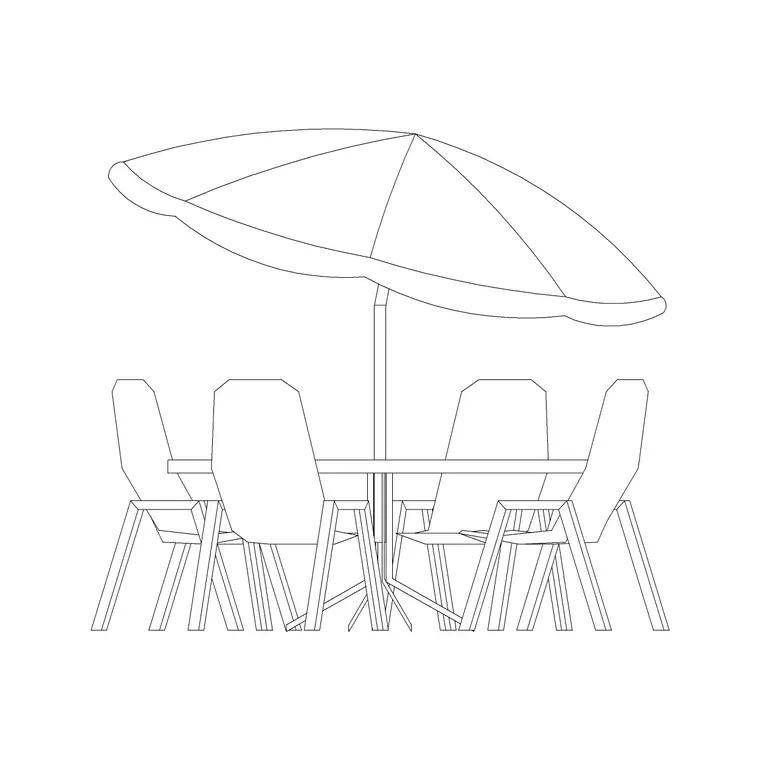
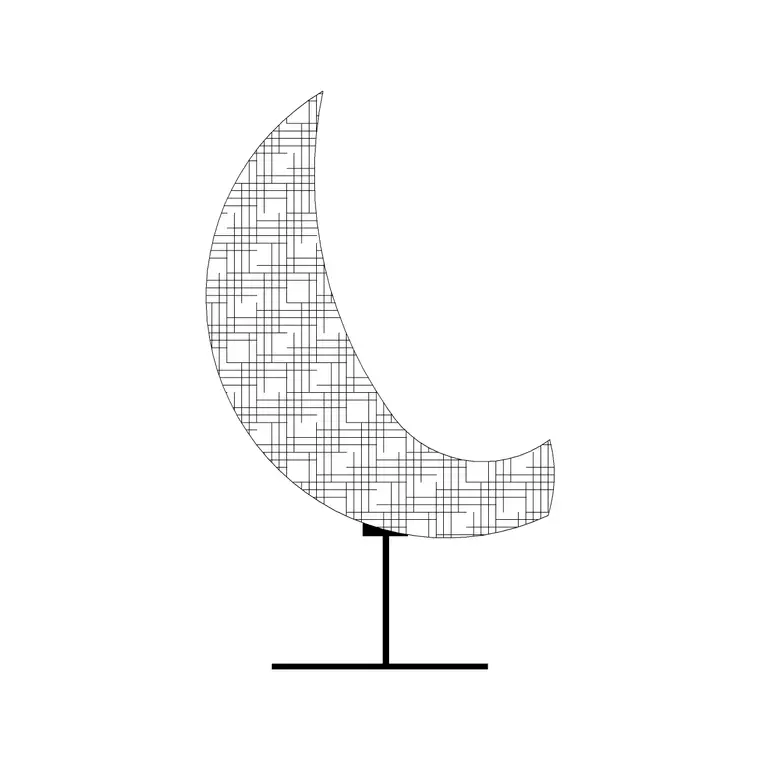
Free outdoor chair and seating CAD blocks
By Sumana Kumar · Published 5 Jul 2022 · Updated 16 Jun 2026
Outdoor seating is the block that turns an empty terrace into a place people use, and it is one of the most-repeated items in any landscape or external-living drawing. This page collects free outdoor chair CAD blocks in DWG and DXF — patio dining chairs, lounge and club chairs, sun loungers, deck chairs and Adirondack-style seats — drawn at true millimetre dimensions and ready to insert into AutoCAD 2004 or later. Everything is free for personal and commercial work, with no signup and no watermark.
Use these blocks to furnish terraces, patios, decks, balconies, courtyards and poolsides, and to show scale and use in presentation drawings. Because outdoor seating is usually arranged around a table or a focal point, the plan view is what you reach for most — arraying chairs around a dining table or grouping loungers along a pool edge with the right clearances between them.
What's covered in the outdoor seating set
Outdoor seating spans more shapes than indoor seating, and the set reflects that. Dining chairs and armchairs pull up to outdoor tables. Lounge and club chairs furnish relaxed seating groups. Sun loungers and deck chairs lie back for poolside and terrace use, with a much longer footprint. Adirondack and slatted timber chairs add character to garden and cabin schemes.
Each chair draws the seat, the back and — in plan — the footprint that governs spacing, all as editable geometry on sensible layers. A lounger is the clearest example of why the footprint matters: reclined, it occupies a long, narrow space very different from a dining chair, so placing it to scale is the only way to lay out a poolside that actually works. Because each chair is a single block reference, you can copy it around a table, array a row of loungers, and rotate each to face the sun or the view.
Plan for layout, elevation for presentation
For furnishing an outdoor space you work in plan: chairs and loungers seen from above, arranged around tables or along edges, with the footprint and the space between seats checked. The plan block is what you array around a patio dining table, pull into a seating group, or line up along a pool. Keep the seating on its own furniture layer so you can toggle it off for a clean hard-landscape plan.
Elevation and side-view chairs come into play for terrace elevations, sections and presentation drawings. A side-view lounger is handy when you draw a poolside section and want to show a reclined figure; a face-on dining chair sits under a table in an elevation. Many blocks here ship both views in the same DWG, so you can insert whichever the drawing needs and freeze the rest.
Typical outdoor seating dimensions to design around
Reach for these ranges when you lay out a terrace. An outdoor dining chair footprint is roughly 500–600 mm square, similar to an indoor chair but often a touch bulkier. A lounge or club armchair runs 700–850 mm wide. A sun lounger is the long one: typically 600–700 mm wide and 1.8–2.0 m long when flat, so it needs real length in plan. A deck chair folds to a smaller footprint but still reclines to around 1.5 m.
For spacing, allow roughly 600 mm of clear access behind a dining chair so someone can pull it out and sit, and keep 600–900 mm between loungers so people can move between them. These are typical figures, not fixed specifications — the product and the brief drive the real numbers. The blocks are drawn full size so you can check these clearances at a glance by dropping the scaled seat into the layout.
How to insert and arrange the seating
These seating blocks are drawn in millimetres. Insert at scale 1 in a millimetre drawing, 0.001 in a metre template, or set INSUNITS to millimetres so AutoCAD rescales on insertion. Run INSERT or drag the DWG onto the drawing, pick the insertion point at the centre of the seat, and rotate the chair to pull up to a table or face the view.
To lay out a dining group, place the table first, then array the chairs around it at even spacing with the access clearance checked behind each. For a poolside, copy the lounger along the pool edge, varying the rotation slightly so the row doesn't look stamped. Keep all the seating on a furniture or external-living layer so a single freeze gives you the bare hard-landscape plan and a thaw brings the furnished scheme back.
Where outdoor seating blocks are used
Outdoor chair blocks appear across landscape and external-living drawings: terraces and patios, decks and balconies, roof gardens, courtyards, poolsides, café and restaurant outdoor areas, and hotel and resort amenity spaces. Landscape designers use them to furnish relaxation and dining zones; architects add them to terrace and balcony layouts to demonstrate amenity and capacity; hospitality designers use them to lay out covers and seating density for an outdoor service area.
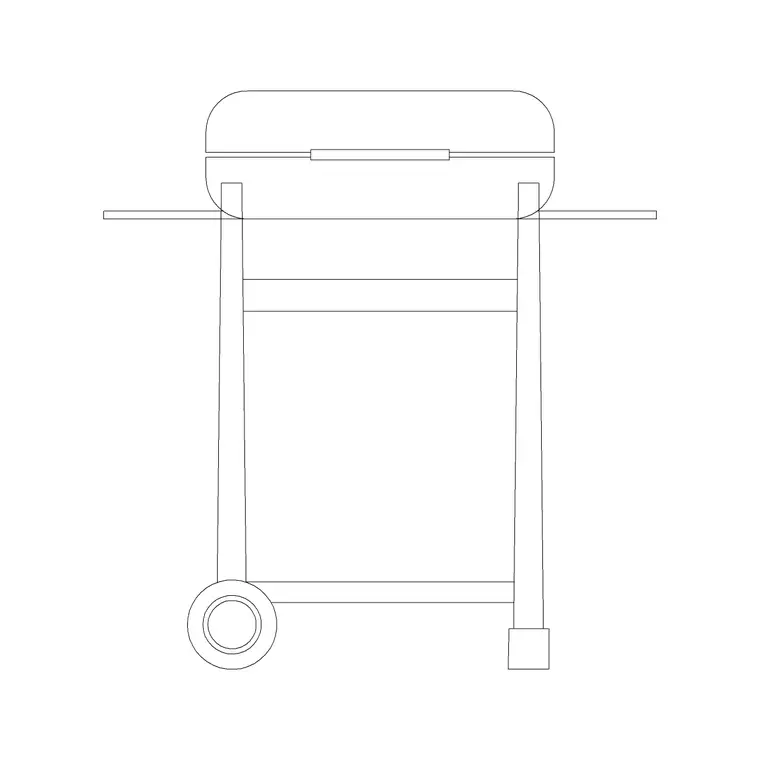
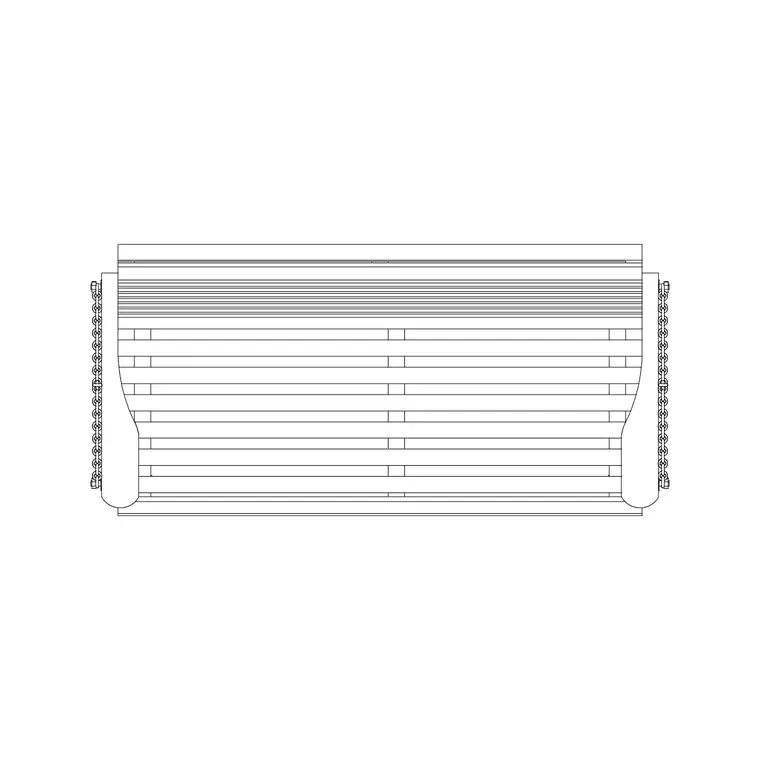
Pair the seating with the outdoor table, BBQ, swing and planting categories to build a complete external-living scene — a dining set, loungers, a grill and planted beds on a paved terrace. Because outdoor seating signals how a space is used, it is one of the most useful blocks for communicating the character and capacity of an outdoor scheme.
Keeping outdoor furniture on its own layer
The same layering habit that helps indoor furniture pays off outside. Put the outdoor seating on a dedicated external-living or furniture layer rather than leaving it on layer 0, give it its own colour and lineweight, and you can produce a clean hard-landscape plan by freezing the furniture and a fully furnished terrace by thawing it — from one drawing, with no duplicate geometry.
For a hospitality or amenity scheme, tag each seat as a block with a simple attribute — a type code or a cover count — and you can extract a seating schedule straight from the drawing, which is exactly the count a restaurant fit-out or a resort brief wants. When a seating group is finalised, WBLOCK the arrangement — table plus chairs, or a pair of loungers and a side table — as a single reusable unit and drop it wherever the same setting repeats across a terrace or a pool deck.
Free download
Browse the full library — DWG & DXF, no signup.
Questions
Frequently asked
What kinds of outdoor seating are included?+
The set covers patio dining chairs, lounge and club chairs, sun loungers, deck chairs and Adirondack-style timber seats — drawn in plan and, in many cases, elevation for terrace, deck, poolside and courtyard drawings.
Are the outdoor chair CAD blocks free for commercial use?+
Yes. Every seating block downloads free in DWG and, where available, DXF, with no signup, no watermark and no attribution requirement, and they are cleared for commercial project use.
How much space does a sun lounger need in plan?+
A sun lounger is typically 600–700 mm wide and 1.8–2.0 m long when flat, so it needs real length in plan. Allow 600–900 mm between loungers so people can move between them. The scaled block lets you check this directly.
What scale are the outdoor seating blocks drawn at?+
Full size in millimetres. Insert at scale 1 in a millimetre drawing, or set INSUNITS to millimetres so AutoCAD rescales automatically. You can scale a seat to match a specific product if needed.
Related downloads
Blocks for this guide
Related categories
Related guides
Block landing
Free Garden Fence CAD Blocks — DWG & DXF
Download free garden fence CAD blocks in DWG and DXF — timber, panel and contemporary boundary fences drawn in plan and elevation, AutoCAD 2004+, no signup.
Block landing
Free Wrought-Iron Gate CAD Blocks — DWG
Download free wrought-iron and metal gate CAD blocks in DWG and DXF — ornamental garden gates in elevation and plan with swing arcs. No signup.
Block landing
Free Main Entrance Gate CAD Blocks — DWG
Download free main entrance gate CAD blocks in DWG and DXF — driveway, sliding and double-swing gates drawn in elevation and plan with swing arcs. No signup.