Block landing · main gate cad block
Free main entrance gate CAD blocks for AutoCAD
By Saumyajit Maity · Published 26 Mar 2023 · Updated 26 May 2026
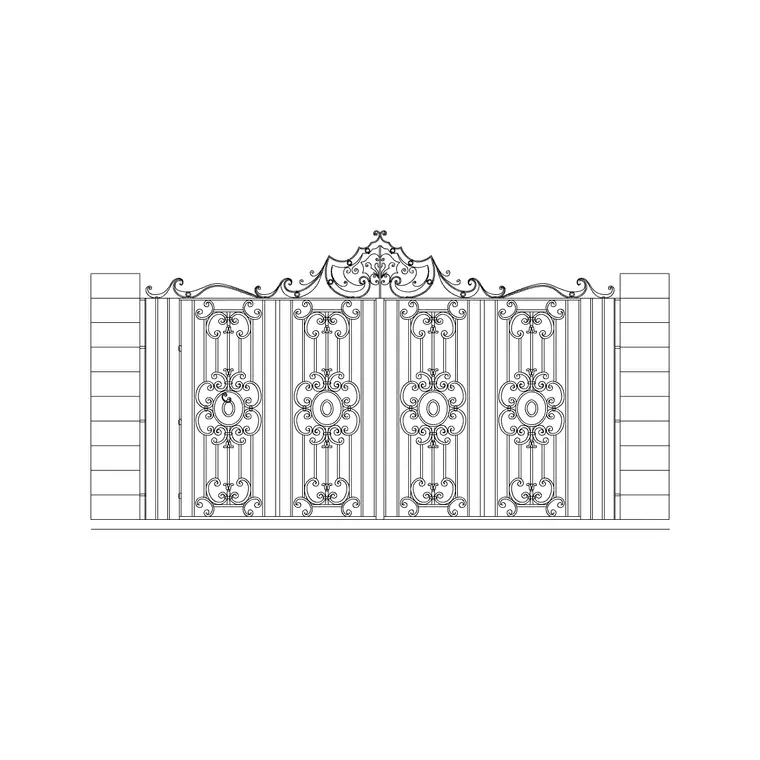
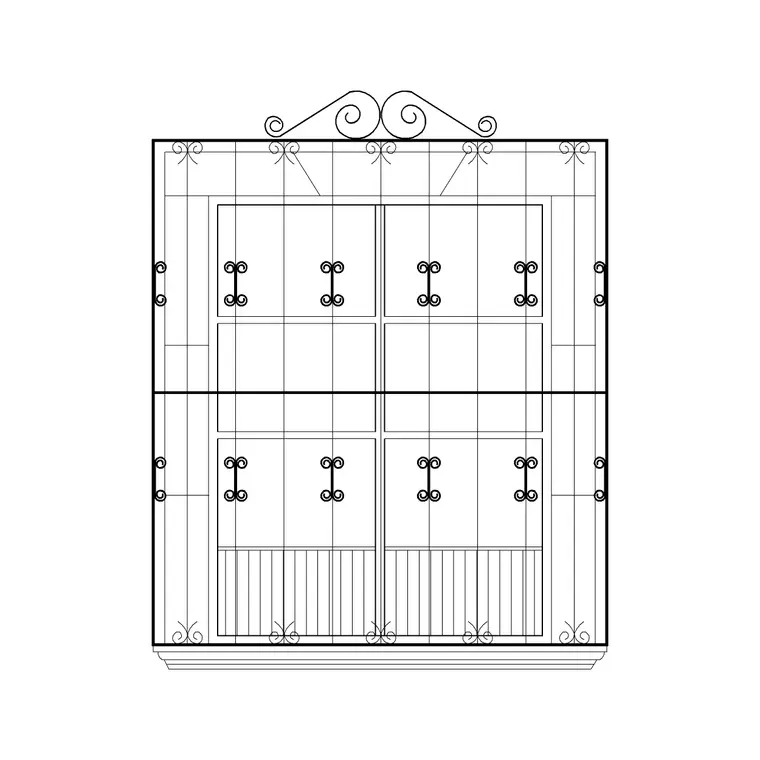
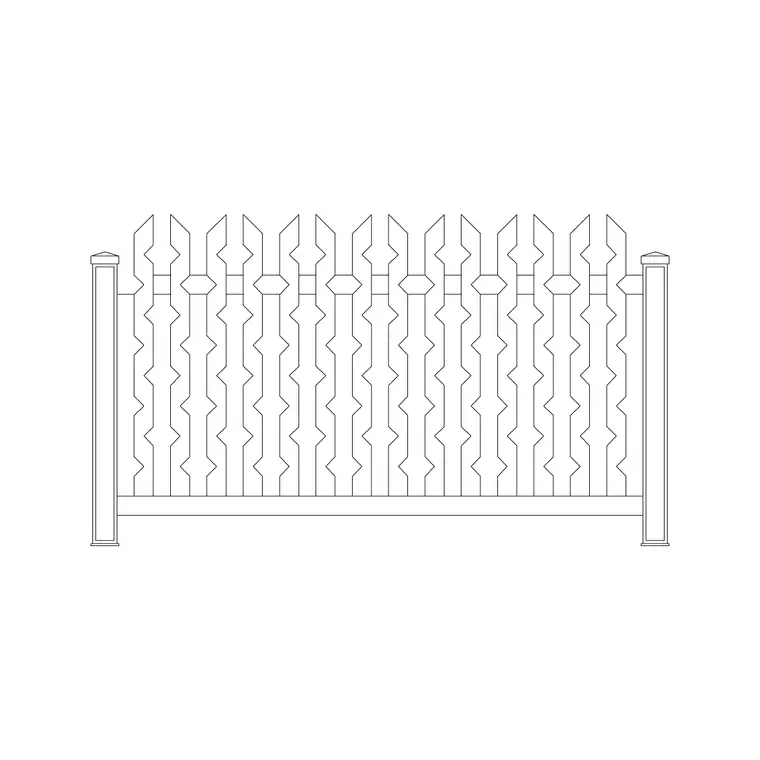
A main entrance gate is a bigger, vehicle-scale piece than a garden gate, and it does a different job: it controls a driveway, frames the approach to a house or compound, and has to clear a car. This page collects free main entrance gate CAD blocks in DWG and DXF — double-swing driveway gates, sliding and cantilever gates, and solid metal compound gates — drawn at true millimetre dimensions and ready to insert into AutoCAD 2004 or later. Everything is free for personal and commercial work, with no signup and no watermark.
Use these blocks to set out a driveway entrance, draw the gate elevation for a boundary or planning drawing, and check the critical clearances a vehicle gate demands — the swing of a double leaf into the drive, or the back-run a sliding gate needs along the boundary. Because the gate is the first thing a visitor meets, the elevation also carries the design character of the whole frontage.
What a main entrance gate block includes
A main gate block is built around the leaf and its supporting piers or posts. The elevation draws the frame, the infill — vertical bars, solid sheet, slatted metal or a decorative panel — and the cap detail, all as editable geometry on sensible layers. The plan shows the leaves and, crucially, the operating geometry: a double-swing gate carries two swing arcs from the piers, while a sliding gate shows the closed leaf and the back-run position it occupies when open.
That operating geometry is the reason a vehicle gate needs a proper block rather than a single line. The swing or the slide is what governs how much of the driveway and the boundary the gate consumes when it operates, and the block lets you draw that envelope and keep it clear of parked cars, planting and the road edge. Many files include both a swing and a sliding option so you can test which suits the available space.
Swing versus sliding: choosing the right block
The choice between a swing gate and a sliding gate is usually about space, and the plan blocks make the trade-off visible. A double-swing gate is the classic driveway gate: two leaves hinged at the piers that open into (or out of) the drive. It needs clear arc space in front of or behind the opening, and the block's swing arcs show exactly how much — typically the leaf length swept through 90 degrees.
A sliding or cantilever gate is the answer where there is no room to swing — a gate that opens straight onto the road, or a drive too short for a leaf to swing into. It needs a clear back-run along the boundary equal to roughly the opening width plus the counterbalance tail, and the block shows that run so you can confirm the fence, wall or planting doesn't block it. Drop both options into the entrance and the right one becomes obvious.
Typical entrance gate sizes to design around
Design around these vehicle-scale ranges. A single-vehicle driveway opening is commonly around 3.0–3.6 m clear to admit a car comfortably; a double-leaf gate splits that into two leaves of roughly 1.5–1.8 m each. A shared or service entrance may run 4.0–5.0 m or wider. Gate height for a domestic entrance is often 1.5–2.0 m, matched to the boundary, while a security or compound gate may be taller.
A sliding gate needs a back-run along the boundary of at least the opening width plus a counterbalance allowance, so a 4 m opening can demand 5–6 m of clear track space. These are typical figures, not fixed specifications — the vehicle, the boundary height limit and any access standard drive the real dimensions. The blocks are drawn full size so you can stretch the opening and re-space the bars to suit the entrance you are setting out.
How to insert and set out the entrance gate
These gate blocks are drawn in millimetres. Insert at scale 1 in a millimetre drawing, 0.001 in a metre template, or set INSUNITS to millimetres so AutoCAD rescales on insertion. Run INSERT or drag the DWG onto the drawing, pick the insertion point at a pier centre for the plan, and rotate to align with the driveway entrance.
For a double-swing gate, set the open direction so the arcs sweep into clear space, and mirror the block if the hinges need to be on the other piers. For a sliding gate, place the closed leaf at the opening and check the back-run direction against the boundary. Stretch the leaf width to match the clear opening, and the swing or slide envelope follows. Keep the operating geometry on its own layer so you can show or hide the swing arcs in different drawings.
Where main entrance gate blocks are used
Main gate blocks appear in driveway and entrance designs, site and boundary plans, planning and elevation drawings, security and compound layouts, and metalwork fabrication details. Architects and site designers use the plan to coordinate the gate with the drive geometry and the turning space; landscape designers use the elevation to set the frontage character; security and access designers use the operating envelopes to confirm a vehicle gate works in the space available.
Pair the main gate with the fence, railing and paving categories to draw the complete entrance — the boundary line, the supporting piers, the gate and the paved or block-paved drive beyond. Because the entrance gate sets the first impression of a property, coordinating its elevation with the piers and the drive surface is worth getting right.
Coordinating the gate with the driveway and turning space
A main entrance gate has to work with the geometry of the drive, and the block is the tool that proves it. Draw the driveway edges and any turning or parking space first, then drop the gate at the opening so its operating envelope can be tested against that geometry. For a swing gate, the arc must not foul a parked car or a planted verge; for a sliding gate, the back-run must stay clear along the full length the leaf travels.
The approach matters as much as the gate itself. A vehicle has to slow, line up and pass through the opening, so check the gate width against the drive width and the kerb radius on the road side. Where the gate is automated, the plan envelope also has to clear the swing for the safety zone and any photocell line. Keeping the gate as scaled geometry lets you dimension the clear opening, the leaf length and the back-run precisely — the three numbers an installer and an automation engineer both need before the gate is ordered.
Free download
Browse the full library — DWG & DXF, no signup.
Questions
Frequently asked
Do the main gate blocks show swing and sliding options?+
Many files include both. The plan draws a double-swing gate with swing arcs from the piers and a sliding gate with its back-run position, so you can test which operation fits the space at your entrance.
Are the main entrance gate CAD blocks free for commercial use?+
Yes. Every gate block downloads free in DWG and, where available, DXF, with no signup, no watermark and no attribution requirement, and they are cleared for commercial project use.
How wide should a driveway gate opening be?+
A single-vehicle opening is commonly around 3.0–3.6 m clear, with a double-leaf gate split into two leaves of roughly 1.5–1.8 m each. These are typical figures; the vehicle and access requirements drive the real dimension, and the blocks stretch to suit.
How much space does a sliding gate need?+
A sliding or cantilever gate needs a clear back-run along the boundary of at least the opening width plus a counterbalance allowance — so a 4 m opening can need 5–6 m of clear track. The block shows that run so you can check the boundary stays clear.
Related downloads
Blocks for this guide

Related categories
Related guides
Block landing
Free Garden Fence CAD Blocks — DWG & DXF
Download free garden fence CAD blocks in DWG and DXF — timber, panel and contemporary boundary fences drawn in plan and elevation, AutoCAD 2004+, no signup.
Block landing
Free Wrought-Iron Gate CAD Blocks — DWG
Download free wrought-iron and metal gate CAD blocks in DWG and DXF — ornamental garden gates in elevation and plan with swing arcs. No signup.
Block landing
Free Garden Swing CAD Blocks — DWG Download
Download free garden swing CAD blocks in DWG and DXF — A-frame swing seats and hanging swing chairs drawn in plan and elevation. No signup, commercial-use OK.