Room guide · office cafeteria cad blocks
Free office cafeteria CAD blocks for AutoCAD
By Sumana Kumar · Published 17 Mar 2025 · Updated 19 Feb 2026
An office cafeteria is a circulation-and-seating problem with a serving line bolted to one end. People queue, are served, carry a tray, find a seat, eat, and clear away — and the plan has to make that whole loop flow at peak lunchtime without a jam, while the seating itself flexes between solo lunches, team tables and the odd informal meeting. This page collects free office cafeteria CAD blocks in DWG and DXF — dining tables in several sizes, chairs, lounge-style soft seating, planting and lighting — drawn to scale for AutoCAD 2004 or later, free for personal and commercial use with no signup or watermark.
The move that makes a cafeteria work is mapping the flow first: where the queue forms, which way it travels along the counter, where the tills sit, and where people peel off to the seating without crossing the incoming queue. Then you populate the dining floor with a mix of table sizes so groups and solos both have somewhere to sit. Because every table, chair and sofa is a block reference, you can re-balance large tables against small ones, or widen the queue lane, as the headcount and the catering brief change.
What an office cafeteria is for
An office cafeteria — canteen, staff restaurant, large pantry — feeds the building at peak times and doubles the rest of the day as an informal social and work space. Its primary job is to move a lot of people through a serving line and into seats quickly at lunch; its secondary job is to be a pleasant place to sit between meals.
The people using it arrive in a concentrated rush, so the plan is dominated by flow at peak: queue, serve, pay, seat, clear. Outside the rush the same room hosts solo lunches, team catch-ups and casual laptop work, so the seating must flex across group sizes. A cafeteria that flows badly at noon — queues backing into the seating, trays colliding at the tills — fails its main job no matter how nice the furniture is.
The serving flow and the dining floor
Split the room into the serving zone and the dining floor. The serving zone is the counter, the queue lane in front of it, and the tills at the exit end; lay it out so the queue forms clear of the entrance, travels one way along the counter, and ends at the tills near the route into the seating. Keep the queue lane wide enough that it does not back up into the dining tables at peak.
The dining floor is the larger zone of tables and chairs. Plan a clear circulation grid through it so people carrying trays can reach any seat and clear away without weaving through diners, and keep the route from the tills to the seating direct. Locate the clearing point and bins where the outbound flow naturally ends, not back at the entrance. If the brief includes a softer lounge corner for coffee and informal meetings, put it at the calm end of the room away from the serving rush.
Tables, chairs and soft seating
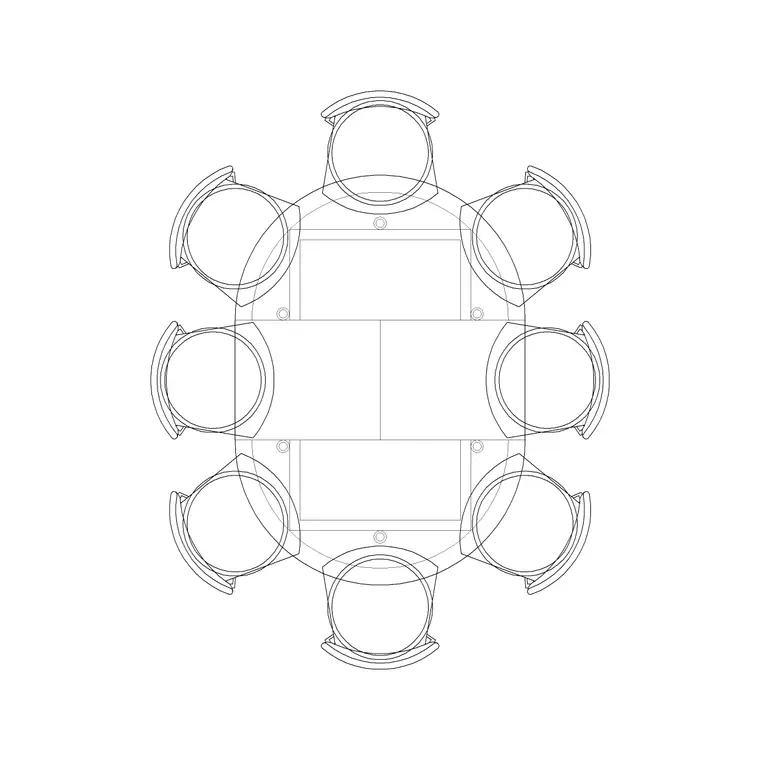
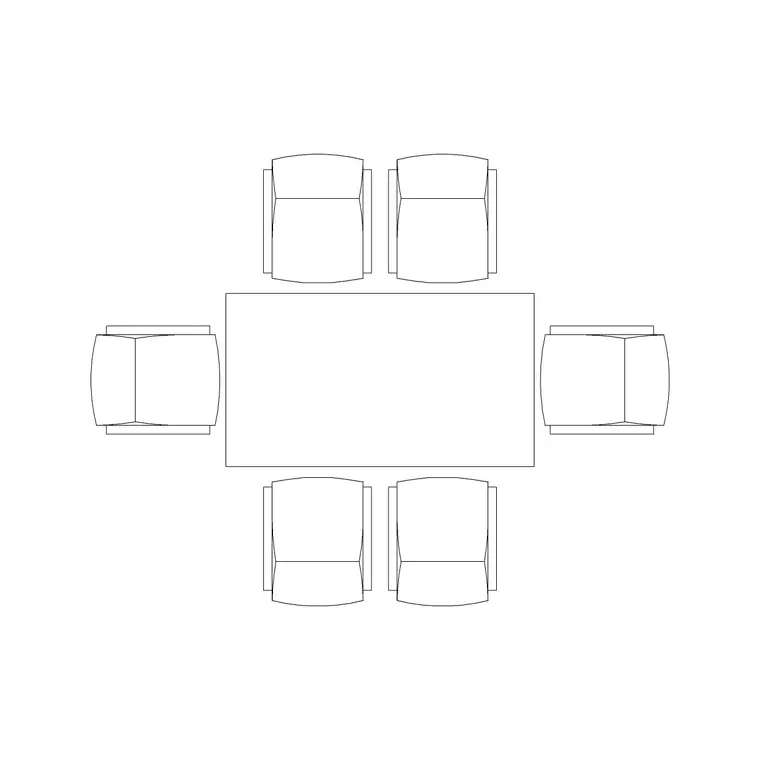
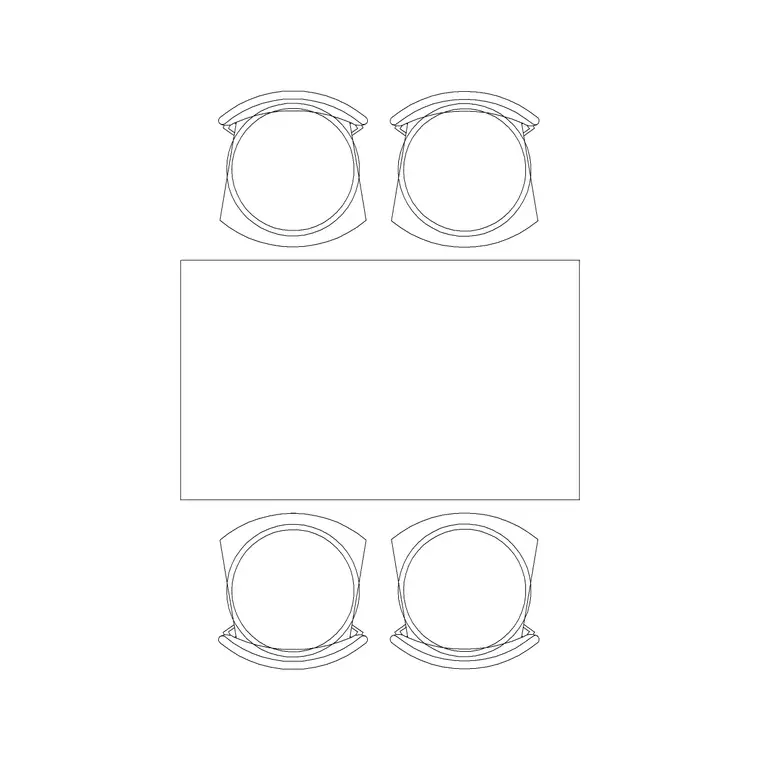
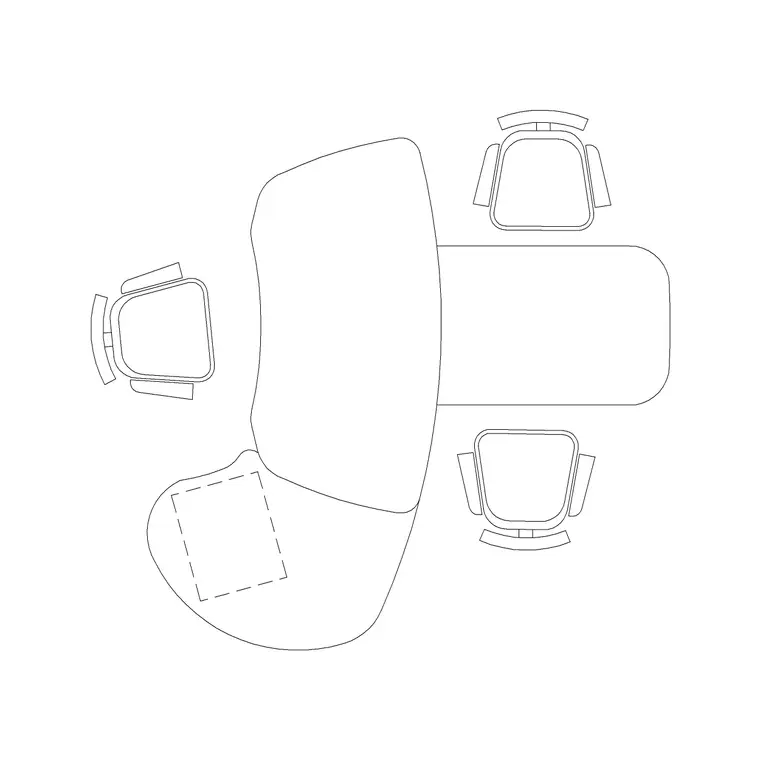
Mix the table sizes so the floor serves different group sizes. Use the 8P Round Table and larger Rec Table blocks for communal and team dining, the 4P Table and 6P Rec Table for medium groups, and the Office Table for smaller settings and solo lunches. Ring them with the Chair block. Round tables suit communal eating because everyone faces in; rectangular tables pack the floor more efficiently.
Add a softer corner with the Sofa Set Plan and the Audi Chair Plan around low tables for coffee and casual meetings. Bring the room to life with generous Indoor Plants between table zones and an Art Frame on a feature wall, and light it in zones — an even Ceiling Lamp grid over the main dining floor and warmer Frisbi pendants over the communal tables and the lounge corner. Every piece is a block reference, so the table mix can be re-balanced as the headcount and dining style change.
Dimensions and clearances to design around
Treat the figures as design-stage ranges to confirm against the furniture and your circulation strategy. The queue lane is the first control: it needs to be wide enough to hold the peak queue without backing into the dining tables or the entrance. The aisles through the dining floor are the second: they must let a person carrying a tray pass behind seated diners, so allow for the seated chair plus tray-carrying clearance, more generous than a plain office aisle.
Per-seat width at the dining tables sets capacity; allow enough that people are not eating elbow-to-elbow. The clearing point and bins need an approach that does not collide with the serving queue. Draw the queue lane, the tray-carrying aisles and the per-seat width as the controlling dimensions, then place the counter and tables to suit and verify against the catering layout and accessibility standard.
Assembling the cafeteria in AutoCAD
Draw the shell, mark the entrance, and lay out the serving zone first: the counter, the one-way queue lane in front of it clear of the entrance, and the tills at the exit end by the route into seating. Place the clearing point and bins where the outbound flow ends.
Grid the dining floor with tray-carrying aisles, then drop a mix of table sizes — communal rounds, medium rectangles, small solos — and ring them with chairs. Add the lounge corner at the calm end, thread planters between zones, and lay zoned lighting. Keep tables, chairs and soft seating on a furniture layer, planting and art on an accessories layer, and the pendants and downlights on a lighting layer so the FF&E schedule, the catering counter drawing and the reflected ceiling plan each read on their own. Finally, walk the peak loop — entrance, queue, counter, tills, seat, clear — and confirm none of those flows cross.
Common office cafeteria mistakes
The defining mistake is ignoring the peak flow, so the queue backs into the dining tables or crosses the route people take to their seats — map the queue, the tills and the seating route before placing a single table. The second is mean tray-carrying aisles sized like ordinary office circulation, so a person with a tray cannot pass a seated diner; widen them.
Other traps: a single table size that serves neither solos nor large teams; the clearing point left by the entrance so outbound and inbound flows collide; and one flat lighting grid that gives the communal and lounge zones no warmth or distinction. On the CAD side, lay the serving flow first and tables second, mix table-size blocks deliberately, and keep furniture, accessories and lighting on separate layers so each drawing reads cleanly.
Free download
Browse the full library — DWG & DXF, no signup.
Questions
Frequently asked
What should I lay out first in an office cafeteria plan?+
The serving flow — the counter, the one-way queue lane, the tills and the route into the seating — before any dining tables. Mapping the peak loop of queue, serve, pay, seat and clear is what stops queues backing into the dining floor at lunchtime.
How wide should cafeteria aisles be?+
More generous than ordinary office circulation, because people carry trays past seated diners. Allow for the seated chair plus tray-carrying clearance, and keep the queue lane wide enough that the peak queue never backs into the dining tables. Confirm against your accessibility standard.
What table mix works in a cafeteria?+
A mix of sizes: large round or rectangular tables for communal and team dining, medium tables for groups, and small tables for solo lunches. Round tables suit communal eating because everyone faces in; rectangular tables pack the floor more efficiently.
Can a cafeteria double as a meeting or work space?+
Yes — outside the lunch rush it commonly hosts casual work and informal meetings. Add a softer lounge corner with sofas and low tables at the calm end of the room, away from the serving zone, lit with warmer pendants.
Are the office cafeteria blocks free for commercial use?+
Yes. They download in DWG and DXF for AutoCAD 2004 or later, free for personal and commercial use with no signup or watermark.
Related downloads
Blocks for this guide
Related categories
Related guides
Room guide
Free Reception Lobby CAD Blocks — DWG Download
Download free reception lobby CAD blocks in DWG and DXF — reception desk, waiting sofas, planters and lighting in plan. AutoCAD 2004+, no signup.
Room guide
Free Conference Room CAD Blocks — DWG Download
Download free conference room CAD blocks in DWG and DXF — large conference tables, chairs, screens and lighting for layouts. AutoCAD 2004+, no signup.
Room guide
Free Meeting Room CAD Blocks — DWG Download
Download free meeting room CAD blocks in DWG and DXF — small meeting tables, chairs, screen and planter for compact layouts. AutoCAD 2004+, no signup.