Block landing · meeting room table cad block
Free meeting room table CAD blocks for AutoCAD
By Saumyajit Maity · Published 7 Sep 2022 · Updated 9 Feb 2026
A meeting room table is the smaller, more flexible cousin of the boardroom table, and it appears far more often across a typical office floor — every huddle room, breakout space and mid-size meeting room needs one. These rooms come in standard sizes, so having the right 4-seat, 6-seat and 10-seat table blocks on hand lets you slot the correct table into each room in seconds. This page collects free meeting room table CAD blocks in DWG and DXF, many with the chairs already arrayed, drawn at true millimetre dimensions for AutoCAD 2004 or later. Free for personal and commercial use, no signup, no watermark.
Use these to fit out the meeting rooms that make up the bulk of a floor plan. Because the table and its chairs are drawn to scale, you can match the table to the room size and confirm the chair pull-out and door swing at a glance — the checks that decide whether a small meeting room feels usable or tight.
Meeting rooms vs the boardroom
It helps to keep meeting room tables and conference tables as separate blocks even though they do a similar job. A conference table anchors the single large boardroom; meeting room tables fill the many smaller rooms — huddle rooms for two to four, standard meeting rooms for six to eight, and a larger room or two for ten. The sizes are different, the chairs are usually lighter, and the rooms repeat across the floor.
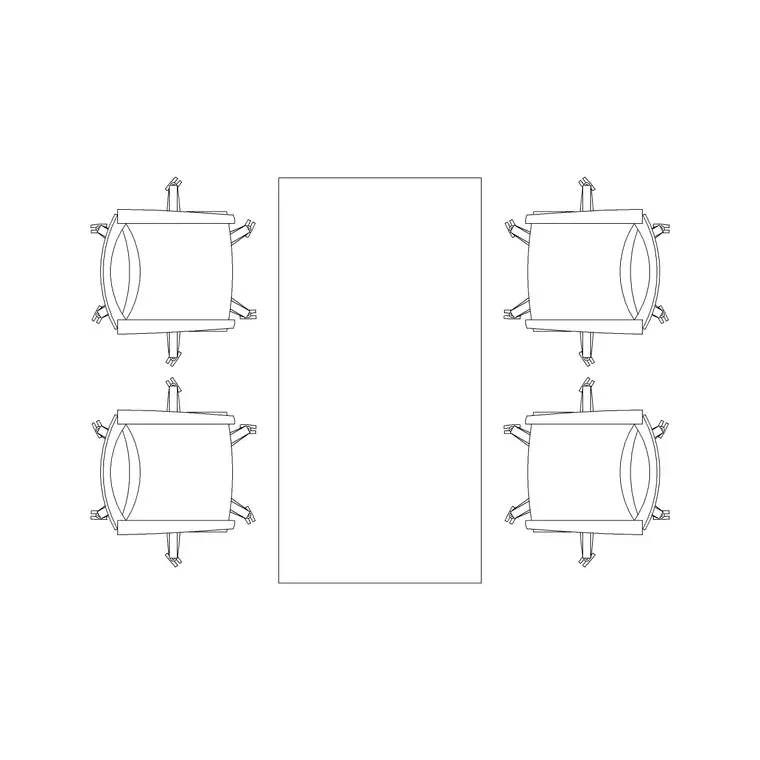
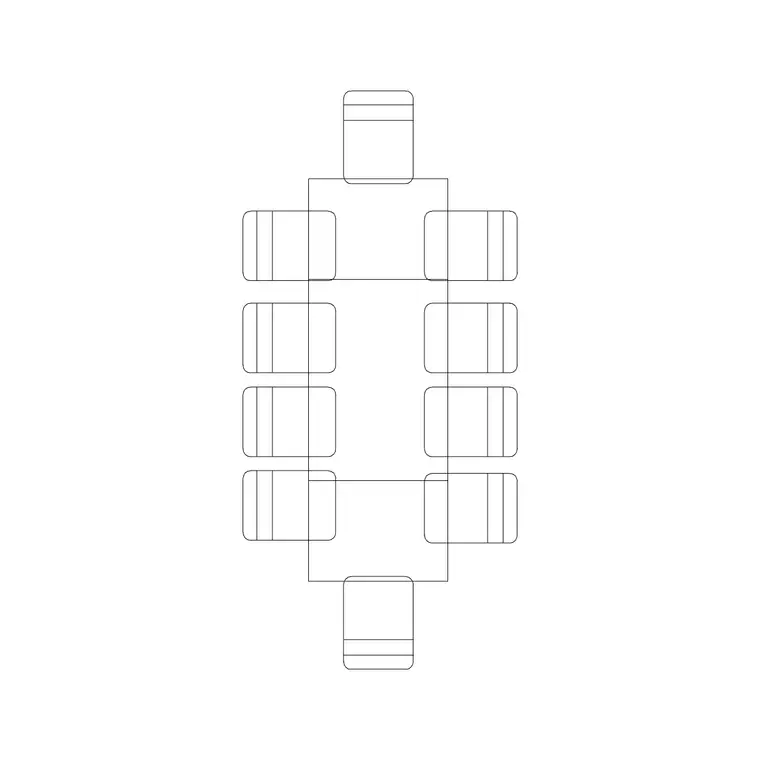
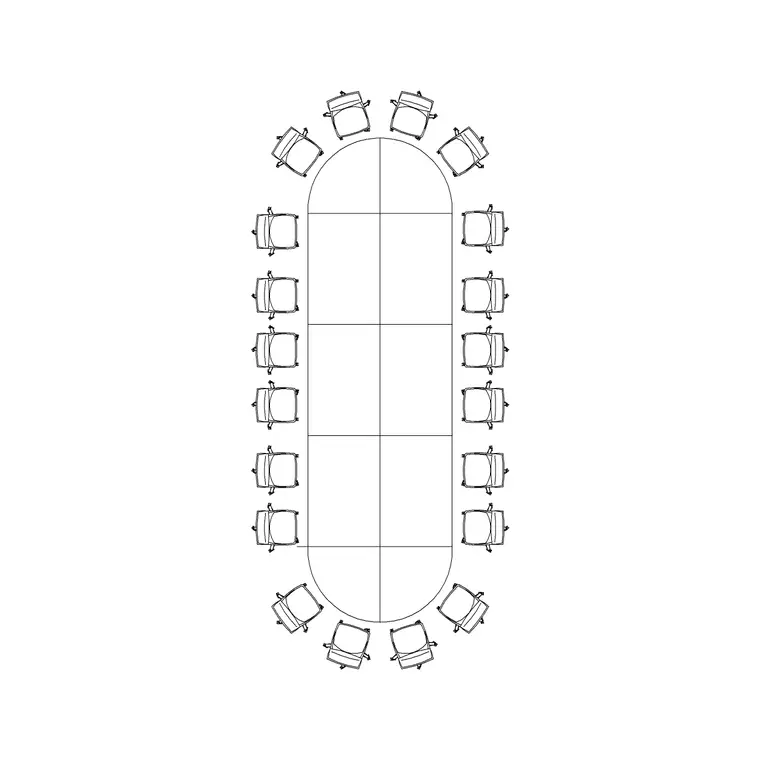
That repetition is the point: a floor might have one boardroom but a dozen meeting rooms, so a tidy set of correctly-sized meeting table blocks does most of the work of fitting out a floor. The blocks here cover the common 4-person and 10-person tables, with the chairs arrayed so you read the real capacity.
Matching the table to the room size
Meeting rooms come in fairly standard footprints, and each suits a particular table. A huddle room of roughly 6–8 square metres takes a 4-person table — often round, to save space and ease conversation. A standard meeting room of 12–16 square metres comfortably holds a 6-to-8-seat rectangular table. A larger meeting room takes a 10-seat table approaching boardroom scale.
Matching the table to the room is mostly about clearance: allow around 600–750 mm of table edge per person for the seats, and at least 1000–1200 mm from the table edge to the wall so chairs pull out and people pass. Dropping the scaled block into the room makes that fit obvious without arithmetic.
Round, rectangular and the chairs around them
Small meeting rooms often use a round or square table because it seats people compactly and works well for conversation; larger rooms use a rectangle for presentations and screen-facing layouts. The blocks here cover both, and the most useful versions carry the chairs already arrayed — ringed around a round table, or lined down the long edges of a rectangle.
Where a table ships without chairs, ring it yourself with the office chair block: a polar array about the centre for a round table, a path or rectangular array along the edges for a rectangle. Keeping the table and chairs on separate layers lets you show the room occupied or clear, and keeps the meeting rooms reading consistently across the whole floor.
How to insert and centre in the room
These meeting table blocks are drawn full size in millimetres. Insert at scale 1 in a millimetre drawing, 0.001 in a metre drawing, or set INSUNITS to millimetres so AutoCAD rescales on insertion. Meeting tables usually sit centred in their room, so set the insertion point at the table centre, or insert and then MOVE the block onto the room centre with a midpoint snap.
Once placed, check the door swing against the nearest chairs — a meeting room door that fouls a seated chair is a common and avoidable clash — and confirm the chair pull-out to the walls. Because every meeting room uses the same block family, a later change to the chair or table size updates every room at once.
Where meeting room table blocks are used
Meeting room table blocks fill the meeting and huddle rooms that make up most of a commercial floor: enclosed meeting rooms, glass-fronted huddle pods, breakout and collaboration spaces, training rooms and project rooms. Because these rooms repeat, the blocks are some of the most-used in an office fit-out after the workstation itself.
Pair them with the office chair, conference-table and cabin-partition blocks in the office category. The meeting tables fill the small and mid rooms, the conference table anchors the boardroom, and the partition blocks enclose them — together they let you draw the whole meeting provision of a floor from one consistent, free block library.
Planning a floor's worth of meeting rooms
On a real office floor the meeting rooms are rarely an afterthought — they are a programme requirement, often expressed as a mix like 'two huddle rooms, four six-person rooms and one ten-person room'. Working from a tidy set of meeting table blocks lets you test that programme against the available floorplate quickly: drop the right table into each room shell and the plan tells you immediately whether the rooms are the right size, whether the doors clash with seating, and whether the corridor between them stays clear.
The scaled chairs matter here more than anywhere, because the difference between a six-person room that works and one that is cramped is a couple of hundred millimetres of pull-out clearance. It also pays to keep the tables on a furniture layer and the partitions on their own, so you can produce a clean room-layout plan, a furniture plan and a partition-setting-out plan from the same drawing. Get the meeting rooms right and you have solved the bulk of the floor, because they are the rooms that repeat most and clash most often with circulation.
Free download
Browse the full library — DWG & DXF, no signup.
Questions
Frequently asked
How is a meeting room table different from a conference table?+
A conference table anchors the single large boardroom; meeting room tables fill the many smaller rooms — huddle rooms for two to four and standard rooms for six to ten. They are smaller, repeat across the floor, and are often round in the smallest rooms.
Do the meeting table blocks include chairs?+
Many do. The 4-person and 10-person tables ship with the chairs already arrayed around them on a separate layer, so you can read the real capacity and freeze the chairs for a table-only drawing.
Are the meeting room table CAD blocks free for commercial use?+
Yes. Every block downloads free in DWG and DXF with no signup, no watermark and no attribution requirement, and they are cleared for commercial project use.
What scale are the meeting table blocks drawn at?+
Full size in millimetres. Insert at scale 1 in a millimetre drawing, or set INSUNITS to millimetres so AutoCAD rescales automatically if your template uses different insertion units.
Related downloads
Blocks for this guide
Related categories
Related guides
Block landing
Free Office Chair CAD Blocks — DWG Download
Download free office chair CAD blocks in DWG and DXF — task chairs, swivel chairs and executive seats drawn in plan and elevation, AutoCAD 2004+, no signup.
Block landing
Free Lighting Fixtures CAD Blocks — DWG Download
Download free lighting fixtures CAD blocks in DWG and DXF — chandeliers, wall lights, downlights and pendants in plan and elevation for AutoCAD.
Block landing
Free Office Desk CAD Blocks — DWG Download
Free office desk CAD blocks in DWG and DXF — straight desks and desk-with-chair units in plan and elevation for AutoCAD. No signup, commercial OK.