Room guide · executive cabin cad blocks
Free executive cabin CAD blocks for AutoCAD
By Sumana Kumar · Published 20 Nov 2022 · Updated 17 Mar 2026
An executive cabin is a private office that has to do three things in one room: give a senior person a working desk, receive a couple of visitors across it, and often host a small huddle at a meeting table or sofa — all without the room feeling either pokey or pompous. The plan is a balance of those three zones inside a single enclosed cabin, usually against a glazed partition to the floor. This page collects free executive cabin CAD blocks in DWG and DXF — manager desks, manager and visitor chairs, an integrated meeting table, a small sofa and softening planting — drawn to scale for AutoCAD 2004 or later, free for personal and commercial use with no signup or watermark.
The move that makes an executive cabin work is deciding how much of it is desk and how much is meeting, then placing the desk so the occupant faces the door with the glazed partition to one side. Each item is a block reference, so you can step a plain manager desk up to a desk-with-meeting-table, add or drop the sofa, and re-space the visitor chairs as the brief moves between a working cabin and a client-facing one.
What an executive cabin is for
An executive cabin is the enclosed private office given to a manager, director or partner. It signals seniority, provides acoustic and visual privacy for sensitive conversations, and combines a personal workspace with a small meeting capability so the occupant can hold a discussion without booking a room.
The occupant works alone for most of the day but receives visitors across the desk and hosts small meetings, so the cabin carries three furniture jobs in one box: the desk, the visitor seating in front of it, and a meeting or lounge setting to the side. The plan's quality is in how those three coexist — a desk that commands the room, visitor chairs that read as welcoming rather than interrogational, and a meeting setting that does not crowd the desk.
Zoning the cabin: desk, visitors and meeting
Place the desk first, set back from the door so the occupant faces incomers with the glazed partition to one side rather than behind the chair (nobody wants their screen on show to the floor). The desk anchors the working zone, with the manager's chair behind it and one or two visitor chairs facing it across the front.
The meeting zone goes to the side or in front, depending on cabin size: in a compact cabin it is a small meeting table butted to the desk; in a larger one it is a separate table or a sofa-and-low-table lounge setting in the spare corner. Keep a clear path from the door to the desk front and a separate path to the meeting setting so a visitor heading for a huddle does not have to pass behind the desk. The glazed partition usually runs along one long side, so orient the desk so daylight rakes across it rather than into the occupant's eyes.
Desks, chairs and the meeting setting
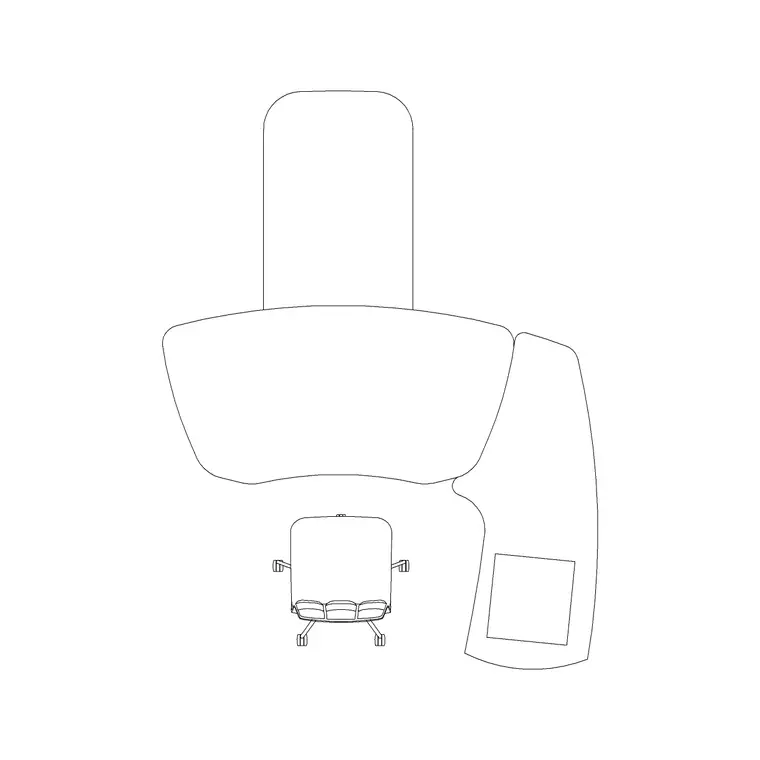
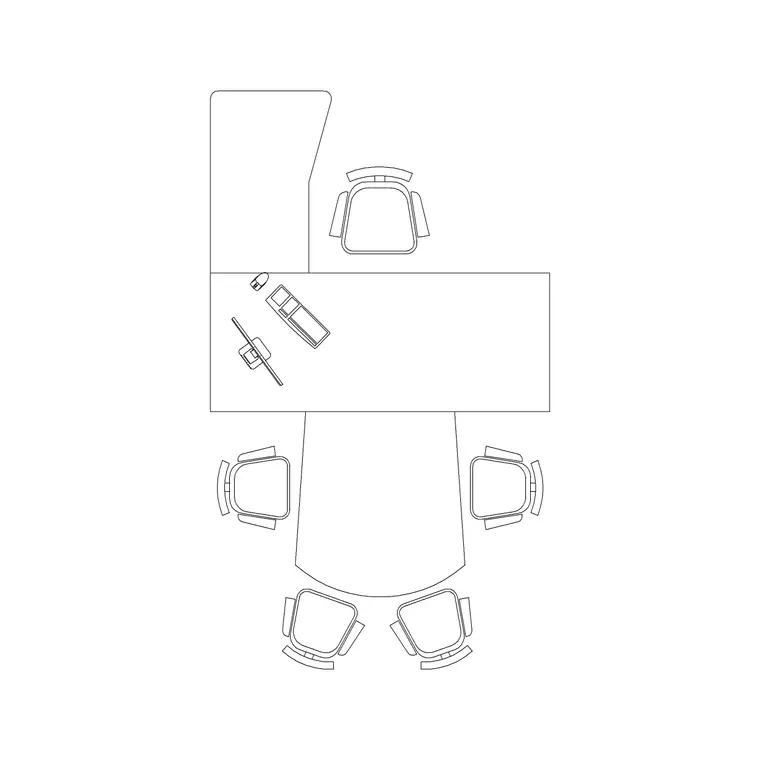
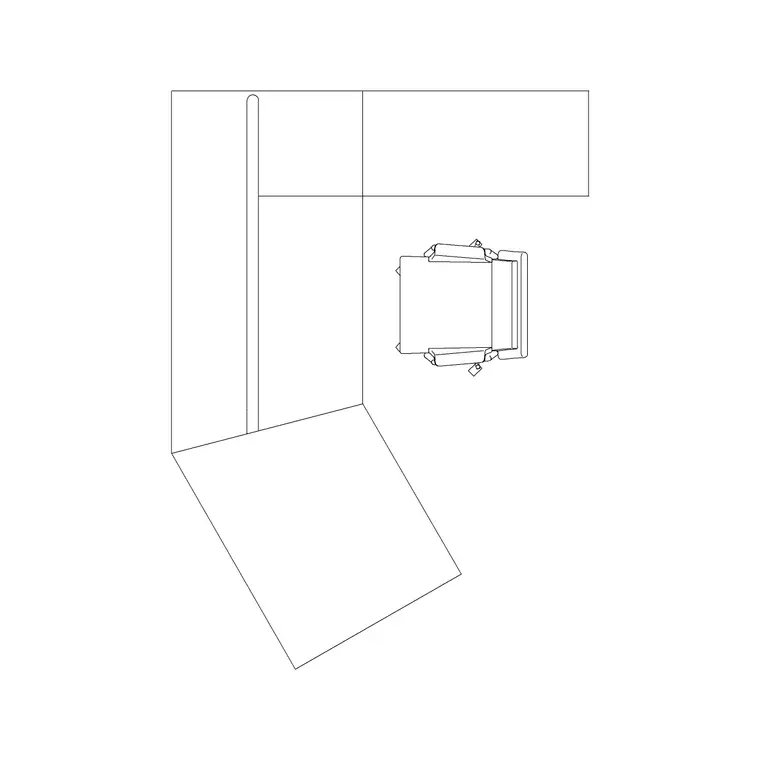
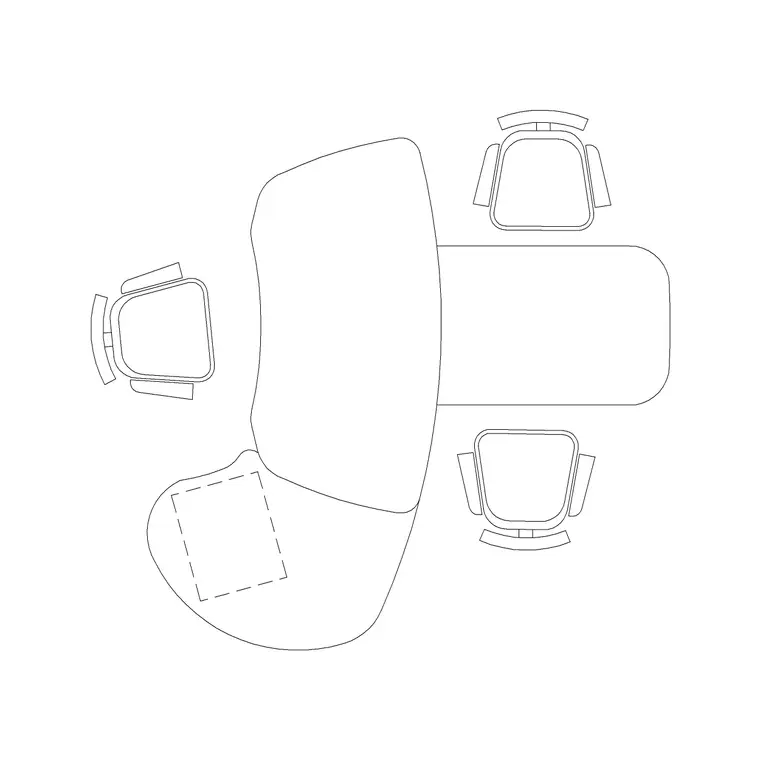
The hero block is the manager desk. Use the Manager Table for a working cabin, or the Manager Table With Meeting Table where the brief wants an integrated huddle butted to the desk — that single block solves the desk-plus-meeting cabin in one drop. The Office Table or Designer Table works as a feature desk in a higher-spec cabin.
Behind it goes the Manager Chair block; in front, one or two visitor Chairs across the desk. For a larger cabin add the Sofa Set Plan and the Audi Chair Plan around a low table for a lounge corner. Soften the room with an Indoor Plant by the glazing and an Art Frame on the solid wall, and light it deliberately — a Frisbi pendant over the meeting setting and a Ceiling Lamp layout over the desk. Each piece is a block reference, so the cabin scales from a tight working office to a client-facing suite with a few swaps.
Dimensions and clearances to design around
Treat the figures as design-stage ranges to confirm against the furniture and the partition system. The first control is the occupant's chair zone behind the desk: leave room for the manager chair to push back and turn to a credenza or the meeting setting without hitting the partition. The second is the visitor approach: the chairs in front of the desk need pull-out room and a clear path from the door.
If the cabin includes a separate meeting table or sofa setting, that zone needs its own circulation so people can reach and leave the seats without crossing the desk's working zone. Door swing must clear the visitor chairs. Keep a comfortable gap between the desk front and the visitor chairs so a conversation across the desk is not cramped. Draw the occupant chair zone, the visitor approach and the meeting circulation as the controlling dimensions, then size the desk and setting to suit and verify against the real layout.
Building the executive cabin in AutoCAD
Draw the cabin box with the glazed partition along one side and the door in a corner. Insert the manager desk set back from the door so the occupant faces incomers, partition to one side, and place the manager chair behind it with room to push back and swivel.
Drop one or two visitor chairs across the desk front, keeping them clear of the door swing. Add the meeting setting — an integrated meeting table butted to the desk, or a sofa-and-low-table cluster in the spare corner — with its own circulation. Place the corner planter and wall art as locator blocks. Keep desk, chairs and the meeting setting on a furniture layer, planting and art on an accessories layer, and the pendant and downlights on a lighting layer so the FF&E schedule and the ceiling plan read on their own. Walk the two paths — door to desk front, door to meeting setting — and confirm neither crosses the occupant's working zone.
Common executive cabin mistakes
The classic mistake is sitting the occupant with their back to the glazed partition, so their screen faces the floor and they cannot see who is approaching — turn the desk so they face the door with the glazing to one side. The second is cramming a full meeting table into a cabin that only has room for a desk and two visitor chairs, which leaves no circulation; use an integrated desk-with-meeting-table block instead.
Other traps: visitor chairs jammed so close to the desk the conversation feels like an interview; a door swing that clips the visitor seats; and a lounge corner with no path to it except past the desk. On the CAD side, scale the desk block to your units on insert, choose between a working desk and a desk-with-meeting-table early, and keep furniture, accessories and lighting on separate layers.
Free download
Browse the full library — DWG & DXF, no signup.
Questions
Frequently asked
Which way should an executive desk face?+
Toward the door, so the occupant sees who is approaching, with the glazed partition to one side rather than behind the chair. That keeps the occupant's screen off display to the floor and lets daylight rake across the desk instead of into their eyes.
How do I add a meeting capability to a small cabin?+
Use a Manager Table With Meeting Table block, which butts a small huddle table to the desk in one footprint. It solves the desk-plus-meeting cabin without the circulation problems of squeezing in a separate conference table.
What furniture goes in an executive cabin?+
A manager desk and chair, one or two visitor chairs across the desk, and a meeting setting — either an integrated meeting table or, in a larger cabin, a sofa-and-low-table lounge corner. Add a planter by the glazing and feature art on the solid wall.
How much room do visitor chairs need in front of the desk?+
Enough for the chairs to pull out and a clear path from the door, plus a comfortable gap across the desk so the conversation is not cramped. Draw the visitor approach and the door swing first, then size the desk to suit.
Are the executive cabin blocks free for commercial use?+
Yes. They download in DWG and DXF for AutoCAD 2004 or later, free for personal and commercial use with no signup or watermark.
Related downloads
Blocks for this guide
Related categories
Related guides
Room guide
Free Reception Lobby CAD Blocks — DWG Download
Download free reception lobby CAD blocks in DWG and DXF — reception desk, waiting sofas, planters and lighting in plan. AutoCAD 2004+, no signup.
Room guide
Free Conference Room CAD Blocks — DWG Download
Download free conference room CAD blocks in DWG and DXF — large conference tables, chairs, screens and lighting for layouts. AutoCAD 2004+, no signup.
Room guide
Free Meeting Room CAD Blocks — DWG Download
Download free meeting room CAD blocks in DWG and DXF — small meeting tables, chairs, screen and planter for compact layouts. AutoCAD 2004+, no signup.