Block landing · medical equipment cad block
Free medical equipment CAD blocks in DWG and DXF
By Sumana Kumar · Published 23 Feb 2023 · Updated 22 May 2026
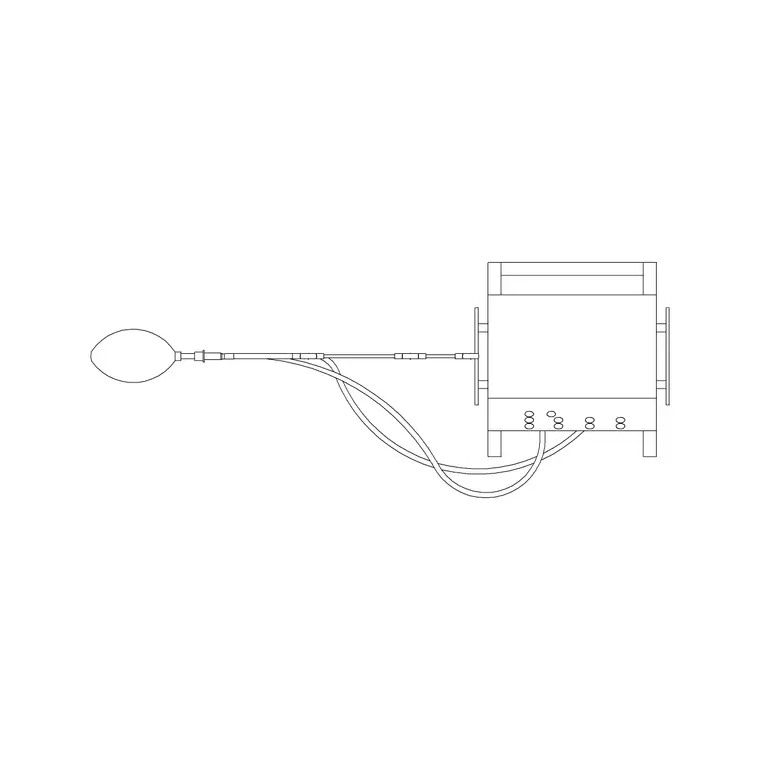
Medical machines and diagnostic equipment are the elements that drive a clinical room's size, its services and sometimes its structure. An imaging scanner needs a controlled room and shielding; a dialysis station needs water and drainage; an analyser needs power and ventilation. A scaled set of medical equipment CAD blocks lets you place these machines and reserve the space and services they demand. This page collects free medical equipment CAD blocks in DWG and DXF — diagnostic machines and clinical devices — drawn to true millimetre dimensions in plan and elevation, ready for AutoCAD 2004 or later. Everything is free for personal and commercial work, no signup, no watermark.
Unlike furniture, medical equipment usually arrives with strict spatial and service requirements set by the manufacturer, and the room has to be built to suit. Drawing the machine to its real footprint, with the clinical working space and service zones it needs, is how a healthcare planner reserves the right room before the kit is even bought.
What a medical equipment block carries
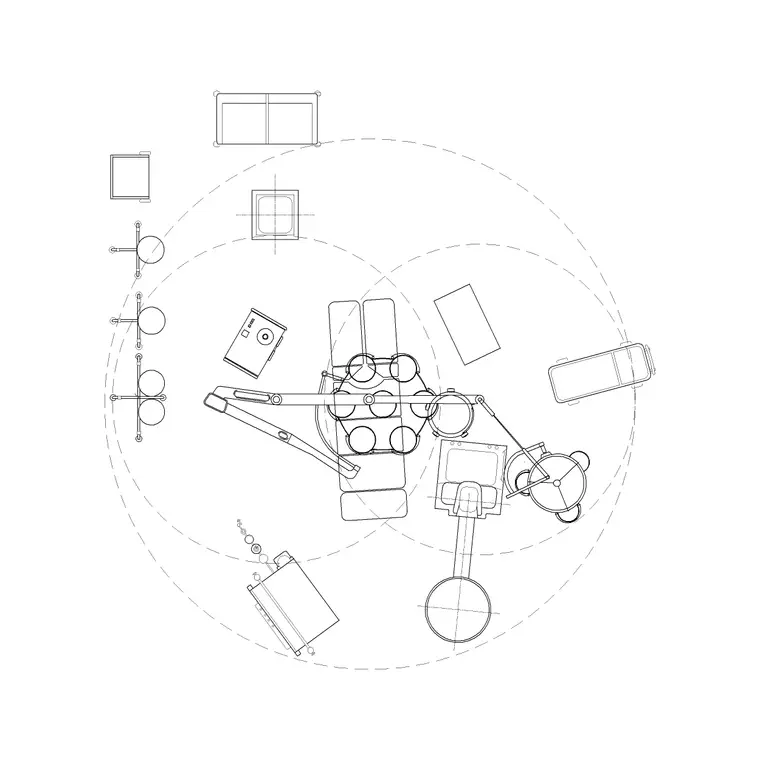
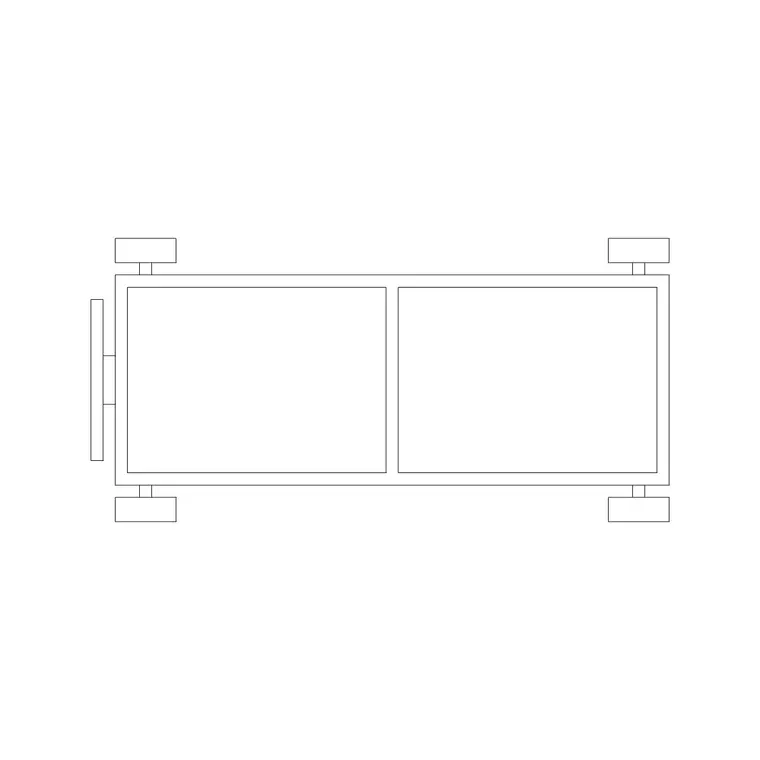
A useful medical equipment block shows more than the machine. The plan view carries the equipment footprint plus the clinical working space around it — the room a clinician and a patient need to use the device — and, where relevant, the service zone for access panels, cabling or piping at the back. For a mobile device the castors and a parked position are shown; for a fixed install the fixing and service points are indicated.
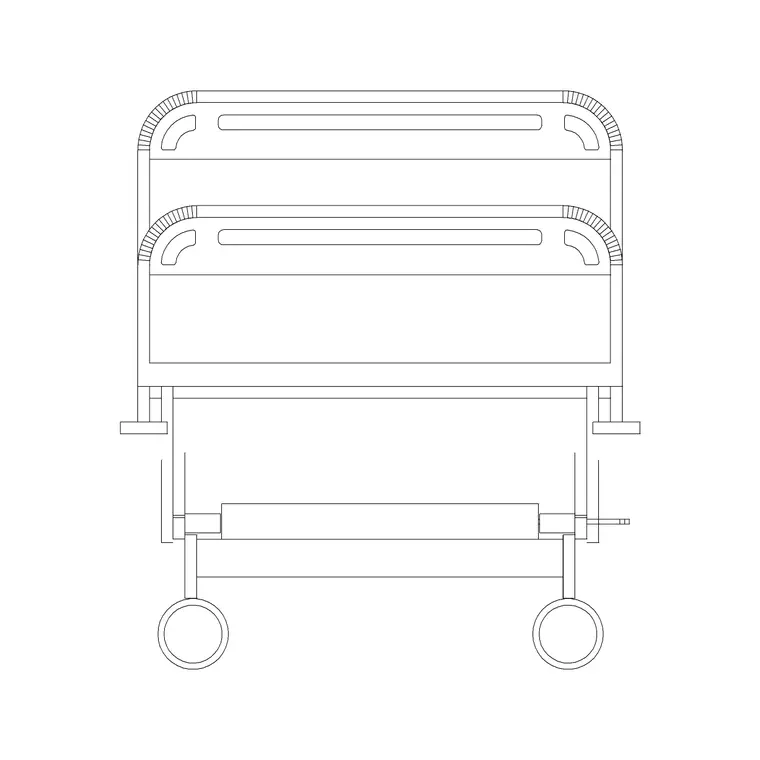
The elevation matters because many machines are tall or have moving parts that swing or extend. Drawing the device in elevation lets you confirm ceiling height, the reach of an articulated arm or gantry, and the position of any wall or ceiling services it connects to. Footprint, working space and service zones sit on separate layers so each drawing in the set reads cleanly.
Sizing rooms around the equipment
Medical equipment varies enormously, from a benchtop analyser to a room-filling scanner, so the honest advice is to design to the manufacturer's planning data for the specific device — they publish footprint, clearances, service and (where relevant) shielding requirements. The blocks here let you reserve a credible footprint and working space at concept stage and then refine to the chosen machine's exact data.
As a rule, reserve generously: equipment rooms are expensive to enlarge later, and a machine that arrives needing more clearance than the room allows is a serious problem. Place the scaled block, draw the working space a clinician needs around it, and add the service zone, and you have a room that will accept the real equipment with room to spare.
Plan for the room, elevation for services and height
Equipment rooms are planned in plan: the machine positioned with its clinical working space and patient access, the staff and control positions, and the service zones to the rear or side. The plan block is what you place to size the room and to coordinate with the doors a large machine has to come in through.
The elevation is where you resolve height and services — confirming a tall machine or a ceiling-mounted gantry clears the structure, and that the power, data, gas and (for some devices) water and drainage land where the machine connects. For imaging equipment, the elevation also helps coordinate shielding in the walls, floor and ceiling.
How to insert and coordinate the blocks
These blocks are drawn full size in millimetres. Insert at scale 1 in a millimetre drawing, 0.001 in a metre drawing, or set INSUNITS to millimetres so AutoCAD converts on insertion. Run INSERT, snap the base point to a sensible reference on the machine, and rotate to suit the room and the access door.
Keep each machine as a tagged block on an equipment layer, separate from furniture and services, so you can overlay the equipment plan on the electrical, mechanical and structural drawings to confirm each service reaches the machine. Tag the blocks with an equipment code and you can extract a schedule of the room's medical devices straight from the drawing.
Where medical equipment blocks are used
Medical equipment blocks belong in diagnostic and imaging suites, laboratories, dialysis and treatment units, theatres and procedure rooms, and clinic consulting and examination rooms. Healthcare planners and medical-equipment planners use them to reserve the right rooms and coordinate services; architects use them to size technical rooms; M&E and structural engineers use the tagged blocks to confirm power, ventilation, gas, water and load reach each machine.
Because medical equipment is where a healthcare project's clinical brief meets its engineering, the block layer is one of the most coordinated in the whole drawing set. Pair these blocks with the hospital bed, stretcher and trolley blocks in the medical category to assemble a complete clinical-room layout.
Getting big equipment into the room
A surprising number of equipment problems are not about the room at all but about getting the machine into it. A large scanner or analyser may not fit through standard doors, around tight corners or into a small lift, so the delivery route has to be checked from the loading bay to the final position. Using the scaled block to walk the machine along its route — through each door, around each corner — flags a clash long before the equipment arrives on a lorry and cannot get past the first corridor.
It pays to plan the route in the same drawing as the room. Keep the equipment block on its own layer and copy it along the access path, rotating it through the turns, exactly as you would test a stretcher route. Where a machine genuinely will not fit the permanent circulation, the answer is often a temporary 'equipment access' opening or a knockout panel, and showing the oversized block against the route is what makes the case for designing that opening in from the start rather than rebuilding a wall later.
Free download
Browse the full library — DWG & DXF, no signup.
Questions
Frequently asked
How accurate are the medical equipment block sizes?+
The blocks give a credible scaled footprint for concept and coordination work. Because real medical equipment varies widely and comes with strict manufacturer requirements, always refine to the specific device's published planning data before finalising a room.
Do the blocks show the service and working zones?+
The best ones do — the clinical working space and any rear service zone on their own layers. Those zones, not just the machine footprint, are what size a clinical room, so you can show or freeze them as the drawing needs.
What scale are the medical equipment blocks drawn at?+
Full size in millimetres. Insert at scale 1 in a millimetre drawing, 0.001 in a metre drawing, or set INSUNITS to millimetres so AutoCAD rescales automatically on insertion.
Are the medical equipment blocks free for commercial projects?+
Yes. They download free in DWG and DXF with no signup, no watermark and no attribution, and they are cleared for commercial healthcare project use.
Related downloads
Blocks for this guide
Related categories
Related guides
Block landing
Free Hospital Bed CAD Block — DWG & DXF Download
Download a free hospital bed CAD block in DWG and DXF — electric patient bed in plan and elevation with bedside clearances for ward layouts. No signup.
Block landing
Free Patient Stretcher CAD Block — DWG Download
Download a free patient stretcher CAD block in DWG and DXF — wheeled trolley/gurney in plan and elevation for A&E and recovery layouts. No signup.
Block landing
Free Medical Trolley CAD Block — DWG Download
Download a free medical trolley CAD block in DWG and DXF — dressing, treatment and crash carts in plan and elevation for clinical layouts. No signup.