Block landing · manager table cad block
Free manager table and executive desk CAD blocks
By Sumana Kumar · Published 16 Feb 2024 · Updated 20 Apr 2026
A manager table — the executive desk at the centre of a director's office — does more than a standard worktop. It is larger, usually carries a side rack or credenza for storage, and often grows a meeting return so the manager can hold a small discussion without leaving the desk. That makes it the anchor block of any executive office layout. This page collects free manager table and executive desk CAD blocks in DWG and DXF, with side-rack and meeting-table variants, drawn at true millimetre dimensions for AutoCAD 2004 or later. Free for personal and commercial use, no signup, no watermark.
Use these to lay out MD and director offices, cabins and executive suites. Because the desk, the side rack and any meeting return are drawn to scale and on sensible layers, you can read the whole working setting at once and check that it fits the cabin with the circulation and visitor seating it needs.
What sets a manager table apart
A manager table is built for a different job than a workstation desk. It is deeper and wider to project authority and to give working space, it almost always pairs with a side rack or low credenza for files and display, and the better blocks include a meeting return or an attached small meeting table so two or three visitors can sit and discuss without moving to a separate room.
That composite nature is why a dedicated manager-table block saves real time: instead of assembling a desk, a credenza and a meeting table from separate pieces, you drop one coordinated block that already carries all three at the right relative positions. The variants here cover the plain executive desk, the desk-with-side-rack, and the desk-with-meeting-table arrangement.
Side-rack and meeting-table variants
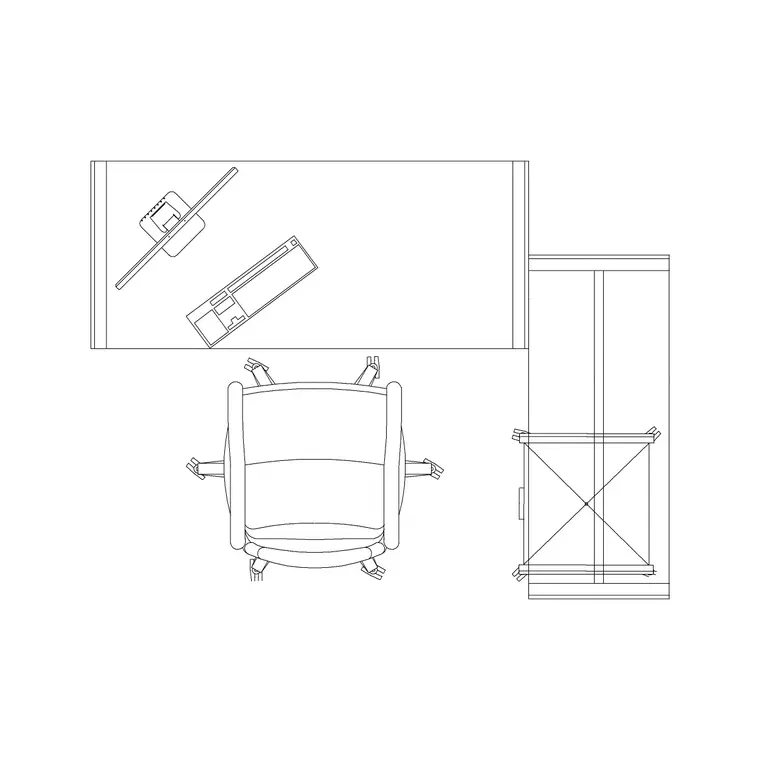
Two variants cover most executive offices. The manager table with a side rack adds an L-return or a low storage credenza along one side, giving the executive reachable filing and a display surface without turning round. It is the standard director's setup and the most common block you will place.
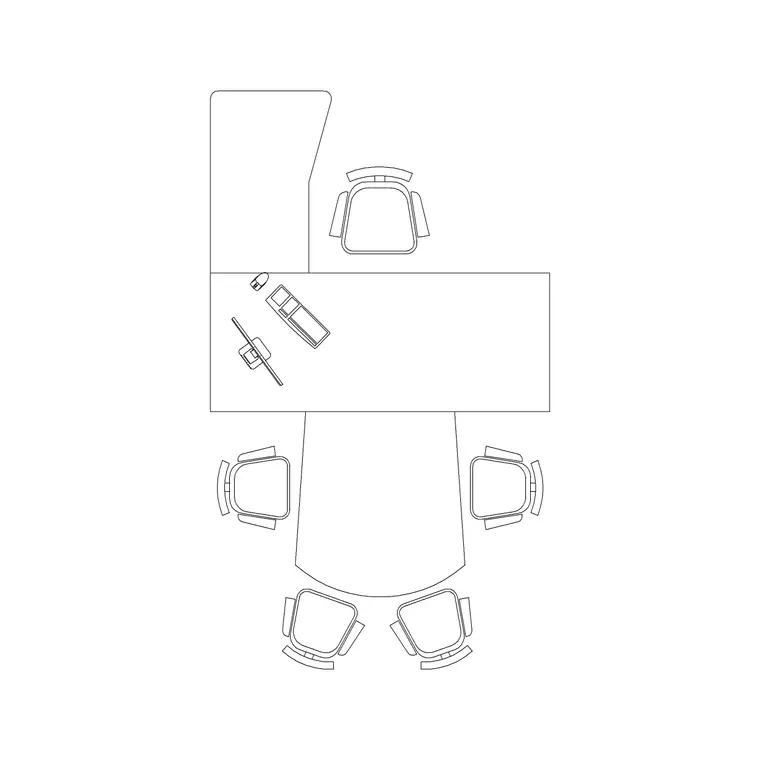
The manager table with a meeting table extends the desk into a small attached conference setting — typically a round or boat-shaped table for three or four — so quick meetings happen at the desk. Choose this variant when the brief asks for in-office meetings; choose the side-rack variant when storage matters more than meeting capacity. Both are drawn as scaled blocks so you can test either against the cabin size.
Executive desk dimensions to design around
Keep these ranges in view. A manager or executive desk commonly runs 1600–2000 mm wide and 800–1000 mm deep — noticeably larger than a 1200–1600 mm staff desk. Worktop height stays at the standard 720–750 mm. A side rack or credenza typically adds 400–500 mm of depth along the return.
Where the desk carries a meeting return, the attached table adds roughly 1000–1400 mm of length, and you need to allow chair pull-out around it. For the room, leave generous clearance behind the executive chair — around 1000–1200 mm — and 750–900 mm around any visitor seating. The scaled block lets you draw the cabin to fit the furniture rather than the other way round.
How to insert and lay out the office
These manager-table blocks are drawn full size in millimetres. Insert at scale 1 in a millimetre drawing, 0.001 in a metre drawing, or set INSUNITS to millimetres so AutoCAD rescales on insertion. Pick the insertion point at a desk corner so the composite block snaps cleanly to your setting-out grid.
Place the manager table against its intended wall, orient it so the executive faces the door, then bring in the manager chair behind and the visitor chairs in front. If you are using the meeting-table variant, check the chair pull-out around the return against the cabin walls. Keep the desk, rack and any meeting table on a furniture layer so you can split the layout from a clean structural plan.
Where manager table blocks are used
Manager table blocks belong in MD and director's offices, executive suites, partner offices, principal's rooms and any private cabin where the desk is the centrepiece. In a larger fit-out they are repeated across a row of director cabins, so a single well-drawn block speeds up a whole executive floor.
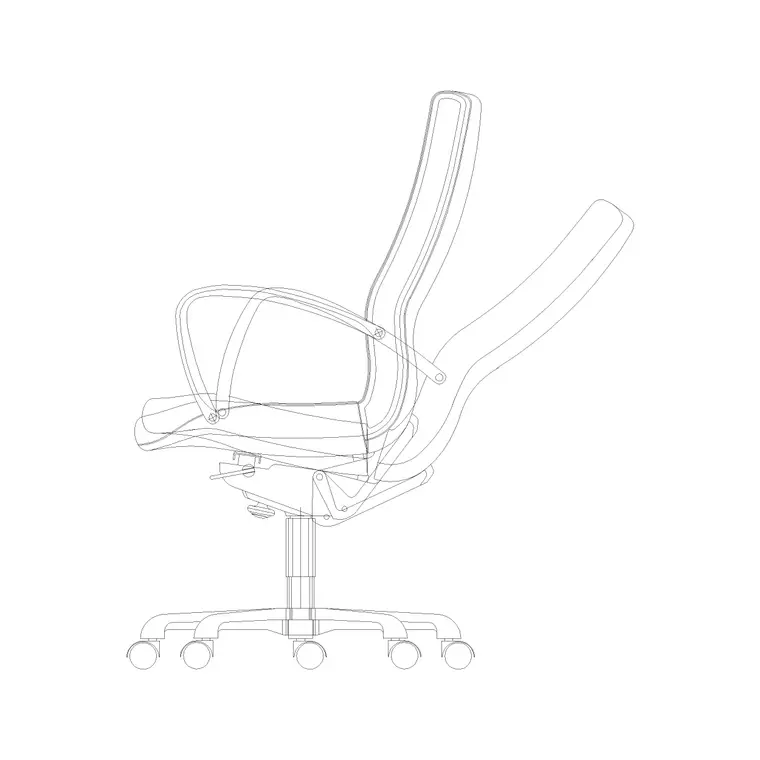
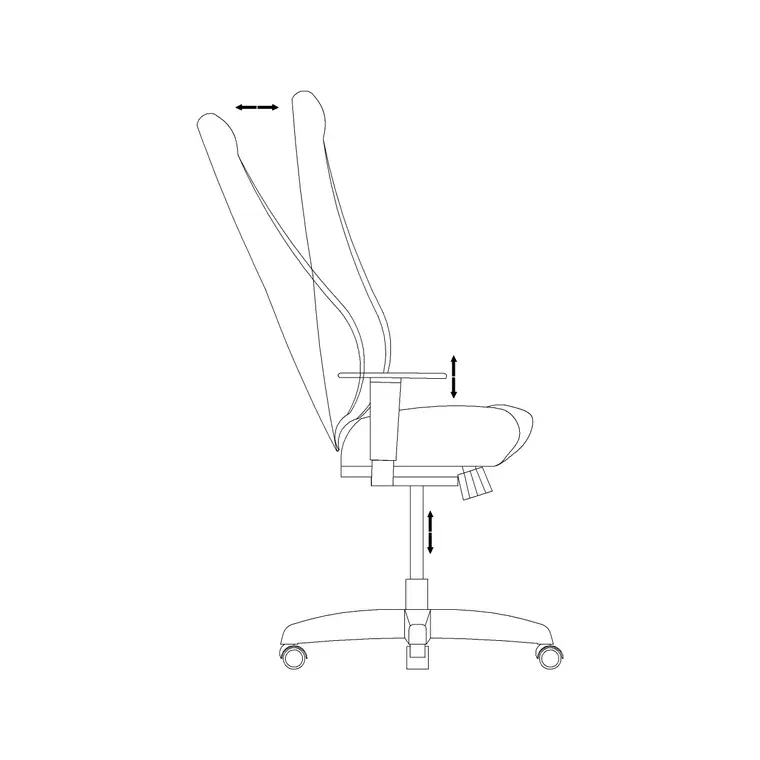
Pair them with the manager-chair blocks, the cabin-partition blocks and the conference-table blocks in the office category. Together they let you draw a complete executive zone — desks, seating, meeting settings and the glazed partitions that enclose each cabin — from one consistent, free block library, then split layers to produce furniture, partition and power-and-data drawings from the same file.
Fitting the executive desk into a cabin
The art of laying out a director's office is balancing the desk's authority against the room it leaves for everything else. A big executive desk fills a small cabin quickly, and once you add the side rack, the executive chair's push-back zone, two visitor chairs and the door swing, a cabin that looked generous on paper can become tight. Working from scaled blocks is what stops that surprise: you place the real furniture footprint and immediately see whether the circulation survives.
A practical sequence helps. Set the desk against the wall furthest from the door so the executive faces anyone entering. Add the side rack on the wall behind for reach without turning. Place the visitor chairs with at least 750 mm of pull-out, and confirm the door opens without fouling them. If the meeting-table variant is involved, the attached return needs its own chair clearance, which often decides whether that variant fits at all. Because everything is a block on a furniture layer, you can try the side-rack and the meeting-table variants in the same cabin and keep whichever leaves the better circulation.
Free download
Browse the full library — DWG & DXF, no signup.
Questions
Frequently asked
What's the difference between a manager table and a normal office desk?+
A manager or executive table is larger — typically 1600–2000 mm wide and 800–1000 mm deep — and usually pairs with a side rack or credenza, and sometimes a meeting return, where a standard staff desk is just a worktop. It anchors a private office.
Do the blocks include a side rack and a meeting table?+
Yes. There are two main variants: a manager table with a side rack or credenza for storage, and a manager table with an attached meeting table for in-office discussions. Both ship as scaled blocks you can test against the cabin.
Are the executive desk CAD blocks free for commercial use?+
Yes. Every block downloads free in DWG and DXF with no signup, no watermark and no attribution requirement, and they are cleared for commercial project use.
What units and scale are the manager table blocks drawn at?+
Full size in millimetres. Insert at scale 1 in a millimetre drawing, or set INSUNITS to millimetres so AutoCAD rescales automatically if your template uses different insertion units.
Related downloads
Blocks for this guide
Related categories
Related guides
Block landing
Free Office Chair CAD Blocks — DWG Download
Download free office chair CAD blocks in DWG and DXF — task chairs, swivel chairs and executive seats drawn in plan and elevation, AutoCAD 2004+, no signup.
Block landing
Free Lighting Fixtures CAD Blocks — DWG Download
Download free lighting fixtures CAD blocks in DWG and DXF — chandeliers, wall lights, downlights and pendants in plan and elevation for AutoCAD.
Block landing
Free Office Desk CAD Blocks — DWG Download
Free office desk CAD blocks in DWG and DXF — straight desks and desk-with-chair units in plan and elevation for AutoCAD. No signup, commercial OK.