Room guide · cinema cad blocks
Free cinema theatre CAD blocks for AutoCAD
By Sumana Kumar · Published 28 Jun 2025 · Updated 4 Feb 2026
A cinema auditorium is a black box wrapped around a screen. Unlike a lecture hall or a theatre, there is no live performer and no daylight — the screen is everything, and every seat is judged by one question: how good is the view of it? That single constraint sets the steep stadium rake, the gap to the front row, the row spacing for big recliner seats, and the aisle and exit pattern that lets a full house leave in the dark.
This page collects free cinema theatre CAD blocks in DWG and DXF — recliner and standard cinema seats in plan, the screen and front zone, human figures and emergency-exit symbols — drawn to scale for AutoCAD 2004 or later. All free for personal and commercial use, no signup, no watermark.
Use the blocks to lay out a multiplex screen, a single-screen cinema, or a premium recliner house. Because the seats and aisles are scaled, you can test capacity, the steep rake's row spacing, the viewing angles to the screen edges and the egress that a dark, packed room demands.
Why the screen drives everything
In a cinema, the screen is the only focal point and it's huge, so the design problem is viewing geometry. The front row can't be so close that the screen fills more than a comfortable field of view; the back row can't be so far that the picture shrinks. Side seats can't sit at an angle so oblique that the image distorts. The room is a wedge of acceptable viewing positions, and the seating fills that wedge.
Modern cinemas use a steep stadium rake — much steeper than a lecture hall — so that even with deep recliner seats every viewer clears the head in front and looks slightly down or level at the screen. The plan sets the seat positions; the section proves the rake. Start by drawing the screen and the comfortable viewing wedge in front of it, then place seats only within that wedge.
Stadium rake, recliners and row spacing
Cinema seats have grown into wide, deep recliners, which changes the geometry. A reclining seat needs more width and far more depth than a fixed theatre seat, so rows are spaced generously and the steep stadium rake does the work of keeping sightlines clear. Fewer, deeper rows is the trade for comfort.
In plan, set out one row of seat blocks at the comfortable width, then array the row backward at the deep row spacing the recliners need. The rake is a section drawing: step each row up enough that a reclined viewer clears the head in front. Because the seats recline, check sightlines with the seat at its laid-back position, not upright. Curving the rows slightly toward the screen centre keeps the end seats' angle within the acceptable wedge.
The blocks that build a cinema
Cinema seating is a perfect block job — one luxurious seat, repeated.
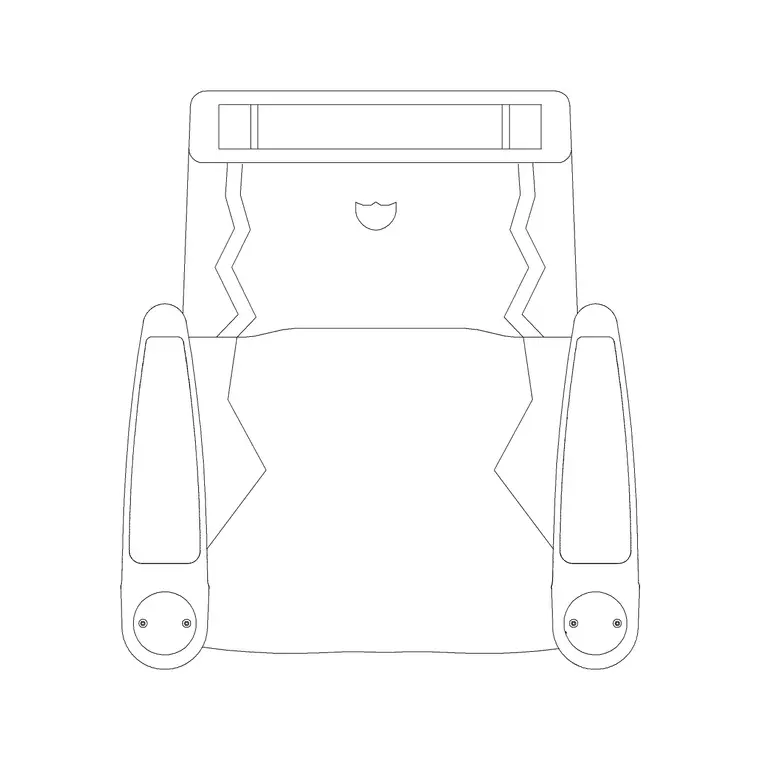
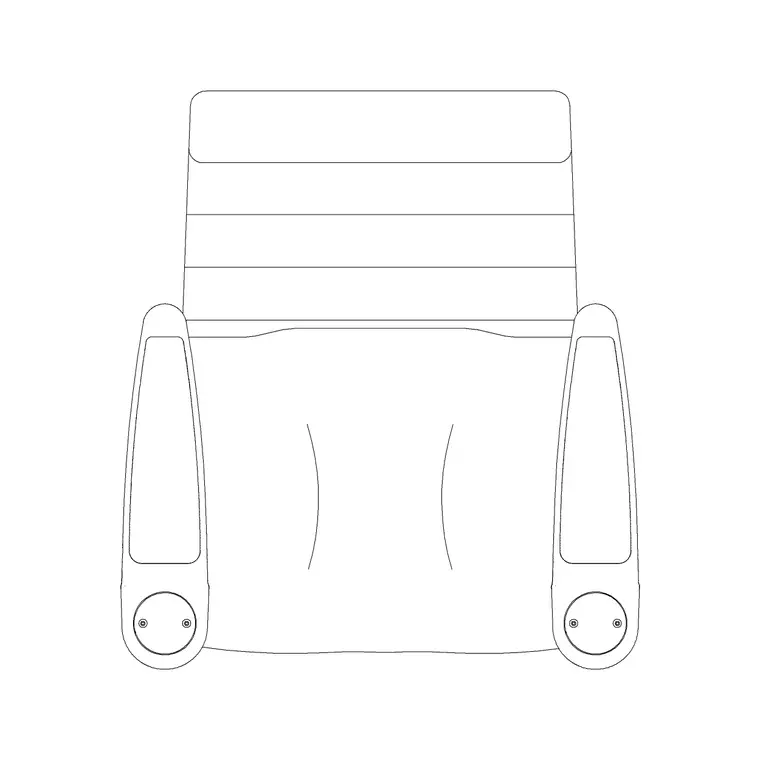
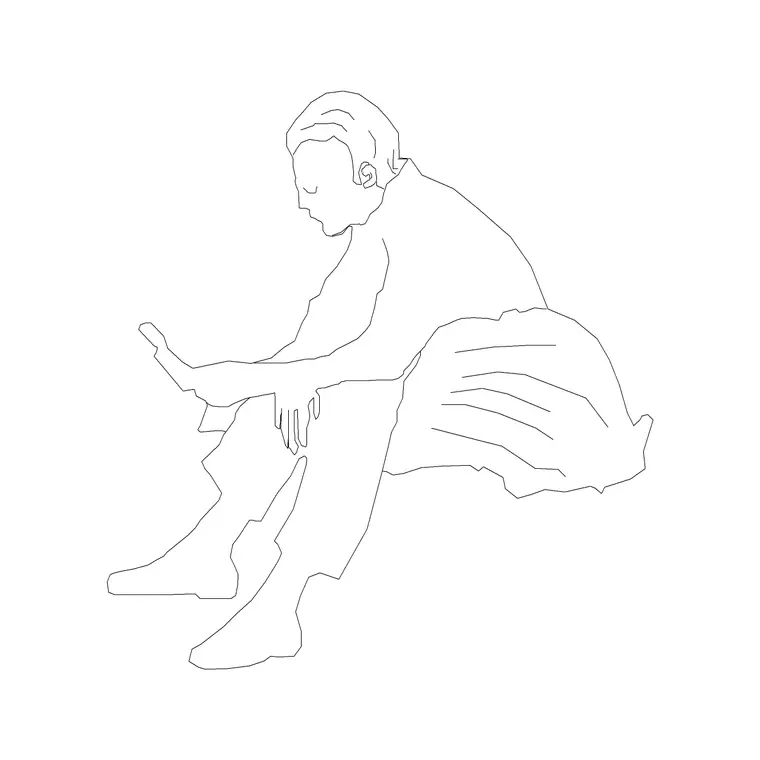
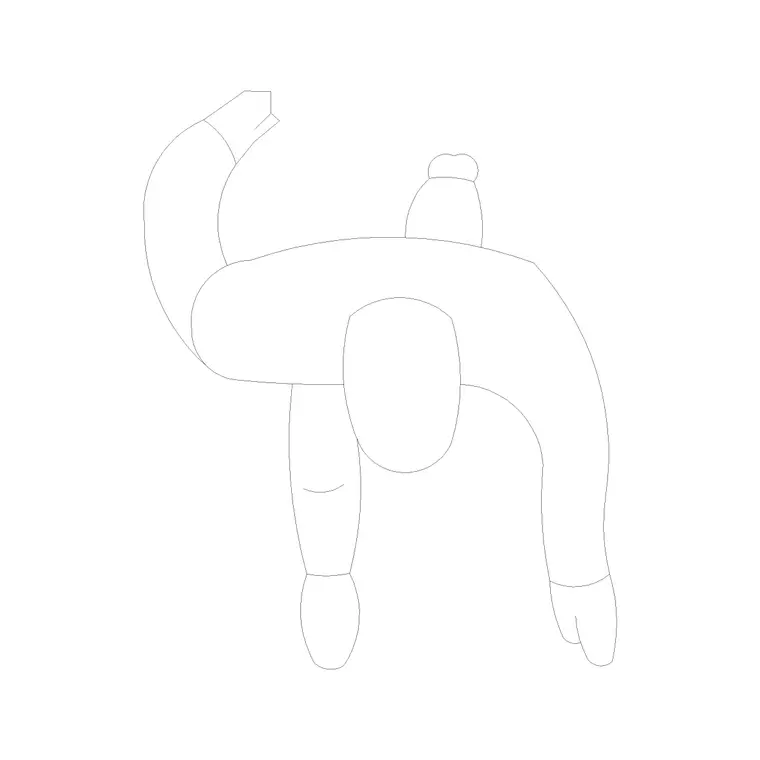
- Recliner seats — the reclining auditorium chair plan block represents premium cinema recliners; array them along each row and step the rows back. - Standard seats — the standard auditorium chair plan suits a value screen with tighter spacing. - Screen and front zone — drawn as an outline with the viewing wedge marked; keep the first row outside the too-close zone. - Human figures — seated figures to test density and the laid-back sightline, standing figures to test the dark-room aisles and exit flow. - Building symbols — emergency-exit and stair symbols, vital in a windowless, darkened room.
Keep seats, screen, aisles, figures and symbols on separate layers so the seating plan and the egress plan come off one drawing.
Dimensions, viewing distance and exits
Use these as design ranges and defer to code for egress. Recliner seat width: often 600–750 mm including arm, wider than a fixed theatre seat. Row spacing for recliners: noticeably deeper than fixed seating to allow the footrest and full recline. Front-row gap: keep the nearest seats back far enough that the screen doesn't overfill the view; the back row is limited by the screen appearing too small.
Aisles in a dark room need clear marking and generous width, widening toward exits as they collect rows; step-lighting and clearly signed exits matter because patrons move in the dark. Provide wheelchair positions with clear floor space and a level route, usually on a defined access row. Scaled blocks let you test viewing distances, recliner spacing and aisle flow before any seat is fixed.
Assembling the cinema plan
Draw the screen and the viewing wedge. Place the first row just behind the too-close line and set recliner blocks along it at their full width. Array the row backward at the deep recliner spacing, curving the rows gently toward the screen centre so end seats stay in the wedge. Add aisles — side aisles for a stadium house, plus a cross aisle if the rake changes — and keep seats-per-row within egress limits.
Cut a section, step the rake up row by row, and place a reclined seated figure on each tier to prove the sightline at the laid-back position. On the plan, walk standing figures down the aisles to the exits in the dark-room condition. Mark exits, stairs and accessible positions with building-symbol blocks. Layer everything so the egress plan is just the aisle, figure and symbol layers thawed.
Mistakes that wreck a cinema layout
The first is a front row too close to the screen, forcing those patrons to crane and pan across an overwhelming image — keep the nearest seats outside the comfortable wedge. The second is under-spacing recliner rows: fixed-seat spacing leaves no room for the footrest, so the recliners can't recline. The third is checking sightlines with seats upright when patrons will be reclined; always test the rake at the laid-back position.
Other traps: a flat or gentle rake that blocks the back rows behind big seats, oblique end seats outside the viewing wedge, and undersized or poorly signed aisles in a room people navigate in the dark. Placing reclined figures in the worst seats — front corner, far end — and walking standing figures to the exits surfaces every one of these before construction.
Free download
Browse the full library — DWG & DXF, no signup.
Questions
Frequently asked
How far should the front cinema row be from the screen?+
Far enough that the screen doesn't overfill the field of view — the front row should sit just behind the too-close line of the comfortable viewing wedge. Draw the screen and that wedge first, then place no seats inside it, so even the nearest patrons get a comfortable picture.
Why do recliner seats need deeper row spacing?+
A reclining cinema seat extends a footrest and tips back, so it occupies far more depth than an upright fixed seat. Array the rows at the deeper recliner spacing, and check sightlines in section with the seat at its laid-back position, not upright, or the recliners won't actually recline.
Do cinema plans need exit symbols even though it's a small room?+
Yes. A cinema is windowless and patrons move in the dark, so clearly marked, well-distributed exits and step-lit aisles are essential. Mark emergency-exit and stair symbols from the building-symbols set, and size aisles to the seat count so the auditorium clears safely.
Which seat block should I use — standard or recliner?+
Use the reclining auditorium chair plan for a premium recliner house, which gives more comfort but fewer, deeper rows and lower capacity. Use the standard auditorium chair plan for a value screen with tighter spacing and more seats. The scaled blocks let you compare the two capacities directly.
Related downloads
Blocks for this guide
Related categories
Related guides
Room guide
Free Lecture Hall CAD Blocks — DWG Download
Free lecture hall CAD blocks in DWG and DXF — tiered seats, lectern, figures and exit symbols to plan a raked university theatre in AutoCAD. No signup.
Room guide
Free Auditorium CAD Blocks — DWG Download
Free auditorium CAD blocks in DWG and DXF — fixed seats, stage, figures and exit symbols to plan a fan-shaped auditorium seating layout in AutoCAD. No signup.
Room guide
Free Bank Branch CAD Blocks — DWG Download
Free bank branch CAD blocks in DWG and DXF — teller counters, advisory desks, seating and figures to plan a branch interior in AutoCAD. No signup.