Block landing · kitchen sink cad block
Free kitchen sink CAD blocks in DWG and DXF
By Saumyajit Maity · Published 19 May 2024 · Updated 28 Apr 2026
The sink is the anchor of almost every kitchen plan, so it pays to start a layout from a clean, correctly-scaled kitchen sink CAD block rather than a rough rectangle. This page gathers free kitchen sink CAD blocks in DWG and DXF — single-bowl, double-bowl and counter-with-drainer types — drawn at true millimetre dimensions and ready to drop into AutoCAD 2004 or later. Every file is free for personal and commercial work, with no signup, no watermark and no attribution.
A kitchen sink is rarely placed freely; it is pinned to the window, to the run of base cabinets, and above all to the waste and supply pipework. Because these blocks are drawn to standard sink module sizes, the moment one lands on the plan you can see whether it sits cleanly on the 600 mm cabinet grid, whether the bowl clears the cabinet door, and whether the taps land under the window. That is the difference between a sink position you can build and one you have to move on site.
What a kitchen sink CAD block needs to show
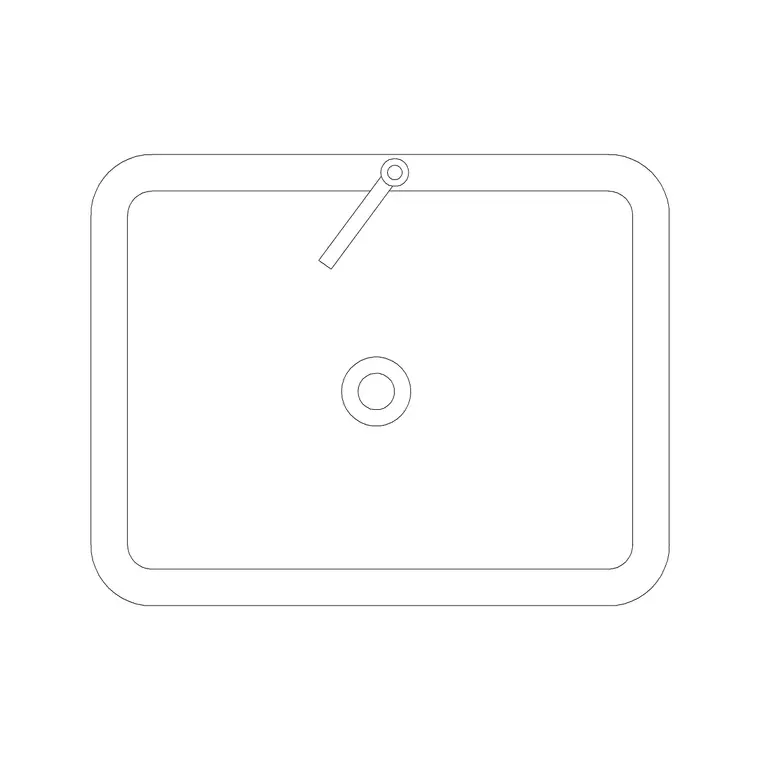
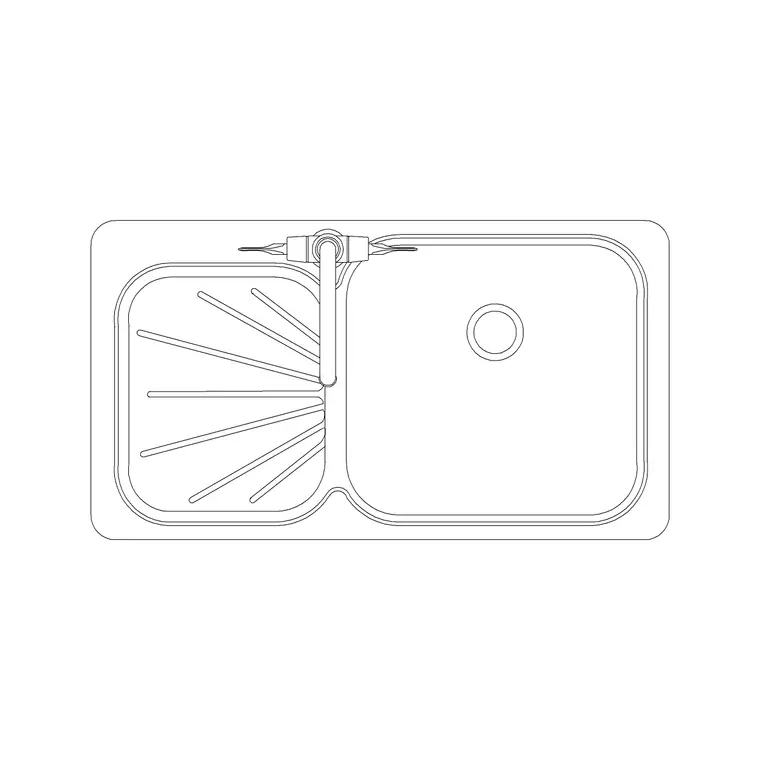
A useful kitchen sink block is more than a bowl outline. In plan it should show the sink top (the part that sits on the worktop), the bowl or bowls cut into it, and ideally the drainer if there is one, because the drainer is the part people most often forget to allow worktop for. The tap hole or tap symbol at the back edge tells you which way the sink faces and where the splashback meets it.
Most kitchen sinks here are drawn as plan-view blocks, which is exactly what you want for laying out the worktop run. The outline is the unit footprint as it would be cut into a 600 mm base cabinet, so when you snap it onto the cabinet line you are working with the real sit of the unit, not an approximation.
Single, double and counter sinks — which block to pick
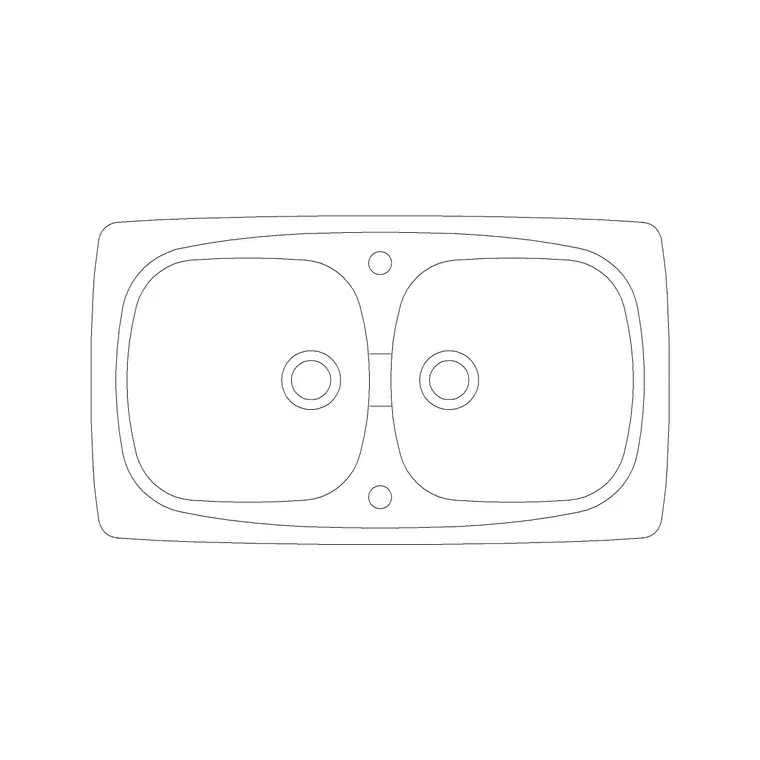
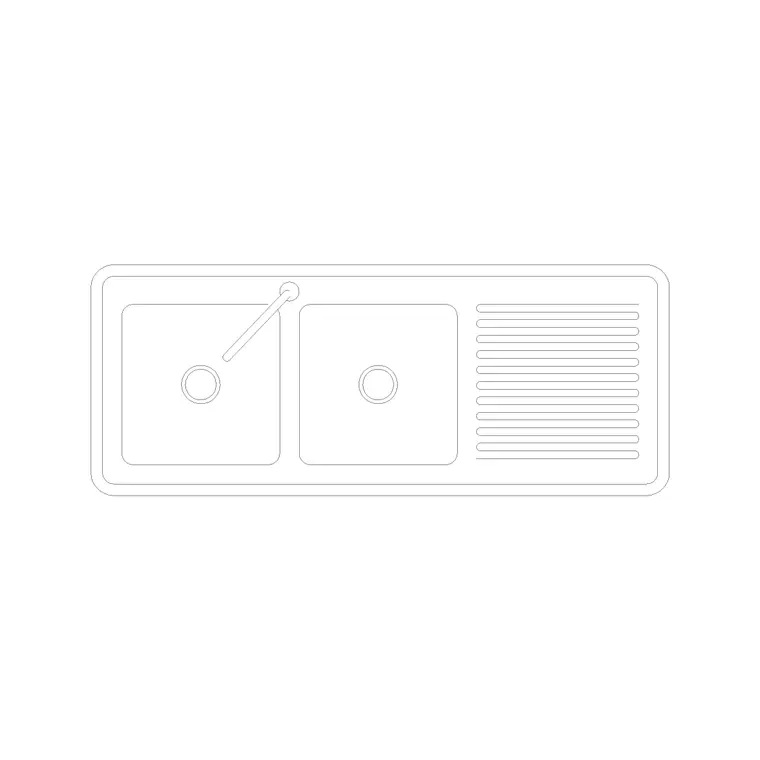
Match the block to the kitchen. A single-bowl sink in roughly the 500–600 mm range suits a compact kitchen, a utility run or a kitchenette where worktop is tight. A double-bowl sink, typically 800–1000 mm across, is the workhorse for a family kitchen where you want to wash and rinse separately. A counter sink with an integral drainer stretches the unit out to 1000 mm or more, giving you a draining board for crockery beside the bowl.
The downloads below cover all three so you can change your mind without redrawing. Because each is a single block reference, swapping a single bowl for a double on a plan is a delete-and-insert, and the cabinet run stays put.
Typical kitchen sink dimensions to design around
Reach for these ranges when you are checking a layout rather than inventing numbers. Single-bowl sink top: around 500–600 mm wide. Double-bowl sink top: around 800–1000 mm wide. Counter-and-drainer sink: 1000 mm and up depending on the drainer length. Front-to-back depth of the sink top: usually 480–600 mm to suit a 600 mm worktop. Bowl depth into the cabinet: commonly 160–200 mm, which is why a sink base cabinet has no top drawer.
The sink almost always sits on a 600 mm or wider base unit, so a 1000 mm double sink typically spans a 1000 mm cabinet, not two 600s. Dropping the scaled block onto the cabinet run shows that fit at a glance and stops you specifying a sink wider than the cabinet beneath it.
How to insert and place the sink block
These blocks are drawn full size in millimetres. In a millimetre drawing, insert at scale 1 and the sink lands at real size; in a metre drawing insert at 0.001; or set INSUNITS to millimetres so AutoCAD rescales automatically on insertion and you never get a sink the size of a room.
Run INSERT (or drag the DWG from a tool palette), pick the back edge or a bowl corner as your insertion handle so you can snap it to the cabinet line, and rotate it to face into the room. Because the sink is fixed by plumbing, place it early: set the sink first, then build the hob, oven and fridge around it to form the work triangle. A later edit to the block definition updates every instance, so if you standardise on one sink across a multi-unit scheme, one BEDIT change ripples through every flat.
Where kitchen sink blocks get used
Kitchen sink blocks appear in residential kitchen plans, apartment fit-outs, utility and laundry rooms, and small commercial kitchenettes in offices and shops. Architects use them to populate dwelling plans; kitchen designers use them to turn around concept layouts; services engineers use them to coordinate the waste and supply positions with the drainage drawing.
Pair the sink with the cooker, oven, hood and cabinet blocks in the kitchen and sinks-and-faucets categories to build a complete, scaled kitchen layer fast. Keep the sink on its own services-aware layer so you can dimension the centreline of the waste to the installer without cluttering the architectural plan.
Coordinating the sink with plumbing and the window
Two things tend to fix a kitchen sink's position before the design even starts: the waste run and the window. Sinks gravitate to an external wall so the waste can reach a gully or stack with a sensible fall, and to a window so there is a view and natural light while washing up. Place the scaled block against that wall first, then check that the centreline of the bowl lines up with the centreline of the window — a sink offset from the window it sits under is one of the most common things a client notices on a finished kitchen.
Keeping the sink as a true-size block lets you snap a centreline to the bowl and dimension the supply and waste positions from a finished wall, which is exactly what the plumber sets out from. Doing that off the same block that drives the architectural plan keeps the tiling, the cabinet run and the pipework all referenced to one position, so nothing drifts between the drawings.
Free download
Browse the full library — DWG & DXF, no signup.
Questions
Frequently asked
Are these kitchen sink CAD blocks free to use commercially?+
Yes. Every kitchen sink block downloads free in DWG and, where available, DXF, with no signup, no watermark and no attribution requirement, and they are cleared for commercial project use.
What view do the kitchen sink blocks come in?+
Most are plan-view (top-view) blocks, which is what you need for laying out a worktop run and checking the fit on the cabinet grid. The plan shows the sink top, the bowls and, where fitted, the drainer.
What size sink should I use on a 600 mm base cabinet?+
A single-bowl sink of roughly 500–600 mm sits comfortably on a 600 mm base unit. A double-bowl sink of 800–1000 mm usually needs an 800 mm or 1000 mm cabinet beneath it — drop the scaled block on to confirm the fit.
What units are the blocks drawn in?+
Full size in millimetres. Insert at scale 1 in a millimetre drawing, 0.001 in a metre drawing, or set INSUNITS to millimetres so AutoCAD rescales the block automatically when you insert it.
Related downloads
Blocks for this guide
Related categories
Related guides
Block landing
Free Sanitary Fixtures CAD Blocks — DWG Download
Download free sanitary fixtures CAD blocks in DWG and DXF — WCs, wash basins, urinals and sinks in plan and section for AutoCAD sanitary plans.
Block landing
Free Kitchen Faucet / Mixer Tap CAD Block — DWG
Download free kitchen faucet and mixer tap CAD blocks in DWG and DXF — monobloc and pull-out mixers in plan and elevation. No signup, commercial OK.
Block landing
Free Kitchen Sink Unit CAD Block — DWG Download
Download free kitchen sink unit CAD blocks in DWG and DXF — single, double and 1.5-bowl sinks with drainers in plan and section. AutoCAD 2004+, no signup.