Block landing · kitchen island cad block
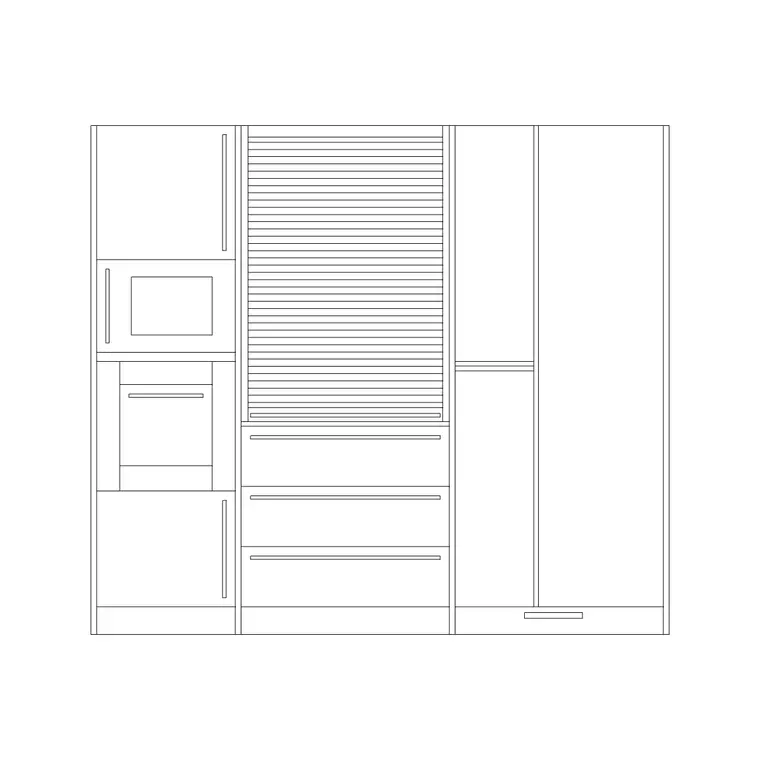
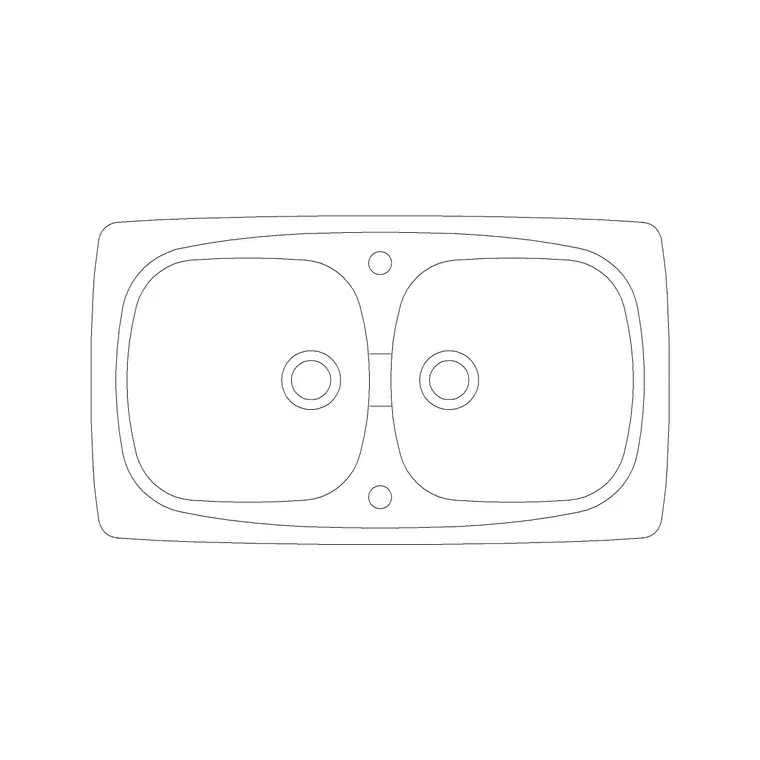
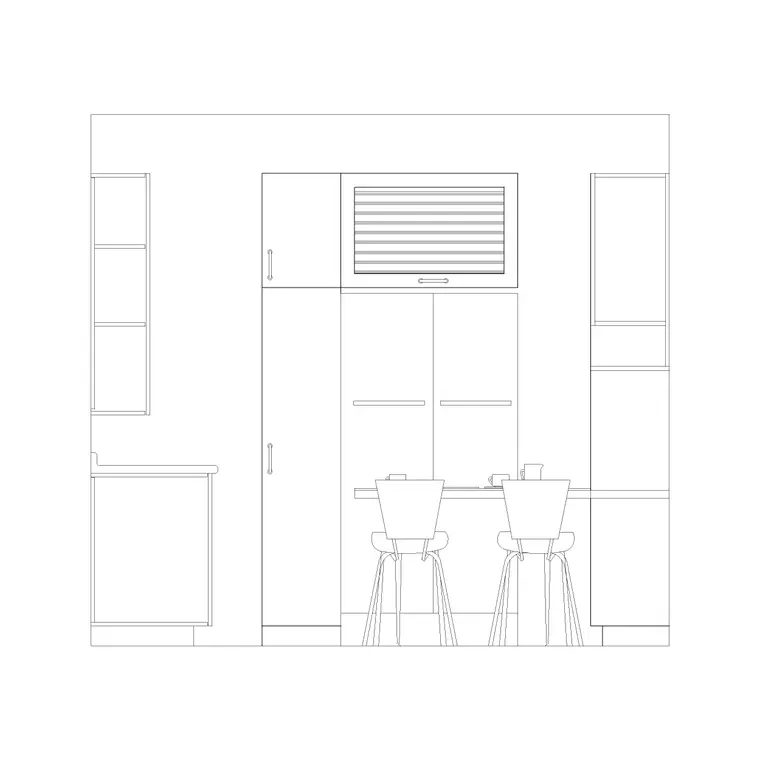
Free kitchen island CAD blocks in plan and elevation
By Sumana Kumar · Published 18 Mar 2024 · Updated 8 Jan 2026
The island is the centrepiece of a modern open-plan kitchen and the unit that most often makes or breaks the layout, because it is the one cabinet you walk all the way around. Unlike a wall-hugging run, an island has to earn its clearance on every side, which is exactly why a scaled kitchen island CAD block is so useful: drop it into the plan and you instantly see whether the room can take it. This page collects free kitchen island blocks in DWG and DXF — plain storage islands, islands with a breakfast-bar overhang, islands carrying a hob with downdraft, and islands with an integrated sink — drawn full size for AutoCAD 2004 or later, free for personal and commercial use with no signup or watermark.
An island is read first in plan, because the whole question is whether the surrounding floor works, and then in elevation, because the overhang, the seating and any appliance set the height story. Get the four-sided clearance right and the island transforms a kitchen into a social space; get it wrong and it turns the room into an obstacle course.
What a kitchen island block represents
An island is a freestanding run of cabinets, open on all sides, sitting in the middle of the kitchen floor and topped with a worktop that often overhangs one edge for seating. In a CAD block it is drawn as the cabinet footprint with the worktop outline above it, the overhang shown clearly because that is what governs the stool space, and any appliance — a hob, a sink, or a downdraft extractor — indicated in the worktop. A good block separates the carcass from the worktop so you can adjust the overhang independently.
The set covers the island types you actually design: a plain storage island, a breakfast-bar island with a cantilevered overhang for stools, a cooking island carrying a hob and a downdraft or ceiling extractor, and a prep island with an integrated sink. A peninsula — an island attached to a run at one end — is included too, since it solves the same social-kitchen brief in a tighter room. Each is a single block you can rotate to the room's grid and stretch to length.
Plan first, elevation second
For an island the plan is the decisive view. It shows the footprint and, critically, the overhang line and the clear floor around all four sides, which is what you check against the surrounding runs, the circulation routes and the door swings into the room. You array stools along the overhang in plan and confirm each side has its working clearance. Because an island is so often the constraint in a kitchen, you frequently draw it early and let the rest of the layout settle around it.
The elevation and section then carry the height story: the worktop level, the seating overhang and the knee space beneath it, the height of any raised breakfast bar, and the way a downdraft or a suspended hood relates to a cooking island. Many island blocks ship both the plan and an elevation in the same DWG, so one download covers the layout check and the presentation drawing. Keep the carcass, the worktop and the stools on separate layers so each side of the drawing reads cleanly.
Island sizes and clearances to design around
An island only works if the surrounding clearances are right, so design around the gaps as much as the unit. Island footprint: highly variable, but commonly around 1000–1200 mm deep (often two base units back to back) and 1800–3000 mm long. Worktop seating overhang: allow roughly 300 mm of cantilever for comfortable knee room, with about 600 mm of width per stool. Worktop height: the usual 850–920 mm, or a raised bar level around 1050–1100 mm.
The clearance figures are what make or break it: keep at least 1000 mm of clear floor on each working side of the island, and 1200 mm where a side also serves as a through-route or two people pass. Where the island carries the hob or the sink, leave a generous landing zone of worktop beside it. As always, treat these as design-stage ranges; the value of the scaled block is that it turns every one of these clearance checks into a glance.
Placing and sizing the island in the plan
Draw the room and the perimeter runs first, then insert the island block into the middle of the floor; in a millimetre drawing place at scale 1, or set INSUNITS to millimetres so AutoCAD rescales on insertion. Position it on the room grid and rotate to suit, then immediately offset its edges by your clearance figures (1000 mm working, 1200 mm through-route) and check those offset lines against the perimeter cabinets, the appliances' open doors and the room's circulation. If a clearance band clips a run, the island is too big or wrongly placed — shrink it with STRETCH or move it before the layout hardens around it.
For a seating island, array stools along the overhang at about 600 mm centres and confirm the knee space in the elevation. For a cooking or prep island, place the hob or sink block into the island worktop and coordinate the extraction or the waste run, which on an island has to travel under the floor rather than along a wall — a constraint worth flagging on the drawing early.
Where kitchen island blocks are used
Island blocks belong to open-plan and broken-plan kitchens above all — the large residential kitchen, the kitchen-diner, the loft conversion and the new-build family room — where the island is the social and functional hub. They also serve in lighter commercial settings: a demonstration island in a showroom, a prep island in a café back-of-house, or a central counter in a cookery school.
Architects use the island block to test whether a proposed open-plan room can actually accommodate one with proper clearances before committing to it. Kitchen and interior designers use it to develop the centrepiece and to place seating, the hob or the sink. Pair the island with base cabinets, the worktop block and the hood detail to complete the scheme, and keep it on its own layer so you can isolate the island when you coordinate the floor services that feed it.
Services and seating, the two things an island forces you to solve
An island is the one kitchen unit with no wall behind it, which changes how everything reaches it — and the scaled block is where you confront that. If the island carries a sink, the waste and supply have to run under the floor slab to the island position, so the drainage route and any necessary fall need coordinating before the floor is laid; mark the connection point on the plan from the start. If it carries a hob, the extraction is the issue: a downdraft pulls down through the floor void, while a ceiling-mounted or suspended hood needs its own structure and clearance, both of which the elevation should show.
Seating is the other defining feature, and it is geometry, not decoration. The overhang depth sets the knee comfort and the stool width sets how many seats fit, so drawing them to scale stops the classic mistake of an overhang too shallow to sit at. Keep the carcass, worktop, appliances, services and seating on distinct layers so the layout plan, the joinery elevation and the services coordination each pull cleanly from the same island — and once an island works for a room type, WBLOCK it as a reusable assembly with its seating already placed.
Free download
Browse the full library — DWG & DXF, no signup.
Questions
Frequently asked
How much clearance should I leave around a kitchen island?+
Keep at least 1000 mm of clear floor on each working side, and 1200 mm where a side also serves as a through-route or where two people pass. The scaled block lets you offset the island edges by those figures and check them against the perimeter runs at a glance.
How big should a kitchen island be drawn?+
Commonly around 1000–1200 mm deep and 1800–3000 mm long, with a seating overhang of roughly 300 mm and about 600 mm of width per stool. Treat these as design-stage ranges and size the block to the room rather than a fixed number.
Do the island blocks include versions with a hob or sink?+
Yes. The set covers plain storage islands, breakfast-bar islands with an overhang, cooking islands carrying a hob with downdraft or a suspended hood, and prep islands with an integrated sink, plus an attached peninsula version.
Are the kitchen island blocks free for commercial use?+
Yes. Every island block downloads free in DWG and, where available, DXF, with no signup, no watermark and no attribution requirement, and they are cleared for commercial project use.
Related downloads
Blocks for this guide
Related categories
Related guides
Block landing
Free Bathroom Fixtures CAD Blocks — DWG Download
Download free bathroom fixtures CAD blocks in DWG and DXF — toilets, wash basins, bathtubs, showers and vanities drawn in plan and elevation. No signup, commercial OK.
Block landing
Free Gas Stove / Cooktop CAD Blocks — DWG
Free gas stove and cooktop CAD blocks in DWG and DXF — drawn in plan and elevation at true kitchen-module sizes for AutoCAD 2004+. No signup, commercial-use OK.
Block landing
Single Burner Hob CAD Block — Free DWG
Free single burner hob CAD blocks in DWG and DXF for compact kitchens and studios — plan and elevation, true sizing for AutoCAD 2004+. No signup, commercial OK.