Curated pack · accessibility cad blocks
Free accessibility and Part M CAD block pack
By Saumyajit Maity · Published 9 Jun 2024 · Updated 11 Mar 2026
Accessible design is governed by clearances you have to draw: the space a wheelchair needs to turn, the transfer space beside a WC, the reach to a basin or a switch. This free accessibility and Part M CAD block pack carries the symbols and setting-out aids that work depends on — wheelchair symbols and access pictograms, 1500 mm turning circles and 1800 mm passing places, accessible-WC layouts with transfer space, clear-floor zones, ramp and handrail symbols, and accessible-parking bays — in DWG and DXF for AutoCAD 2004 or later. Everything is free for personal and commercial use, no signup, no watermark.
Use the pack to check and demonstrate inclusive design: drop a turning circle into a lobby to prove a wheelchair user can rotate, overlay the transfer space beside a WC pan, or set out an accessible parking bay with its hatched transfer zone. Because the clearance blocks are drawn at true size, they turn an abstract requirement into a shape you can see clashing — or fitting — on the plan.
The blocks named here follow the kind of clearances set out in accessibility codes such as Part M of the Building Regulations in England and Wales and equivalent ADA-style standards elsewhere. Codes differ by country and are updated periodically, so treat these as scaled setting-out aids that make the geometry visible — and always confirm the actual dimensions against the specific regulation and edition that applies to your project.
What the accessibility pack covers
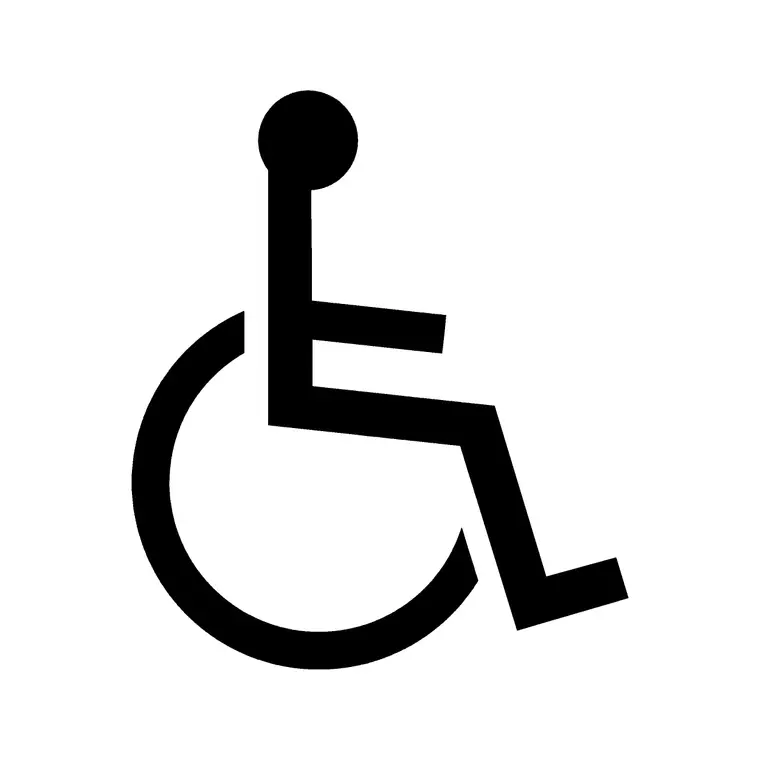
The pack gathers the symbols and clearance aids inclusive design needs. Access symbols: the wheelchair pictogram, accessible-route marks and accessible-entrance symbols. Clear-space aids: 1500 mm wheelchair turning circle, 1800 mm passing-place width, and clear-floor zones for approach to fixtures and controls.
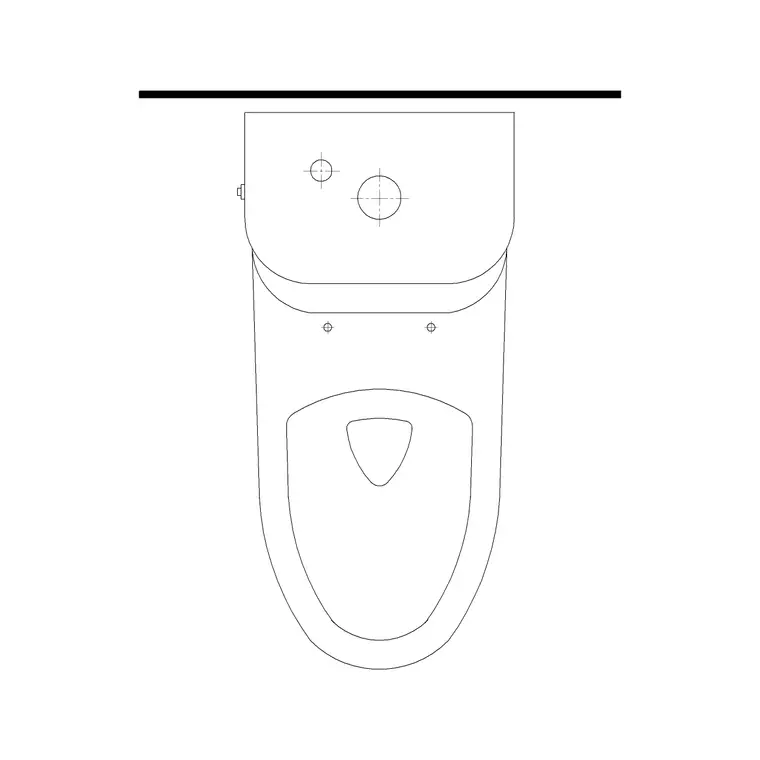
Accessible sanitary: peninsular and corner accessible-WC layouts showing the pan, the transfer space, the grab rails and the basin within reach. Circulation: ramp symbols with gradient notes, handrail lines, level-access thresholds and refuge points. Parking: accessible parking bays with the hatched transfer zone and bay markings. Each is a block reference on its own layer, so the accessibility overlay reads clearly on the architectural plan.
Why clearances, not just symbols, matter most
Accessibility is unusual among services in that the most important blocks are not symbols at all but clear-space shapes — the turning circle, the transfer space, the clear floor in front of a control. A wheelchair pictogram on a door is meaningless if the space behind it doesn't allow a wheelchair to turn, so the genuinely useful blocks are the scaled clearance zones you overlay to prove the space works.
That is why these clearance aids are drawn at true size and on their own layer: you place a 1500 mm turning circle in a room, and if the furniture, the door swing or the fixtures encroach on it, the clash is visible immediately. The pack treats accessibility as geometry to be demonstrated, not a label to be applied, which is exactly how an access consultant or a building-control reviewer assesses it.
Setting out an accessible WC
The accessible WC is the room where the clearances are most demanding, so the layout blocks earn their keep. Place the accessible-WC block against the wall that suits the transfer side, then check the key zones: the clear transfer space beside the pan that lets a wheelchair user move across, the manoeuvring space for the chair, the position of the grab rails, and the basin and controls within reach from the WC.
Overlay the turning circle to confirm a wheelchair can enter, close the door and turn. Because the layout is a scaled block, the relationships between pan, rails, basin and door are held correct as you place it, and you can dimension the setting-out for the installer. Always reconcile the exact dimensions against the applicable code edition, as accessible-WC requirements are among the most frequently updated.
Ramps, thresholds and circulation
Beyond the WC, accessibility lives in the routes. Use the ramp symbol with its gradient note to show a level-access approach and check the ramp length the gradient demands — a gentle gradient over a height difference can need a surprisingly long run, which the scaled drawing reveals. Add handrail lines to both sides where required, and landing zones at the top, bottom and any change of direction.
At doorways, the level or low threshold symbol shows where a step has been eliminated. Along corridors, drop in the 1800 mm passing-place width at intervals so two wheelchair users, or a wheelchair user and a walker, can pass. Keeping these on the accessibility layer lets you demonstrate a continuous accessible route through the building, which is what an inclusive-design review traces.
Who uses the accessibility pack
Architects use it to design and demonstrate compliant, inclusive buildings. Access consultants use it to assess and mark up schemes against the applicable accessibility code. Building-control surveyors use it when reviewing submissions for accessible provision. Interior designers use it to keep furniture layouts clear of the turning and transfer zones.
Facilities managers use it to assess and improve the accessibility of existing buildings. Pair the accessibility pack with the building-symbols category — which carries the wheelchair-accessible mark featured here — and the bathroom and sinks-and-faucets categories so the accessible sanitary fixtures align with the clearance zones on a coordinated plan.
Demonstrating compliance on the drawing
The point of these blocks is to make accessibility legible to a reviewer. Rather than asserting in a note that a space is accessible, you show it: the turning circle drawn in the room, the transfer space hatched beside the WC, the clear floor in front of the controls, the accessible route highlighted from entrance to destination. A drawing that demonstrates the clearances geometrically is far stronger evidence in a building-control submission than one that merely claims compliance.
Keep the accessibility information on a distinct layer so you can produce a dedicated inclusive-design or Part M drawing that isolates the access provisions from the general architecture. And because codes are revised and vary by jurisdiction, treat the supplied dimensions as a scaled starting point and verify each one against the regulation edition in force for your project — the blocks make the geometry visible, but the designer owns the compliance.
Free download
Browse the full library — DWG & DXF, no signup.
Questions
Frequently asked
What accessibility blocks are in the pack?+
Wheelchair and access pictograms, 1500 mm turning circles, 1800 mm passing widths, clear-floor zones, accessible-WC layouts with transfer space and grab rails, ramp and handrail symbols, level-access thresholds and accessible parking bays.
Do these blocks guarantee Part M or ADA compliance?+
No — they are scaled setting-out aids that make the required clearances visible on the plan. Accessibility codes differ by country and are updated periodically, so always confirm the actual dimensions against the specific regulation and edition that applies to your project.
How do I use the turning-circle block?+
Drop the 1500 mm turning-circle block into a room or WC at true size, then check whether furniture, door swings or fixtures encroach on it. If anything overlaps the circle, the space won't allow a wheelchair to turn — the clash is visible immediately, which is the point.
Are the accessibility CAD blocks free for commercial use?+
Yes. Every symbol and clearance aid downloads free in DWG and DXF with no signup, no watermark and no attribution requirement, and they are cleared for commercial inclusive-design and accessibility drawings.
Related downloads
Blocks for this guide
Related categories
Related guides
Curated pack
Free Plumbing Fixtures CAD Block Pack — DWG
Free plumbing fixtures CAD block pack in DWG and DXF — WCs, basins, sinks, valves, gullies and pipework symbols for AutoCAD layouts. No signup.
Curated pack
Free Kitchen CAD Block Pack — DWG & DXF
A free kitchen CAD block pack in DWG and DXF — cookers, hobs, ovens, sinks, hoods and cabinets drawn in plan and elevation for AutoCAD. No signup, commercial-use OK.
Curated pack
Free MEP CAD Block Pack — DWG & DXF Download
Free MEP CAD block pack in DWG and DXF — electrical, mechanical and plumbing symbols, fixtures and equipment for AutoCAD services drawings. No signup.