Curated pack · industrial style cad blocks
Free industrial style CAD block pack for AutoCAD
By Sumana Kumar · Published 10 May 2026 · Updated 4 Jun 2026
Industrial style trades polish for honesty: exposed metal frames, reclaimed timber tops, rivets and tube legs, leather-and-steel seating, and open shelving that shows its structure. Drawing an industrial interior means starting from blocks with that raw, structural language rather than soft upholstered curves. This free industrial style CAD block pack gathers the loft-and-warehouse essentials — metal-frame sofas and leather lounge chairs, reclaimed-wood and steel-base tables, bar and counter stools, pipe-and-plank shelving, and café tables — in DWG and DXF for AutoCAD 2004 or later. Everything is free for personal and commercial work, with no signup and no watermark.
Use the pack for loft apartments, warehouse conversions, cafés, breweries, barbershops and any interior where exposed structure and reclaimed materials are the brief. Because the blocks are scaled, they let you check the slightly heavier, more architectural footprints industrial pieces tend to have, and the open, restaurant-like spacing the style often calls for.
Industrial design borrows its proportions from workshops and factories, so the furniture reads as built rather than bought — sturdy frames, generous tops, visible joinery. A pack drawn in that idiom keeps a loft or café layout looking authentically structural instead of a soft scheme wearing a dark colour.
What's in the industrial pack
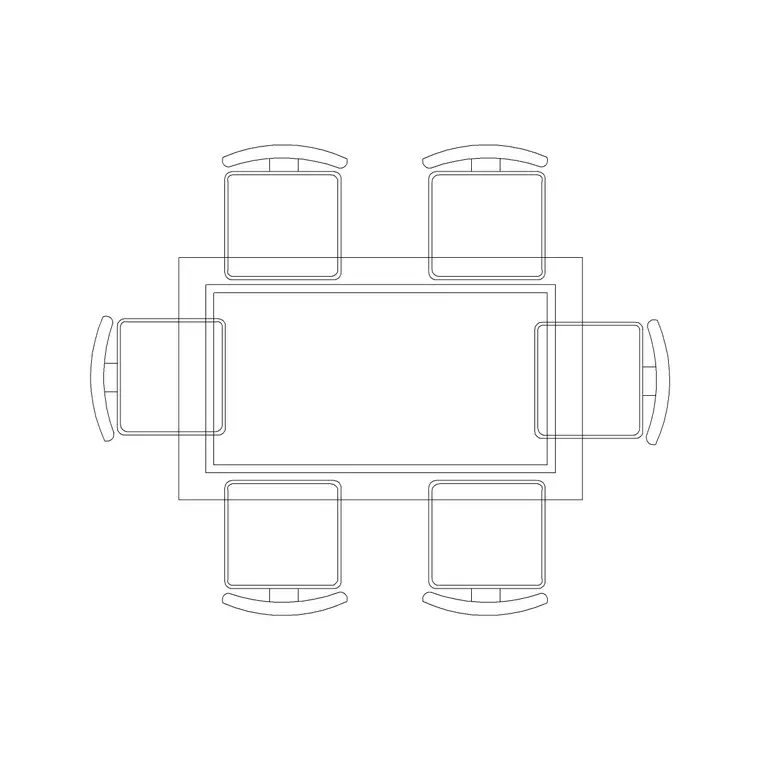
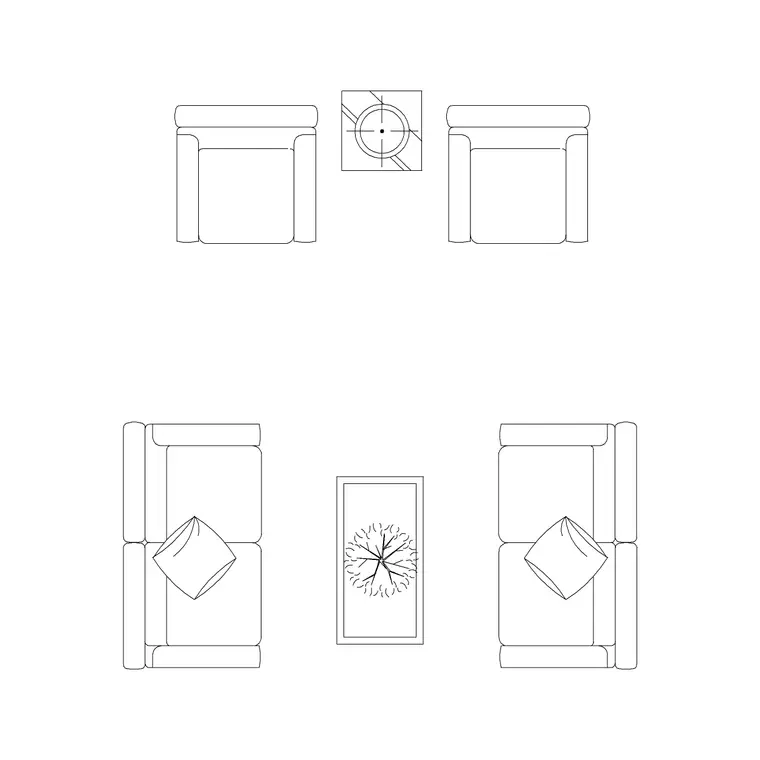
The set covers the warehouse-and-loft palette. Seating: metal-frame and leather lounge sofas, tube-frame lounge chairs, and bar and counter stools with steel legs. Tables: reclaimed-wood dining and café tables on steel bases, low coffee tables with industrial frames, and long communal tables. Storage: pipe-and-plank open shelving and metal-frame sideboards.
The frames are the signature — exposed legs, cross-braces and tube sections drawn so the structure reads even in plan. Together the pieces give a layout the sturdy, built character that defines the style.
Designing the open, structural layout
Industrial interiors usually inhabit open shells — exposed brick, columns, high ceilings — so the layout works with the structure rather than hiding it. Place communal and dining tables to align with the column grid, let open shelving define zones instead of solid walls, and keep circulation generous and café-like.
Use the scaled blocks to set out communal tables and stool runs at restaurant spacing (people need elbow room and a clear pass behind), and to confirm the heavier furniture footprints still leave the open, airy feel the style depends on. Keep the furniture on its own layer so the exposed structure can still read clearly in the plan.
Sizes to design around for industrial pieces
Reach for these ranges. A communal/industrial dining table runs long — 1800–2400 mm and up — at the standard 750 mm height, often 900 mm wide for shared use. Bar stools sit at around 750–800 mm seat height for a counter and 650 mm for a high table; allow 600 mm of width per stool along a run. A metal-frame lounge sofa reads sturdy at 2000–2200 mm long. Café tables run 600–800 mm.
For circulation in a café or communal setting, allow 900–1100 mm behind seated diners for the pass, more where it's a main route. The scaled blocks make these hospitality clearances easy to verify.
Per-item notes
- Metal-frame / leather sofa: heavier and more architectural than an upholstered modern sofa; the exposed frame is the point, so keep it clear of busy backgrounds in elevation. - Communal / reclaimed-wood table: align it to the column grid and array stools or benches along it; the long top is the social heart of an industrial space. - Bar / counter stool: space them ~600 mm apart along a counter run and check the seat-to-counter height; tube legs read as industrial even in plan. - Pipe-and-plank shelving: use it to zone an open shell without solid walls; its open structure keeps sightlines and the loft feel intact.
Each block is a single reference you can array, copy and rotate, with definition edits updating every instance.
Plan for layout, elevation for the raw look
For the layout you work in plan: communal tables, stool runs and lounge pieces aligned to the structure and spaced for an open, social feel. The plan blocks are what you array along counters and communal tables.
For presentation and interior elevations you switch to elevation, where industrial style is most expressive — exposed frames, cross-braces, reclaimed tops and tube legs all read face-on and sell the warehouse aesthetic. Where a block ships both views, one download covers the working plan and the raw, structural elevation.
Who uses an industrial pack
Interior designers use it for loft residences, warehouse conversions and hospitality fit-outs — cafés, breweries, restaurants and bars. Architects use it to furnish adaptive-reuse and exposed-structure projects with appropriately rugged, scaled blocks. Hospitality and retail designers use it for on-trend communal layouts. Students use it for adaptive-reuse and hospitality studio work with licence-clear blocks.
Pair the industrial set with the lighting category — exposed-bulb and metal-shade fittings complete the look — and the accessories category for framed prints and signage, so a whole loft or café is dressed from one consistent, free library.
Free download
Browse the full library — DWG & DXF, no signup.
Questions
Frequently asked
What gives these blocks their industrial character?+
They're drawn with the structural language of the style — exposed metal frames, tube and cross-braced legs, reclaimed-timber tops and open pipe shelving — and sized for the sturdier, more architectural footprints industrial furniture tends to carry, so a layout reads as authentically built rather than soft and upholstered.
Are the industrial style blocks free for commercial use?+
Yes. Every block downloads free in DWG and, where available, DXF, with no signup, no watermark and no attribution requirement, and they are cleared for commercial project use, including hospitality fit-outs.
How do I space stools along a counter or communal table?+
Allow roughly 600 mm of width per stool along the run, and check the seat-to-counter height (around 750–800 mm seat for a standard counter). The scaled blocks let you array stools and confirm both the spacing and the pass behind.
What scale are the blocks drawn at?+
Full size in millimetres. Insert at scale 1 in a millimetre drawing, or set INSUNITS to millimetres so AutoCAD rescales automatically if your template uses different units.
Related downloads
Blocks for this guide
Related categories
Related guides
Curated pack
Free Modern Furniture CAD Block Pack — DWG/DXF
Free modern furniture CAD block pack in DWG/DXF — modular sofas, low coffee tables, sideboards and accent chairs. No signup, commercial use OK.
Curated pack
Free Classical Furniture CAD Block Pack — DWG
Free classical furniture CAD blocks in DWG/DXF — rolled-arm sofas, carved tables, wingback chairs and classical lamps. No signup, commercial use OK.
Curated pack
Free Minimalist Interior CAD Block Pack — DWG
Free minimalist interior CAD blocks in DWG/DXF — clean-line sofas, plain tables and pared-back storage for AutoCAD. No signup, commercial use OK.