Room guide · hotel suite cad blocks
Free hotel suite CAD blocks for AutoCAD plans
By Sumana Kumar · Published 15 Oct 2024 · Updated 21 Jun 2026
A hotel suite is a guest room that has been given room to breathe and a second purpose. Where the standard room is a sleeping box optimised to the last millimetre, a suite adds a living zone — a sofa, a coffee table, sometimes a dining table or a small kitchenette — and either separates it from the bedroom with a partition or arranges it as one generous open space. The plan stops being about squeezing and starts being about composing: how the sleeping and living zones relate, where the threshold between them sits, and how the whole reads as a home for a few nights rather than a place to crash.
This page is for laying out junior and full suites in AutoCAD. The free CAD blocks below cover both halves of the suite — a double bed with side tables for the sleeping zone, sofa sets and a dining table for the living zone, a statement chandelier and planters to lift it above standard-room finish — all DWG, scaled, free for commercial use, no signup. Drop them in and the two zones become measurable rooms rather than vague areas.
The defining question is the threshold. An open-plan junior suite flows the living zone straight off the bedroom with no door, so the move is to define the boundary with furniture and rugs. A full suite puts a wall and a door between them, so the move is to give each zone its own daylight and its own circulation. Decide which you are drawing before you place the sofa, because it changes everything downstream.
From room to suite: what changes
A suite is not just a bigger room; it adds functions. The sleeping zone stays much like a standard room — bed on the feature wall, bedside tables, wardrobe and bathroom at the entry. The living zone is the new part: a sofa-led seating arrangement for relaxing or working, often a dining or coffee table, sometimes a wet bar or kitchenette.
The plan's job is to give each zone what it needs while letting them read as one luxurious whole. The living zone wants its own daylight and a comfortable conversation cluster; the sleeping zone wants quiet and a clear path to the bathroom. Whether you separate them with a wall or just with furniture, draw the two zones as distinct rooms first, then resolve how a guest moves between them.
Suite blocks for both zones
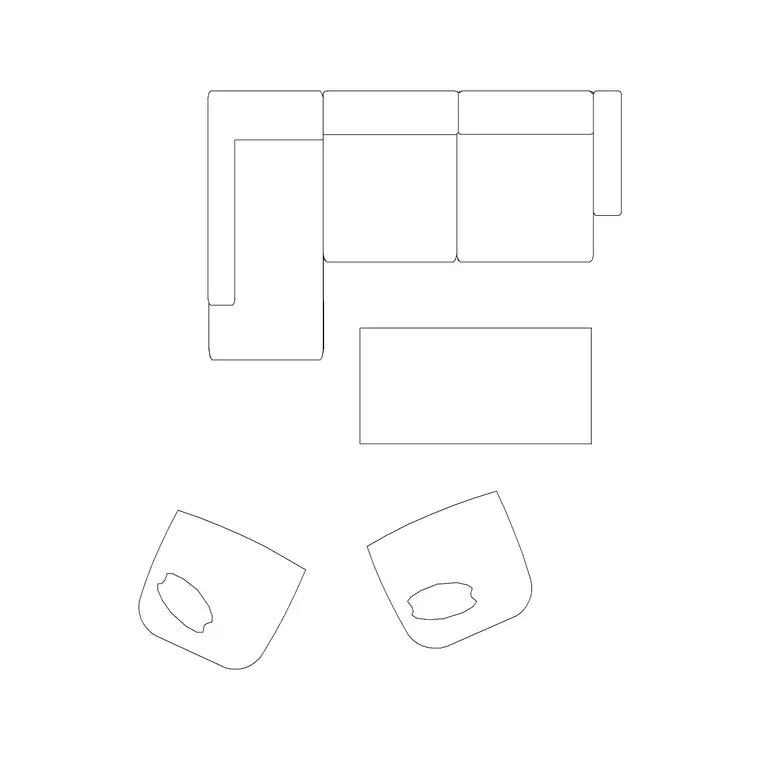
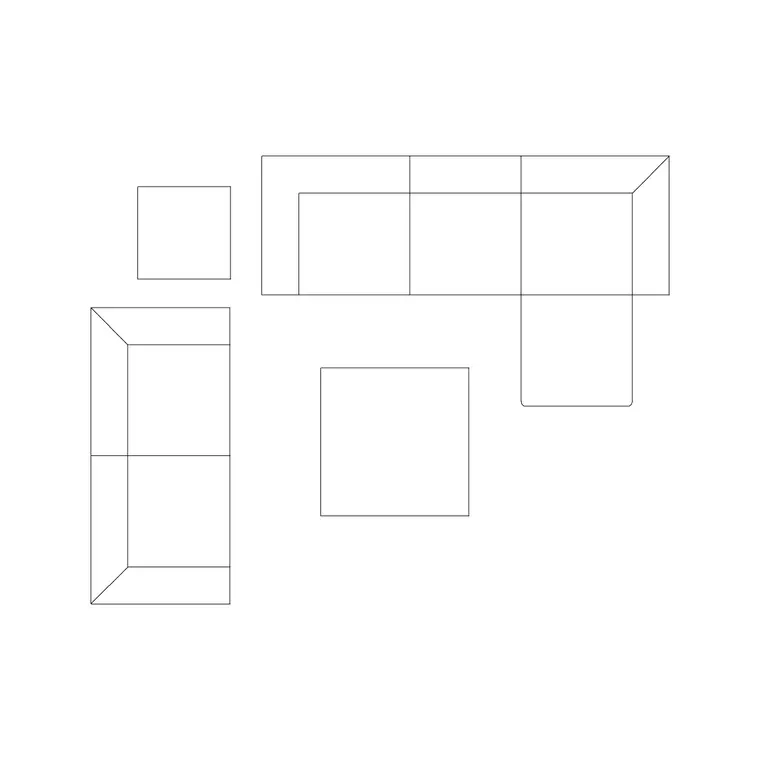
For the sleeping zone, the 1600x1950 double bed with side tables anchors the bed wall exactly as it does in a standard room, with plan and side views for both drawings. For the living zone, the sofa set plans 6, 7 and 8 give you scaled soft-seating clusters to suit a junior or a full suite, paired with a low 1000mm table as a coffee table.
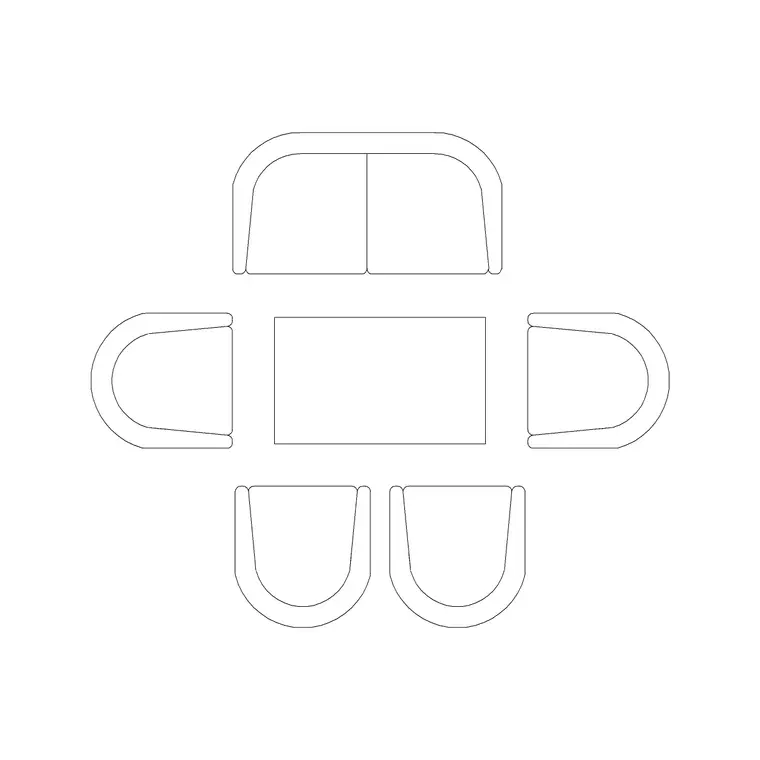
For a suite that dines in-room, the 1200mm dia six-seater or a 1000mm four-seater sets a dining or meeting table, ringed with the Audi chair plan block. Lift the finish with a suspended chandelier over the living or dining zone, a wall lamp at the bedside, and an indoor large plant on MS legs or a medium potted plant to mark the threshold between zones. Scaled blocks mean the conversation cluster, the dining setting and the bed clearances are all real measured zones.
Suite dimensions and clearances
The sleeping zone follows guest-room figures: a 1500–1800mm wide bed with 600–700mm walking space each side and 700mm at the foot, a 900mm bathroom-and-wardrobe entry with the door swings drawn clear.
The living zone is the new geometry. A sofa-and-coffee-table conversation cluster reads best across about 2.4–3.0m, with the coffee table 300–400mm off the sofa front. Leave 600–900mm of circulation around the cluster. A six-seat dining setting wants roughly 2.4 x 3.0m of clear floor including chair pull-out, with 600mm of edge per diner and 450–600mm to push a chair back. The threshold between zones — door or open — wants a clear 900mm. Keep an accessible suite variant with a 1500mm turning circle in both zones. Drop the scaled blocks and each of these becomes a checked figure.
Composing the suite in AutoCAD
Start by deciding the threshold: draw the partition and door for a full suite, or just a notional line for an open junior suite. Lay the sleeping zone as you would a standard room — bed wall, bathroom and wardrobe at entry, swings drawn.
Now compose the living zone. Insert a sofa set plan, add the coffee table, and orient the cluster to the best daylight and any view; make it a block. If the suite dines in-room, place the dining table and chairs as a second block in its own pool of floor. Mark the threshold with a planter so the eye reads two zones. Hang the chandelier over the living or dining centre. Layer bed, soft seating, dining, joinery, lighting and planting separately, and check 600–900mm circulation loops cleanly from entry through living to sleeping zone.
Open junior versus separated full suite
An open junior suite flows the living zone off the bedroom with no door, so the design problem is defining the boundary without a wall. Use a rug edge, a back-to-back sofa-and-console, a planter or a level change to tell the eye where sleeping ends and living begins, and orient the sofa to face away from the bed so the living zone feels like its own room.
A separated full suite puts a wall and a door between the zones, so the problem flips: each zone now needs its own daylight and its own way in, and the connecting door must not become a bottleneck. Draw both zones with their own window and confirm a guest can move from the entry to either without crossing the other's furniture.
Common suite mistakes
- Treating the living zone as leftover floor rather than composing it as a room, so the sofa floats with no anchor. - An open junior suite with no boundary device, so the sleeping and living zones blur into one cluttered space. - A dining table jammed against the living cluster with no room to pull chairs back. - A chandelier hung over a walkway instead of the conversation or dining centre. - Forgetting that a full suite's second zone needs its own daylight, leaving a dark internal lounge.
Decide the threshold first, compose each zone as a room with scaled blocks, and the suite reads as a home rather than an oversized bedroom.
Free download
Browse the full library — DWG & DXF, no signup.
Questions
Frequently asked
What makes a suite different from a standard hotel room?+
A suite adds a living zone — a sofa-led seating cluster, often a dining or coffee table, sometimes a kitchenette — alongside the sleeping zone, and either separates them with a wall and door or arranges them as one open space. The plan becomes about composing two zones rather than optimising one box.
How big should the living zone conversation cluster be?+
A sofa-and-coffee-table cluster reads best across about 2.4–3.0m, with the coffee table 300–400mm off the sofa front and 600–900mm of circulation around the group. Orient it to the best daylight and any view.
Are these hotel suite blocks free to use commercially?+
Yes. All blocks are DWG, free for personal and commercial use, no signup and no watermark, ready for a paid suite fit-out drawing.
How do I separate zones in an open junior suite?+
Without a wall, define the boundary with furniture and finishes — a rug edge, a back-to-back sofa-and-console, a planter or a level change — and orient the sofa to face away from the bed so the living zone reads as its own room.
Can these blocks handle a suite that dines in-room?+
Yes. The pack includes a 1200mm six-seat round and a 1000mm four-seater for a dining or meeting table, ringed with the dining-chair block, plus a chandelier to hang over it. Give the setting roughly 2.4 x 3.0m of clear floor including chair pull-out.
Related downloads
Blocks for this guide

Related categories
Related guides
Room guide
Free Restaurant Layout CAD Blocks — DWG Download
Free restaurant CAD blocks in DWG — dining tables, chairs, bar stools, planters and chandeliers for AutoCAD seating plans. No signup, commercial OK.
Room guide
Free Coffee Shop CAD Blocks — DWG Download
Free coffee shop CAD blocks in DWG — counter stools, small tables, planters and pendants for barista-bar floor plans. No signup, commercial OK.
Room guide
Free Bar Lounge CAD Blocks — DWG Download
Free bar lounge CAD blocks in DWG — bar stools, lounge sofas, low tables, planters and chandeliers for cocktail bar plans. No signup, commercial OK.