Room guide · hotel lobby cad blocks
Free hotel lobby CAD blocks for AutoCAD plans
By Sumana Kumar · Published 8 Feb 2025 · Updated 20 Feb 2026
The lobby is the hotel's first sentence. It has to greet, orient and impress in the few seconds between the revolving door and the reception desk, while quietly handling a surprising amount of logistics: arrivals with luggage, departures settling bills, guests waiting for taxis or meeting friends, and the constant cross-traffic to the lifts, the bar and the restaurant. A good lobby plan makes all of that feel effortless and generous, when in fact it is a carefully resolved knot of circulation routes around a few islands of seating.
This page is for laying out a hotel lobby in AutoCAD. The free CAD blocks below give you the soft-seating and dressing kit a lobby lives on — generous sofa sets arranged as lounge clusters, low tables, large statement planters and dramatic chandeliers to fill the volume — all DWG, drawn to scale, free for commercial use, no signup. You draw the reception desk and the architectural shell; these populate the floor with the seating and greenery that make a lobby feel like a place rather than a corridor.
The organising idea is sightline and flow. From the entrance a guest should see the reception desk immediately, with a clear, obvious route to it that no sofa or planter blocks. The seating clusters sit to the sides of that main route, in calm bays where a guest can wait without being in the stream of arrivals. Draw the entrance-to-desk sightline first; everything else arranges around protecting it.
What a lobby has to handle
A lobby is a circulation hub wearing the clothes of a lounge. Several routes cross it at once: entrance to reception, reception to lifts, lifts to bar and restaurant, and entrance straight through to the lifts for returning guests who skip the desk. Layered onto that is the waiting function — guests sitting with luggage, meeting people, killing time before a taxi.
The plan resolves this by keeping the main routes wide and unobstructed and pushing the seating into bays off to the side. The reception desk anchors the room and must be visible and reachable on arrival. The seating clusters are the lobby's hospitality, but they are placed in the calm water beside the currents, never in them. Draw the routes and the desk first; the seating fills what is left.
Lobby blocks: seating, greenery, light
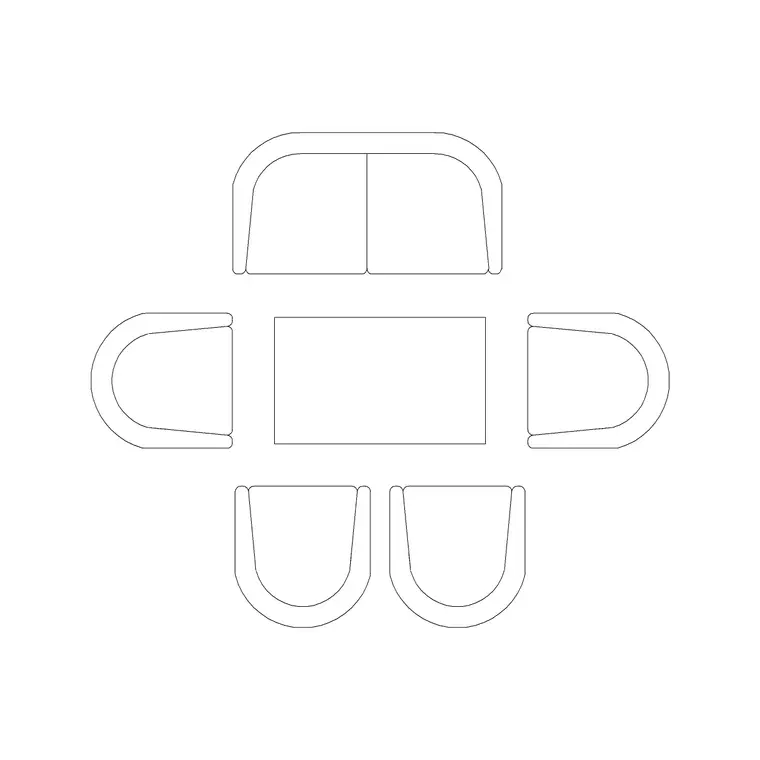
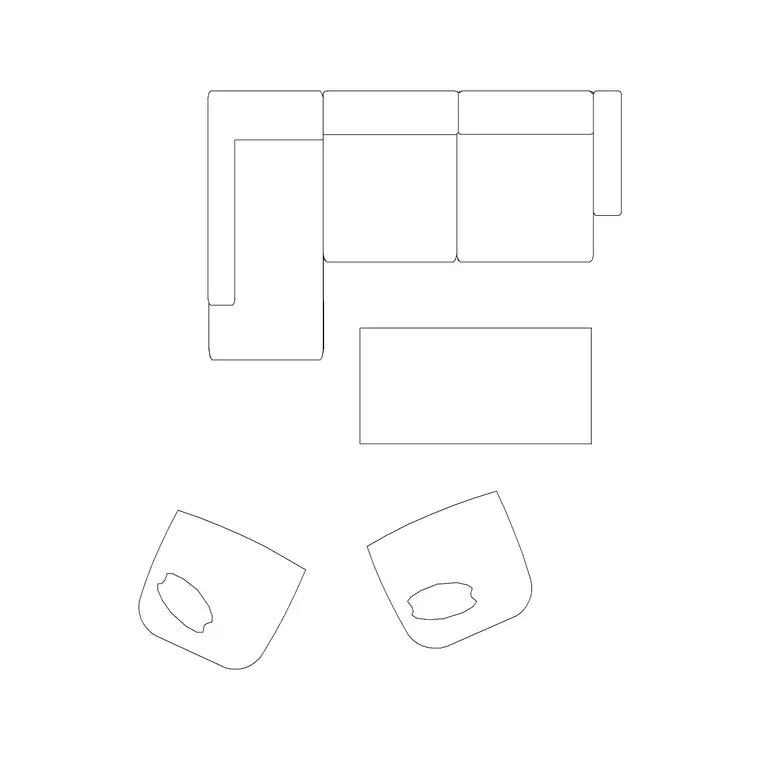
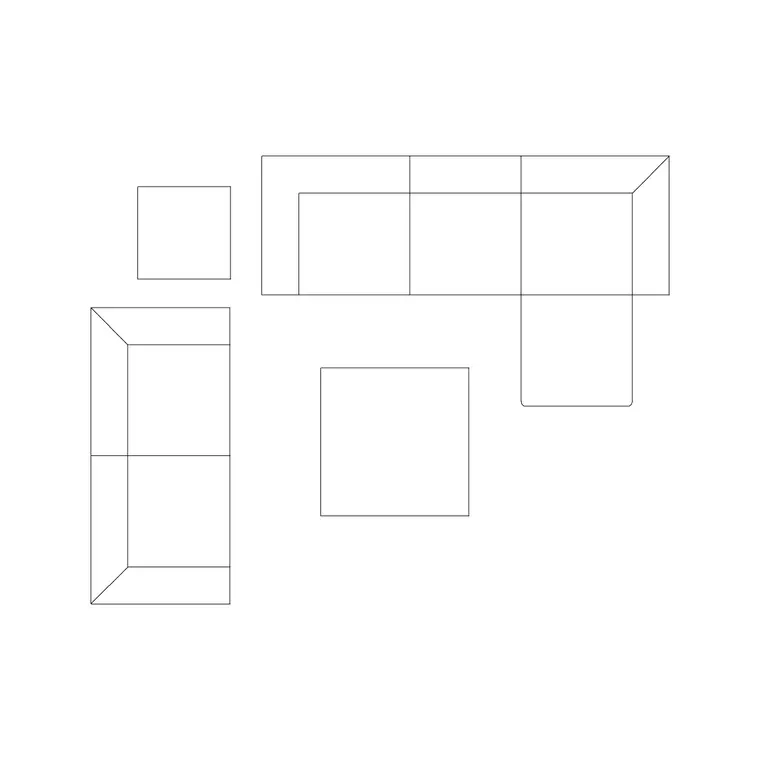
Lobby seating is generous and arranged as clusters, not rows. The sofa set plans 6, 7 and 8 give you scaled lounge arrangements to drop as waiting bays, each paired with a low 1000mm or 1500mm table for bags, drinks and brochures. Vary the cluster sizes so the lobby reads as several intimate seating moments rather than one big waiting room.
Greenery does the heavy lifting on scale: the indoor large plant on MS legs and medium potted plants screen the clusters from the main routes and bring a tall hotel volume down to a human level. The drama is overhead — a long suspended metal chandelier or a suspended round chandelier fills the double-height void above the entrance or the central seating and is the photograph everyone takes. Scaled blocks let you fill a big volume without guessing whether a cluster crowds the route beside it.
Lobby dimensions and clearances
Main circulation routes through a lobby want to be generous — 1800–2400mm or wider for the entrance-to-reception spine and the route to the lifts, so groups with luggage trolleys pass comfortably. The reception desk wants a clear queuing-and-standing zone of 1500–2000mm in front of it.
Seating clusters follow lounge figures: a sofa-and-table conversation group reads across about 2.4–3.0m, with the low table 300–400mm off the sofa front and 900mm of circulation around the bay so guests reach a seat without climbing over others. Large planters want 600–1000mm diameter to register at lobby scale. Keep a step-free accessible route of at least 1200mm from the entrance to the desk and the lifts. Drop the scaled blocks and you can prove the routes survive the seating.
Assembling the lobby in AutoCAD
Draw the entrance, the reception desk and the lift lobby, then run the main circulation routes between them as wide polylines — entrance to desk, desk to lifts, entrance to lifts. Hatch those routes so no furniture intrudes; this is the move that keeps a lobby legible.
Now place the seating bays in the leftover floor. Insert a sofa set plan with a low table, make it a cluster block, and set clusters into side bays with planters screening them from the routes. Hang the statement chandelier over the entrance void or the central cluster in plan and elevation. Layer the desk, seating, tables, planting and lighting separately so you can issue a furniture plan, a planting plan and an RCP lighting plan from one drawing, and confirm the hatched routes stay clear on every layer.
Filling volume without crowding
Lobbies are often double or triple height, and the design problem is filling that vertical volume so it feels intentional rather than empty, without crowding the floor. The answer is mostly overhead and tall: a large chandelier or a cascade of pendants drops into the void to give the eye something at mid-height, and tall planters and indoor trees bridge the gap between the seating and the ceiling.
Draw these in elevation as well as plan. The chandelier's hung height has to clear the tallest circulation — a luggage trolley, a tall guest — while still reading as a feature from the seating below. The tall planters set out in elevation confirm the room has a green middle register and is not just floor furniture under a blank void.
Common lobby mistakes
- A sofa or planter blocking the entrance-to-reception sightline, so arriving guests cannot find the desk. - Seating set in the main route rather than in side bays, so waiting guests sit in the stream of arrivals. - Under-scaled furniture and planting in a big volume, leaving the lobby feeling sparse and unfinished. - A chandelier hung too high to read from the seating or too low to clear a luggage trolley. - No step-free accessible route from the entrance through to the desk and lifts.
Draw the routes and the desk sightline first, push the scaled seating into side bays, and the lobby reads as generous and effortless rather than as an obstacle course.
Free download
Browse the full library — DWG & DXF, no signup.
Questions
Frequently asked
How wide should the main route through a hotel lobby be?+
Keep the entrance-to-reception spine and the route to the lifts generous — 1800–2400mm or wider — so groups with luggage trolleys pass comfortably, with a 1500–2000mm clear queuing zone in front of the reception desk.
Where should lobby seating go?+
In calm bays off to the side of the main circulation routes, never in them. Hatch the routes first, then set the sofa-and-table clusters into the leftover floor with planters screening them from the through-traffic so waiting guests are not in the stream of arrivals.
Are these hotel lobby CAD blocks free for commercial use?+
Yes. All blocks download as DWG, free for personal and commercial use, with no signup and no watermark, ready for a paid hotel lobby fit-out.
How do I fill a tall lobby volume without crowding the floor?+
Work overhead and tall. A large chandelier or cascade of pendants drops into the void to give the eye a mid-height feature, and tall planters or indoor trees bridge the gap between the seating and the ceiling. Draw them in elevation so the hung height clears luggage trolleys while still reading from the seating.
Do these blocks include the reception desk?+
No — the reception desk is bespoke joinery you draw to suit the brand and the back-office behind it. The pack supplies the soft seating, low tables, large planters and statement lighting that populate the floor around the desk and shell.
Related downloads
Blocks for this guide
Related categories
Related guides
Room guide
Free Restaurant Layout CAD Blocks — DWG Download
Free restaurant CAD blocks in DWG — dining tables, chairs, bar stools, planters and chandeliers for AutoCAD seating plans. No signup, commercial OK.
Room guide
Free Coffee Shop CAD Blocks — DWG Download
Free coffee shop CAD blocks in DWG — counter stools, small tables, planters and pendants for barista-bar floor plans. No signup, commercial OK.
Room guide
Free Bar Lounge CAD Blocks — DWG Download
Free bar lounge CAD blocks in DWG — bar stools, lounge sofas, low tables, planters and chandeliers for cocktail bar plans. No signup, commercial OK.