Room guide · home theatre cad blocks
Free home theatre CAD blocks for AutoCAD
By Sumana Kumar · Published 28 Aug 2025 · Updated 20 Jan 2026
A home theatre is a room engineered around two things you cannot move once they are set: the screen and the seats. Everything else — speakers, lighting, the riser at the back, the acoustic treatment — serves the geometry between the viewer's eyes and the picture. Get the screen size and the viewing distance right and the room sings; get them wrong and even the best equipment sits in a space that is uncomfortable to watch in. This is the most geometry-driven of all the home rooms.
This page collects free home theatre CAD blocks in DWG and DXF — recliner and sofa seating, screens, speaker positions and lighting — drawn to true millimetre scale and ready to insert into AutoCAD 2004 or later. Every block is free for personal and commercial use with no signup, no watermark and no attribution required, whether you are planning a dedicated cinema room or a multi-purpose media room.
Because the relationship between screen, seats and speakers is so precise, a scaled plan and a section are where a home theatre is really designed. You need both to set the viewing distance, the eye-line to the screen, the seat rows and any rear riser so that every seat has a clear, comfortable view.
The screen-and-seat geometry
A home theatre is organised by the viewing triangle: the screen at one end, the primary seats at a set distance back, and the speakers arranged around the seats. The viewing distance is driven by the screen size — sit too close and the image overwhelms and pixelates, too far and you lose the immersion. As a rule of thumb the primary seating sits roughly 1.5 to 2.5 times the screen width back from it, so the screen size effectively fixes where the best seat goes.
Draw the screen on one wall, mark the primary viewing position at the right distance, and build the seating around that point. This single relationship is the backbone of the room; resolve it first and everything else — speaker angles, the riser, the aisle — falls into place. It is also the relationship that a scaled plan makes obvious and a guessed layout almost always gets wrong.
Seating rows, sightlines and the riser
Seating is the second half of the geometry. For a single row, centre the seats on the screen at the viewing distance. For two rows, the back row needs to see over the front row, which is where a riser comes in — raising the rear seats so heads do not block the screen.
Draw the seating in plan to set the rows and aisles, then draw a section to check the sightlines: an eye-line from each seat to the bottom of the screen that clears the heads in front. Recliners need extra depth because they extend when reclined — a recliner that fits when upright can hit the row behind when the footrest comes up, so draw the reclined footprint, not just the upright one.
Leave aisle space to reach the seats in the dark, and keep the centre seats — the prime viewing positions — for the main users. Two rows on a riser, drawn properly in section, is the difference between a real home cinema and a room where the back row watches the back of the front row's heads.
Screens, speakers, seating and lighting blocks
A home theatre layer combines fixed AV positions with comfortable seating.
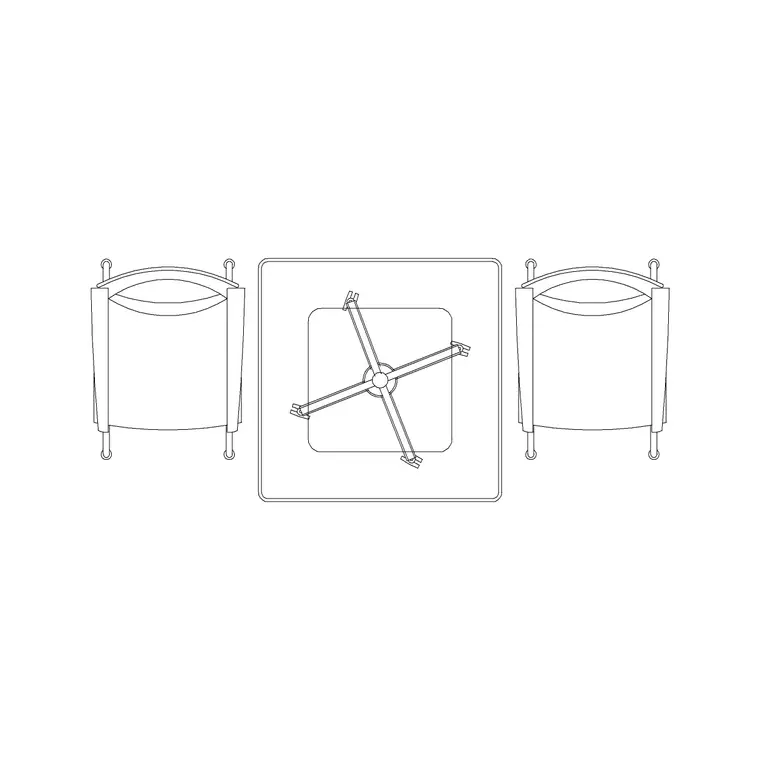
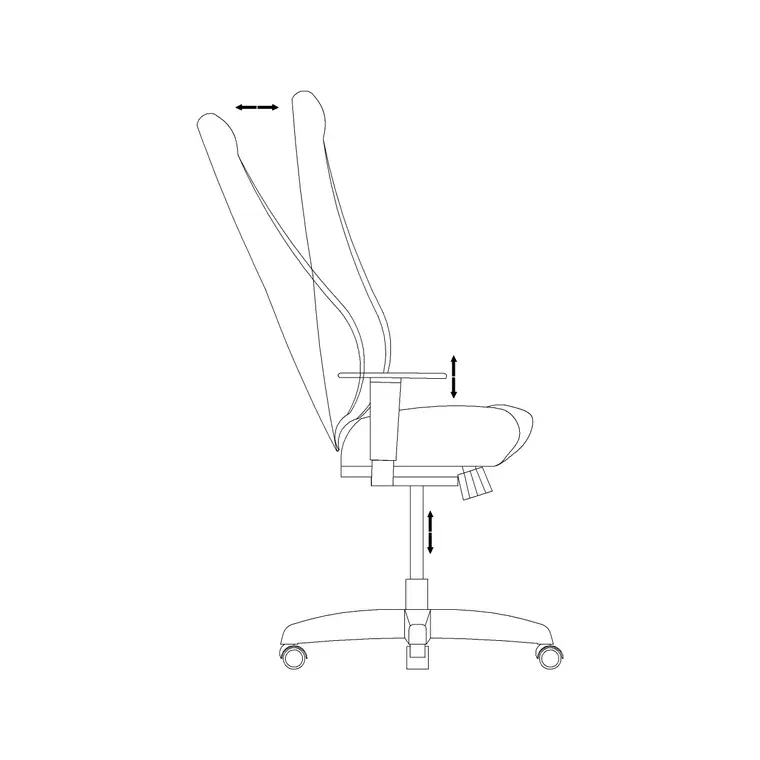
- Recliner and sofa seating: the prime blocks; draw recliners at their reclined extent. - Screen or projector screen: marked on the front wall to set the geometry. - Speaker positions: left, centre, right and surrounds arranged around the seating; mark their positions even as simple symbols. - A center table or side surfaces: a low table for drinks within reach of the seats without blocking the aisle. - Wall lighting / sconces: dimmable wall lights and step lighting for a true cinema feel without washing out the screen. - Ceiling lighting: low ambient light, kept off the screen wall, for between-film and cleaning.
These seating, table and lighting blocks are free below; the AV positions are best marked as symbols so the geometry is recorded on the plan.
Dimensions, distances and clearances
Use these as ranges. Viewing distance runs roughly 1.5 to 2.5 times the screen width to the primary seats. A recliner is around 900 mm wide and 950 to 1050 mm deep upright, extending to perhaps 1600 to 1800 mm of overall depth when fully reclined — so reserve the reclined depth behind each one.
Keep a clear aisle of at least 750 to 900 mm to reach seats, and an eye-line check in section so every viewer clears the heads in front, which a rear riser of around 150 to 300 mm typically delivers for a second row. Speakers want to be roughly at ear height when seated for the front three and slightly above for surrounds — note their heights in your section. Keep the screen wall clear of bright light and reflective surfaces. These are starting figures; the exact distances depend on the screen and equipment you specify.
Drawing the home-theatre plan and section
Work in millimetres, insert at scale 1, and use layers for AV positions, seating, lighting and any riser. Unlike most home rooms, draw a section as well as a plan from the outset, because the sightlines and the riser only resolve in section.
In plan, place the screen on the front wall, mark the primary viewing position at the correct distance, and lay out the seating rows around it with the reclined footprints shown. Add the aisle and the speaker positions. Then build a section through the centre of the room: set the screen height, draw an eye-line from each seat row, raise the rear row on a riser until its eye-line clears the front-row heads, and confirm the front row's eye-line meets the screen comfortably. Add dimmable wall and step lighting kept off the screen wall, and mark power and AV cable routes to the screen, speakers and seats.
Common home-theatre mistakes
The first mistake is sizing the screen and the seating independently, so the seats end up too close or too far for the screen. Let the screen width set the viewing distance and place the prime seat there first.
The second is forgetting that recliners extend. A second row drawn at upright depth looks fine until the front row reclines into the back row's knees; always reserve the reclined footprint.
The third is two flat rows with no riser, leaving the back row staring at the front row's heads — the sightline section exists precisely to catch this. The fourth is lighting that ruins the picture: a bright central ceiling light or a window reflecting in the screen defeats the whole room, so plan dimmable, indirect light kept off the screen wall and control any glazing. Each of these is invisible in a quick sketch and obvious the moment you draw the geometry to scale.
Free download
Browse the full library — DWG & DXF, no signup.
Questions
Frequently asked
How far should home theatre seats be from the screen?+
As a starting rule, place the primary seats roughly 1.5 to 2.5 times the screen width back from the screen. The screen size effectively fixes where the best seat goes, so set that distance first and build the seating rows around it.
Do I need a riser for a second row of seats?+
Usually yes. A rear riser of around 150 to 300 mm raises the back row so its eye-line clears the heads in front. Draw a section through the room to set the riser height and confirm every seat has a clear sightline to the screen.
Why must I draw recliners at their reclined depth?+
Recliners extend when the footrest comes up — from roughly 950 to 1050 mm deep upright to perhaps 1600 to 1800 mm reclined. If you draw only the upright footprint, a front-row recliner can hit the row behind, so always reserve the reclined depth on the plan.
Are these home theatre CAD blocks free for commercial use?+
Yes. All seating, table and lighting blocks are free in DWG and DXF for personal and commercial work, with no signup, no watermark and no attribution required.
Related downloads
Blocks for this guide

Related categories
Related guides
Room guide
Free Reception Lobby CAD Blocks — DWG Download
Download free reception lobby CAD blocks in DWG and DXF — reception desk, waiting sofas, planters and lighting in plan. AutoCAD 2004+, no signup.
Room guide
Free Conference Room CAD Blocks — DWG Download
Download free conference room CAD blocks in DWG and DXF — large conference tables, chairs, screens and lighting for layouts. AutoCAD 2004+, no signup.
Room guide
Free Meeting Room CAD Blocks — DWG Download
Download free meeting room CAD blocks in DWG and DXF — small meeting tables, chairs, screen and planter for compact layouts. AutoCAD 2004+, no signup.