Room guide · home office cad blocks
Free home office CAD blocks for AutoCAD
By Saumyajit Maity · Published 10 Feb 2026 · Updated 23 Mar 2026
A home office is a single room, or a corner of one, that has to carry a full working day: focused desk work, video calls, paperwork, charging and storage, all inside a footprint that usually started life as a spare bedroom. Designing it well is less about square metres and more about getting one good desk position, a chair that clears the wall behind it, and enough power and light at the right points. This page gathers free home office CAD blocks in DWG and DXF so you can lay that room out at true scale before you commit to a single screw hole.
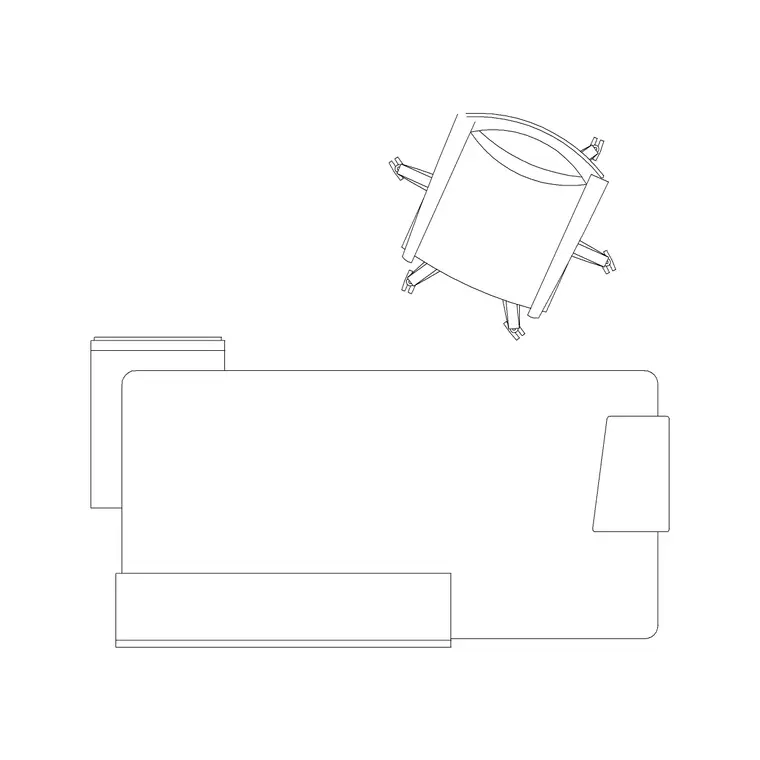
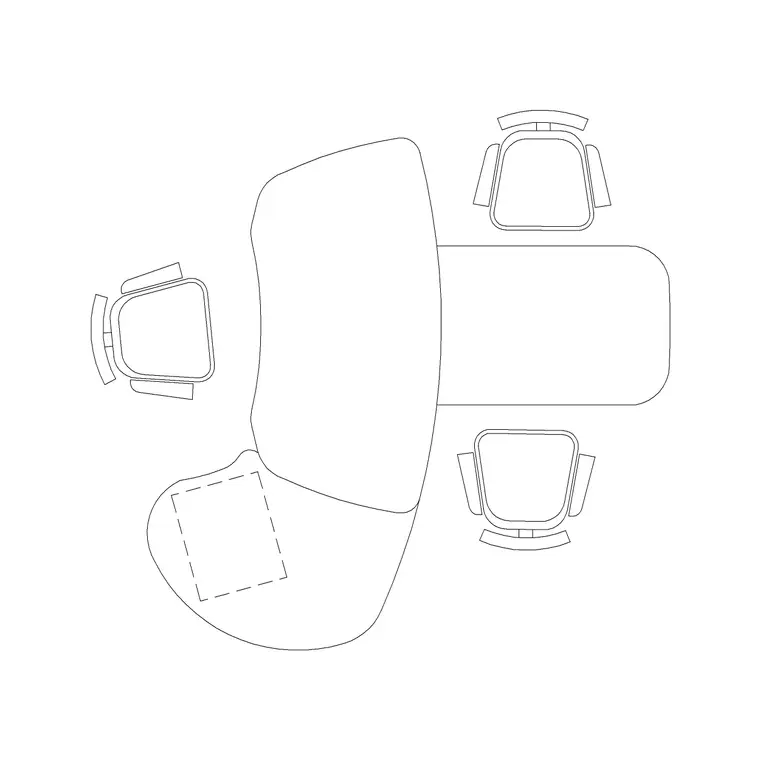
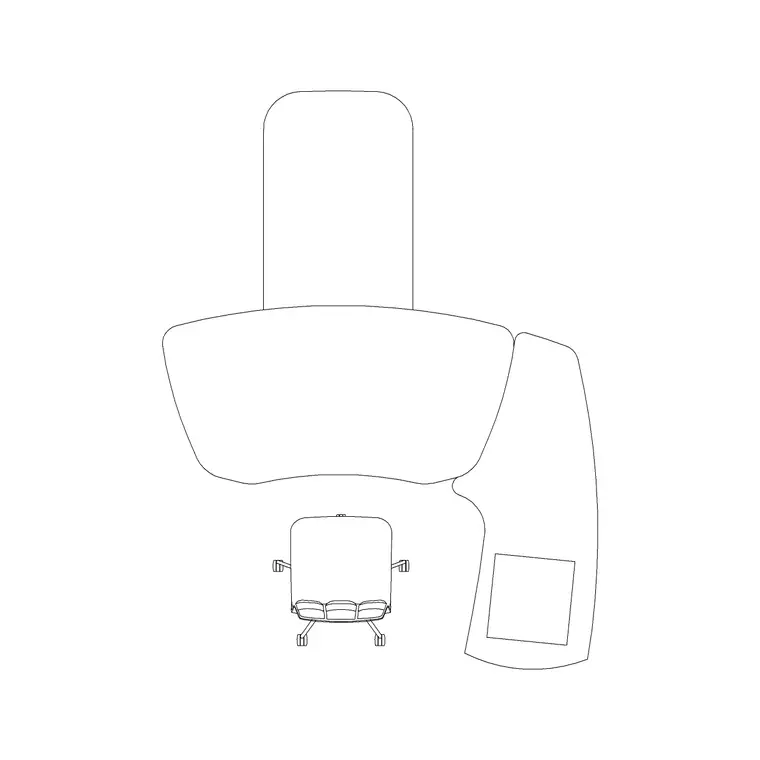
The blocks here cover the pieces a home office actually needs — a desk or compact workstation, a task chair, a return or side table for the printer, and wall storage — each drawn in millimetres and ready to insert into AutoCAD 2004 or later. Everything is free for personal and commercial use, with no signup, no watermark and no attribution required, so a freelancer planning their own room and an architect specifying a client's study can both pull from the same set.
Because the blocks are scaled, you can test the awkward parts of a home office on the page rather than after the furniture arrives: whether the chair rolls back without hitting the bed, whether the door swing clips the desk corner, and whether the monitor faces away from a window that would otherwise wash out the screen.
What a home office has to do
A home office is the most demanding small room in a house because one person does several different jobs in it. There is heads-down work at a desk, which wants a stable surface and a wall or window in front of it. There are calls, which want a background you do not mind being on camera and a window that is not directly behind your head. There is reference and admin work, which wants a second surface or a return so paper does not bury the keyboard. And there is storage, which wants to be reachable from the chair without standing up for everything.
Most home offices are 2.4 to 3.6 metres on a side, often borrowed from a bedroom, so the design problem is fitting all four of those jobs without the room feeling like a cockpit. Laying it out in CAD first lets you settle the desk wall, the door swing and the chair envelope before anything is bought, which is exactly where the scaled blocks below earn their place.
Zones and circulation in a small workroom
Think of a home office as three loose zones: the primary desk, a storage wall, and a clear path between the door and the chair. The primary desk is the anchor — pick the wall that gives the best light and the calmest call background, then everything else arranges around it.
The chair needs a real envelope, not just its seat footprint. Allow roughly 900 to 1100 mm of clear depth behind the desk edge so the chair can roll back and the user can stand. Keep a circulation strip of at least 700 to 900 mm between the chair zone and any storage or wall behind it so you are not squeezing past furniture all day.
Draw the door swing as an arc, not just a leaf, and check it does not overlap the chair-pull zone or a low cabinet. In a borrowed bedroom this is the single most common clash, and it is invisible until you actually arc the swing on the plan.
Furniture and fixtures to place — and why
Start with the desk. A single straight desk or a compact workstation block sits against the chosen wall; a manager-style table or an L-return suits anyone who needs a second surface for a printer or paperwork. Drop the desk first because its position fixes the chair, the power and the lighting.
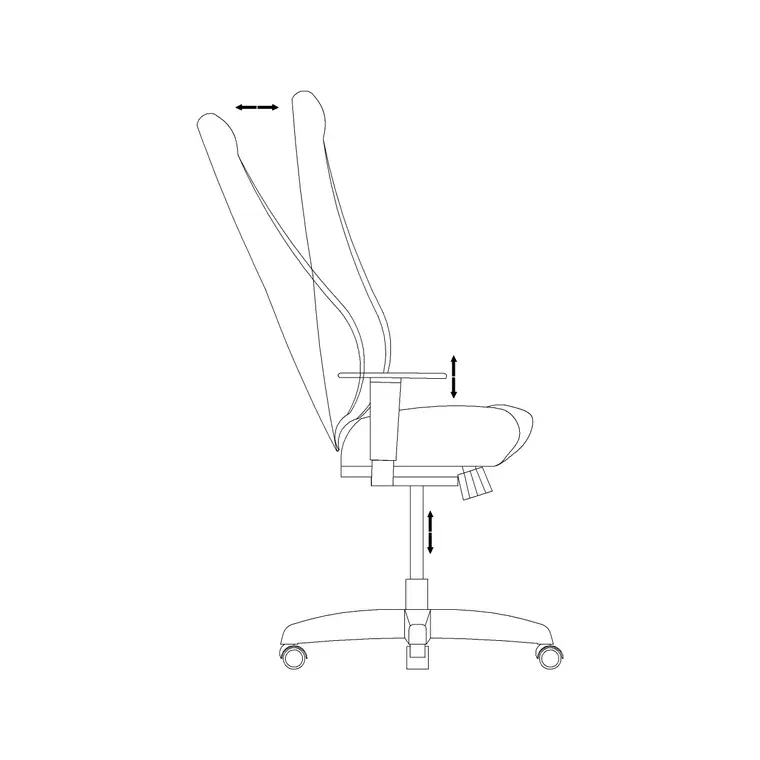
- Desk or workstation: the anchor surface, drawn to its true top depth so you can confirm the chair tucks under it. - Task chair: place it on its swivel-base envelope, not just the seat, so the roll-back clearance is honest. - Side or return table: holds the printer, scanner or a second monitor arm without crowding the main desk. - Wall storage / wardrobe-depth cabinet: open shelving or a slim cabinet along the storage wall keeps reference within arm's reach. - Ceiling and wall lamps: a task light at the desk plus ambient ceiling light stops the on-camera shadow that a single overhead causes. - A wall clock: small, but it tells you the room reads as a workspace in elevations and renders.
Every one of these exists as a free block below, so the layer fills out quickly once the desk is set.
Dimension ranges to design around
Use these as sanity checks, not gospel — verify against the real furniture you will buy. Desk surface height typically lands at 720 to 750 mm; desk depth at 600 to 800 mm; a single desk width at 1200 to 1600 mm. A task chair occupies roughly a 600 to 700 mm diameter once you count the swivel base, with seat height adjustable across 420 to 520 mm.
For clearances, leave 900 to 1100 mm behind the desk for the chair to pull out, and a 700 mm minimum walking strip elsewhere. A monitor wants about 500 to 700 mm of eye-to-screen distance, which is worth checking against the desk depth so the screen is not pinned against your nose. Storage shelves are comfortable from roughly 300 mm up to about 1800 mm before you need a step; anything higher is for things you touch twice a year.
Building the plan from blocks
Work in millimetres and insert each block at scale 1 so it lands at real size; if your template is in metres insert at 0.001. Set a clean layer scheme before you start — for example a furniture layer for the desk and chair, a storage layer for cabinets, and an electrical layer for sockets and the lighting symbols — so you can freeze furniture to show a bare shell or thaw it for the furnished view.
Drop the desk first against its wall, then place the chair on its base envelope tucked under the desk edge. Arc the door swing and confirm it clears both. Add the return table and storage along the secondary walls, then place the ceiling lamp roughly central and the wall or task lamp over the desk. Finish by marking sockets and a data point at the desk and at any printer position — a home office that looks tidy in plan but has the only socket behind the wardrobe is a layout that failed on paper.
Common home-office mistakes
The classic error is putting the desk so the user sits with a bright window directly behind them; on every call they are a silhouette, and on every sunny afternoon the screen is washed out. Face the desk toward or across the window instead.
The second is forgetting the chair envelope. People draw the seat, not the roll-back zone, then discover the chair hits the bed or the radiator the moment it moves. Always reserve the full pull-out depth.
The third is power. A home office quietly needs more sockets than any bedroom — monitor, laptop, dock, printer, phone, lamp, and a spare — so plan a generous socket cluster at the desk in the drawing, not as an afterthought. Finally, do not over-furnish: a second chair, a filing tower and a bookcase can turn a 2.4 m room into an obstacle course. If a block does not earn its footprint in the plan, leave it out.
Free download
Browse the full library — DWG & DXF, no signup.
Questions
Frequently asked
What CAD blocks do I need for a home office layout?+
At minimum a desk or compact workstation, a task chair drawn on its swivel-base envelope, a side or return table for the printer, some wall storage, and lighting symbols for a task lamp plus ceiling light. The free blocks on this page cover all of these in plan and elevation.
How much space should I leave behind a home-office desk?+
Allow roughly 900 to 1100 mm of clear depth behind the desk edge so the task chair can roll back and the user can stand without hitting the wall or furniture behind. Drawing the chair on its full base envelope makes this clearance easy to check.
Are these home office CAD blocks free for commercial work?+
Yes. Every block is free for personal and commercial use with no signup, no watermark and no attribution required, so you can use them in client drawings, student portfolios and concept plans alike.
What desk height should I use in the drawing?+
A standard desk surface sits at 720 to 750 mm above the floor, with a chair seat adjustable across roughly 420 to 520 mm. Treat these as ranges and confirm against the actual furniture before you finalise the section.
Related downloads
Blocks for this guide
Related categories
Related guides
Room guide
Free Reception Lobby CAD Blocks — DWG Download
Download free reception lobby CAD blocks in DWG and DXF — reception desk, waiting sofas, planters and lighting in plan. AutoCAD 2004+, no signup.
Room guide
Free Conference Room CAD Blocks — DWG Download
Download free conference room CAD blocks in DWG and DXF — large conference tables, chairs, screens and lighting for layouts. AutoCAD 2004+, no signup.
Room guide
Free Meeting Room CAD Blocks — DWG Download
Download free meeting room CAD blocks in DWG and DXF — small meeting tables, chairs, screen and planter for compact layouts. AutoCAD 2004+, no signup.