Block landing · glass window cad block
Free glass window CAD blocks for AutoCAD
By Sumana Kumar · Published 29 Jan 2026 · Updated 6 May 2026
A glass window block is the general-purpose glazed window you reach for when you just need 'a window' in the wall — a frame, a glass pane, and the right view for the drawing. This page is the hub for the whole windows collection: it gathers free glass window CAD blocks in DWG covering the openable, sliding and fixed types, drawn full size in millimetres for AutoCAD 2004 or later, free for personal and commercial use with no signup or watermark. If you know exactly which window you need, jump to the specific type; if you just need a clean glazed block to drop into a plan or elevation, start here.
Use these blocks to populate house and apartment plans, draw elevations, set out openings in masonry and detail the glazing in section. Because every block is scaled and built on sensible layers, you can check openings, freeze the glazing for a structural plan, and key each window into a schedule.
Because 'glass window' is the catch-all, this page is also the best place to understand how the window blocks relate to each other — what changes between an openable casement, a sliding sash and a fixed light — so you can pick the right one rather than forcing the wrong block to do a job it was not drawn for.
What a glass window block includes
At its simplest, a glass window block is a frame outline with a glazing line set in from it, drawn to true size so it sets correctly into a wall opening. Beyond that, the block carries whatever the window type needs: a swing triangle for an openable casement, a track and overlap for a sliding sash, or nothing extra for a fixed light. In plan and section it adds the reveal, the frame depth and the sill.
The blocks are built on sensible layers — frame, glass line, and any opening notation kept separate — so you can adjust lineweight and freeze the glazing independently of the structure. That layering is what lets one drawing produce both a clean structural plan (glazing frozen) and a fully glazed elevation (glazing thawed) without duplicate geometry.
The window types at a glance
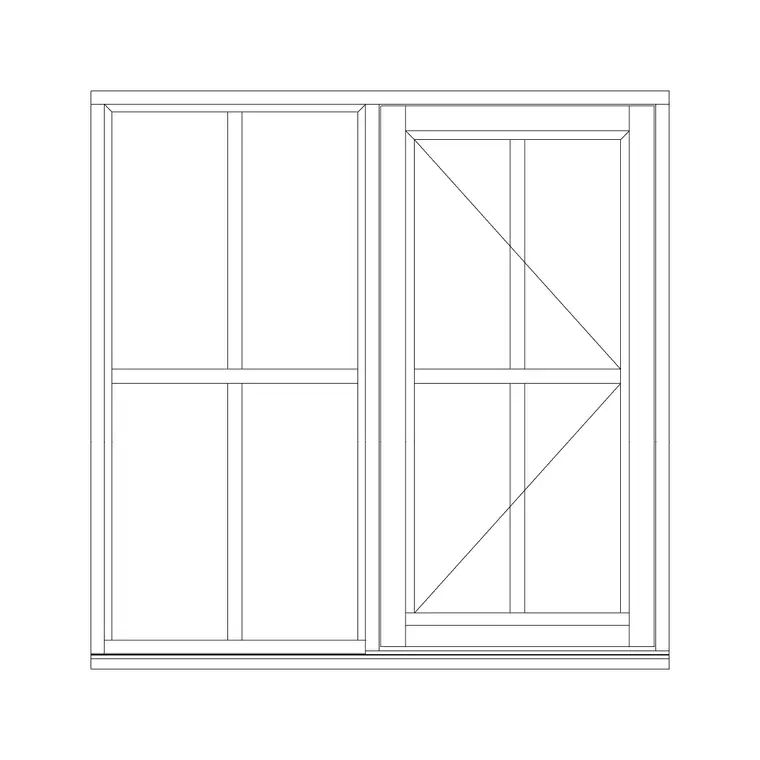
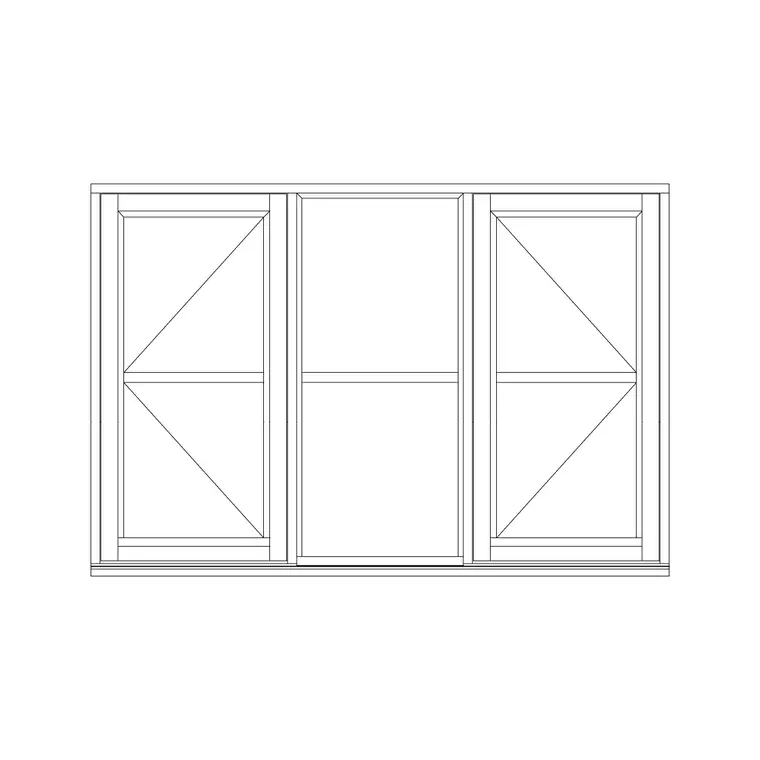
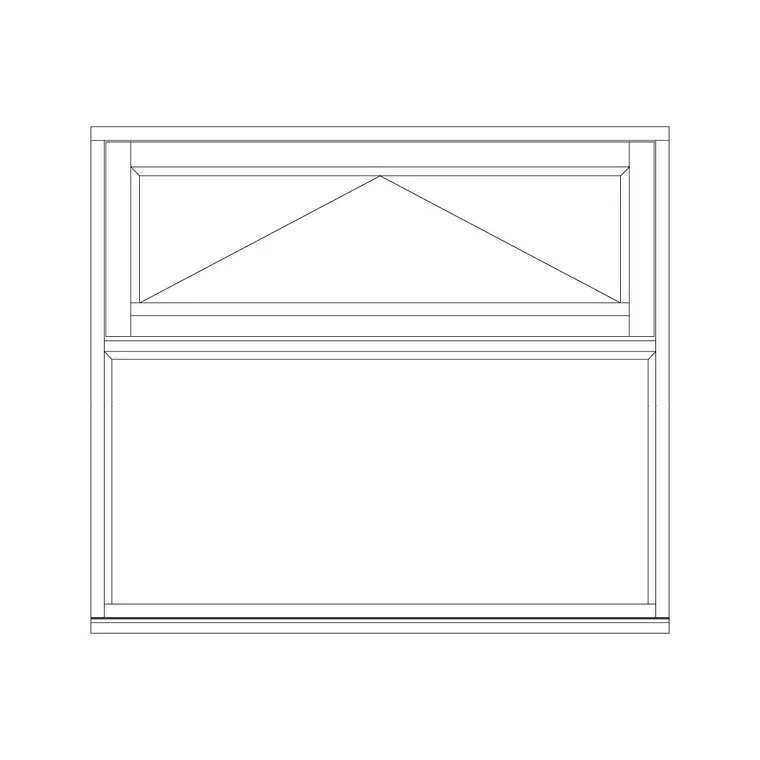
It helps to see the whole family in one place. An openable (casement) window is side-hung and swings out or in, shown with a swing triangle. A single-shutter window has one opening leaf; a double-shutter has two meeting in the middle; a three-shutter has three. A sliding window slides one sash past another with no swing. A fixed glass window does not open at all. An awning window is top-hung and projects outward at the bottom. A Roman window adds a classical arched or square head. A bay window projects from the wall on angled returns. A patio door is a large sliding glazed door.
Every one of these is, at heart, a frame plus glass; what changes is the opening mechanism and therefore the notation. Picking the right block means picking the right opening behaviour for the room.
Plan, elevation and section
Glass windows are drawn in three views, and which you need depends on the drawing. Plan cuts the window horizontally to show frame, reveal, glass and any opening swing or slide within the wall — the view for floor plans and setting-out. Elevation shows the frame and glazing face-on — the view for façades, schedules and presentation. Section cuts vertically to show head, sill and frame depth — the view for window details and junctions with the wall.
Many blocks ship more than one view in a single DWG, so you insert the one your sheet needs and freeze the rest. For a straightforward punched window, the elevation plus a head-and-sill section is usually the full requirement; larger or special windows want the plan too.
How to insert a glass window block
Every block is full size in millimetres. In a millimetre drawing, run INSERT and place at scale 1; in a metre drawing insert at 0.001; or set INSUNITS to millimetres so AutoCAD rescales automatically and you never get a window the size of the building. Pick an insertion point that suits your setting-out — the bottom of the structural opening or a frame corner are both clean handles.
Once placed, MIRROR an openable window to flip its handing, STRETCH a fixed light to fit a non-standard opening, and COPY or ARRAY a window down a repetitive façade. Keep all windows on a dedicated glazing layer so the structural plan and the glazed elevation both come from the same drawing. Tag each window with a type reference and you can extract the schedule directly.
Where glass window blocks are used
Glass windows appear in every building drawing set: residential plans and elevations, apartment and high-rise façades, commercial and office buildings, schools, hospitals and retail. Architects place and schedule them; structural engineers need them shown to set out lintels and openings; services engineers check ventilation against the openable area; interior designers consider daylight and view; fabricators and installers build from the sizes and handing on the drawing.
Because windows are so universal, a clean, scaled, licence-clear window library pays for itself across every project. Pair the window blocks with door, wall and building-symbol blocks to draw a coordinated set, and use the same blocks from early concept through to the final construction drawings rather than redrawing the glazing at each stage.
Picking the right window block for the job
Because this page covers glass windows in general, it is the right place to make the choice deliberately. Ask what the room needs: full ventilation with a tight seal and room to swing points to a casement; tight space outside or a balcony points to a sliding window or patio door; rain-tolerant background ventilation high on the wall points to an awning; light and view with no ventilation points to a fixed light; classical character points to a Roman window; extra floor area and three-way light points to a bay.
Then pick the block that already carries the correct notation for that behaviour, rather than drawing a plain rectangle and hoping the schedule explains the rest. The notation — the swing triangle, the slide arrow, the top-hinge symbol, or the deliberate absence of any — is what tells the fabricator and the building-control reviewer how the window works. Choosing the right block from the start keeps the elevation, the plan, the section and the schedule all telling the same story, which is the whole job of a window drawing.
Free download
Browse the full library — DWG & DXF, no signup.
Questions
Frequently asked
What is a glass window block in CAD?+
It is a reusable glazed-window symbol — a frame plus a glass pane drawn to scale — that you insert into a drawing. Depending on the type it adds a swing, slide or no opening notation, and it ships in plan, elevation and section views as the drawing needs.
Which window block should I use?+
Match the block to how the room needs to open: a casement for full swing-open ventilation, a slider or patio door where space is tight, an awning for rain-tolerant vents, a fixed light for view-only glazing, a Roman window for classical character, or a bay for a projecting feature.
Are all the window blocks drawn to the same scale and units?+
Yes. Every window block is drawn full size in millimetres, so they combine and array consistently. Insert at scale 1 in a millimetre drawing or set INSUNITS to millimetres so AutoCAD rescales automatically if your template differs.
Can I freeze the windows to show a clean structural plan?+
Yes. The blocks sit on a dedicated glazing layer, so you can freeze that layer for a clean structural plan and thaw it for a fully glazed elevation — both from the same drawing, with no duplicate geometry.
Related downloads
Blocks for this guide

Related categories
Related guides
Block landing
Free Casement Window CAD Blocks — DWG Download
Free casement (openable) window CAD blocks in DWG — side-hung sashes in plan, elevation and section for AutoCAD. No signup, free for commercial use.
Block landing
Free Single-Shutter Window CAD Blocks — DWG
Free single-shutter window CAD blocks in DWG — one-panel openable sashes in elevation and plan for AutoCAD. Left/right-hung, no signup, commercial OK.
Block landing
Free Double-Shutter Window CAD Blocks — DWG
Free double-shutter window CAD blocks in DWG — two-leaf openable windows with glass, in elevation and plan for AutoCAD. No signup, commercial-use OK.