Block landing · glass center table cad block
Free glass center table CAD blocks for AutoCAD
By Saumyajit Maity · Published 11 Feb 2026 · Updated 11 May 2026
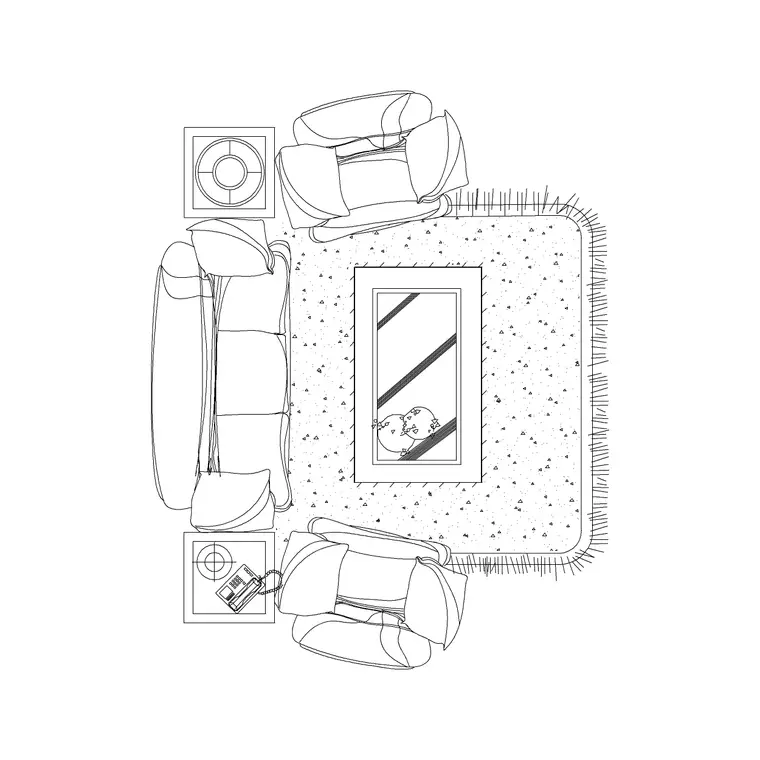
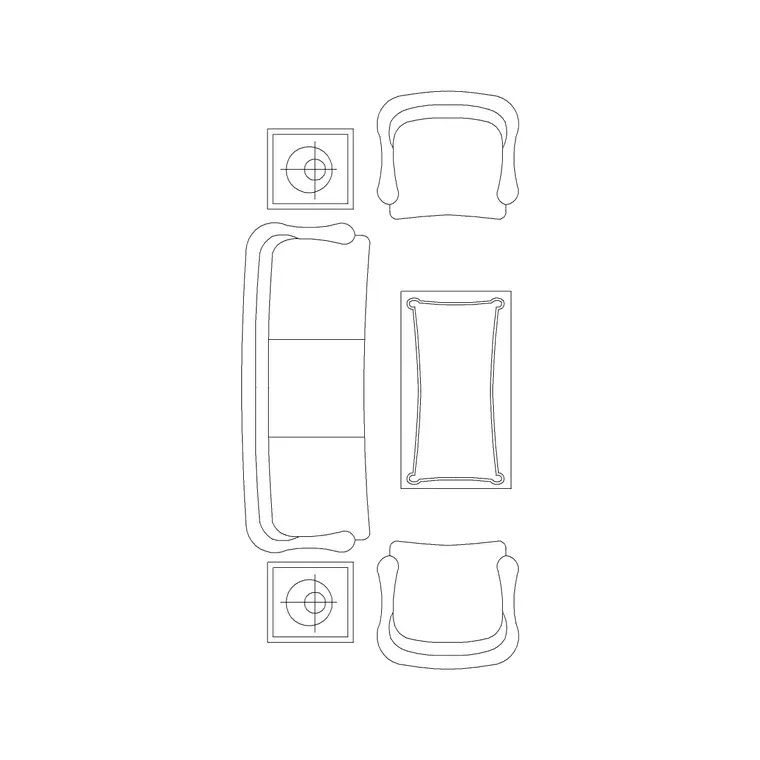
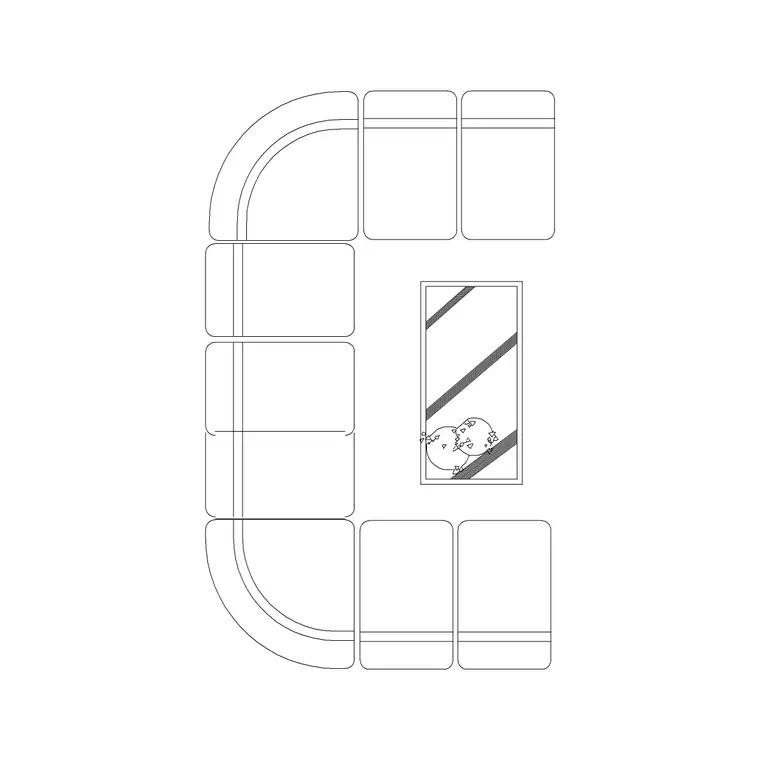
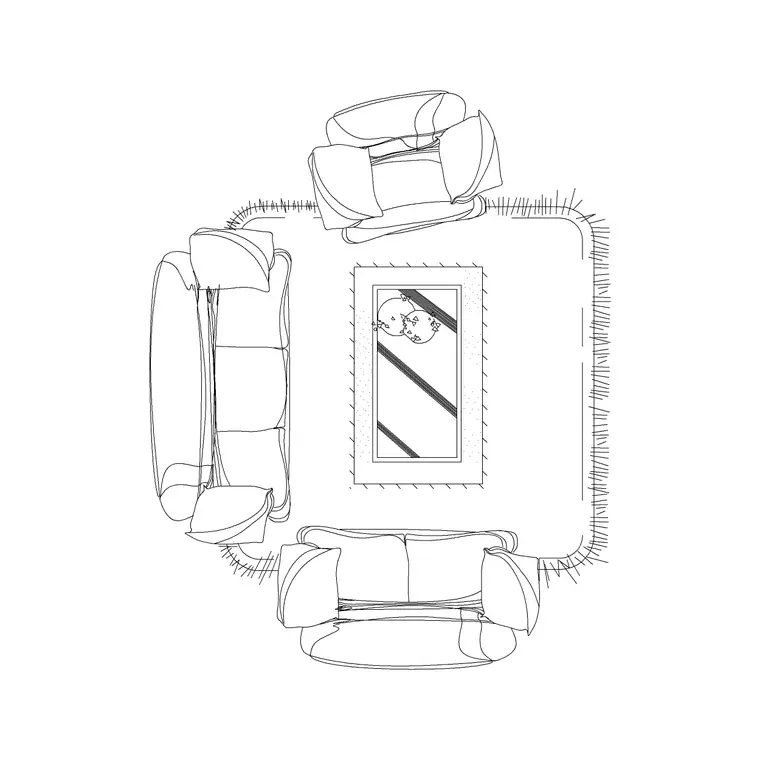
The center table — the low coffee table that anchors a soft-seating group — is the piece that ties a living room or a lounge layout together, and a glass-topped one has its own drawing quirk: the top is transparent, so what you draw beneath it reads through. This page collects free glass center table CAD blocks in DWG and DXF: round, square and rectangular glass coffee tables on metal, timber or pedestal bases, drawn at true millimetre sizes and ready to insert into AutoCAD 2004 or later. Free for personal and commercial work, with no signup and no watermark.
In plan, a center table is the hub the sofas and chairs face, so its footprint and the clear floor around it govern how a seating cluster reads. In elevation, a glass table is where you can show the base and the shelf detail without the top obscuring them — which is exactly why interior designers like glass for presentation drawings. The blocks here are drawn so the glass top, the base frame and any lower shelf sit on separate layers, letting you control how much of that detail shows through on each sheet.
What's in a glass center table block
A glass center table block carries the top outline, the supporting base or legs, and often a lower shelf or magazine rail. Because the top is glass, the plan view typically shows both the top edge and the base structure beneath, so you read the table the way it actually looks in the room. That is the small detail that separates a glass table block from a solid one, where the base is hidden under the top.
The blocks are drawn on tidy layers so you can keep the glass outline as a light line and show or freeze the base detail depending on the drawing. In elevation, the transparency of the glass means the base, the leg profile and any shelf all read, which makes glass tables a favourite for presentation elevations where you want the furniture to look light and open.
Views and what's included
These downloads ship a plan view as standard, since the center table is placed within a seating cluster and its footprint and surrounding clearance are planned from above. Many also include a front elevation, and some a side view, for interior elevations and presentation sheets.
The plan is what you drop into the middle of a sofa group and check the reach from each seat against; the elevation is where the glass top and the base detail show together. Where a file carries multiple views, insert the one you need and freeze or explode the rest.
Typical glass center table sizing
Design around these ranges. Height: 380–450 mm, low enough to sit below the line of sight across a sofa group. Rectangular top: 1000–1300 mm long × 500–700 mm deep, sized to sit comfortably in front of a two- or three-seat sofa. Square top: 700–900 mm. Round top: 700–900 mm diameter for a compact cluster, up to 1000 mm for a generous one.
For placement, leave roughly 350–450 mm between the front of the sofa and the edge of the table — close enough to reach a cup, far enough for legs and to walk past. Around the rest of the table, keep enough clear floor that someone can move between the seats. The scaled block makes the reach-and-clearance check immediate.
How to insert and place the table
The blocks are full size in millimetres. Insert at scale 1 in a millimetre drawing, 0.001 in a metre template, or set INSUNITS to millimetres so AutoCAD rescales on insertion. Snap the insertion point to the centre of the top, then position the table in the middle of the seating cluster and rotate it to align with the sofa.
Because the center table anchors the group, a good workflow is to place it first, then arrange the sofas and chairs around it at the right reach distance — the table sets the geometry of the whole cluster. Keep it on the furniture layer with the seating so the soft-seating group freezes and thaws as one. If you build a recurring lounge setting, WBLOCK the sofa-plus-table cluster as a single reusable unit.
Where glass center tables are used
Glass center table blocks suit any room with a soft-seating group: living rooms and family rooms in residential plans, hotel lobbies and lounges, executive and corporate reception, members' lounges and clubrooms, showroom and retail seating, and office breakout zones. They are a staple of interior-design presentation drawings, where the light, transparent look reads well in elevation.
Pair them with the sofa blocks to build a complete lounge cluster, and with lounge and tub chairs for a larger grouping. Because they are licence-clear, the same table carries from a quick concept layout through to a coordinated FF&E drawing and a rendered presentation sheet, all from one scaled library.
Free download
Browse the full library — DWG & DXF, no signup.
Questions
Frequently asked
Why draw the base through a glass center table?+
Because the top is transparent, the base, legs and any lower shelf read through it in both plan and elevation — so the block shows them rather than hiding them under a solid top. That transparency is exactly why designers favour glass tables in presentation elevations, where the light, open look reads well.
How high is a center table drawn?+
Around 380–450 mm — low enough to sit below the line of sight across a sofa group and within easy reach of a seated person. Because the block is at true size, you can verify the height against the sofa seat in the elevation.
How far from the sofa should the center table sit?+
Roughly 350–450 mm between the front of the sofa and the edge of the table: close enough to reach a cup, far enough for legs and to walk past. The scaled block lets you check that gap visually as you build the cluster.
Are the glass center table blocks free for commercial use?+
Yes. Every block downloads free in DWG and, where available, DXF, with no signup, no watermark and no attribution requirement, and they are cleared for commercial project use.
Related downloads
Blocks for this guide
Related categories
Related guides
Block landing
Free Office Chair CAD Blocks — DWG Download
Download free office chair CAD blocks in DWG and DXF — task chairs, swivel chairs and executive seats drawn in plan and elevation, AutoCAD 2004+, no signup.
Block landing
Free Bar Table CAD Blocks — DWG Download
Download free bar table CAD blocks in DWG and DXF — round, square and rectangular high bar tables in plan and elevation for AutoCAD. No signup, commercial-use OK.
Block landing
Free Restaurant Table CAD Blocks — DWG Download
Download free restaurant table CAD blocks in DWG and DXF — 2, 4 and 6 cover tables with chairs drawn in plan and elevation for AutoCAD. No signup, commercial-use OK.