Block landing · garden railing cad block
Free garden railing CAD blocks for AutoCAD
By Sumana Kumar · Published 5 Mar 2022 · Updated 3 Apr 2026
A railing is a low boundary or a safety barrier that reads almost entirely in elevation — the posts, the balusters and the top rail — and it appears on terraces, balconies, steps, ramps and garden edges across every external drawing set. This page collects free garden railing CAD blocks in DWG and DXF — vertical-baluster metal railings, decorative panel railings, balustrades and handrails — drawn at true millimetre dimensions and ready to insert into AutoCAD 2004 or later. Everything is free for personal and commercial work, with no signup and no watermark.
Use these blocks to draw a railing along a terrace edge, a balcony, a ramp or a step, and to set out the post centres on plan. Like a fence, a railing is a repeating module — post, balusters, post — so the elevation block is built to array along a run, and the plan symbol drops the posts onto the edge they protect.
What a railing block contains
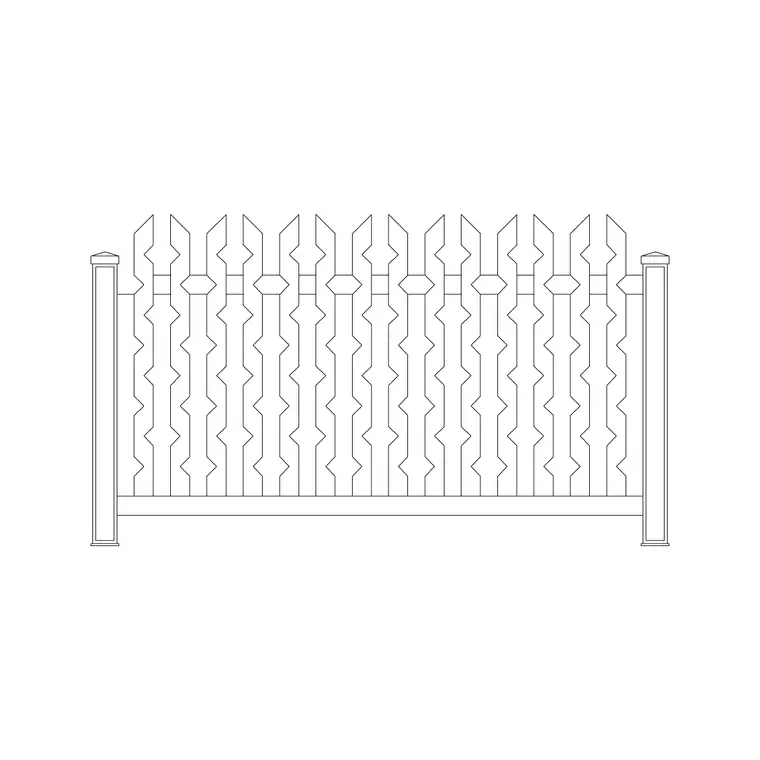
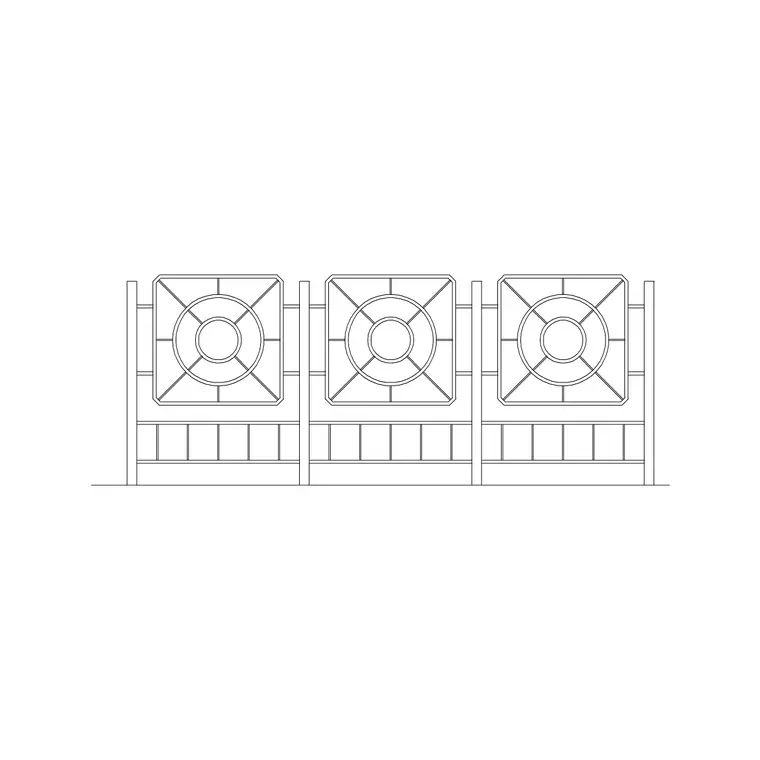
A railing block lives mostly in elevation. A good one draws the posts, the vertical balusters or the infill panel, the top rail and any bottom rail, with the baluster spacing kept tight where a safety brief calls for it. Each part is editable geometry on sensible layers so you can recolour the metalwork, swap a baluster infill for a panel, or simplify the railing for a small-scale drawing.
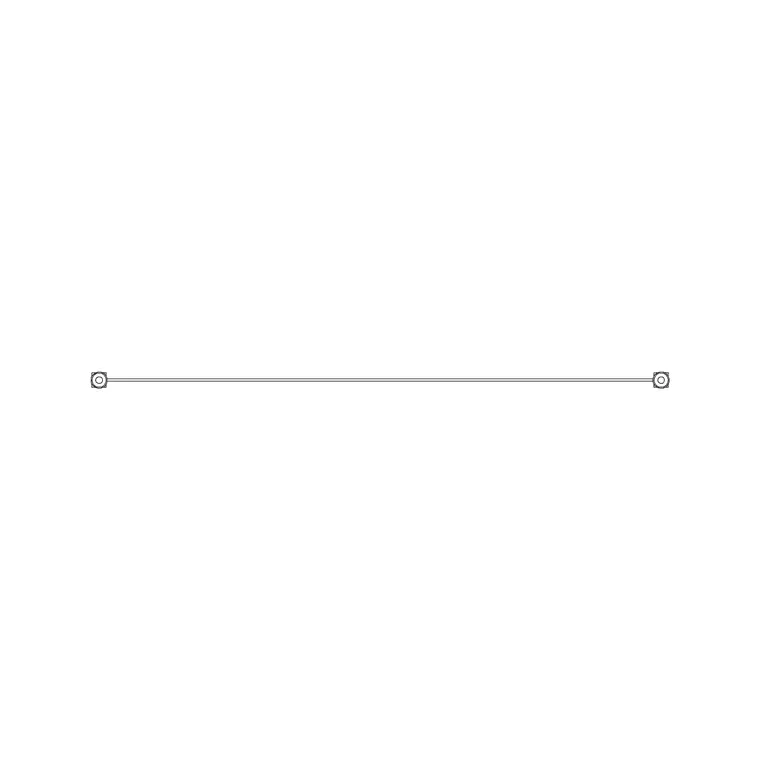
The plan symbol is a line of posts along the edge the railing protects, which is what you set out and what a fabricator fixes to. Some blocks include a raked version for a stair or ramp, where the railing and the balusters follow the slope. Because the railing is a single block reference, you can array a bay along a terrace edge, mirror it at a corner, and edit the baluster spacing once to update the whole run.
Elevation for the railing, plan for the post centres
For a railing the elevation is the working view: posts, balusters and rails drawn face-on at the real height, which is what communicates the design and what a metalworker reads to set out the bar spacing. A guarding railing on a terrace or balcony has a minimum height and a maximum gap between balusters set by safety requirements, and the elevation is where you draw and check both.
The plan symbol earns its keep when you set out where the railing goes — a line of posts along the terrace edge, the balcony front or the ramp side, dimensioned from the structure behind. A raked railing on a stair shows the posts stepping up the flight. Many blocks ship plan and elevation together, so one download covers both the face-on railing and the post setting-out.
Typical railing dimensions to design around
Use these ranges as a starting point. A guarding railing on a terrace, balcony or level change is commonly drawn around 1.0–1.1 m high, which is a typical minimum for a guard where there is a fall; a low garden edging railing may be much lower. Balusters on a guard are usually spaced so the gap is small — often kept under 100 mm where a safety brief or a children's-safety requirement applies. Post centres run roughly 1.0–2.0 m depending on the system and the rail span.
A handrail on a ramp or stair is typically set at around 900 mm–1.0 m above the pitch line. These are typical figures, not fixed specifications — the application, the fall and the local safety requirements drive the real numbers, so always check the height and the gap against the standard for the situation you are drawing. The blocks are drawn full size so you can set the height and the baluster spacing to suit.
How to insert and array the railing
These railing blocks are drawn in millimetres. Insert at scale 1 in a millimetre drawing, 0.001 in a metre template, or set INSUNITS to millimetres so AutoCAD rescales on insertion. Run INSERT or drag the DWG onto the drawing, pick the insertion point at a post centre, and rotate to align with the edge the railing protects.
To build a run, ARRAY is the fast route: a path array along the edge polyline, or a rectangular array for a straight run, spaced at the post-centre dimension. Because each bay is a block reference, editing the bay definition updates the whole run — change the baluster spacing once and every bay follows. At a corner, drop a single post and let the bays meet it; on a ramp, use the raked version so the balusters follow the slope. Keep the railing on its own external-works or guarding layer.
Where railing blocks are used
Railing blocks appear across landscape and architectural drawings: terrace and balcony guards, roof-garden edges, ramp and stair handrails, garden and boundary edging, bridge and water-edge guards, and metalwork fabrication details. Architects use them to draw guarding to level changes and to set out the posts; landscape designers use them along terrace edges and water features; metalworkers and fabricators use the elevation to set out the baluster work.
Pair the railing with the fence, gate and paving categories to draw a complete external edge — a guarding railing along a raised terrace, the steps down with a handrail, and the paved surface beyond. Because a railing is often a safety element, coordinating its height and baluster gap with the requirement is the part of the drawing that has to be right.
Railings as a safety element, not just a detail
What sets a railing apart from a decorative fence is that it is often a guard — it stops a person falling — so the block carries a safety job, not just a look. Where the railing protects a level change, the height has to reach the minimum guard height for that fall and the balusters have to be close enough that the gap is safe, with extra care where children are likely. Drawing the railing to scale lets you check both directly on the elevation rather than trusting a rough sketch, and lets you dimension the height and the gap for the fabricator.
The run geometry is the other thing the block helps you control. Posts have to be spaced so the rail spans without sagging and so they land on something solid — a slab edge, a beam, a fixing pad — and the plan setting-out is where you prove that. On a stair or ramp the railing follows the pitch, so use the raked block and check the handrail height above the pitch line holds along the flight. Keeping the railing as scaled, arrayable geometry means a long guarded edge is quick to draw, consistent bay to bay, and easy to dimension to the standard it has to meet.
Free download
Browse the full library — DWG & DXF, no signup.
Questions
Frequently asked
What height are the garden railing blocks drawn at?+
Guard railings are commonly drawn around 1.0–1.1 m high where there is a fall, with low garden edging railings drawn lower. The blocks are full size, so you can set the height and the baluster spacing to match the requirement for your situation.
Are the garden railing CAD blocks free for commercial use?+
Yes. Every railing block downloads free in DWG and, where available, DXF, with no signup, no watermark and no attribution requirement, and they are cleared for commercial project use.
How do I draw a long railing run quickly?+
Insert one bay, then ARRAY it — a path array along the edge polyline or a rectangular array for a straight run — spaced at the post-centre dimension. Editing the bay definition then updates the baluster spacing across the whole run.
Do the blocks include a raked railing for a ramp or stair?+
Some do. A raked version follows the slope so the posts step up the flight and the balusters follow the pitch. Use it for ramp and stair guards; the available versions are listed on each block's download page.
Related downloads
Blocks for this guide
Related categories
Related guides
Block landing
Free Garden Fence CAD Blocks — DWG & DXF
Download free garden fence CAD blocks in DWG and DXF — timber, panel and contemporary boundary fences drawn in plan and elevation, AutoCAD 2004+, no signup.
Block landing
Free Wrought-Iron Gate CAD Blocks — DWG
Download free wrought-iron and metal gate CAD blocks in DWG and DXF — ornamental garden gates in elevation and plan with swing arcs. No signup.
Block landing
Free Main Entrance Gate CAD Blocks — DWG
Download free main entrance gate CAD blocks in DWG and DXF — driveway, sliding and double-swing gates drawn in elevation and plan with swing arcs. No signup.