Room guide · garage cad blocks
Free garage CAD blocks for AutoCAD
By Sumana Kumar · Published 19 May 2022 · Updated 1 Mar 2026
A garage is sized by the vehicle and everything you try to fit around it. At its simplest it is a box that holds a car; in practice it holds a car plus bikes, tools, a workbench, garden equipment, sports gear, recycling and the household overflow, all while still letting people open the car doors and walk past. Designing a garage is really about reconciling the immovable footprint of the vehicle with the storage and workspace pressed in around it.
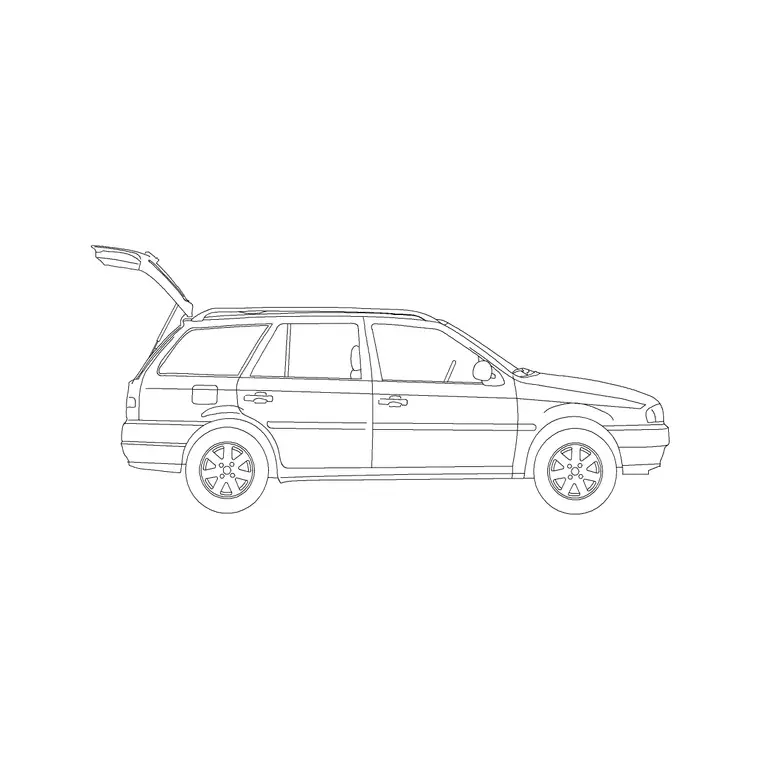
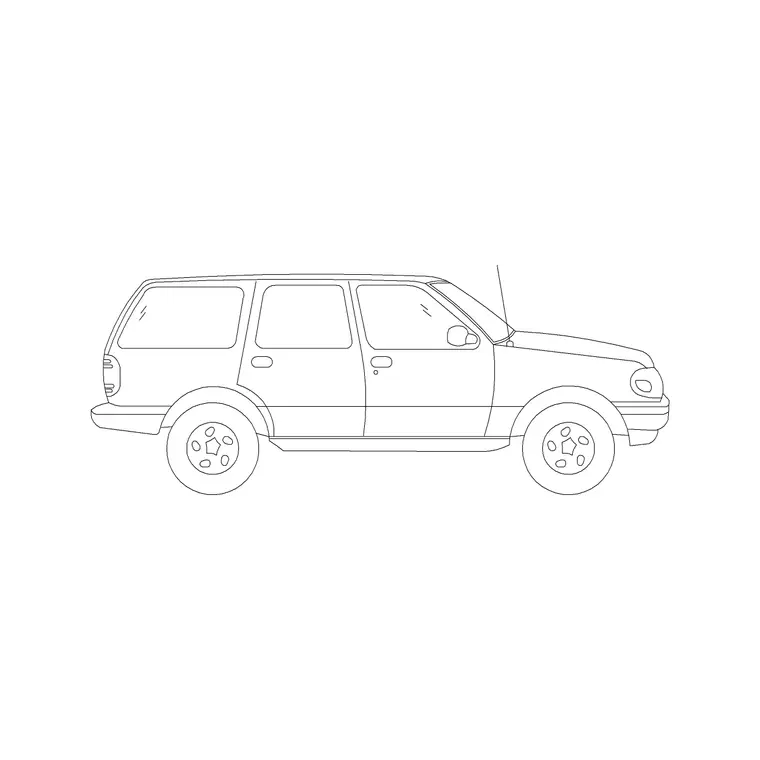
This page collects free garage CAD blocks in DWG and DXF — cars, SUVs and jeeps in plan, plus workbenches, stools and storage — drawn to true millimetre scale and ready to insert into AutoCAD 2004 or later. Every block is free for personal and commercial use with no signup, no watermark and no attribution required, whether you are planning a single garage, a double, or a garage that doubles as a workshop or utility space.
Because the vehicle is the one thing you cannot shrink, a scaled plan is essential. You need the real car footprint to check the bay length, the door-opening clearance on both sides, the swing of the garage door, and whether a workbench at the end leaves room to actually park.
Sizing a garage around the vehicle
Everything in a garage starts with the car. A typical family car is around 4.5 to 4.8 metres long and 1.8 metres wide; an SUV or larger vehicle pushes both figures up. Draw the vehicle block at its true size first, because the bay it needs, the clearances around it and the room you have left for everything else all flow from that one footprint.
A single garage has to be wide enough not just for the car but for the doors to open and a person to squeeze past, and long enough for the car plus a little front and rear clearance plus, usually, some end storage. An undersized garage where you can park but not get out of the car is one of the most common and most frustrating design failures — and one a scaled plan catches instantly. So place the vehicle, then see what is genuinely left.
Door-opening and circulation clearances
The clearance that defines a usable garage is the car-door opening zone. A car door swings out around 1000 mm or more, and a person needs space to step out into that gap. If storage or a wall sits too close on the driver's side, you cannot get out; too close on the passenger side and no one can be dropped off inside.
Draw the door-swing zone on at least the driver's side and ideally both, and keep it clear of shelving, bikes and the workbench. Allow a walking strip of around 600 mm or more around the parked car so you can move past it to reach storage at the sides and rear.
Then there is the garage door itself: an up-and-over or sectional door needs clear space, and a side-hinged or roller door has its own swing or stacking zone. Show the garage door's operation on the plan and confirm nothing parks or stores in its path, including the car's own nose when pulled fully in.
Workbench, storage and the workshop garage
Once the car and its clearances are placed, the remaining floor and walls become storage and workshop. The classic spot for a workbench is across the end wall, beyond the car's nose, but only if the bay is long enough that the bench does not stop the car parking.
- Workbench: a sturdy table across the end or along a side wall for repairs and projects. - Stools: a perch at the bench that tucks away when not in use. - Wall and tall storage: shelving and cabinets up the side walls keep tools and household overflow off the floor and out of the door zones. - Bike and equipment storage: wall-mounted where possible so it does not eat the walking strips. - Lighting: a bright, even ceiling wash, because a garage is a working space and dark corners hide both tools and trip hazards.
These bench, stool and storage blocks are free below; the discipline is keeping them all clear of the car-door zones and the garage-door path.
Dimensions and clearances to design around
Use these as ranges and confirm against the actual vehicle. A family car is roughly 4.5 to 4.8 m long and 1.8 m wide; an SUV or jeep can reach 4.9 m or more long and over 1.9 m wide. A practical single garage internal width is generous if it gives at least 700 to 900 mm clear on the driver's side for the door and a person, and a clear front-and-rear margin of 600 mm or more.
A workbench is typically 600 to 800 mm deep and around 850 to 900 mm high; place it only where it leaves the full bay length clear for parking. Wall storage 300 to 600 mm deep is normal, but every millimetre it projects narrows the door-opening zone, so keep deep storage off the side the driver gets out. For a double garage, allow enough between the two bays that both drivers' doors can open — squeezing two cars in with no gap between doors is a daily battle.
Building the garage plan
Work in millimetres, insert the vehicle block at scale 1, and use layers for vehicles, joinery (bench and storage), and electrical/lighting. Place the car first, parked as it would really sit, then draw the door-swing zones on both sides and the front-and-rear margins.
Show the garage door's operation and confirm the parked car and any end storage stay out of its path. Add the workbench only where the bay length survives, then run side-wall storage, keeping it shallow on the driver's-exit side. Mark walking strips around the car to the storage and bench. Add a bright ceiling lighting layout plus a task light at the bench, and provide power at the bench and a point for charging — increasingly a garage needs an EV charge position, so mark it on the wall nearest the car's charge port. Finally, re-check that with the car parked, every door (car and garage) can open and a person can reach the bench.
Common garage mistakes
The biggest mistake is a bay you can park in but not get out of — storage or a wall crowding the car-door zone. Always draw the door swings and protect that zone before placing anything along the sides.
The second is a workbench or storage at the end wall that quietly steals the parking length, so the garage door will not close behind the car. Confirm the full bay length stays clear before committing the bench.
The third is ignoring the garage door's own operating space — an up-and-over door sweeps an arc, and parking too far forward or storing in that arc jams it. The fourth is treating the garage as a dumping ground in the drawing: pile in bikes, bins, tools and the freezer without protecting the walking strips and you produce a room where the car no longer fits at all, which is how so many garages end up never housing a car.
Free download
Browse the full library — DWG & DXF, no signup.
Questions
Frequently asked
What size is a car CAD block for a garage plan?+
A typical family car block is around 4.5 to 4.8 m long and 1.8 m wide; an SUV or jeep runs longer and wider. Draw the vehicle at its true size first, because the bay length, door-opening clearances and remaining storage all depend on that footprint.
How much clearance do I need beside a car in a garage?+
Allow at least 700 to 900 mm clear on the driver's side so the door can open and a person can step out, plus a front-and-rear margin of 600 mm or more. Draw the car-door swing zones on the plan and keep storage and walls out of them.
Can I put a workbench in a single garage?+
Yes, usually across the end wall beyond the car's nose or along a side wall — but only where it leaves the full bay length clear so the car still parks and the garage door closes. Place the car block first, then add the bench only in the space that remains.
Are these garage CAD blocks free to download?+
Yes. All vehicle, workbench, stool and storage blocks are free in DWG and DXF for personal and commercial use, with no signup, no watermark and no attribution required.
Related downloads
Blocks for this guide


Related categories
Related guides
Room guide
Master Bedroom CAD Blocks & Layout — DWG
Free master bedroom CAD blocks in DWG — king and double beds, side tables, wardrobes, seating and lighting to lay out a master suite in AutoCAD.
Room guide
Kids Bedroom CAD Blocks & Plan — DWG
Free kids bedroom CAD blocks in DWG — single beds, wardrobes, desks and play space to plan a child's room in AutoCAD with real clearances.
Room guide
Guest Bedroom CAD Blocks & Layout — DWG
Free guest bedroom CAD blocks in DWG — double and single beds, compact wardrobes and seating to plan a flexible spare room in AutoCAD.