Block landing · fixed glass window cad block
Free fixed glass window CAD blocks for AutoCAD
By Saumyajit Maity · Published 16 Feb 2022 · Updated 30 Jan 2026
A fixed glass window is exactly what it sounds like: a glazed opening that does not open. There is no sash, no hinge and no track — just a frame holding a fixed pane, drawn to bring daylight and a view without ventilation. It is the simplest window to draw and one of the most-used, because almost every glazed wall, stairwell light, picture window and combination window includes at least one fixed light. This page collects free fixed glass window CAD blocks in DWG, drawn full size in millimetres for AutoCAD 2004 or later, free for personal and commercial use with no signup or watermark.
Use the blocks for picture windows, fixed lights beside or above openable sashes, stairwell and gable glazing, shopfronts and curtain-wall infill. Because there is no swing or slide to indicate, the fixed-glass block is the cleanest of all the window blocks — a frame, a glazing line, and the reveal and sill in section.
The fixed light is also the quiet workhorse of combination windows. Most large windows are mostly fixed glass with one or two small openable leaves for ventilation, so the fixed-glass block is the piece you place repeatedly and combine with casement, awning or sliding blocks to build the full window.
What a fixed glass window block contains
A fixed glass window block is deliberately minimal: a frame outline, the glazing line set in from the frame, and — in plan and section — the reveal, the frame depth and the sill. Crucially, there is no swing triangle and no slide arrow, because nothing moves. That absence is itself information on the elevation: a plain framed pane reads as fixed, distinguishing it instantly from the openable lights beside it.
The block may include glazing bars or a transom/mullion division for a larger picture window, and the better blocks keep the frame, the glass line and any bars on separate layers so you can adjust lineweight. On a presentation elevation the glass line is often drawn lightly while the frame carries the weight, so the window reads as glazing rather than a solid panel.
Views and what each shows
Elevation shows the frame and glazing face-on and is the view you place on the façade. For a fixed light it is mostly about proportion and the divisions — a tall stairwell light, a wide picture window, a gable triangle.
Plan view cuts horizontally to show the frame, reveal and glass within the wall; section shows the head, sill and frame depth. These two are what turn a flat rectangle on the elevation into a window that is actually set into a wall with a reveal and a sill — important for shopfronts and curtain walling where the glazing-to-structure junction is the whole detail. Insert the view your drawing needs from the multi-view DWG and freeze the rest.
Typical fixed glass window sizes
Fixed glazing can be large, because without an opening sash the only real limits are the glass pane size, the frame's structural capacity and how you will get the glass to site. As planning figures, a domestic picture window might be 1500–2400 mm wide by 1200–1800 mm high in a single fixed pane; bigger panes are split by mullions and transoms into a grid of fixed lights.
For stairwell and gable glazing the height grows to suit the space, often combining several fixed lights in a frame. There is no 'opening leaf' limit to worry about, but do check the maximum pane size of the glazing specification and remember that very large single panes are heavy and awkward to install — splitting into a grid of fixed lights is often the practical answer.
Inserting and combining fixed lights
The blocks are full size in millimetres; insert at scale 1 in a millimetre drawing, 0.001 in a metre drawing, or set INSUNITS to millimetres so AutoCAD rescales on insertion. Run INSERT, place at a frame corner or opening centre, and STRETCH the block to suit a non-standard opening width since a fixed light has no sash module to respect.
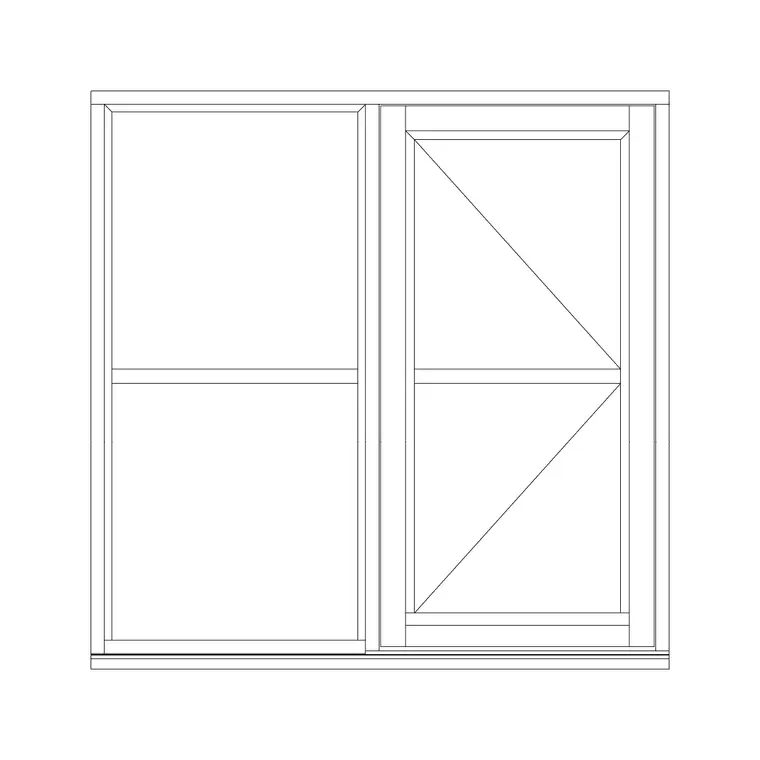
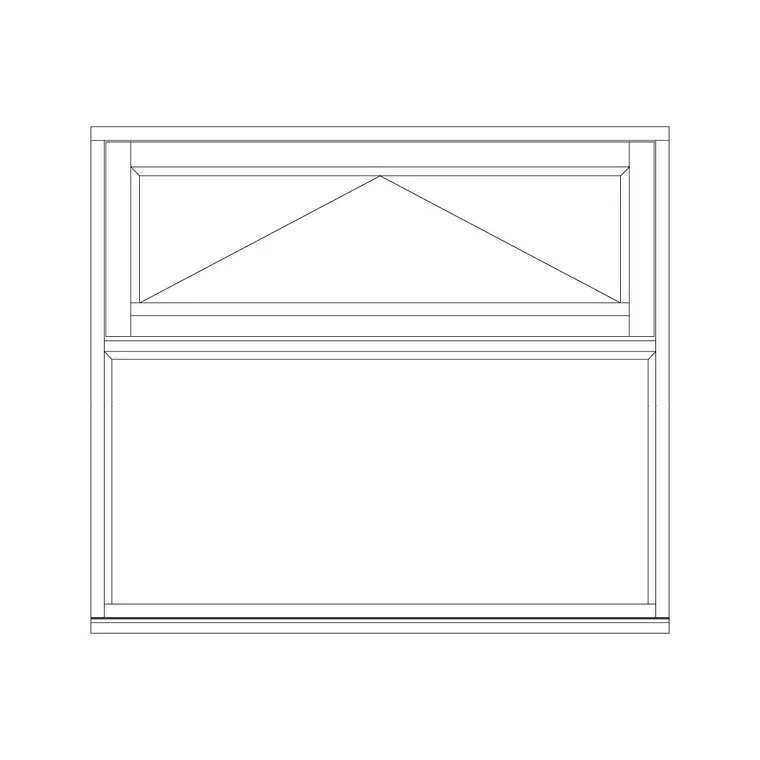
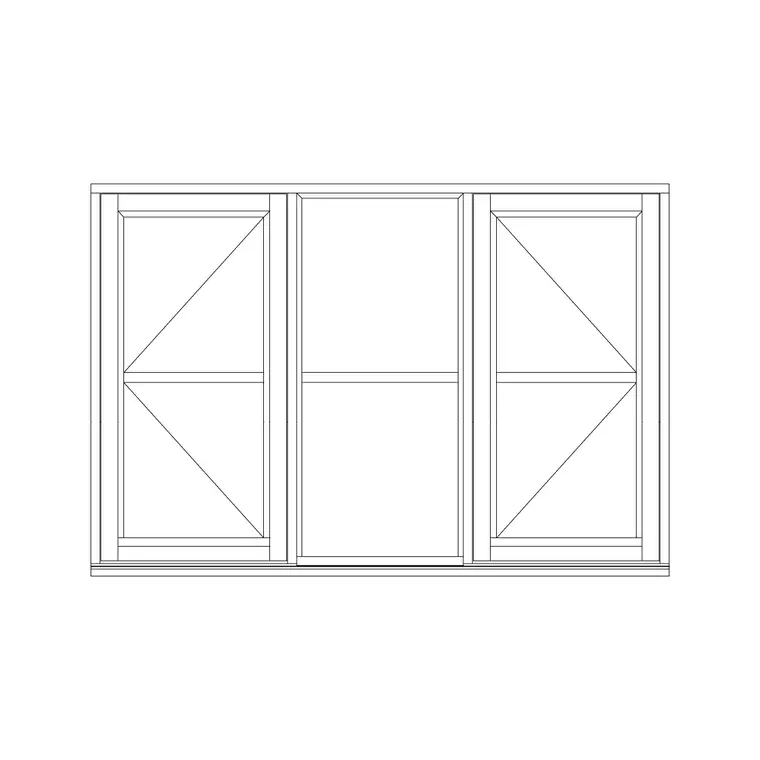
The real power of the fixed-glass block is in combination: place it beside a casement, an awning vent or a sliding sash to build a large window that is mostly fixed glass with a small openable area. Share the mullion or transom line between the blocks so the frame reads continuous, and keep everything on the glazing layer. Tag the whole assembly with one window-type reference for the schedule.
Where fixed glass windows are used
Fixed glass appears almost everywhere there is glazing: picture windows framing a view, fixed lights flanking front doors and sidelights, clerestory and stairwell glazing high on a wall, gable and feature windows, shopfronts, and the infill panels of curtain walls. In combination windows it is the large daylight pane around the small ventilation sashes.
Architects use the block constantly because so much glazing is fixed; facade and shopfront specialists use it for the structural-glazing details; interior designers use it where daylight and view matter more than ventilation. Because it is the simplest, most flexible glazed block, it is also the one you stretch, split and combine most freely to fit whatever opening the design throws up.
Ventilation: why fixed glass rarely stands alone
A fixed window brings light and view but no air, so building regulations and good practice usually require some openable area in habitable rooms. That is why fixed glass so often appears as part of a combination window rather than on its own: a big fixed picture pane gives the daylight and the view, while a modest casement, awning or sliding leaf beside or above it provides the required ventilation.
When you draw this on a plan, it pays to keep the fixed and openable parts as separate blocks sharing a common frame line, so the schedule can record the openable area separately from the total glazed area. The fixed pane carries no swing or slide notation; the openable leaf carries its swing triangle or slide arrow. Read together, the combination tells the whole story — how much glass, how much of it opens, and which way — which is exactly what a building-control reviewer and a window fabricator each need from the drawing.
Free download
Browse the full library — DWG & DXF, no signup.
Questions
Frequently asked
What is a fixed glass window?+
A fixed glass window is a glazed opening that does not open — a frame holding a fixed pane, with no sash, hinge or track. It provides daylight and a view but no ventilation, so it is often combined with an openable leaf in a larger window.
How do I show a fixed window on the elevation?+
Draw the frame and glazing with no swing triangle or slide arrow. The absence of any opening notation is the convention for a fixed light, and it distinguishes the fixed pane from the openable sashes beside it.
Can a fixed glass window be any size?+
It can be large, since there is no opening sash to limit it — only the glass pane size, the frame's capacity and installation practicality. Very large areas are usually split by mullions and transoms into a grid of fixed lights rather than one huge pane.
How do I combine fixed glass with an openable window?+
Place the fixed-glass block beside or above a casement, awning or sliding block, sharing the mullion or transom line so the frame reads continuous. Keep both on the glazing layer and tag the whole assembly with one window-type reference for the schedule.
Related downloads
Blocks for this guide
Related categories
Related guides
Block landing
Free Casement Window CAD Blocks — DWG Download
Free casement (openable) window CAD blocks in DWG — side-hung sashes in plan, elevation and section for AutoCAD. No signup, free for commercial use.
Block landing
Free Single-Shutter Window CAD Blocks — DWG
Free single-shutter window CAD blocks in DWG — one-panel openable sashes in elevation and plan for AutoCAD. Left/right-hung, no signup, commercial OK.
Block landing
Free Double-Shutter Window CAD Blocks — DWG
Free double-shutter window CAD blocks in DWG — two-leaf openable windows with glass, in elevation and plan for AutoCAD. No signup, commercial-use OK.