Room guide · fast food outlet cad blocks
Free fast food outlet CAD blocks for AutoCAD
By Sumana Kumar · Published 1 Aug 2023 · Updated 21 Jan 2026
A fast-food outlet is engineered for speed, and its plan shows it. Unlike a restaurant where the dining room is the star, a quick-service restaurant is dominated by the production line and the order-and-collect counter; the seating is deliberately efficient and often fixed, sized for a fast turnover rather than a long lingering meal. The whole floor is organised as a one-way flow: customers queue, order, collect and either leave or sit briefly; food moves from the kitchen line to the pass to the customer; and everything is tuned to push covers through in minutes, not hours.
This page is for laying out a QSR in AutoCAD. The free CAD blocks below cover both the front-of-house seating and the back-of-house line — compact two- and four-seat tables and stools for the dining area, plus kitchen equipment blocks (stove, cabinet, grill, refrigerator) to set out the production line behind the counter — all DWG, scaled, free for commercial use, no signup. The combination lets you draw the counter as the hinge between a fast kitchen and a fast dining area.
The organising principle is the customer flow loop. Door to queue to till to collection to seating or exit, with no backtracking and no crossing of the staff path between kitchen and counter. Draw that loop first as a single clean line; if it forks, doubles back or crosses the food path, the outlet will jam at lunch rush. Everything else — the table count, the kitchen line, the drinks station — hangs off getting that loop right.
Built for throughput
A QSR is a throughput machine with three linked systems: the kitchen line that produces the food, the service counter where it is ordered and collected, and the dining area where some customers eat. The line and the counter dominate the floor because speed of production and handover is the whole proposition; the dining area is sized for a fast sit, not a leisurely one.
The plan resolves these into a single forward flow. Customers move one way — in, order, collect, sit or leave — and never cross the staff path running from the kitchen line to the counter. The kitchen line itself is a sequence: storage and fridge, prep, cook (stove and grill), assembly, pass. Draw the line as that sequence and the counter as its customer face, then give the dining area whatever floor is left, arranged for quick turnover.
Front and back of house blocks
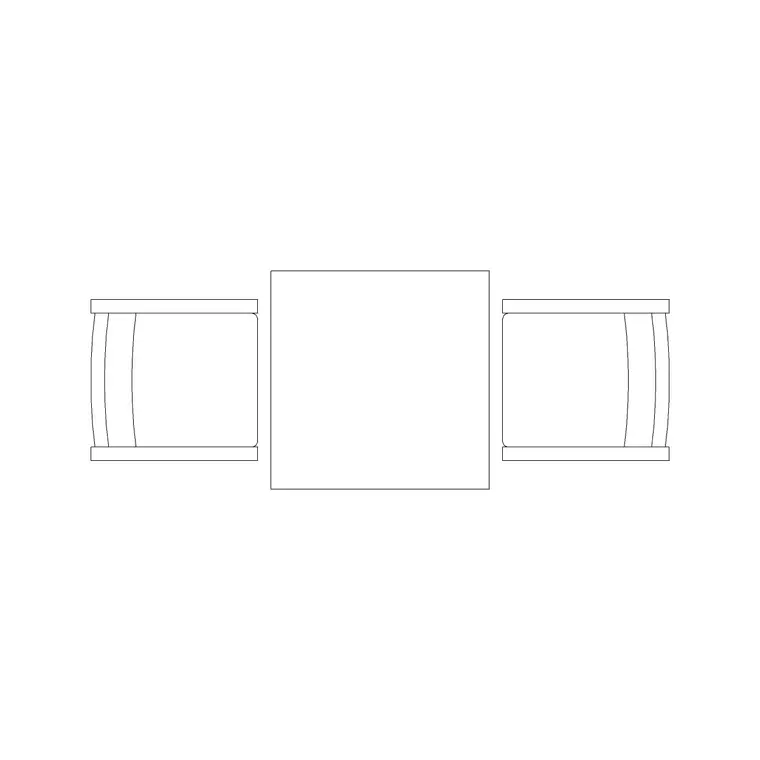
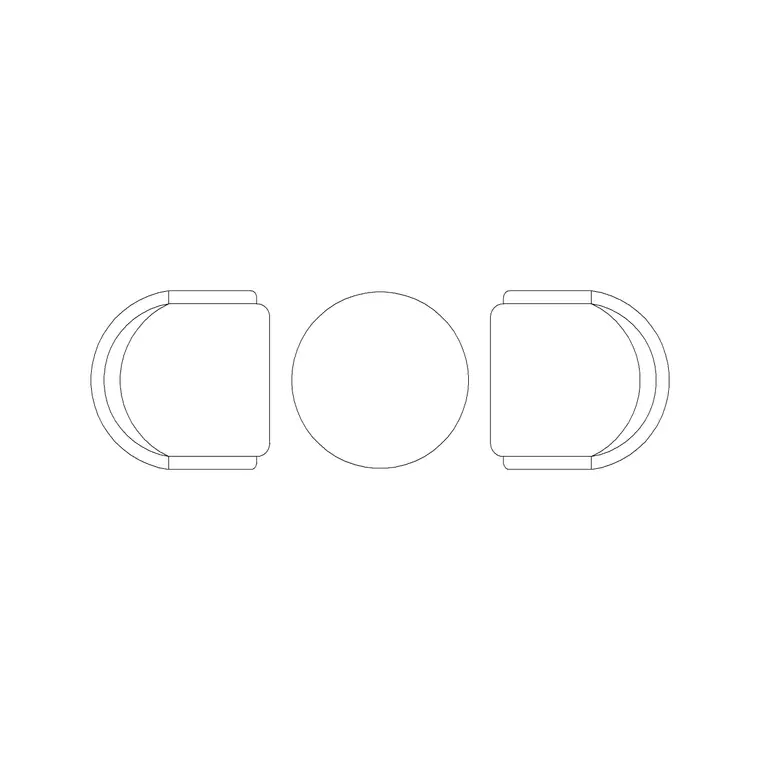
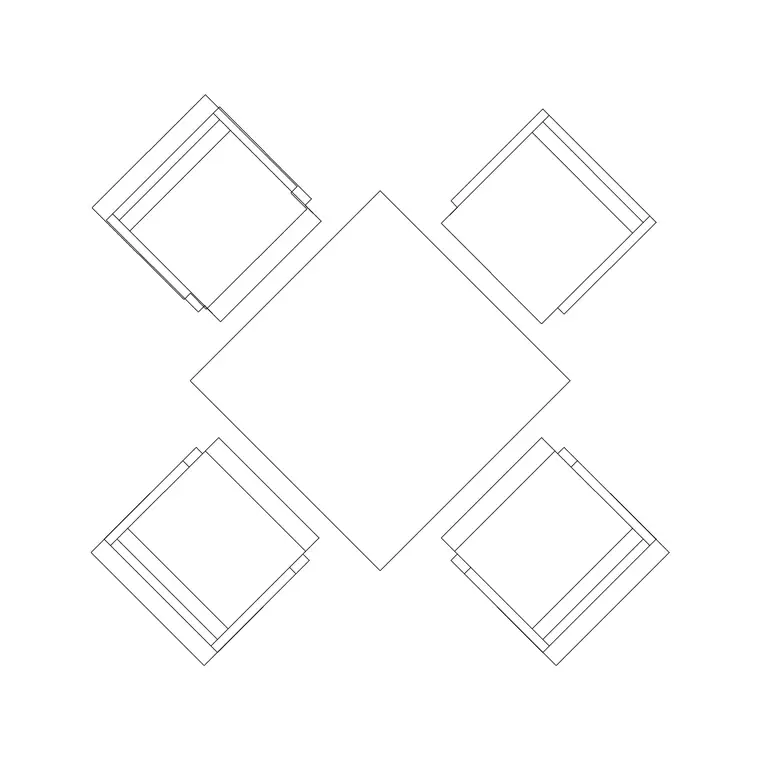
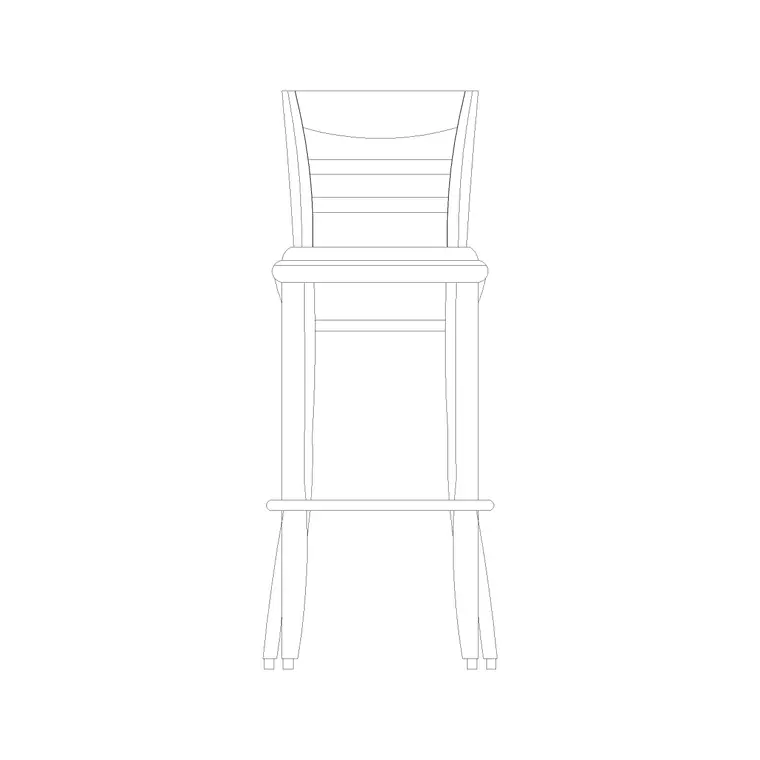
For the dining area, fast food favours compact, easy-clean, often fixed seating. The 800mm square and 800mm dia two-tops and the 1000mm four-seater are the workhorses; stools — the wooden bar stool and round-back stool — line window ledges and high tables for solo diners and quick eaters. The Audi chair plan block gives a clean chair footprint where loose seating is used.
For the kitchen line behind the counter, the pack gives you the production blocks: the stove and the grill for the cook line, the cabinet for prep and storage, and the refrigerator (elevation) for the cold store and the line fridge. Set these in sequence to draw the back-of-house line. Because both the seating and the equipment are scaled, you can balance the dining covers against the kitchen depth and prove the counter sits cleanly between them.
Fast-food dimensions and clearances
The customer queue lane wants about 900–1000mm and length for your peak rush — a busy lunchtime QSR needs several metres of queue, often with a switchback. Reserve a staff working aisle behind the line of 900–1000mm clear so cooks pass without colliding.
The kitchen line runs as a sequence with worktops and equipment at roughly 600–700mm depth and a clear working aisle in front. Dining tables follow tight figures: two-tops 700–800mm, a four-top about 1000mm, 600mm of edge per person, 450mm of chair pull-out — but QSR often accepts the lower end because dwell time is short. Keep a clear 900mm route from the door to the counter, a separate path to the exit and the bins, and at least one accessible table reachable step-free. Scaled blocks make the queue, the line and the covers all measurable.
Drawing the QSR in AutoCAD
Set out the counter as the hinge, then draw the customer flow loop as a single polyline: door, queue, till, collection, then a fork to seating or exit. Confirm it never crosses the staff path from kitchen to counter.
Behind the counter, place the kitchen blocks in production sequence — refrigerator and cabinet for cold store and prep, stove and grill for the cook line, assembly to the pass — with a 900–1000mm staff aisle hatched behind. In front, array the compact tables and line the windows with stools, keeping a walkable route to the seating and a clear path to the bins and exit. Layer the kitchen line, counter, dining tables, stools and circulation separately so you can issue a back-of-house equipment plan and a front-of-house seating plan from one drawing.
Fixed seating and fast turnover
Fast food often uses fixed seating — booths and benches bolted to the floor with tables between — because it is durable, easy to clean and sets the dwell time by being a touch less comfortable than a restaurant chair. Where you use fixed seating, draw it as fixed blocks so the cover count is locked and the cleaning routes around it are clear.
Window and high-table stools are the QSR's flex covers: they suit the solo lunch-break diner and add seats against otherwise dead wall. Tally the fixed covers and the stool covers separately so the capacity is honest. Keep the dining area's circulation simple and one-directional where you can, so a customer with a tray finds a seat without weaving back across the collection point.
Common fast-food mistakes
- A customer flow that crosses the staff kitchen-to-counter path, so guests and cooks collide at rush. - A queue with no length drawn for peak, so the lunch line spills out of the door and blocks the entrance. - A kitchen line laid out of sequence, so prep, cook and assembly zig-zag instead of flowing to the pass. - Dining tables so tight that a tray cannot pass, fixed in place so it cannot be fixed on site. - No separate path to the bins and exit, so departing diners cross the collection point against the flow.
Draw the flow loop and the line sequence first with scaled blocks, and the outlet runs the rush instead of choking on it.
Free download
Browse the full library — DWG & DXF, no signup.
Questions
Frequently asked
How is a fast-food layout different from a restaurant?+
A QSR is built for throughput, not lingering. The kitchen line and order-and-collect counter dominate the floor, the seating is compact and often fixed for fast turnover, and the whole plan is a one-way customer flow — in, order, collect, sit or leave — that never crosses the staff kitchen-to-counter path.
How do I lay out the kitchen line in a QSR?+
Draw it as a production sequence: cold store and fridge, prep and cabinet, cook line (stove and grill), assembly, then the pass to the counter. Equipment sits at roughly 600–700mm depth with a 900–1000mm staff working aisle behind it so cooks pass without colliding.
Are these fast food CAD blocks free for commercial use?+
Yes. Both the seating blocks and the kitchen equipment blocks download as DWG, free for personal and commercial use, with no signup and no watermark, ready for a paid QSR fit-out drawing.
How long should the customer queue lane be?+
Draw it about 900–1000mm wide and long enough for your peak rush — a busy lunchtime outlet needs several metres, often as a switchback, so the line never spills out of the door and blocks the entrance.
Why does fast food use fixed seating?+
Fixed booths and benches are durable, easy to clean, and set the dwell time by being a touch less comfortable than a restaurant chair — which suits fast turnover. Draw them as fixed blocks so the cover count is locked and the cleaning routes around them stay clear.
Related downloads
Blocks for this guide
Related categories
Related guides
Room guide
Open Kitchen CAD Blocks — Open-Plan DWG Layout
Free open kitchen CAD blocks in DWG — island, peninsula, appliances and pendant lighting scaled to design an open-plan kitchen that flows into living areas.
Room guide
Pantry CAD Blocks — Storage & Larder DWG Layout
Free pantry CAD blocks in DWG — tall units, shelving and a fridge scaled to design a walk-in or reach-in larder with the right depths and aisle clearance.
Room guide
Free Laundry Room CAD Blocks — DWG Download
Free laundry room CAD blocks in DWG and DXF — washers, dryers, sinks and cabinets drawn to scale for a working laundry layout. No signup, no watermark.