Block landing · electric socket cad block
Free electric socket and switch point CAD blocks
By Saumyajit Maity · Published 11 Jul 2022 · Updated 25 Jan 2026
Electric sockets and switch points are tiny on the drawing but enormous in number — a single office floor can carry hundreds — so a clean, consistent set of socket and switch symbols is what keeps an electrical layout readable. Unlike furniture, these are schematic symbols: they mark where a power, data or AV point sits, and they are placed by the dozen. This page collects free electric socket and switch point CAD blocks in DWG and DXF, including standard power outlets, switch points and combined TV/LAN data points, drawn for AutoCAD 2004 or later. Free for personal and commercial use, no signup, no watermark.
Use these to build the small-power and containment layer of an office, the power-and-data plan that sits under the furniture. Because each is a tidy, consistent block, you can place them repeatedly, keep them on the electrical layer, and let the symbol legend explain the drawing — which is exactly how a coordinated services drawing is built.
Symbols, not scaled objects
It is worth being clear about what these blocks are. A socket or switch block is a schematic symbol, not a true-size drawing of the faceplate. Its job is to mark a position and a type on the plan — a single socket, a double socket, a switched fused spur, a data point, a TV or LAN outlet — at a size that stays legible at the scale the electrical plan is printed.
That changes how you place them compared with furniture. You do not array a socket to fill a room; you place each one deliberately where a point is needed, then let the symbol's shape and any text identify what it is. The blocks here follow consistent symbol conventions so a reader, helped by the legend, can tell a power point from a data point at a glance.
Power, switch and data point types
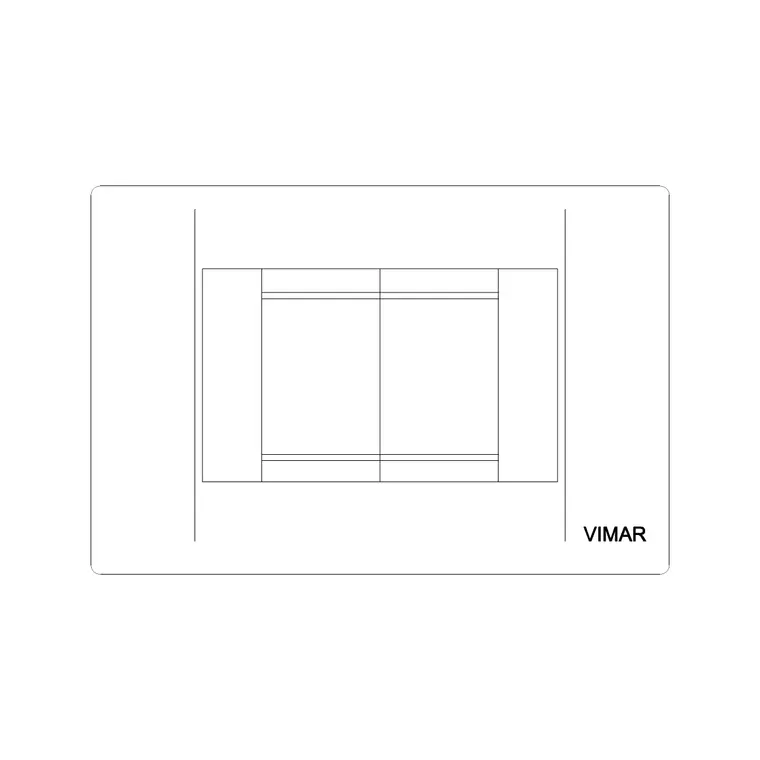
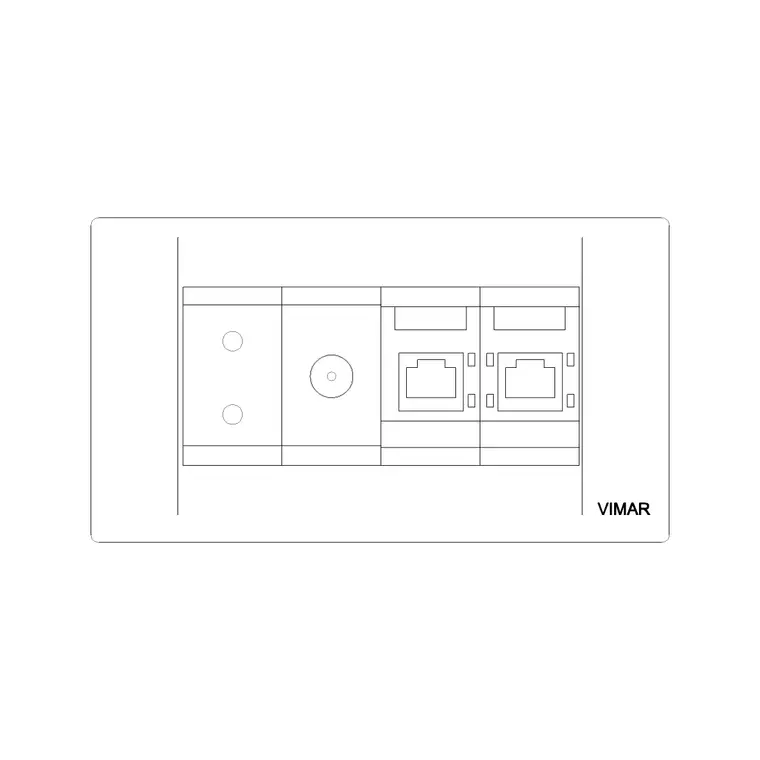
The set covers the everyday electrical points. Power outlets: single and double socket symbols for general small power. Switch points: one-way and two-way switch symbols for lighting control. Data and AV: combined TV and LAN outlet symbols for the data side of an office, where every desk needs a network point and meeting rooms need AV connections.
The TV/LAN and multi-button socket blocks here reflect real product families, so the symbols match the kind of modular wiring accessories actually specified in offices. Keeping distinct symbols for power, switching and data is what lets one electrical plan carry all three services without confusion, each readable against the legend.
Mounting heights to annotate
Although the symbols are schematic on plan, the heights they represent are real and usually called up in a note or a legend rather than drawn. Typical mounting heights to annotate: general socket outlets around 450 mm above finished floor in offices, or above worktop height (roughly 1100–1150 mm) where they serve a counter; light switches around 1000–1200 mm; data and TV/LAN outlets generally at the same low level as the adjacent power.
Because the plan shows position and the schedule or legend shows height, keeping the symbols consistent and on the right layer is what ties the two together. The blocks are built to drop into that workflow, where the drawing locates the point and the specification fixes its height.
How to insert and place the symbols
These socket and switch blocks insert like any DWG block: run INSERT (or drag from a tool palette), and because they are symbols you generally insert at a scale chosen to read well at your plot scale rather than at true millimetre size. Set them current on the electrical layer before placing, and snap each one to the wall line or the worktop it serves.
Place power points where the furniture layer tells you the desks and equipment land — which is exactly why coordinating with the workstation blocks matters — and switch points by the doors. Because each is a block reference, you can copy a standard arrangement (say, a double socket plus a data point) as a pair and place it at every desk, keeping the plan consistent.
Where socket and switch blocks are used
Socket and switch blocks appear on every electrical and small-power drawing: office power-and-data plans, lighting and switching layouts, containment drawings, and the coordinated services plans that overlay them on the architecture. They are also used in residential and retail electrical plans — the symbol conventions carry across building types.
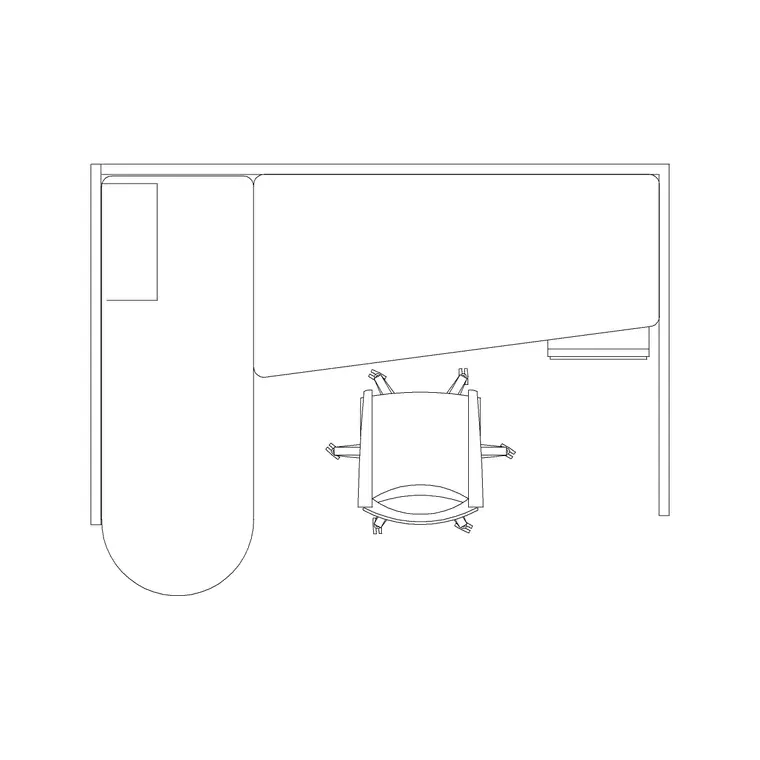
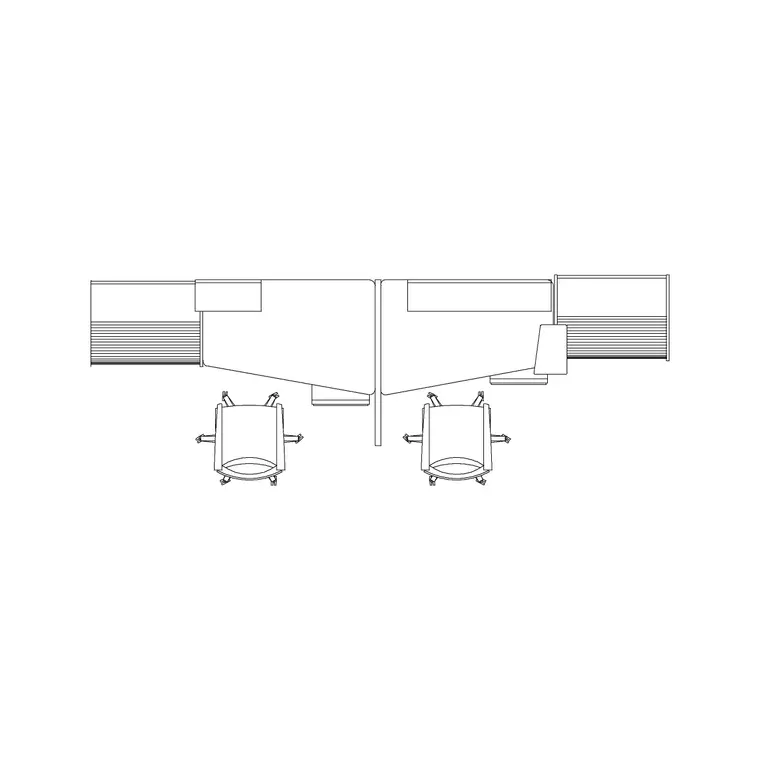
Pair them with the office furniture blocks — desks, workstations, reception and conference tables — because the small power follows the furniture: every workstation needs power and data at the spine, every meeting room needs AV, and the reception desk needs both. Drawing the furniture and the electrical points from coordinated blocks on separate layers is what keeps the power-and-data plan aligned with where people actually sit.
Building a coordinated power-and-data plan
The value of a consistent socket and switch library shows up when you overlay the electrical layer on the furniture layer. An office power-and-data plan is, at heart, a map of where people and equipment sit and what each position needs — so the sockets should land under the desks, the data points at the workstation spine, the AV points in the meeting rooms, and the switches by the doors. When the symbols are consistent blocks on a dedicated layer, that overlay reads cleanly and the electrician can set out from it directly.
A practical discipline helps: keep power, data and lighting on separate sub-layers or colours so each can be isolated, and lean on a symbol legend rather than labelling every point individually. Because the furniture and the electrical points are coordinated from the same drawing, you catch the classic clashes early — the floor box that would land under a pedestal, the desk with no nearby data point, the meeting room missing an AV outlet. That coordination, done on the drawing rather than on site, is the whole reason a tidy set of socket and switch blocks is worth keeping.
Free download
Browse the full library — DWG & DXF, no signup.
Questions
Frequently asked
Are socket and switch blocks drawn to true size?+
No — they are schematic symbols that mark the position and type of an electrical point, drawn at a size that stays legible at the plan's plot scale. The real mounting height is called up in a note, legend or schedule rather than drawn.
What types of electrical point are included?+
Single and double power socket symbols, one-way and two-way switch symbols, and combined TV/LAN data point symbols — covering the power, lighting-control and data points an office electrical plan needs.
Are the electrical CAD blocks free for commercial use?+
Yes. Every block downloads free in DWG and DXF with no signup, no watermark and no attribution requirement, and they are cleared for commercial project use.
How do I keep the sockets aligned with the furniture?+
Draw the furniture and the electrical points as coordinated blocks on separate layers in the same drawing. Place power at the desks and the workstation spine, data at each position and AV in the meeting rooms, so the power-and-data plan matches where people sit.
Related downloads
Blocks for this guide
Related categories
Related guides
Block landing
Free Office Chair CAD Blocks — DWG Download
Download free office chair CAD blocks in DWG and DXF — task chairs, swivel chairs and executive seats drawn in plan and elevation, AutoCAD 2004+, no signup.
Block landing
Free Lighting Fixtures CAD Blocks — DWG Download
Download free lighting fixtures CAD blocks in DWG and DXF — chandeliers, wall lights, downlights and pendants in plan and elevation for AutoCAD.
Block landing
Free Office Desk CAD Blocks — DWG Download
Free office desk CAD blocks in DWG and DXF — straight desks and desk-with-chair units in plan and elevation for AutoCAD. No signup, commercial OK.