Curated pack · dxf blocks for plasma cutting
Free DXF blocks for plasma cutting in AutoCAD
By Saumyajit Maity · Published 3 Apr 2026 · Updated 14 Jun 2026
A CNC plasma table cuts metal by following a 2D outline, and DXF is the file format that carries that outline from CAD to the table's controller. This pack gathers blocks whose silhouettes suit plasma work — trees and palms for garden and feature art, human figures for signage and decorative panels, and geometric paving patterns for screens and gates — supplied as clean DXF where available so they import with minimal cleanup. Everything is drawn to real millimetre dimensions and is free for personal and commercial use with no watermark.
Plasma cutting and routing share the same 2D-path logic, but plasma has its own quirks: the arc has width (the kerf), there is a pierce point to consider at the start of each cut, and thin detail can burn away on thicker plate. That means a profile destined for a plasma table needs even cleaner, simpler geometry than one for a router, and a clear sense of which lines are the cut.
The notes below cover preparing a silhouette into a single closed profile, handling kerf and pierce, and exporting a DXF the table will read. As always with cutting work, proof the toolpath and run a test on scrap before committing good steel.
What's in the plasma cutting pack
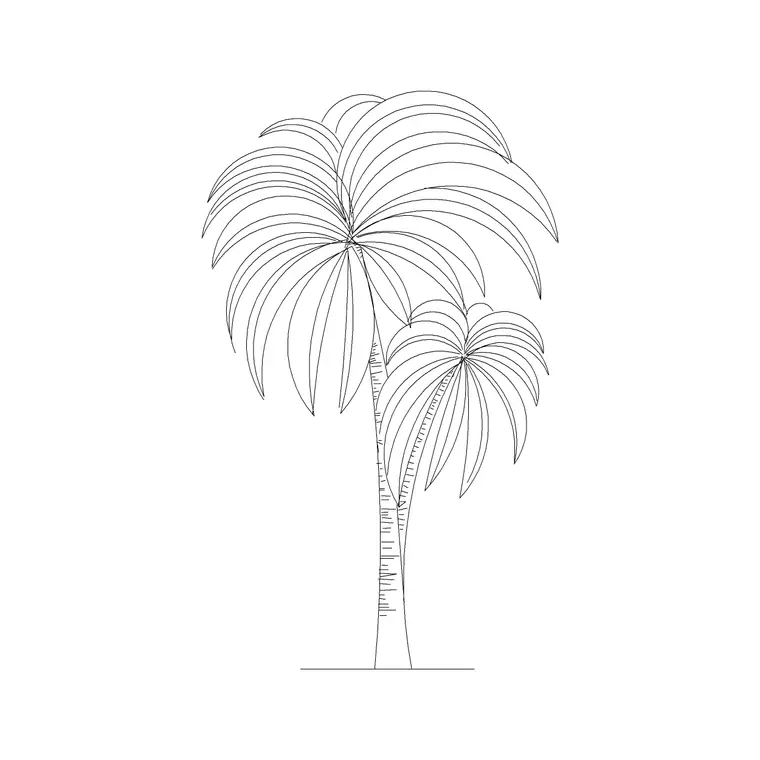
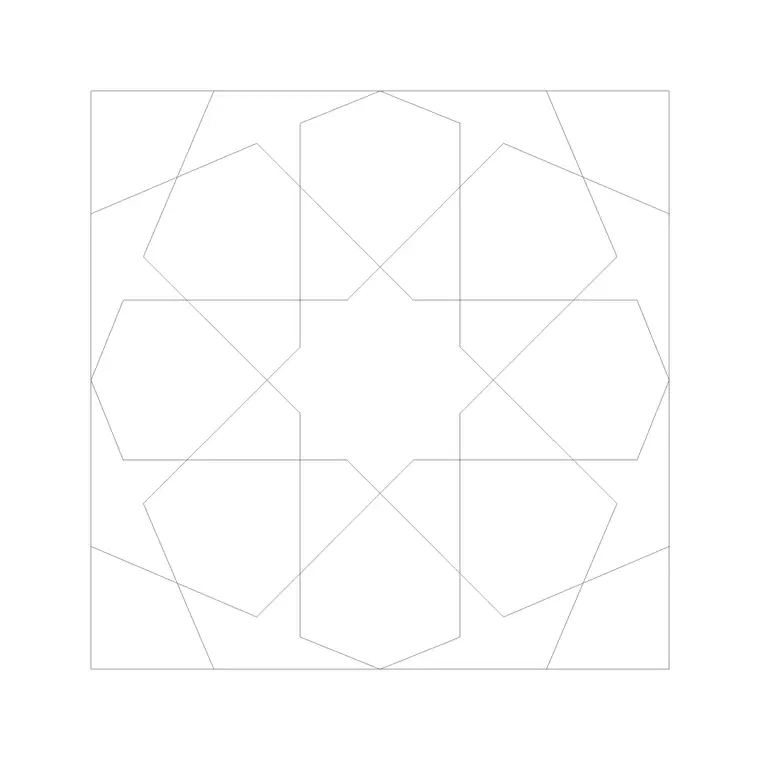
The set focuses on bold silhouettes that read well in cut steel. Tree and palm outlines make popular garden art, fence toppers and feature panels. Human figures suit signage, gate centrepieces and decorative screens. Paving and geometric patterns give you repeating designs for railings, screens and gates. These shapes share a quality plasma rewards: a strong, readable outline that doesn't depend on fine detail.
They are drawing blocks, not pre-tooled cut files, so treat each as starting geometry to prepare. The value is a clean, scaled silhouette you refine for plasma, rather than a sketch you redraw. Supplied in DWG, and DXF where available, for import into your plasma CAM or nesting software.
Preparing a profile for plasma
A plasma toolpath needs a closed, single, continuous outline. Import the block, run OVERKILL to clear duplicate and overlapping lines, then JOIN or PEDIT the geometry into one closed polyline — an open path or a stray duplicate will stop the toolpath generating or, worse, send the torch on a wrong move. Explode the block to edit underlying geometry, then re-weld it before export.
Simplify aggressively. Plasma struggles with very fine detail and tight internal features, and a busy outline that looked fine on screen can burn away or distort on thicker plate. Smooth out fussy curves and remove detail smaller than the kerf will let you resolve. Decide clearly which line is the cut and put it on its own layer.
Kerf, pierce and lead-ins
Plasma removes a strip of metal as wide as the arc — the kerf — so the finished part is slightly smaller than the drawn line unless your CAM applies kerf compensation. Most plasma software handles this automatically if you tell it the kerf width for your amperage and material, but you should draw to the finished size and let the software offset, not bake the offset into the geometry.
Each cut needs a pierce point and usually a lead-in, where the torch fires into scrap material and moves onto the line. CAM software adds these, but design with them in mind: leave room at the start of each closed profile, and for internal cut-outs place pierces where a slightly rough start won't show. Inside corners stay slightly rounded at the kerf radius, so don't rely on perfectly sharp internal angles.
Units, material and export
Units must be right because the table cuts exactly what the DXF says. These blocks are in millimetres; confirm your CAM or nesting software reads millimetres on import. Scale the silhouette to the real finished size before export — a garden tree panel might be several hundred millimetres tall, a small sign smaller — using SCALE about a known point.
Export with DXFOUT or SAVEAS to a widely-compatible DXF version such as R12 or 2000, which strips 3D and proxy data the table doesn't need. Purge unused layers and blocks first (PURGE) so the file is lean, then preview the exported DXF in your nesting software to confirm it is closed, correctly sized and free of duplicate paths before you nest it onto a sheet.
Per-item notes for plasma
- Tree and palm silhouettes: strong garden-art and feature-panel shapes; simplify the outline and remove twiggy detail that won't survive on thicker plate. - Human figures: bold signage and gate centrepieces; reduce fine internal detail to shapes the kerf can resolve. - Paving and geometric patterns: good for railings, screens and gate infills; make sure the pattern tiles cleanly and every junction is welded into a closed loop. - Furniture profiles: usable for metal brackets and decorative supports; keep internal corners generous since plasma can't cut a sharp inside angle.
Who uses DXF for plasma cutting
Metal fabricators cut brackets, panels and structural parts; artists and makers cut garden art, signage and decorative screens; gate and railing makers cut infill patterns; hobbyists with home plasma tables cut all of the above. A free, licence-clear DXF source suits all of them because it removes the cost and licensing friction of sourcing cut-ready silhouettes.
These are drawing blocks you prepare, not certified cut files — proof the toolpath, apply correct kerf compensation, and run a test cut on scrap before committing good steel. Because the blocks are free for commercial use, art and parts you cut and sell carry no licensing question.
Free download
Browse the full library — DWG & DXF, no signup.
Questions
Frequently asked
Are these ready-to-run plasma cut files?+
No — they are clean 2D drawing blocks you prepare for plasma. Weld the outline into a single closed polyline, simplify fine detail, scale to finished size, then let your CAM apply kerf compensation, pierces and lead-ins, and test-cut on scrap first.
How do I handle kerf when preparing a profile?+
Draw to the finished size and let your CAM software apply kerf compensation for your amperage and material, rather than baking an offset into the geometry. The torch removes a strip as wide as the arc, so the software offsets the path to keep the part on size.
Why does fine detail disappear when I plasma cut?+
Plasma has a finite kerf and an arc that struggles with tiny features, especially on thicker plate. Simplify busy outlines and remove detail smaller than the kerf can resolve before cutting, so fussy curves don't burn away or distort.
Can I sell metal art cut from these blocks?+
Yes. Every block is free for commercial use with no attribution, so garden art, signage and panels you plasma-cut and sell carry no licensing question. Verify your toolpaths and test-cut before committing steel.
Related downloads
Blocks for this guide


Related categories
Related guides
Curated pack
Free CAD Blocks for Rendering Pack — DWG & DXF
Free CAD blocks for rendering — scale people, trees, furniture and paving in DWG/DXF to populate plans before you take them into a render engine. No signup.
Curated pack
Free CAD Blocks for Floor Plans Pack — DWG
Free CAD blocks for floor plans — plan-view furniture, scale figures and paving in DWG/DXF to furnish any AutoCAD layout fast. No signup, commercial use OK.
Curated pack
Free CAD Blocks for Elevation Drawings Pack — DWG
Free CAD blocks for elevation drawings — trees, scale figures and entourage in DWG/DXF to dress facades and street elevations in AutoCAD. No signup.